


Loopysue
Loopysue
About
- Username
- Loopysue
- Joined
- Visits
- 10,415
- Last Active
- Roles
- Member, ProFantasy
- Points
- 10,161
- Birthday
- June 29, 1966
- Location
- Dorset, England, UK
- Real Name
- Sue Daniel (aka 'Mouse')
- Rank
- Cartographer
- Badges
- 27
Latest Images



-
CC3+ Going back to the basics-Dungeon
Excellent work :)
Unfortunately, bitmap symbols don't work as walls. You can't cut them in any way, so you would have to create your rooms with built-in doors and windows.
There are a couple of videos that might help with symbol catalogues here:
These links were borrowed from Remy Monsen's wall of video links. There are more videos there which might be of use to you either now or in the future.


-
The Creepy Crypt project
Rats...
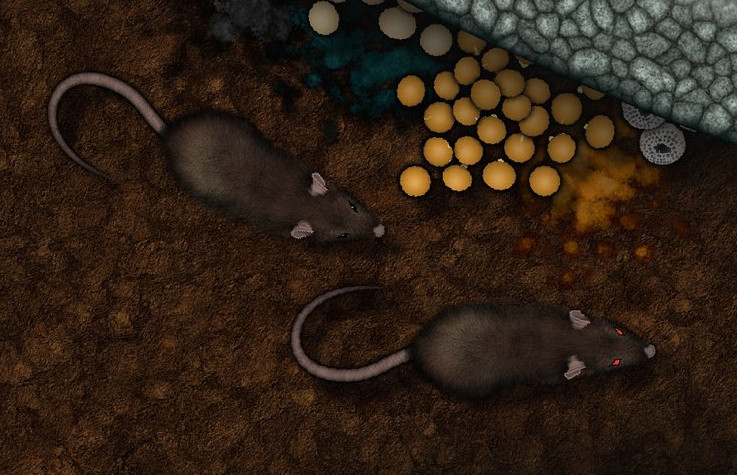
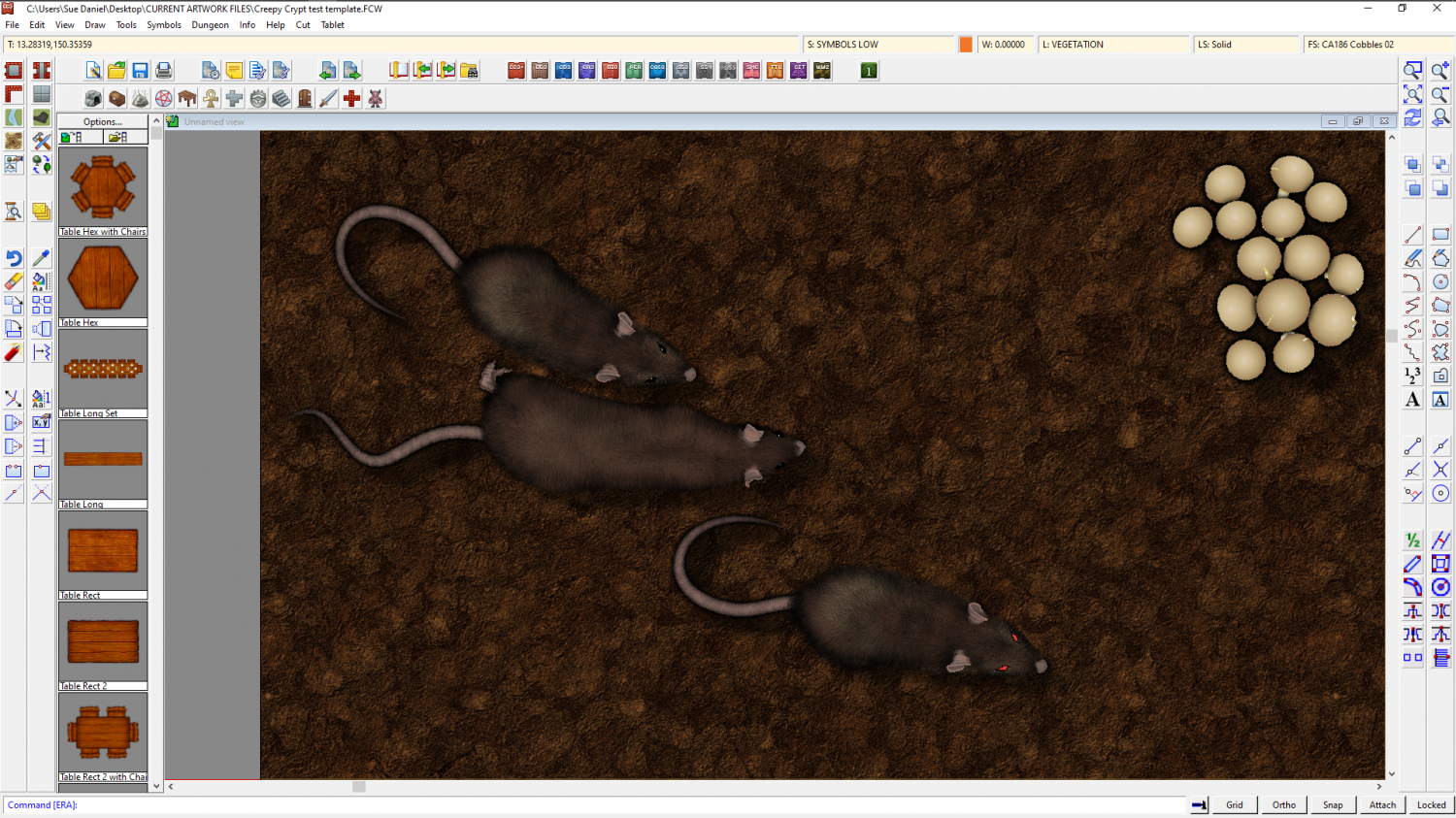
Well, two rats anyway. They're about 5 feet long, but you can scale them down if you want.

![[Deleted User]](https://secure.gravatar.com/avatar/c75d9a245b74d9c59be0999ea81ca541/?default=https%3A%2F%2Fvanillicon.com%2F92add7f8c954488718110edc4896ad39_200.png&rating=g&size=200)
-
Live Mapping: Fantasy Worlds (Annual Vol 3)
Hi Everyone :D
In this session Ralf will create a world map with the first Annual style by Pär Lindström from the Cartographer's Annual Vol 3 (2009).
Come along and join in, or watch later on YouTube :)

-
The Creepy Crypt project
Thank you :)
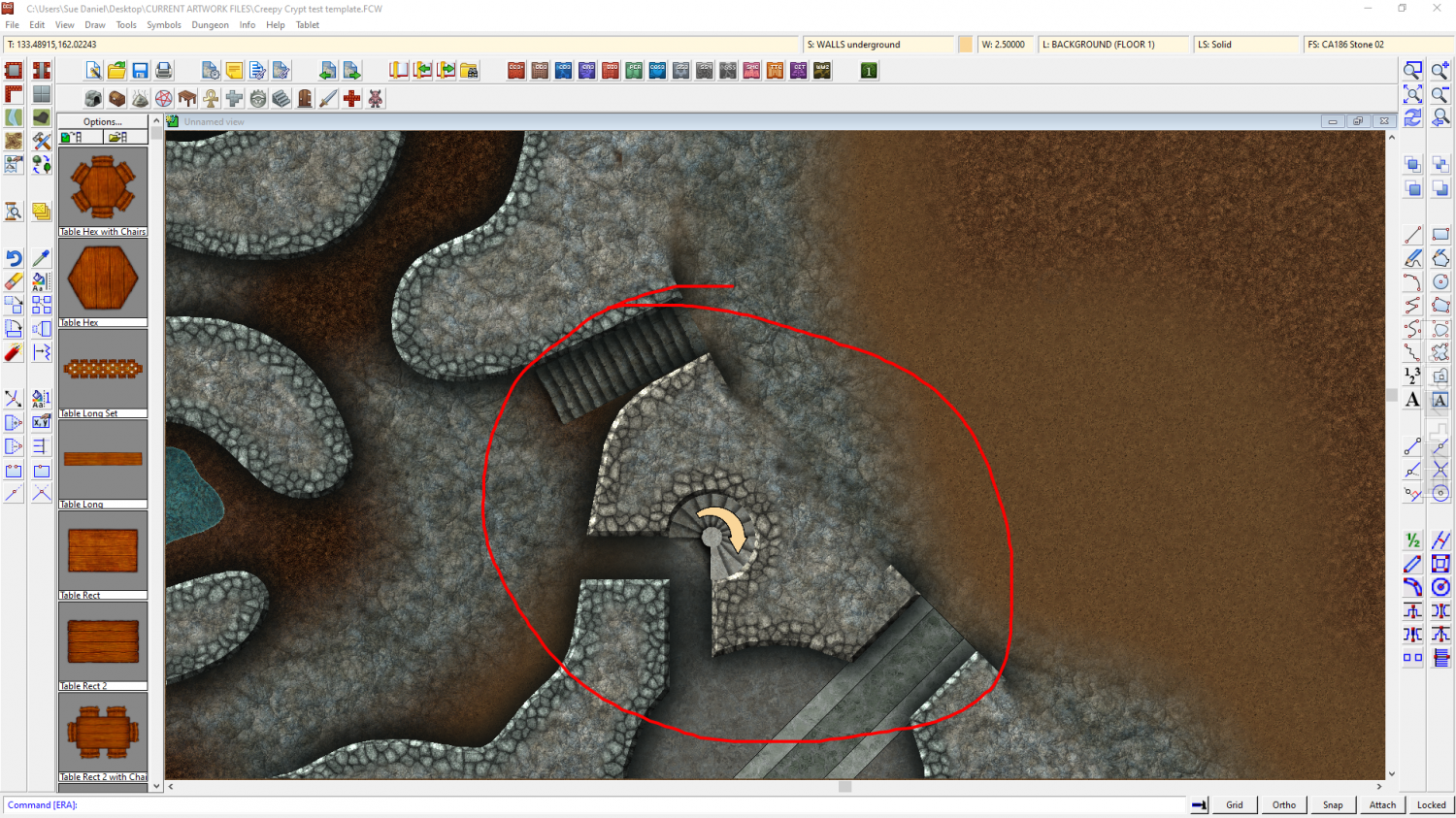
I would be more inclined to increase the red in the cobble texture, but there are two of those, and the other one is more red ;)


-
Modern and Space assests
Focussing on the Cartographer's Annuals in this response - most recently this month's edition of the 2022 CA (Electronic Systems) might interest you. https://www.profantasy.com/annual/2022/2022-cartographers-annual.asp#May I mentioned this one issue specifically because I haven't updated the annual links wall to include it just yet, but the majority of all the rest of the annual issues can be browsed from here:
There are other add ons and packs, including Cosmographer, which might also be of interest.

-
CA143 Asian Town - Eliminating TA & purple box issues
I suspect that the structure shading has slipped somehow for the symbols that are showing purple. Try hiding the layers called STRUCTURES (SHADING), and STRUCTURES (OUTLINE).
You are mostly there with the transparency acne separation sheet, but instead of using a new polygon on that sheet, copy the actual grass polygon onto that sheet and use change properties to turn it solid and whichever blue colour you are using. Copy the EFI effect from the paler grass to the separation sheet, and edit it slightly to make it wider than it is on the grass sheet.
If there is transparency acne happening between the blue and the grass, try using colour 227 instead of that blue. The exact colour of that polygon only needs to be a colour that definitely isn't included in the overlying grass texture, not even as a single pixel.

-
The Creepy Crypt project
This is a broken urn, not a broken amphora, and it still looks too clean.
I think I will have to do a bit of post processing to make them not so sharp, the right kind of colour, and dirtier to fit with the set. But otherwise there's no reason why I can't do several amphora - whole and broken.
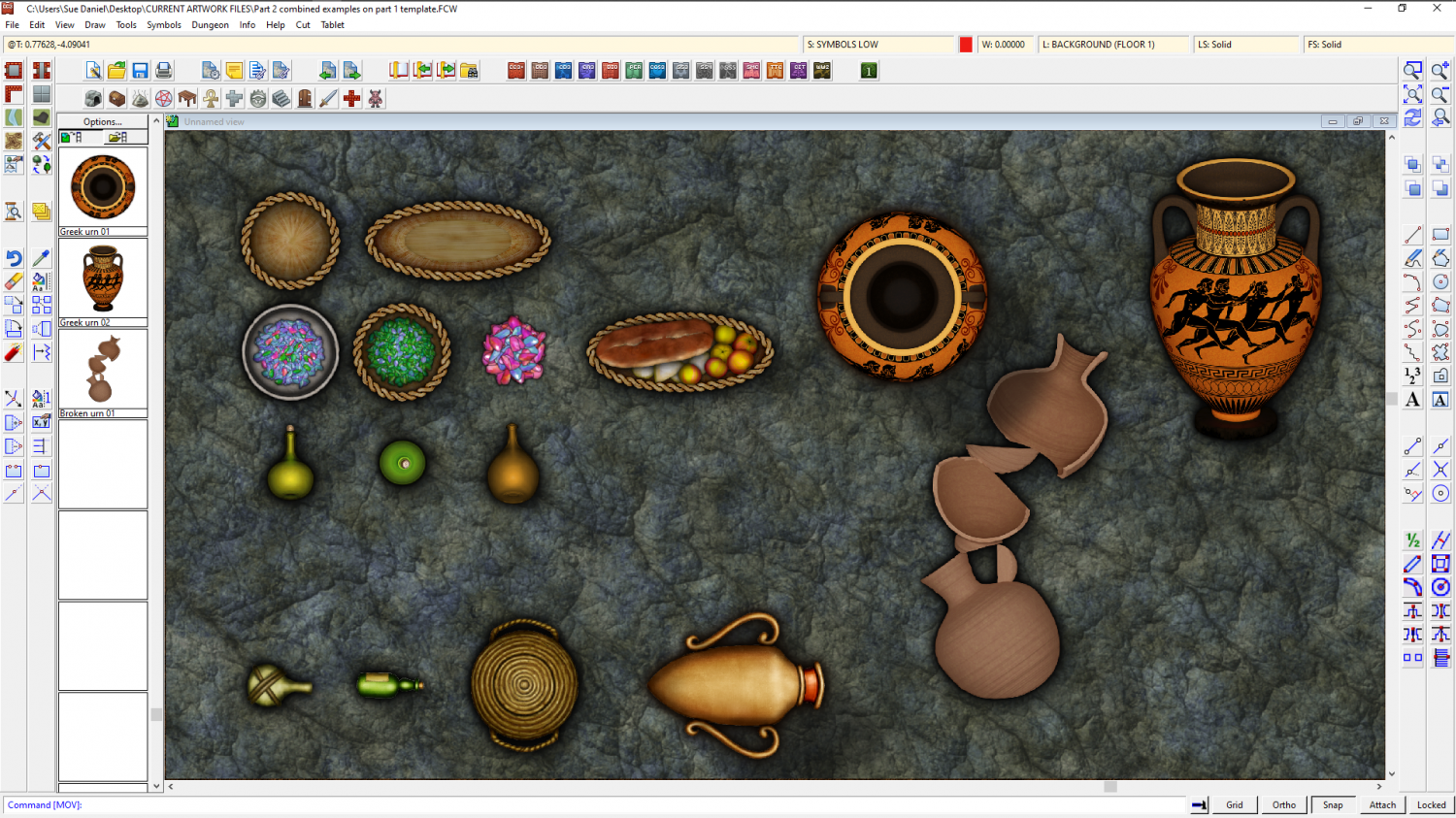
I also haven't figured out how to incorporate handles, since they are separate objects to the rest of the urn.

-
The Creepy Crypt project
Thanks Wyvern :)
I really meant the right look being similar enough to DD3 that the styles wouldn't clash and could be used together. It's a fine line between getting it too close, and not close enough. I want to be able to show a certain amount of detail, but too much makes them look too different. For example, the existing amphora is pretty homogenously coloured and textured, so if I start adding too many stains and too much dirt (though I will try to add some at least) or go too authentically grey-pink or white instead of orange, they just won't look right with DD3 assets.
I looked into how they used to seal them because I was concerned about that as well. It seems that back in the beginning they tried straw and wool and such, but later they were cork bungs. They couldn't really use much else because most of what was transported in them was wine and olive oil, and wine in particular goes bad really fast if too much fresh air gets into it in transit.
The inside walls were often waxed, or glazed in later times, and if they weren't then the inside walls would be even darker than you might expect with all that wine and olive oil soaking into them.
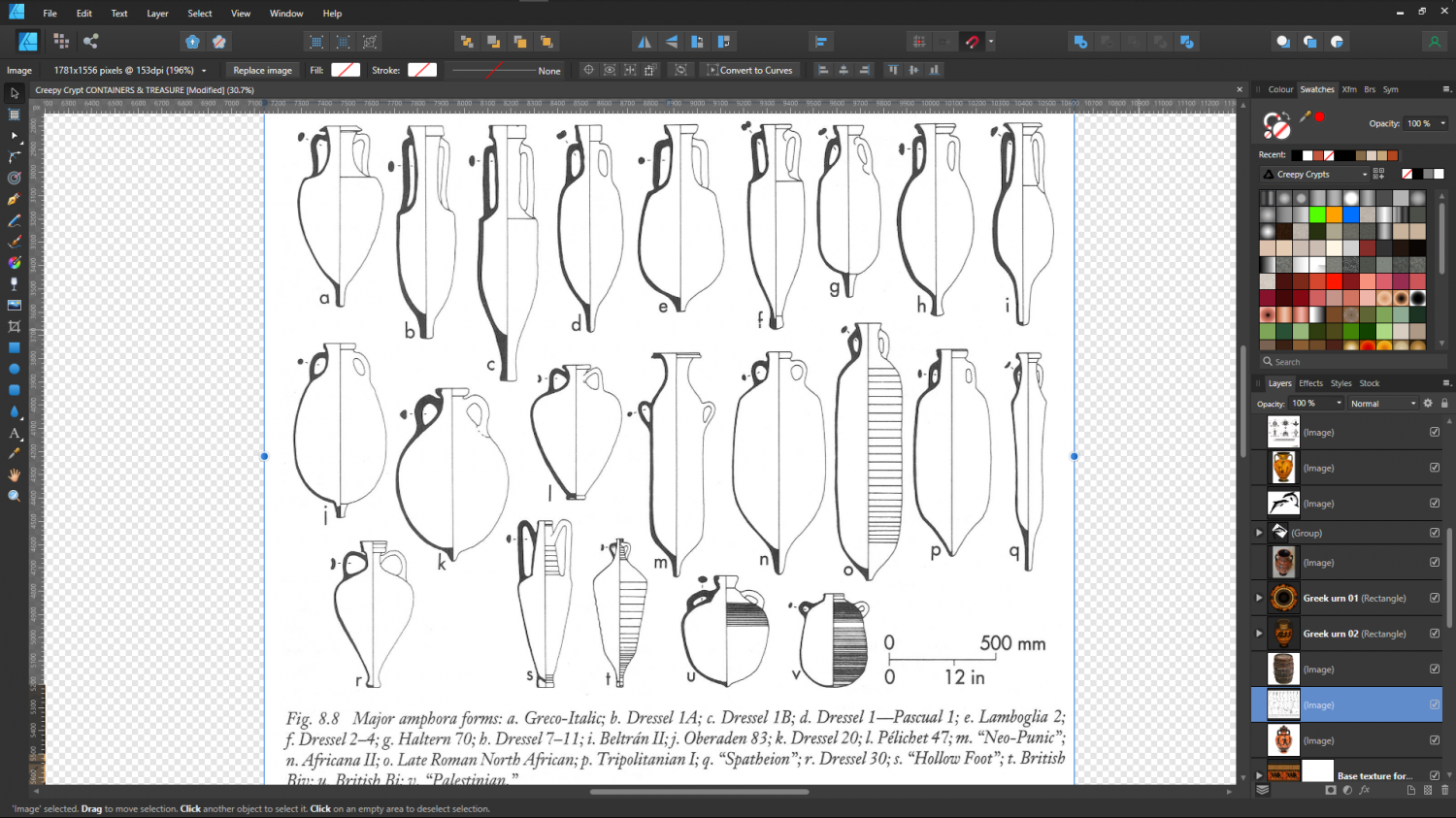
These are all too pink by far, but retexturing is nothing compared to adding handles, and I only have one more to do. I picked the 5 most variable amphorae. Doing more than that would seem to be a bit excessive - especially since there will be 3 versions of each one. Whole and lying on its side, whole and standing slightly on a tilt as if stacked in a ship's hold, and of course broken. That's 15 symbols that are all amphora!
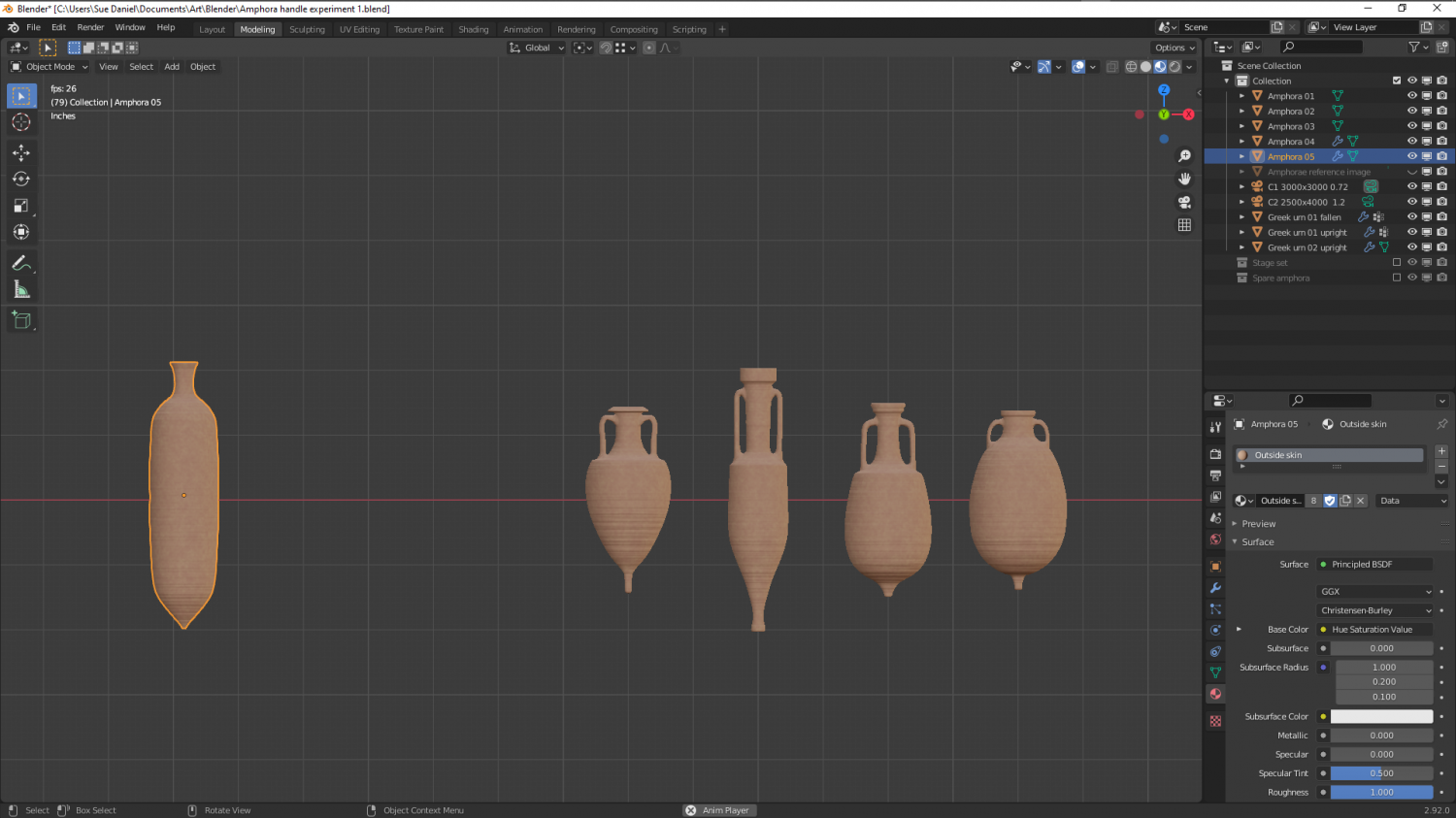
Regarding the use of the pointy end bit. It is said that they were pointed like that to make it easier to stand them in sand, and one source suggested that ships stood them upright in a bed of sand! That I find seriously doubtful, since adding a large enough volume of sand would be such a huge amount of ballast as to be likely to sink the ship without adding the cargo itself. However, if you look at the shape of them you can see that it wouldn't be too difficult to store them in wooden racking, possibly built around them during loading, and if you look even closer you can see that a double row end to end would interlock if they were lying flat or against the inside of the hull and all the same type.

-
The Creepy Crypt project
There's a second one on the way now I've worked out all the bugs involved in creating them, but that one will be smaller. Big urn and little urn :P
Posh memorials.
When mummifying things you need all kinds of stuff, like loads of salt to start with. We have lots of barrels already in DD3, but only one amphora. Since these were still used to transport and store stuff in the middle ages, I'll make a couple of them too, so you can have a bit more variety than just the one currently in DD3.
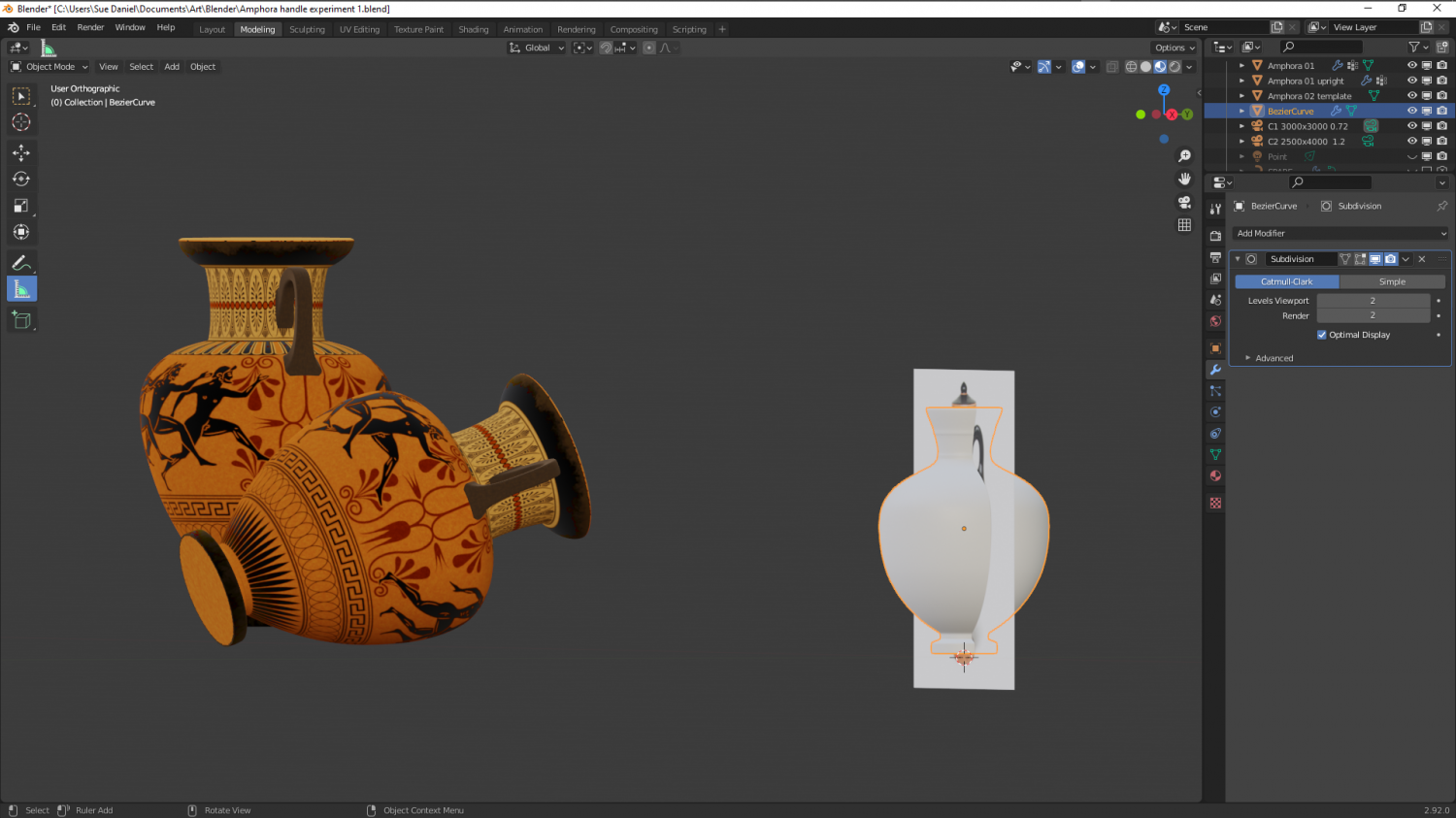
As for the amphorae, they will be easier and faster to make (I hope) since they aren't so highly detailed and completely unpainted. I just have to decide how many of these to do. I guess it depends how many I can finish before the end of tomorrow. Time limits are important, or I just go a bit crazy creating lots of one kind of thing.

-
Some new maps from the Shattered Sun world
A couple of nice looking maps :)
There's nothing wrong or lazy about using CC3 assets in an alternative app. I used to make a lot of hybrid CC3-GIMP maps myself before my time was swallowed up by asset creation. However, I draw the line at Inkscape, which I loathe with a passion! Personal preference, though ;)

