


Loopysue
Loopysue
About
- Username
- Loopysue
- Joined
- Visits
- 10,411
- Last Active
- Roles
- Member, ProFantasy
- Points
- 10,161
- Birthday
- June 29, 1966
- Location
- Dorset, England, UK
- Real Name
- Sue Daniel (aka 'Mouse')
- Rank
- Cartographer
- Badges
- 27
Latest Images



-
Live Mapping: Darklands Floorplans
This week in live mapping, Ralf will be creating a building floorplan in the style of the latest Annual (Kevin Goebel's Fantasy Town and Inn), using a combination of various styles.
Come join us live on the day (date and time shown in the left margin) and join the discussion here on Youtube:
https://www.youtube.com/watch?v=t4ROwRIgJZY
Or if you can't make it you can watch the recorded stream later either here or on Youtube.
This thread isn't monitored during the live show, but you are welcome to add your comments and or questions before and after.


-
Looking for Symbols
All the ones I've ever used in non-CC3 maps are GIMP, Affinity V1 and V2 'grunge brushes'. The version of Affinity is significant here, since the app was sold to Canva after V2, and I want it to be very clear that I don't use Canva or any other AI tools that depend on other artists' artwork in my own work for Profantasy.
Unfortunately, while I can show maps created using them (These are really old now and not as good as more recent work), I can't share the brushes. To have something similar for Profantasy, someone would have to spend a few days having a lot of fun splashing, smearing, and flicking real brushes, sponges and scrumpled up bits of paper on actual paper and scanning in the results - just like I did with the cup stains.
Also unfortunately, and I'm really sorry about this because I had an enormous amount of fun with a lot of black watercolour paint all over the place doing the cup stains, I genuinely don't have time to do anything else that isn't CC4 Overland right now. But maybe someone is just waiting to volunteer for fun? All you need is a decent scanner (A4 will do), some really white paper, ink or watercolour paint, some ideas about what you want to make, and a devlish desire to get paint and/or ink absolutely everywhere!
...
Regarding fountains in particular...
If you are lucky enough to own Affinity V1 or V2 (or if you rent PS or any other advanced image editor), the app has a selection of oil paint brushes that can be used as vector lines like this
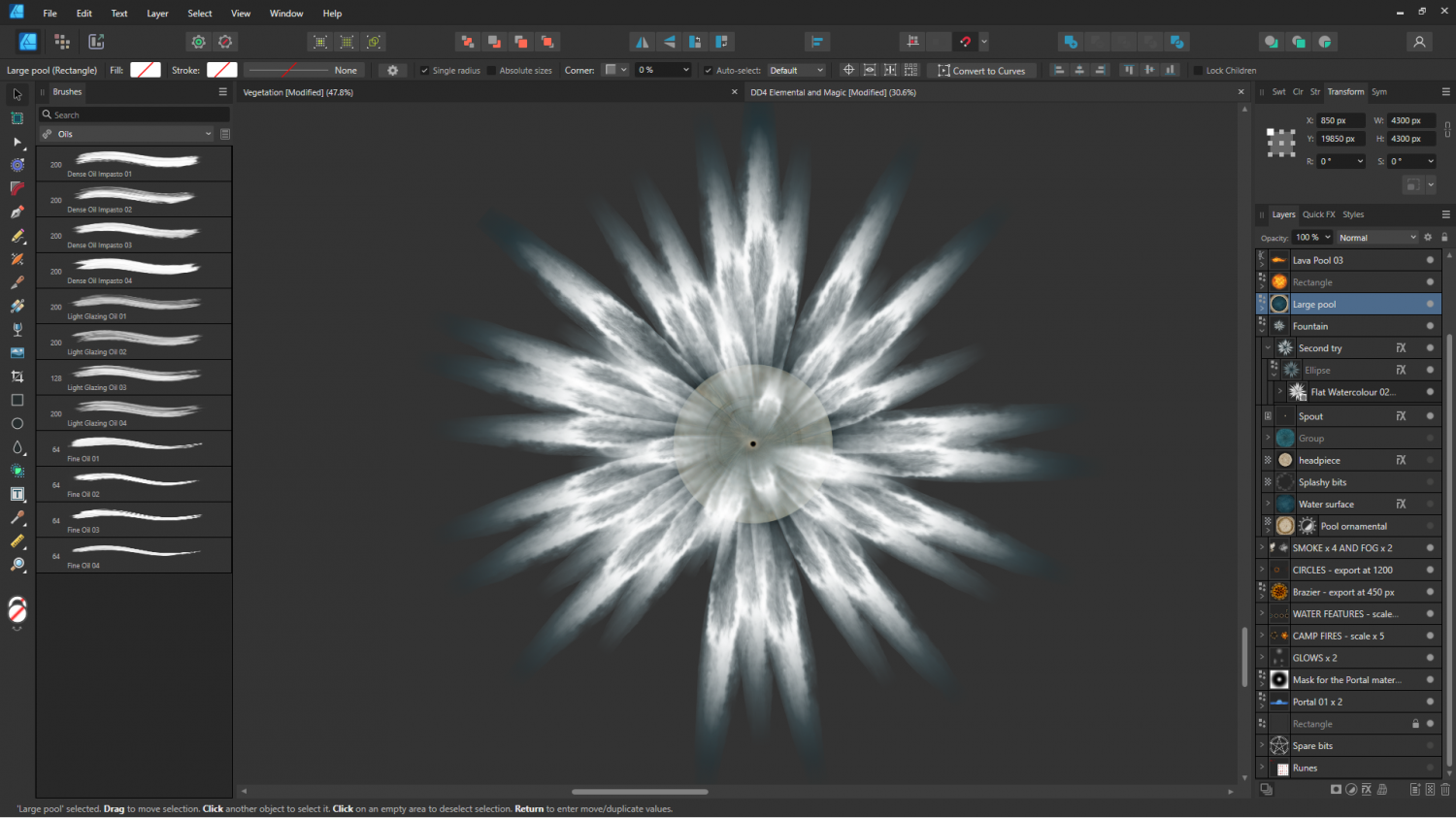
A single stroke from the fountain.
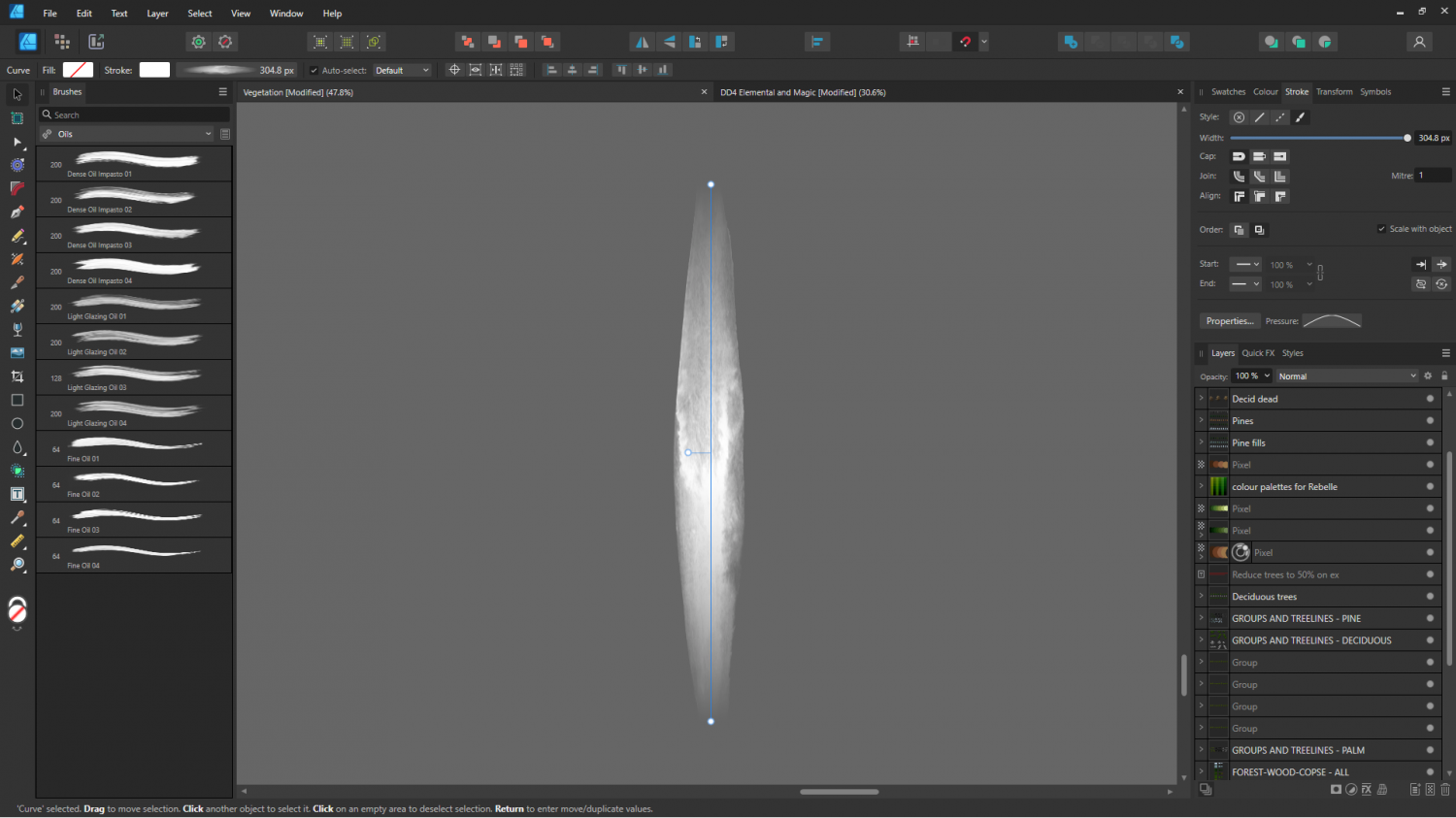
Or maybe it might have been one of the gouaches? It's really hard to remember after a year or so. This is the very same stroke with the end-pinching profile removed.
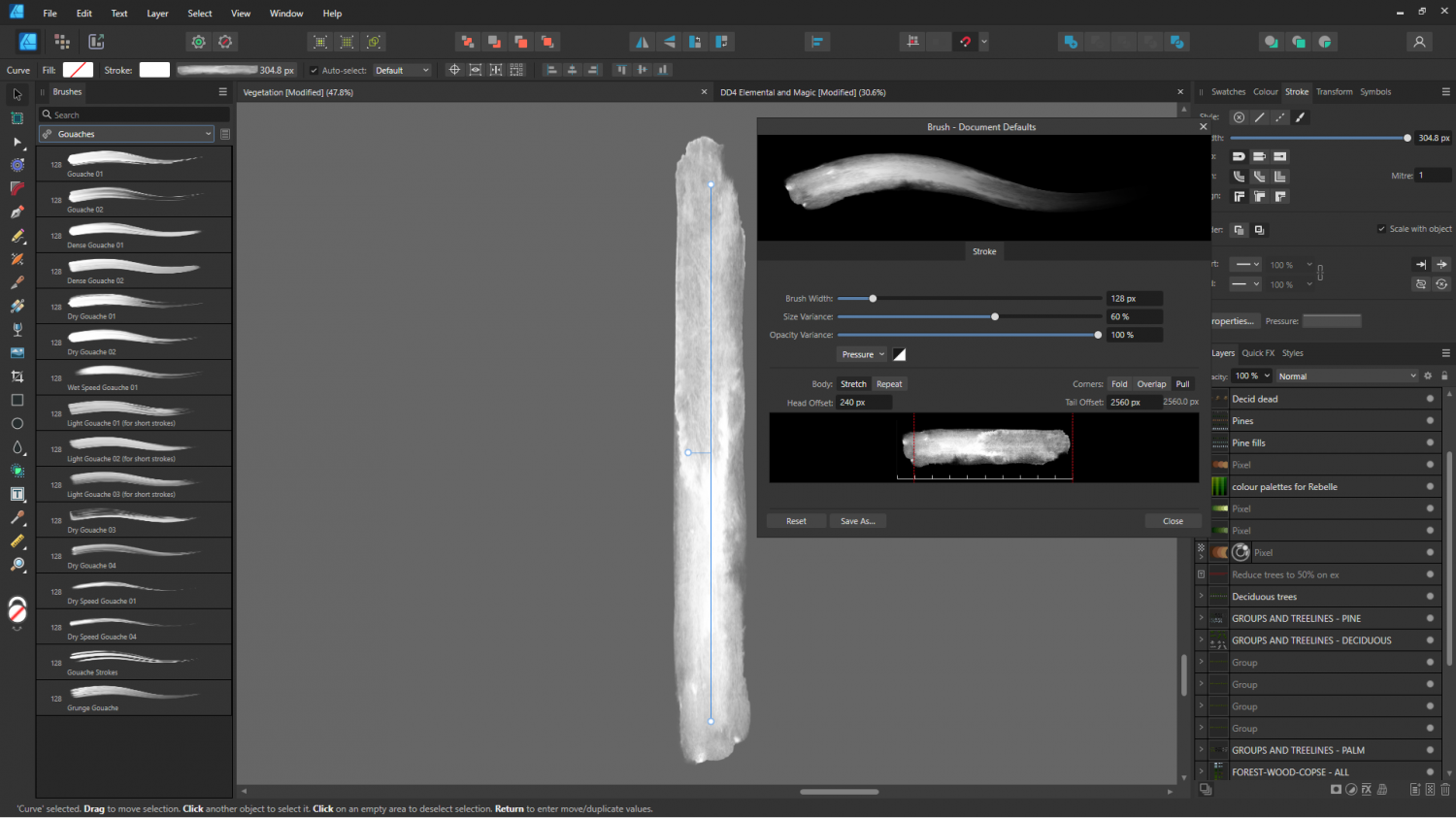
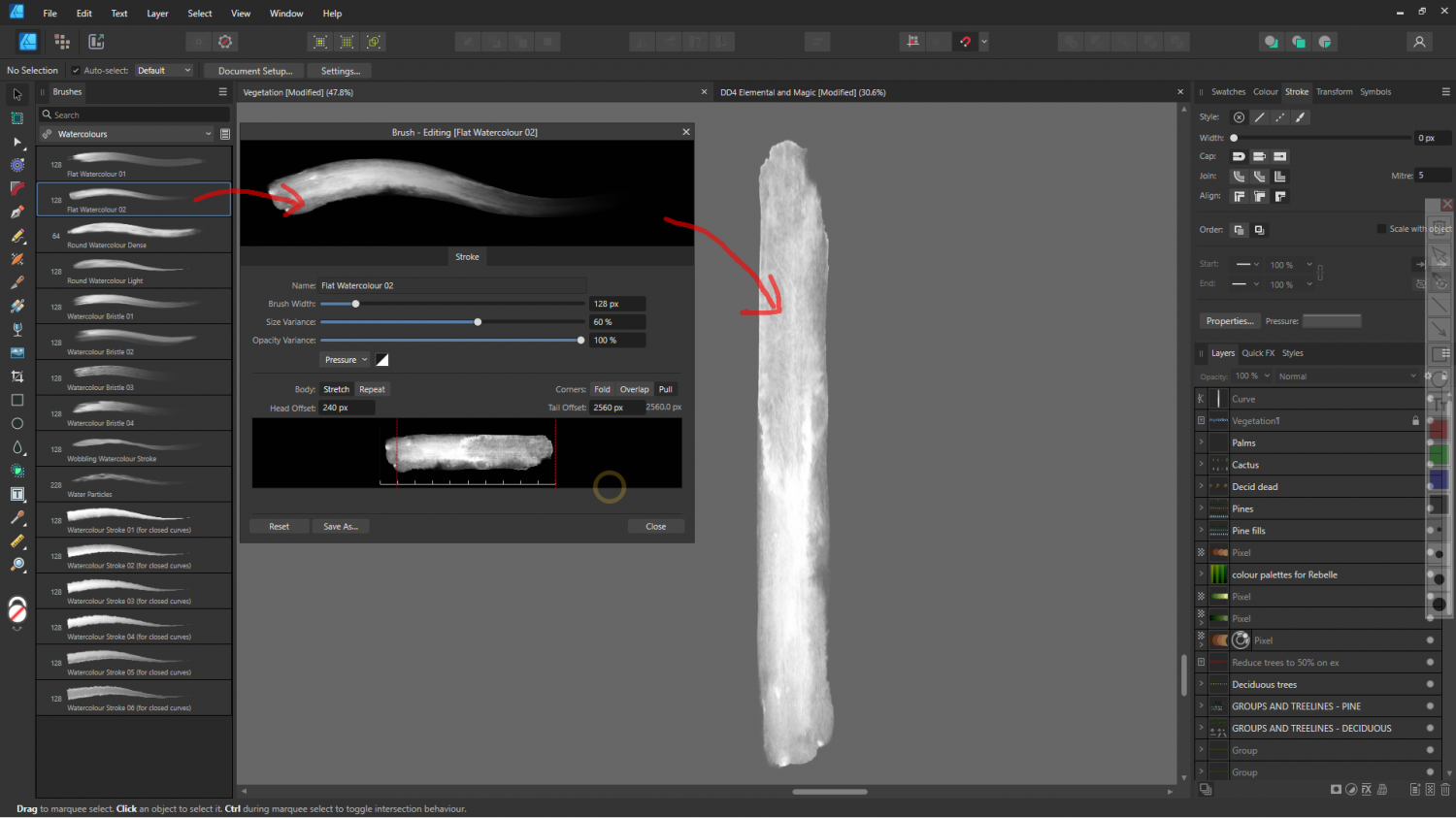
EDIT: I found the exact brush. It's called "Flat Watercolour 2". I think it's actually one of the Affinity V2 preset brushes, rather than something I bought.
-
My hex symbols disappeared. How to solve it?
It looks like you have the wrong symbol catalogue open.
Click the Open Symbol Catalogue button at the top of the Symbol Catalogue Window |ICON_CATALOG| and navigate to:
Symbols\Maps\Mike Schley Hex
Then double click the file called All.FSC
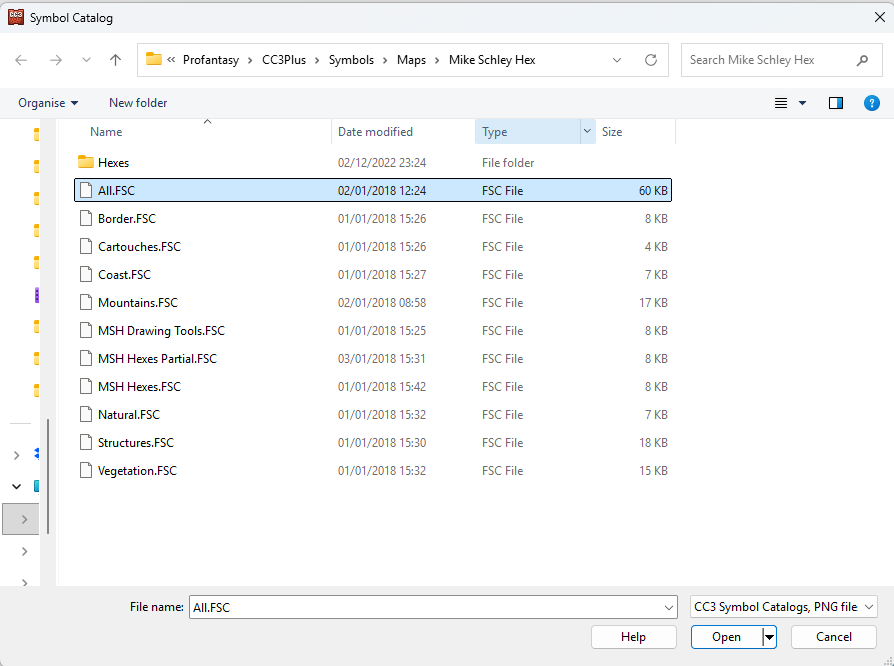
That will open the full catalogue for the style.
...
I'm not sure why you have a catalogue from a completely different style active.

-
Stain Symbols for Maps
I think I have a potentially easier way to produce them as bitmaps. I've just spent a happy hour messing around with watercolour and a few mugs on my best smooth watercolour paper. (I never have time to do paintings, so why not).
Unfortunately, it will take several hours to dry, and then I will have to try and figure out how to use my scanner all over again.
-
Live Mapping: Gritty SciFi Blueprints
This week in live mapping, Ralf will be demonstrating the exciting new February annual issue style by Ute Gundacker: "Gritty SciFi Blueprints".
Come along and join us live on the day (date and time in the left margin)...
https://www.youtube.com/watch?v=VXne-ebRFwI
Or if you miss it, don't worry - all the live mapping sessions are recorded, and you can even watch it right here on the forum...
This thread isn't monitored during the show, but you can comment and ask questions below if you wish.



