Loopysue
Loopysue
About
- Username
- Loopysue
- Joined
- Visits
- 10,414
- Last Active
- Roles
- Member, ProFantasy
- Points
- 10,161
- Birthday
- June 29, 1966
- Location
- Dorset, England, UK
- Real Name
- Sue Daniel (aka 'Mouse')
- Rank
- Cartographer
- Badges
- 27
Latest Images



-
Forest Trail project - part 1
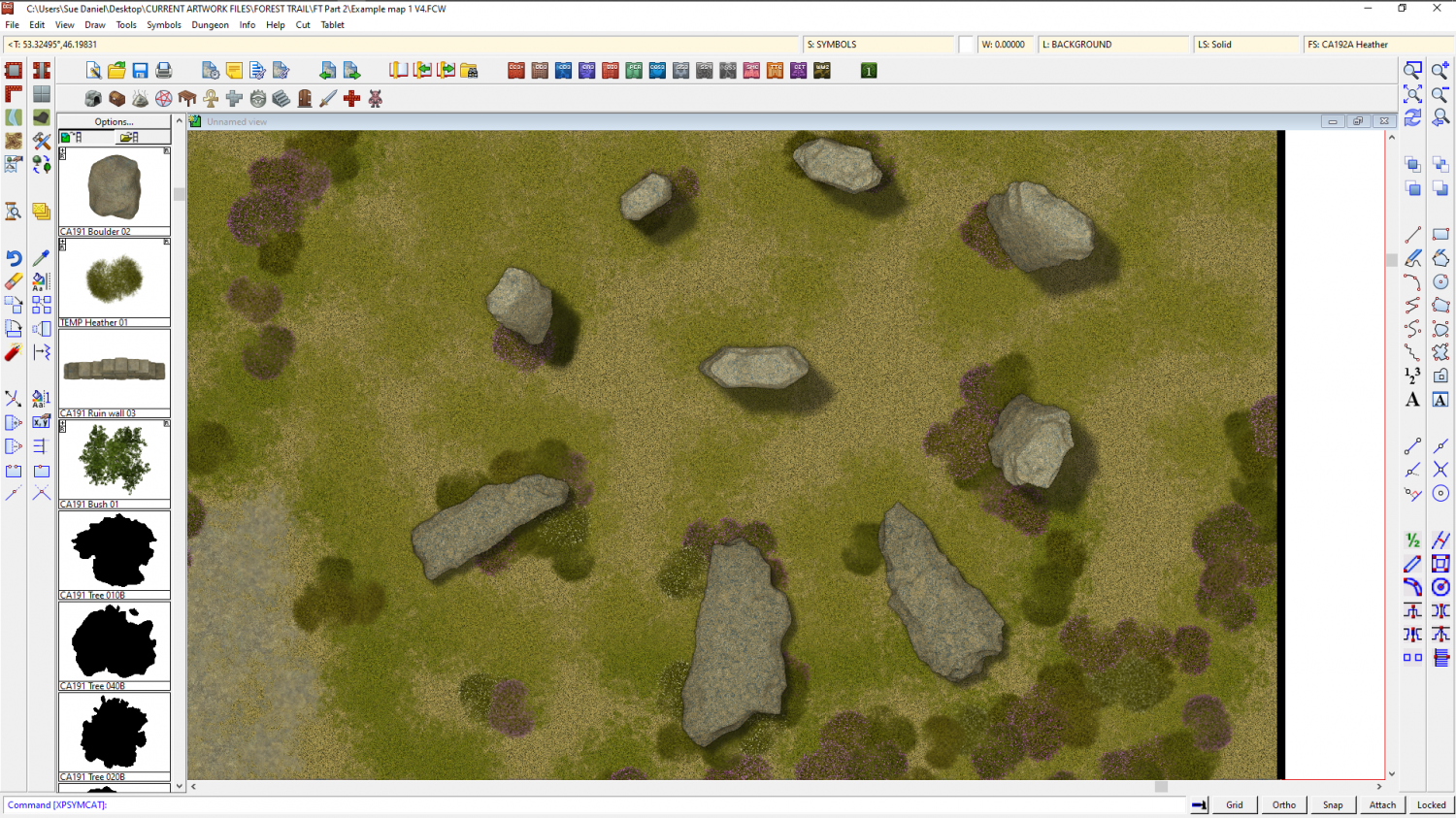
A bit like this (though these are very raw at the moment and need some roughing up)



![[Deleted User]](https://secure.gravatar.com/avatar/c75d9a245b74d9c59be0999ea81ca541/?default=https%3A%2F%2Fvanillicon.com%2F92add7f8c954488718110edc4896ad39_200.png&rating=g&size=200)
-
Live Mapping: Regional Zoom
Hi everyone! :D
This week, Ralf will be creating a zoomed-in regional map from an existing larger one.
Come watch the process live on Youtube here, where you can join in the chat and ask your own questions: https://www.youtube.com/watch?v=EXQYu2ayFTc
Or watch it here on the forum if you wish, though there's no live chat on the forum.



-
How do you make your own terrain fills?
Yes to all of those combined questions.
Most of the terrain fills in Darklands are plain coloured polygons, with the exception of 2 actual bitmap textures (scrub brush and scrub heath). You can see this if you turn off the sheet effects on the TERRAIN COLOURS sheet, as I have below.
In this image I have also hidden the DIRT sheets at the bottom of the list to make everything a bit easier to see.
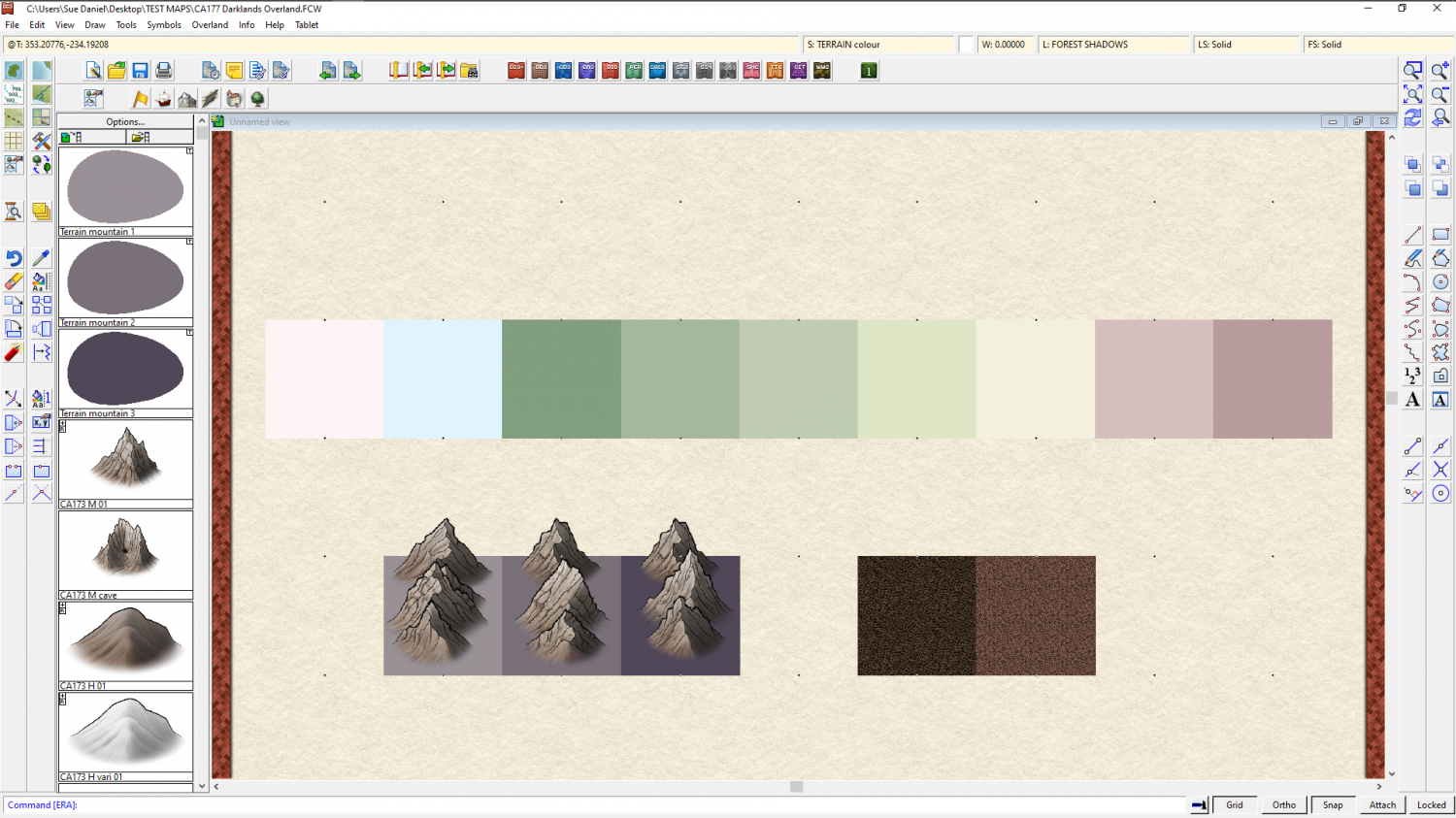
Here they are again with everything showing and all the effects switched back on, but without the blur effects active.
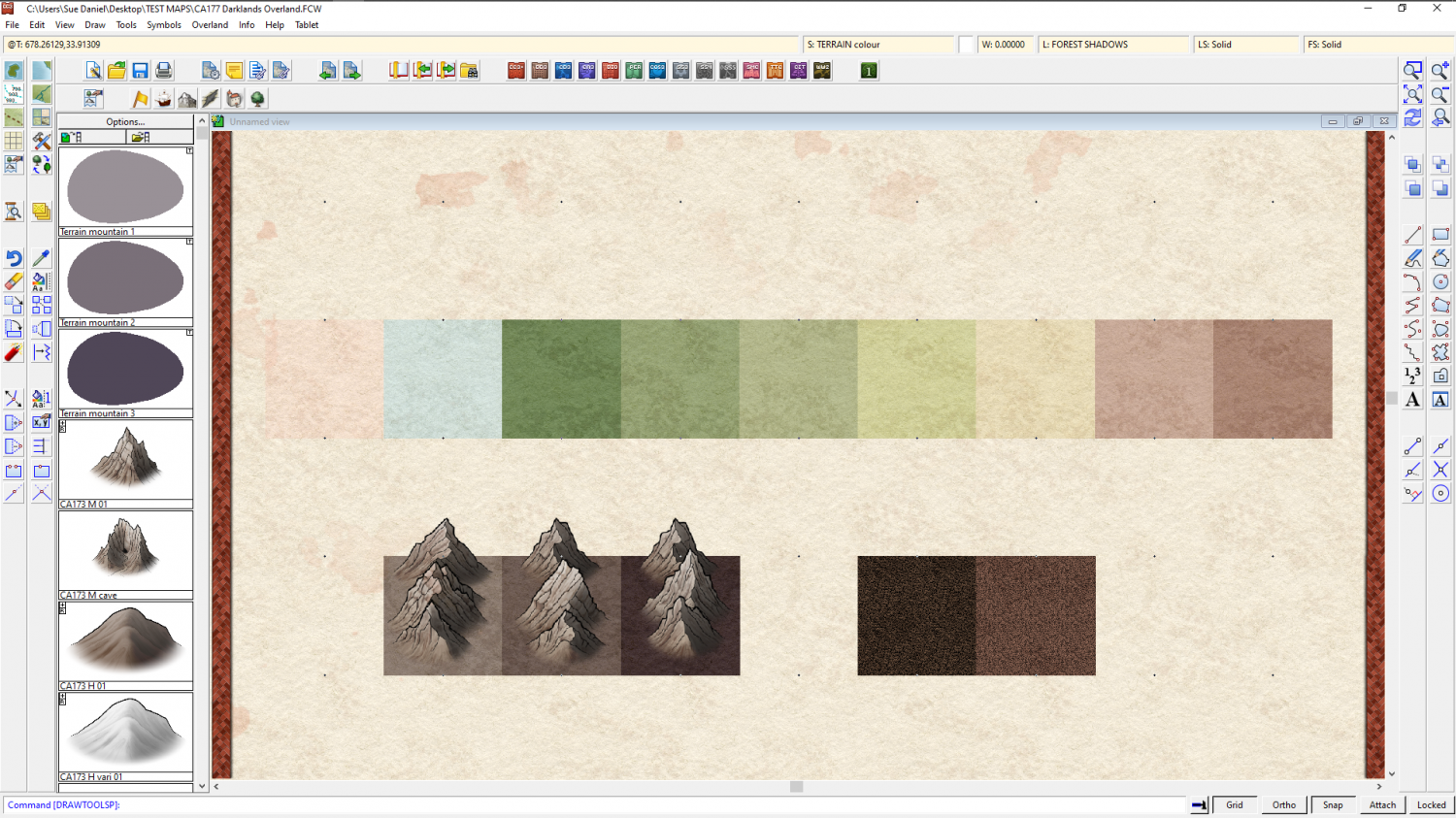
You may notice that there are two terrain fills that have no drawing tools at the left hand end - the pale pink and blue. These are the colours I reserved in that row specifically for a snow terrain fill. However, I never got that far in the development of the style, so all you have is those two colours. Pure white, by the way, is generally speaking not a great idea, since it gives the impression that there is nothing there when you use it in a colour map. You will see this more clearly if you google snow from above, or seamless snow texture. Most of what you will get is varying shades of blue and blue-grey.
So, you actually have a choice of two colours you could use for snow, or a mixture of both. The real problem is that because I never got around to doing it there are no varicolour mountains that you can turn conveniently white, or part white. There are hills, but the mountains only come in one colour right now.
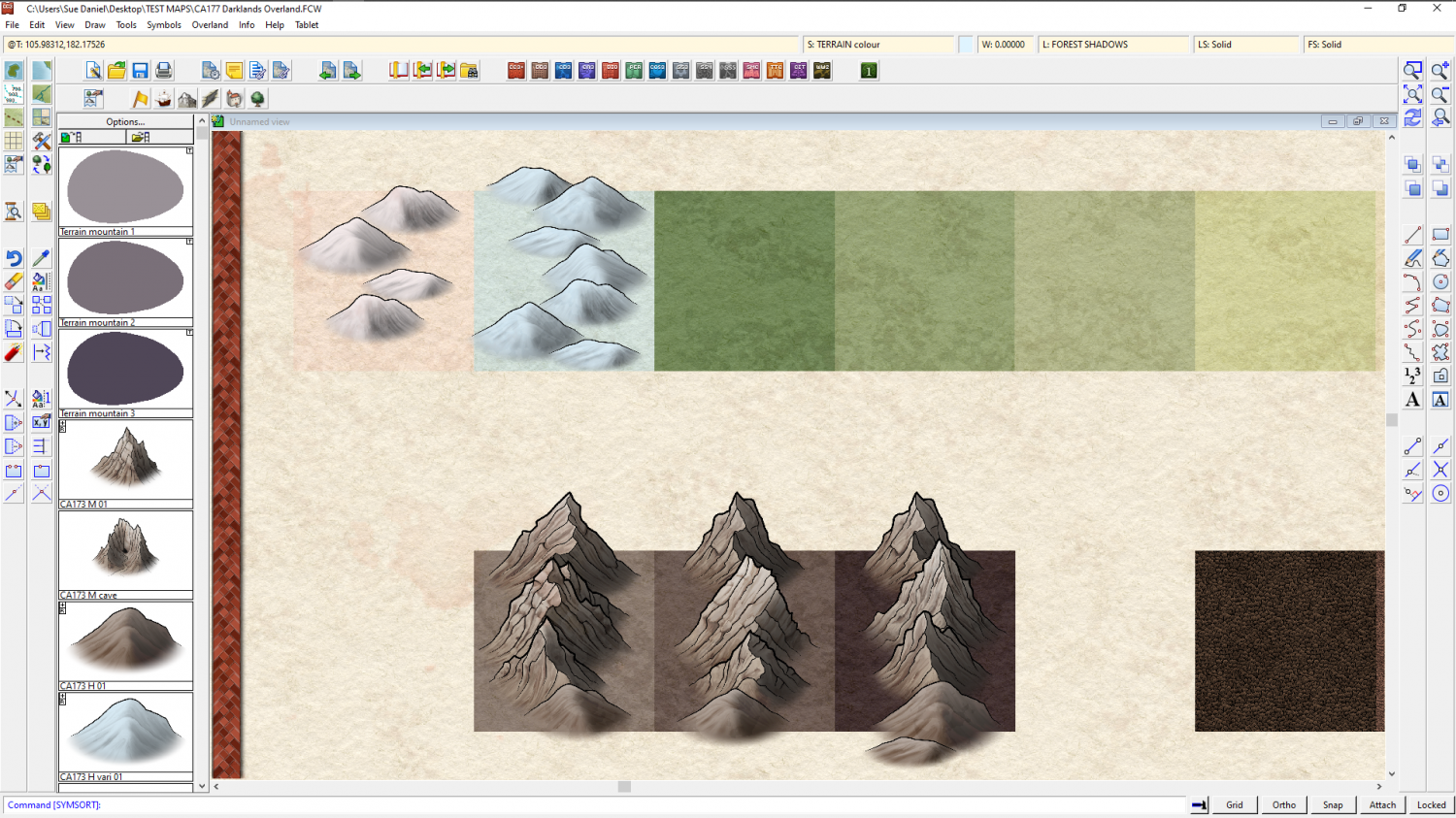
You can, of course, duplicate all the mountain symbols and make your own varicolour mountains. That is up to you, if you want to go that far, but then you also have to consider there are no snowy trees, and no varicolour trees either.
The instructions on how to make varicolour symbols, if you want to have a go at this, are contained in the Tome of Ultimate mapping. And/or, if you don't mind a pretty long WIP thread I could help you with them here on the forum.


-
Strange Behavior with Marine Dungeons
You're welcome :)
Remy wrote a really nice blog that contains all the information anyone might need on managing colour palettes if you are interested here:


-
Winter Village style development (March 2022 CA issue)
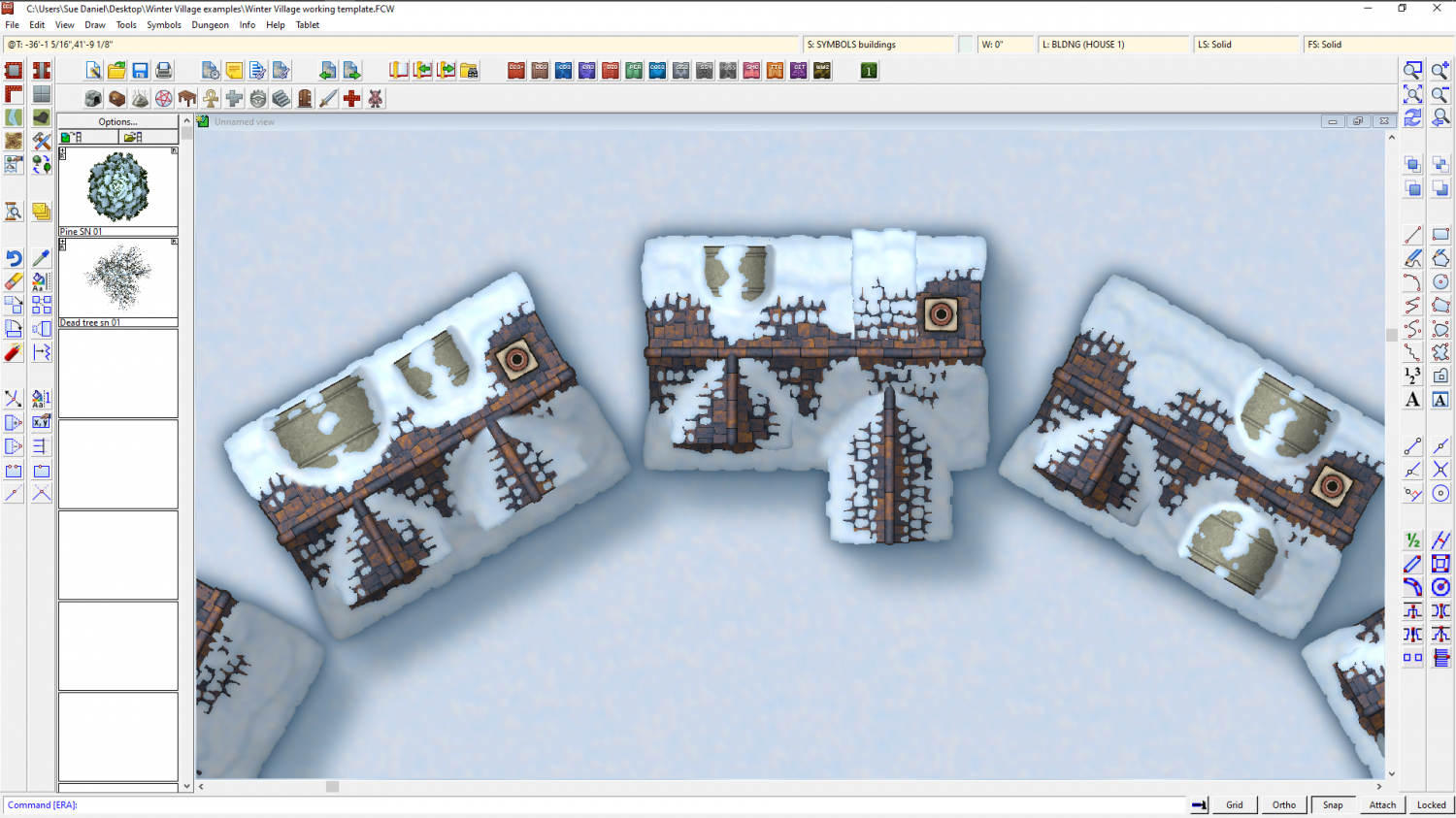
Having fun with different kinds of dormer. This is the same basic building...


-
Exploring the Annuals
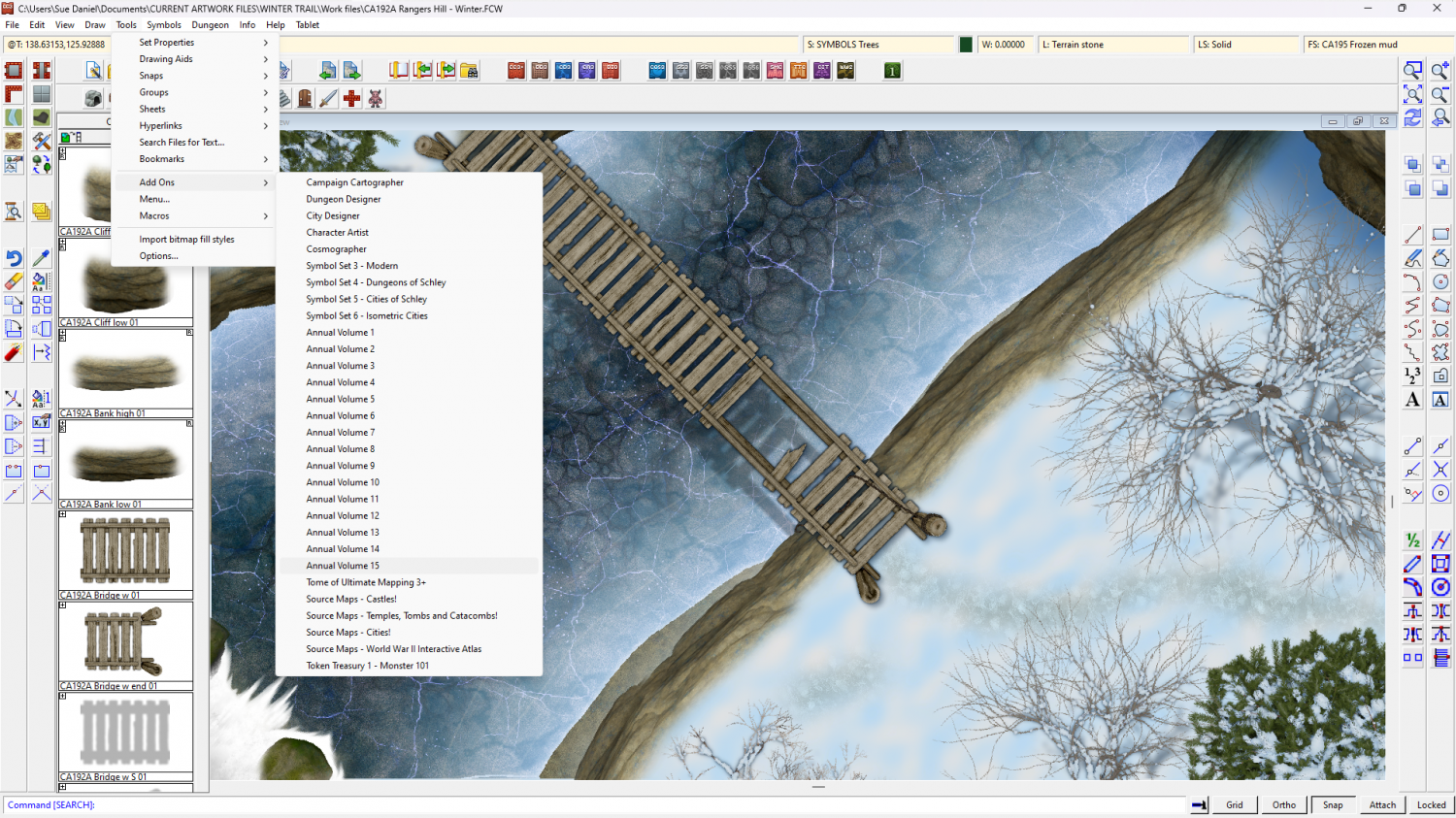
If you click Add-ons in the Tools menu it will show you a list of all the add-ons and annuals you have installed. If you pick one of the annuals from the list you will be taken to the relevant webpage with a short description and links to the all the issues Mapping Guides. That will probably be more efficient way of finding things than having to search a huge volume of them all stuck together.
If you just want to look at a page of thumbnails to remind yourself of what's in each one, there's a slightly out of date one here:
-
The Lakes of Michigami (Jerry's Map) - WIP thread
Is this better?
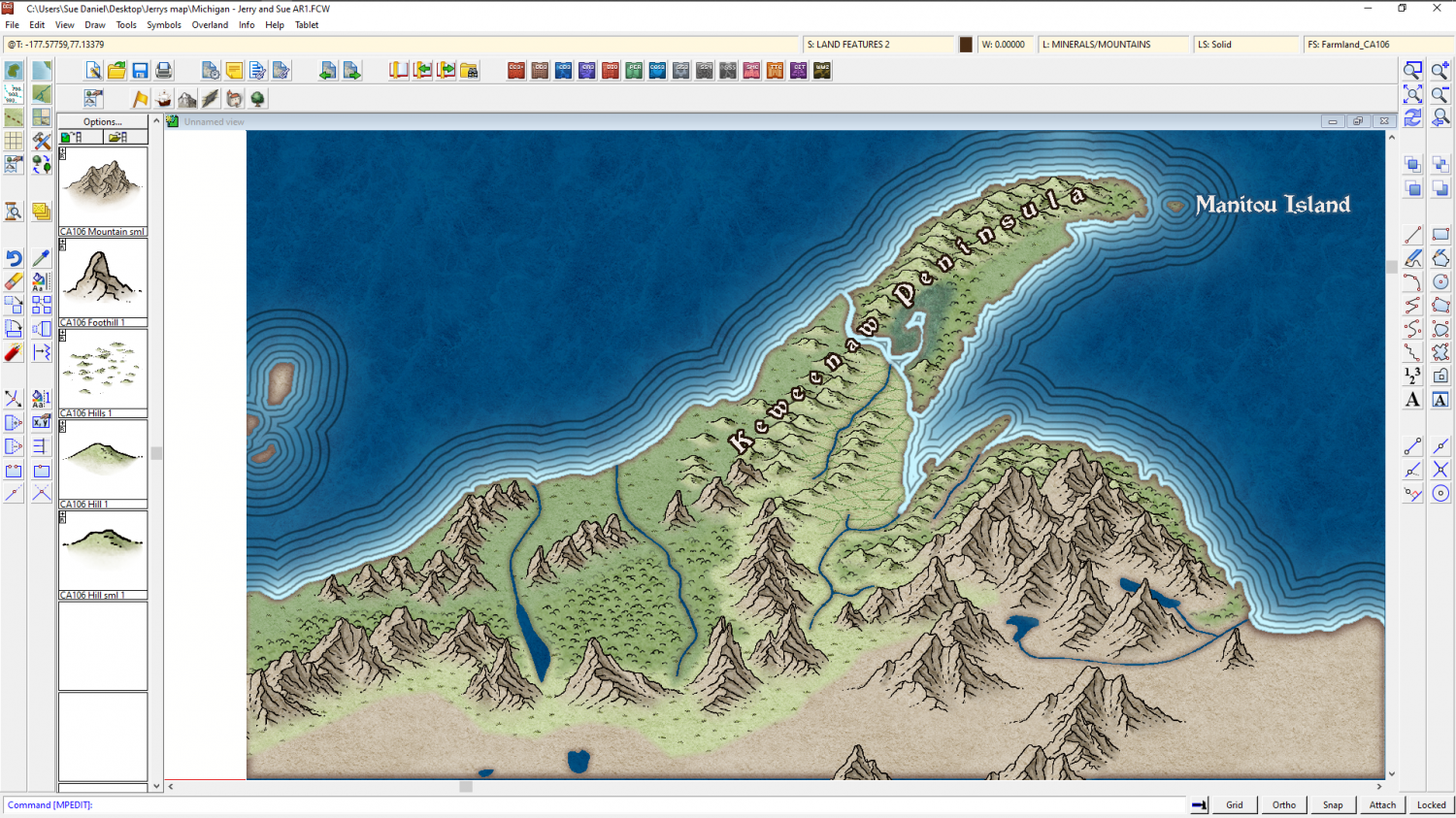
The reason I'm adding the real world names is to give us a reference for further instructions. It's easier if you say change "Fred" to "Burt", than if you give me a lengthy description of where you want a label that doesn't exist yet.

-
Merry Christmas, Happy Solstice, and Happy New Year!
We're very happy to have you around, Royal :)
Happy Christmas, solstice and New Year back at you.

-
How do I create walls that do not cross into half or more of the floor square?
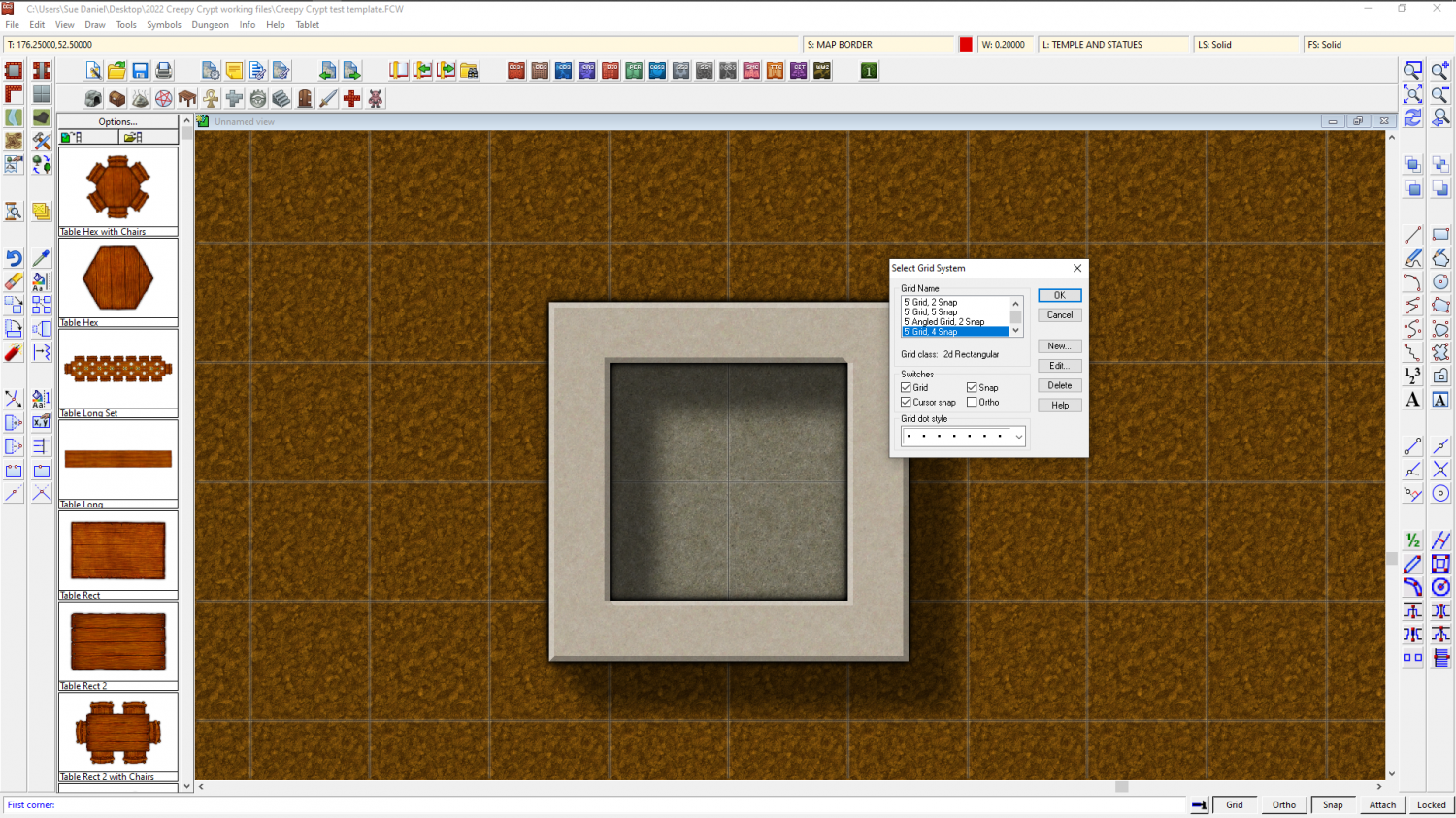
Similarly, if you want 2.5 foot wide walls you will need to edit the 5ft snap grid (right click the Snap button to do this) and make 4 snap points instead of 2, then draw your room 1.75 ft larger than you want it on the first snap point outside the boundary of the floor space.
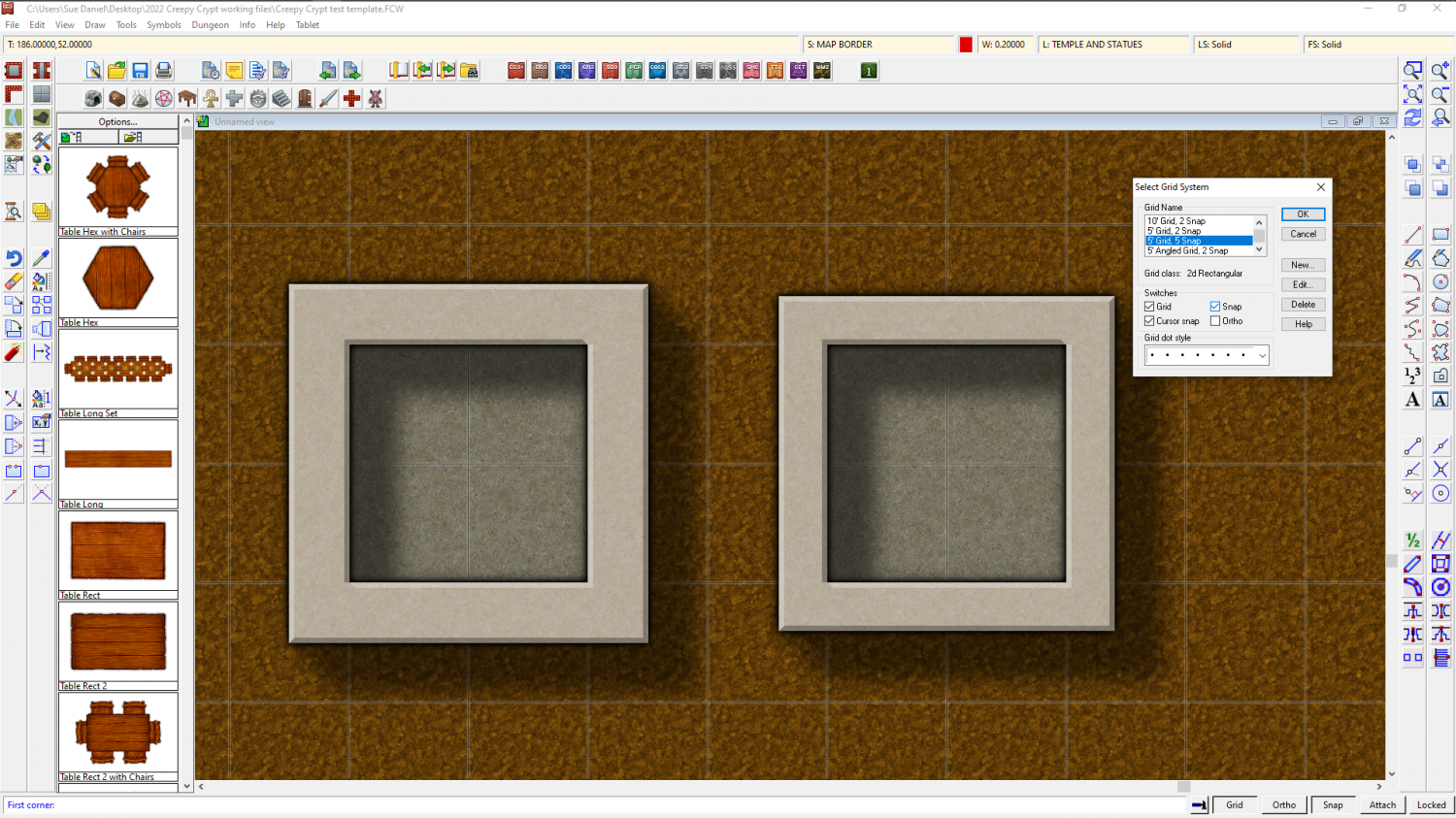
Or for 2 ft wide walls you need to use the 5 snap 5 ft grid.

-
Birdseye Continental - style development thread
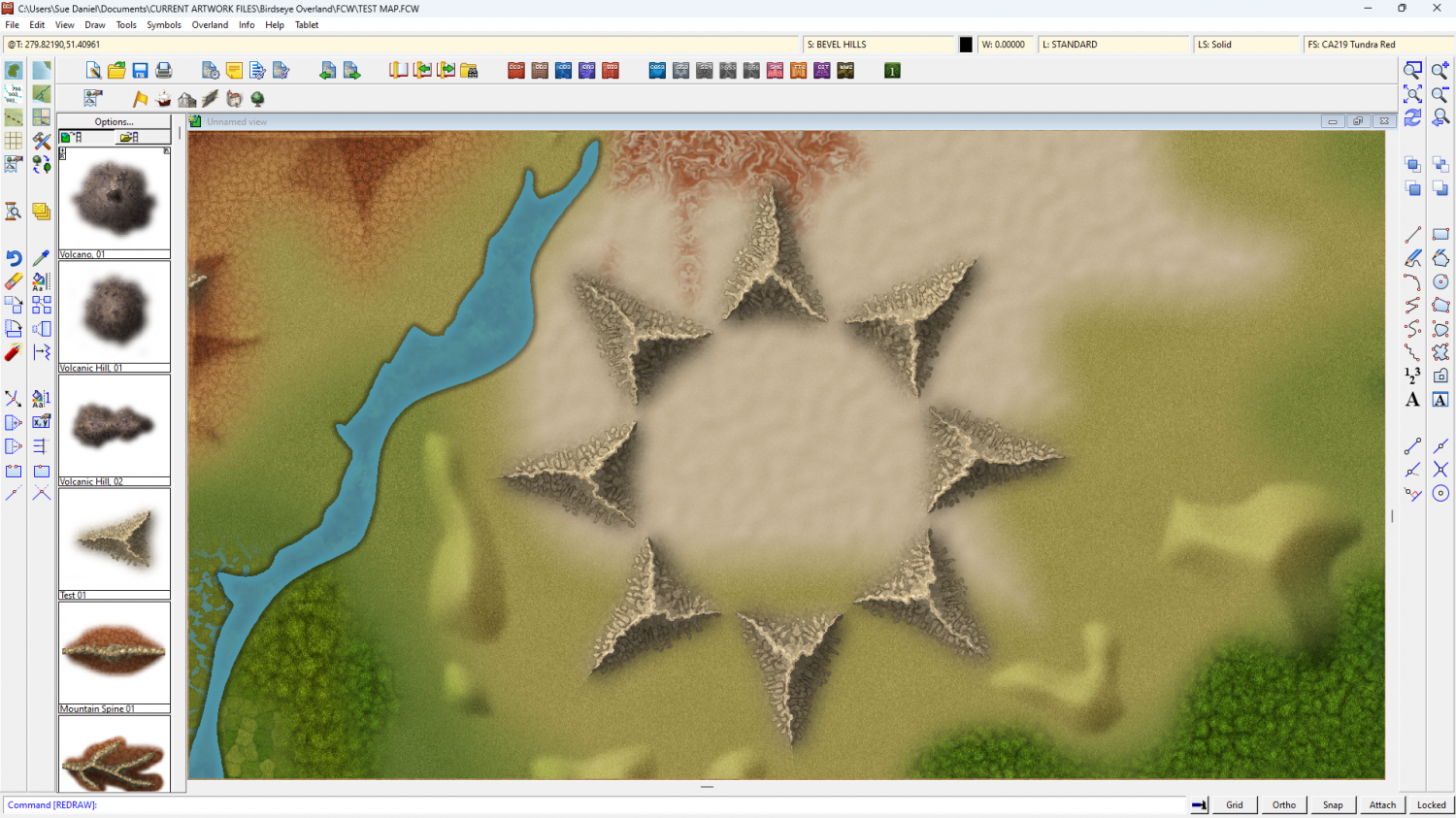
Rivers aside, I've been doing some work on the appearance of these mountain lego bits.
The shape leaves a lot to be desired at the moment, but I think I've got a workable style.
This is a ring of the same test symbol - testing the map file shades correctly.