Loopysue
Loopysue
About
- Username
- Loopysue
- Joined
- Visits
- 10,411
- Last Active
- Roles
- Member, ProFantasy
- Points
- 10,161
- Birthday
- June 29, 1966
- Location
- Dorset, England, UK
- Real Name
- Sue Daniel (aka 'Mouse')
- Rank
- Cartographer
- Badges
- 27
Latest Images



-
How Can I Draw Real-World Places in Campaign Cartographer?
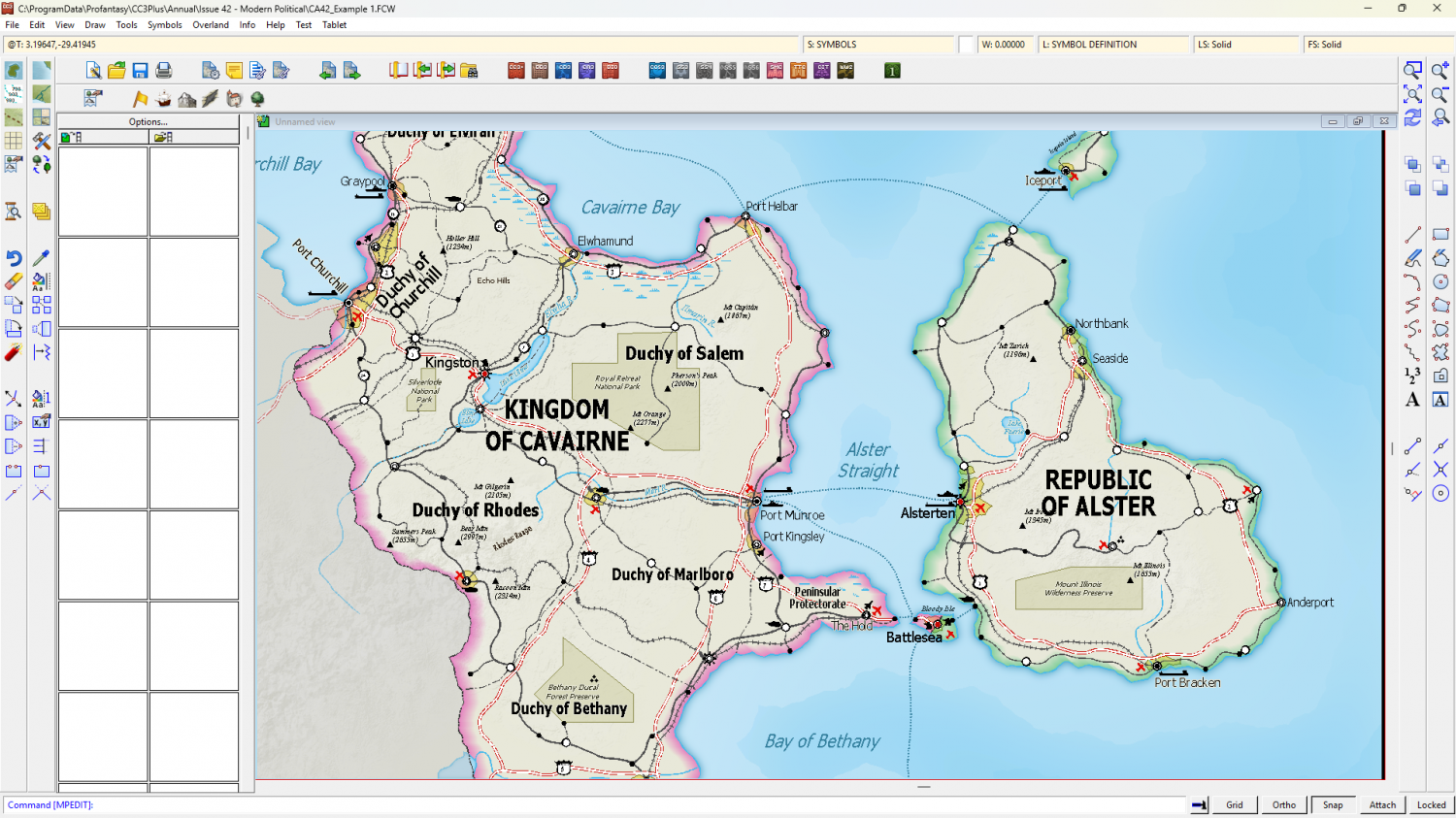
There are a number of hex mapping styles that might suit, but do you need to limit yourself to actual hexes or will a hex grid do? CC3+ can add a numbered hex grid to any map, like this (the map below is one of the example maps from the style Modern Political in the 2010 Cartographer's Annual).
Original map (no grid)
The same map with a grid I just added.
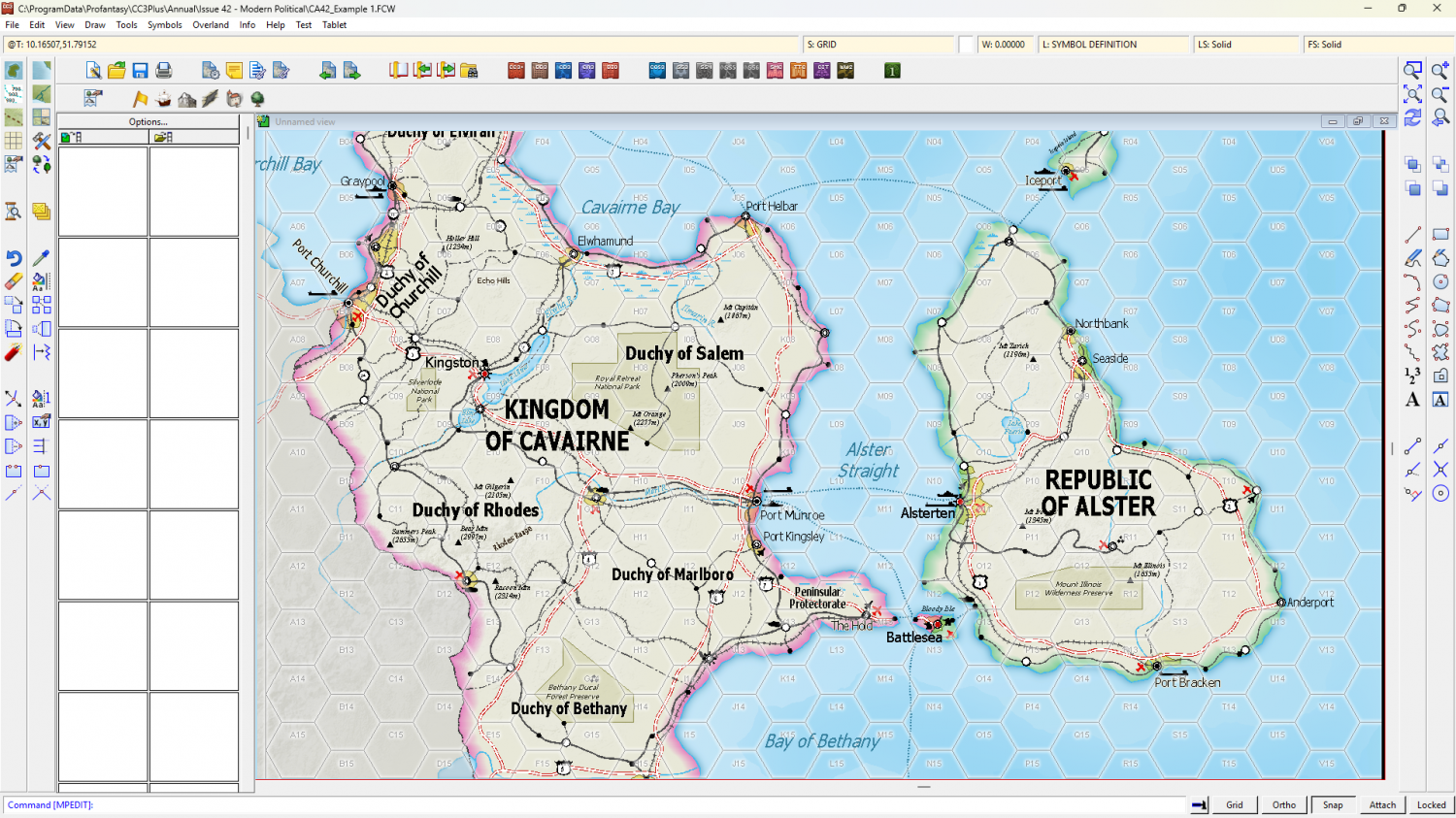
As I said above, you could use any style you liked if a hex grid was an acceptable alternative to hex components, or even make your own style as Mike has done.
If you want to have a look at other styles available there's a page of links here.
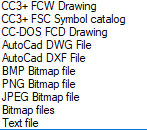
As for the actual drawing of the map - the coastline etc, you can import image files of these types into CC3+ and trace the shapes as you wish.

-
Lost fills
That might be this post:
Paragraph 4 gives you a general all-around fix for the problem.

-
Thinning out Styles
If you mean the end of year installer that contains all that year's annual issues (12-13 separate issues), then no.
All your favourites should be easily picked out of the list of templates in the New Map Wizard. Are you having difficulty finding things?
-
Realms Reimagined Rivers
You're welcome, SkidAce. I just hope I didn't cause too much of a headache with the wrong answer first.
-
Live Mapping: Cosmographer System Map *** NEW second attempt ***
The link at the top will take everyone to the new second attempt at this show this week.

-
Live Mapping: Cosmographer System Map *** NEW second attempt ***
Blind optimism :D

-
Live Mapping: Cosmographer System Map *** NEW second attempt ***
Your evil powers of disruption are fading, Wyvern.
-
Please help Linux user install a couple of issues of CA2025 please...
Hi ubai, and welcome to the forum :)
There may be people who can help you with this here, but please can you also alert Tech Support to these installer issues using the "Support" tab on your registration page? https://secure.profantasy.com/service/entrance.asp
Thanks.
-
Executables
You only need the one for CC3Plus. Other executables are for older versions of CC that are no longer sold, but which some of us old timers still run every now and then.

-
How Do You Find the Right Symbols for Your Maps?
Two ways (bulleted instead of numbered here because I can't seem to get the numbered list to work right now):
- In the Sheets and Effects dialog there is a checkbox above the list of sheets called Auto hide all sheets except current and COMMON. Check that box and hit the Apply button bottom right. When when you click the next sheet down the first will hide itself, and so by working your way down the list you can see if a sheet has something on it. Be careful not to delete a sheet called SCREEN if your map has one. That sheet contains a white polygon around the outside of the map that masks anything that continues outside the edge of your map, like a symbol or the tail end of a road or river - or probably in your case, hex halves.
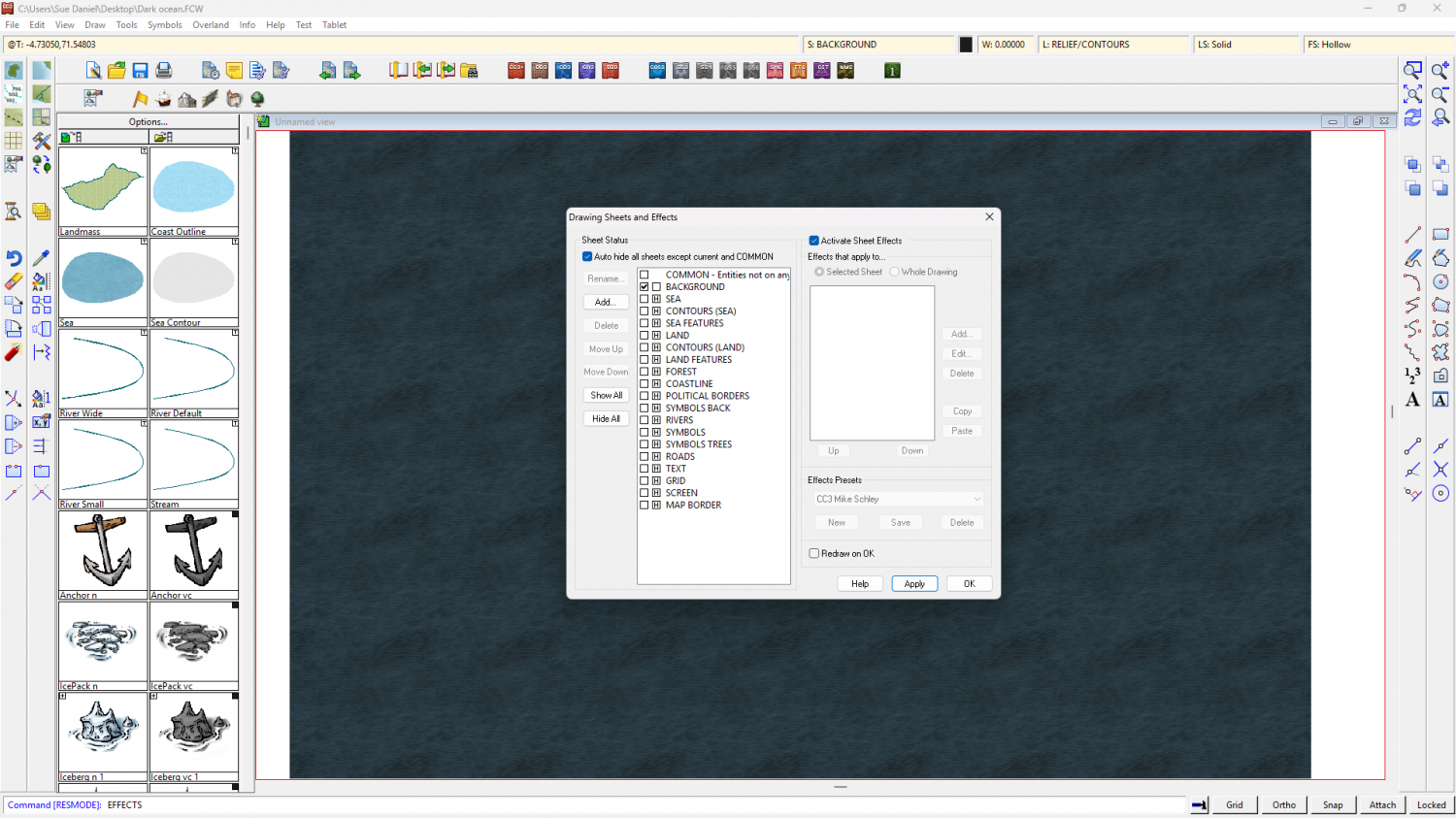
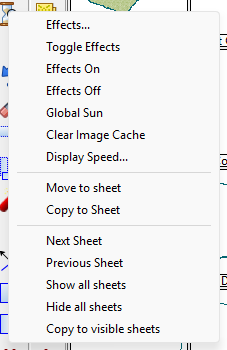
- With only the BACKGROUND sheet visible (but no check in the Auto hide... box) right click the Display Speed Settings button (the hourglass on the left) and you will find a block of commands at the bottom of the list that will help you do the same thing. It's slightly less efficient since you must right click the button to get the menu each time you want to look at the next or previous sheet. The advantage, though, is that you don't have a huge dialog blocking your view of the map.