Loopysue
Loopysue
About
- Username
- Loopysue
- Joined
- Visits
- 10,414
- Last Active
- Roles
- Member, ProFantasy
- Points
- 10,161
- Birthday
- June 29, 1966
- Location
- Dorset, England, UK
- Real Name
- Sue Daniel (aka 'Mouse')
- Rank
- Cartographer
- Badges
- 27
Latest Images



-
Live Mapping: New City Style (Part 1)
Hi everyone! :D
In this week's Live Mapping session Ralf will be starting on the creation of a new city mapping style, based on a set of maps he created years ago. This is a project that will extend over several sessions, so be sure you don't miss the first one.
Come and join in the fun live on Youtube here:
https://www.youtube.com/watch?v=wrzhfzKIIbM
Or you can watch it here later if you wish

-
First draft - The Moontide
It's a good enough map, but I think it might look better if you reduced the thickness or opacity of the hex grid a bit.

-
Live Mapping: New City Style (Part 1)
30 minute shout :)
-
Live Mapping: New City Style (Part 1)
That map you could see is the one Ralf made 'a few years ago' (he said that, not me). He's using it as a sort of inspiration for the new style. He did also mention the possibility that he might be using the new style (once he's created it) to draw a map towards the end of the series to demonstrate the result.
-
crop symbols
If you ever need to pinpoint which annual a particular issue is in this thread may be some help. Hover over the images to see the names.
I am quite a bit behind on this year's issues, but I will catch up with them soon.

-
How to change water background?
Yes, that's how it's done.
-
Live Mapping: New City Style (Part 2)
Hi everyone! :D
Part 2 of Ralf's series on how to make your own new city style was cancelled last week due to a thunder storm, but its back on the menu as live this Thursday.
In this second part of the series Ralf will be showing us how to set up city functions and how to create the template.
Come and join in the chat and ask your questions live on YouTube tomorrow (31 August 2023):
https://www.youtube.com/watch?v=-498AxHw6EI
Or watch it later either there, or here on the forum:
-
Live Mapping: New City Style (Part 2)
Sorry to hear that, Jim.
You can always watch the recording later when you are better.
-
First draft - The Moontide
Ingenious substitution :)
-
White Background for Traveller subsector maps
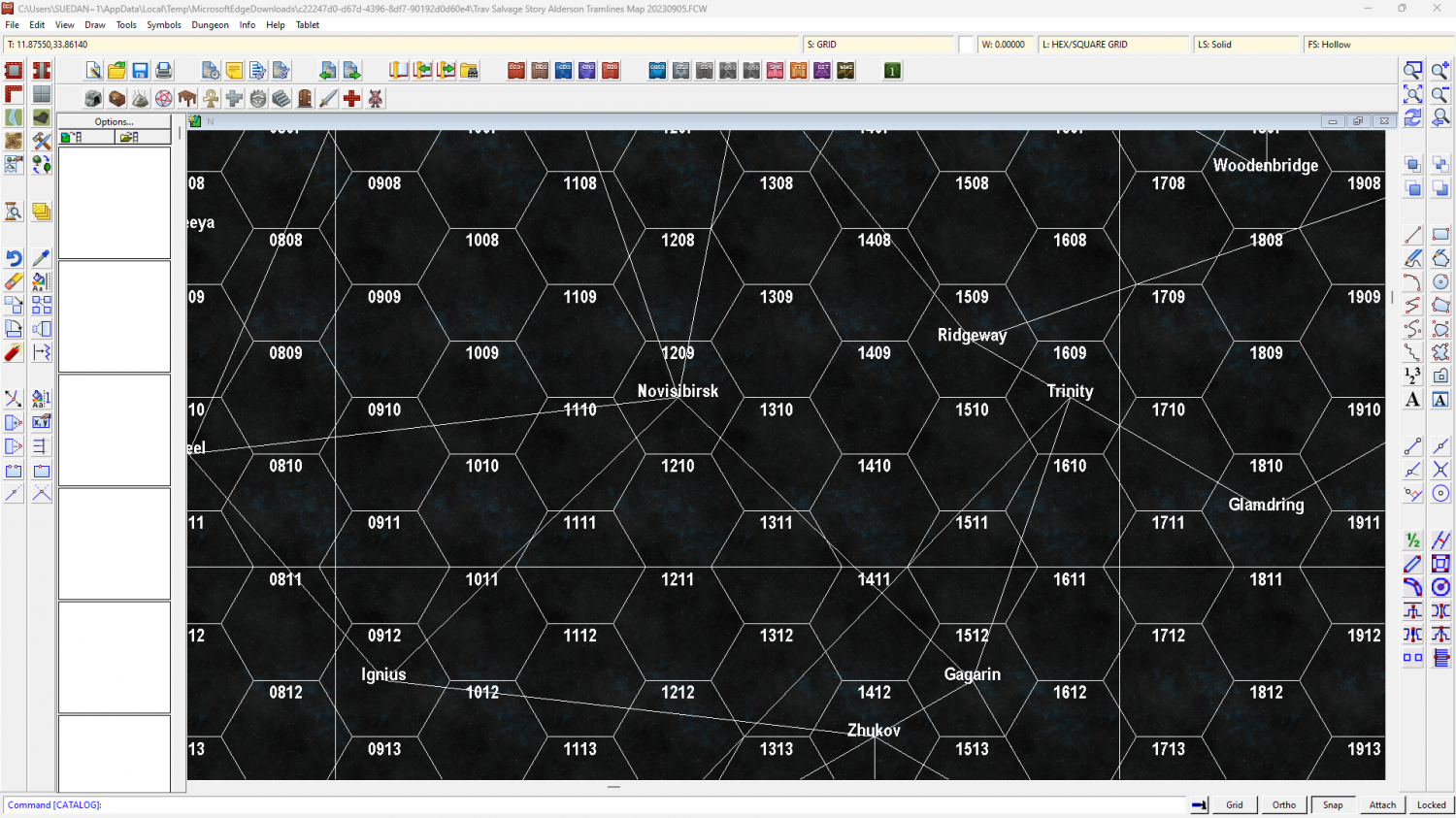
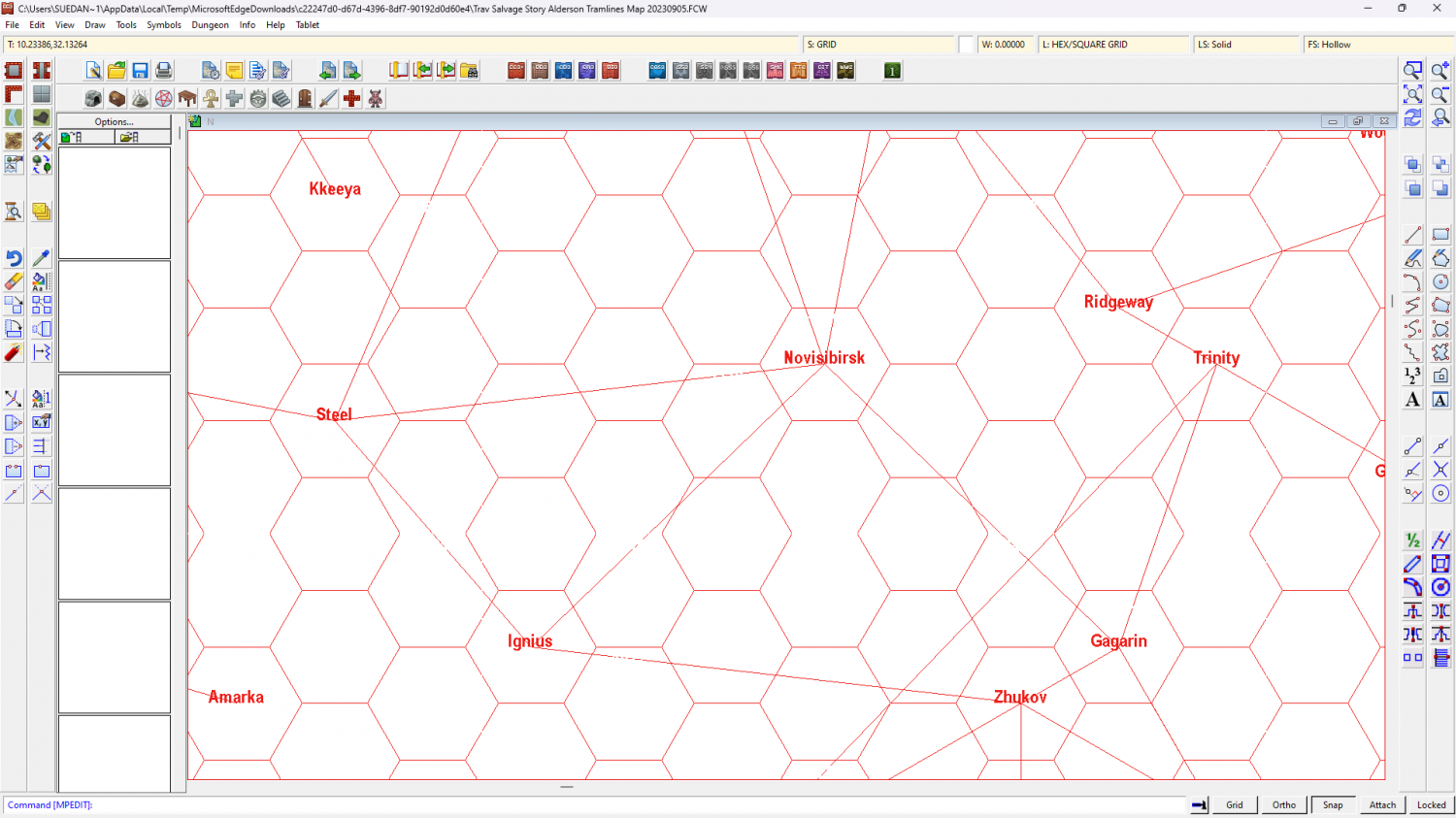
For me the changes would be simple and take only a few minutes, but where I am using CC3+ and don't have CC3 I can't assume that helping you that way would create a map that you could still open in the much older software. I changed the colour of the grid in the second screen shot.
It's just a whimsical thought rather than any kind of a 'must do', but if CC3 is so much different and less useful than CC3+ have you considered upgrading? The cost should be available on your account page when you log in - on the "Offers" tab.