Loopysue
Loopysue
About
- Username
- Loopysue
- Joined
- Visits
- 10,419
- Last Active
- Roles
- Member, ProFantasy
- Points
- 10,163
- Birthday
- June 29, 1966
- Location
- Dorset, England, UK
- Real Name
- Sue Daniel (aka 'Mouse')
- Rank
- Cartographer
- Badges
- 27
Latest Images



-
This file won't save properly with the upper land mass
No, there's no Discord that I know of.
The best technical help is more available on the forum right here, where it's also possible to upload many more file types and much larger images than on other platforms.
There is an FB Group, but you will have to answer the questionnaire before you are accepted.

-
It there a way to turn lights off?
Hiding the sheet the lights are on should deactivate them, so you could set up more than one LIGHTS sheet and split the lighting between those sheets to be able to have different lighting setups.
If you want to deactivate lighting, theoretically it's possible by opening the Global Sun settings (in the right click menu of the sheets and effects button) and turning the shadow transparency up to 100%.

-
WIP - first crack at a larger scale city
If you don't like the water texture in that style you could try importing an alternative water texture from another style. It's probably going to be preferable to using blurs on the existing one.

-
Creating greater depth
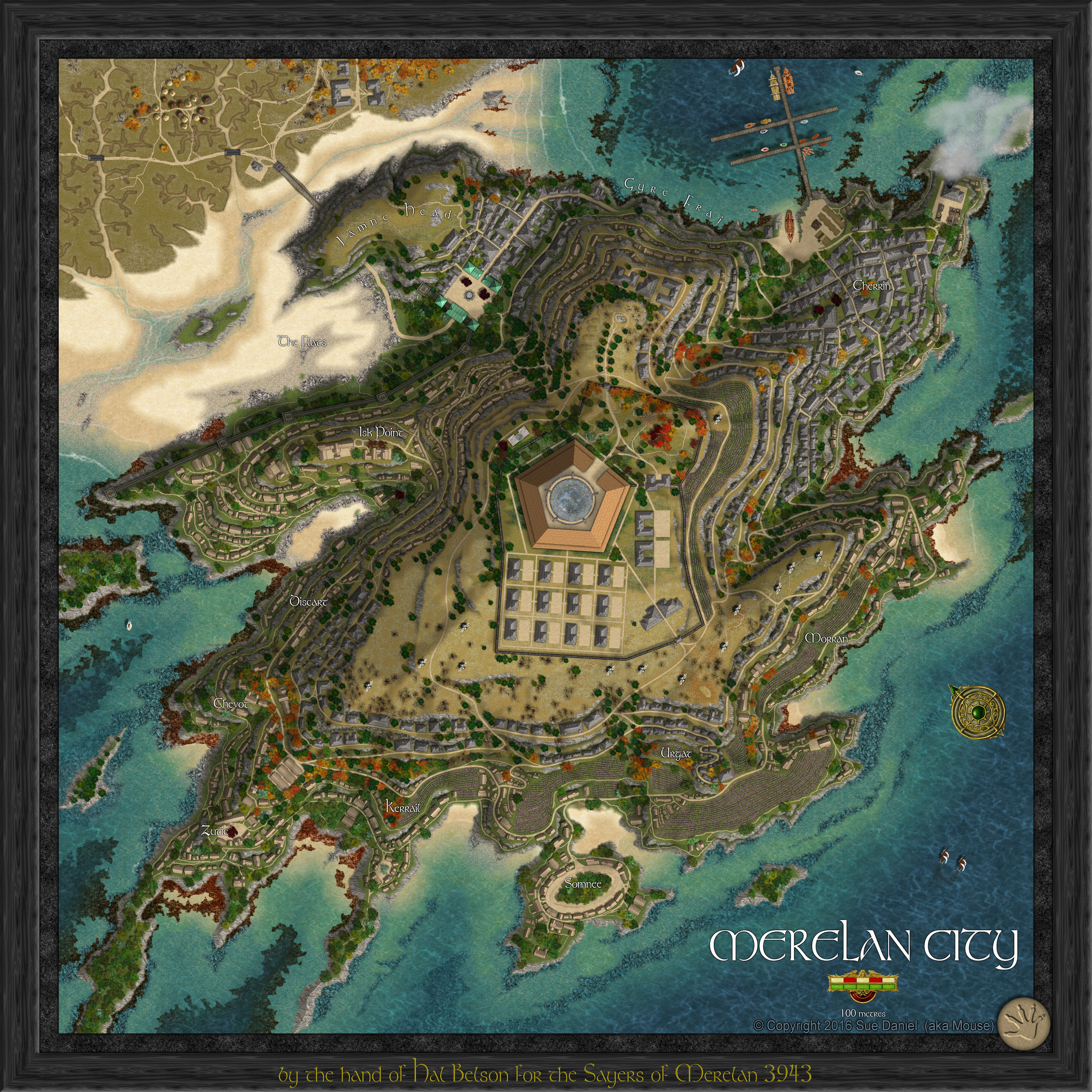
That was Merelan City, and the thread is hugely long and would take about a year to read.
But to answer your question succinctly - yes each tier was smaller like a very steep hill. Each tier also had it's own set of subsheets so that the roads and buildings for each tier were 'on' that tier. I think it has about 135 sheets in all. The export is too large except in my album here, and the FCW has too many unpublished textures in it to be of much use.
-
OSR Dungeon Tiles - Quick Test
Ralf covered creating tiles (wilderness ones in his example) quite recently in this live stream.

-
Sheet Effects stop working consistently
Another thing to try is to switch the effects off in the main dialog, apply them, then switch them back on again.
-
Don't know what projection this is
Well, we've had round worlds, flat worlds, ring worlds and disc worlds, so I guess it's ok to have cylindrical worlds :)
-
Sinister Sewers - Style Development Thread (CA207)
LOL!
And thank you :)
@DaltonSpence - if you just want to use the symbols all you have to do is open the Sinister Sewer's catalog in your existing map. These are located at C:\ProgramData\Profantasy\CC3Plus\Symbols\Dungeons\2024 Sinister Sewers. Remember to open the catalogue file (filename.FSC), or the connecting symbols won't work.
-
Struggling with TRACED Command
I'm not sure why TRACED didn't work for you in this particular instance, though I suspect that if it had worked it might have traced around each of the lines and not the whole shape.
Providing there are still only those 4 lines there and nothing else, have you tried right clicking the Fractalize button and using Line To Path on all 4 lines at the same time?
-
Struggling with TRACED Command
This might help.
Link to actual comment: https://forum.profantasy.com/discussion/comment/118007/#Comment_118007
Also, if you need to use TRACED in the future you might have to do this:
Link to actual comment: https://forum.profantasy.com/discussion/comment/112508#Comment_112508