


Loopysue
Loopysue
About
- Username
- Loopysue
- Joined
- Visits
- 10,419
- Last Active
- Roles
- Member, ProFantasy
- Points
- 10,163
- Birthday
- June 29, 1966
- Location
- Dorset, England, UK
- Real Name
- Sue Daniel (aka 'Mouse')
- Rank
- Cartographer
- Badges
- 27
Latest Images



-
Searching for symbols for WW2 and modern military vehicles, artillery etc.
Hi Ute :)
It's Sue Daniel here ;)
Though I very much doubt that it contains anything you don't already know about, there's a thread that Remy Monsen created which lists all the available free stuff we collectively know about here:
https://forum.profantasy.com/discussion/10443/free-symbols-artwork
You might get lucky if you Google the required symbols - most people who sell them have to make the rights pretty clear up front, or have to put up with a constant stream of questions.


-
White Boxes, Black X's on my map
Open the Symbol Manager and pick any of the red X symbols. Then click the List button. The resulting blue box will contain the filename and location about half way down. That will give you the subfolder name, which should at least infer which asset pack may be missing or misplaced.
-
ProFantasy is looking for a web developer and graphic artists
No. It's a serious comment.
This is my dream job.
-
WIP Goldenlilly Dungeons
That grey overlay...
Have you considered using a nearly black one and adding a Blend mode set to Multipy and about 15-20% to that sheet?
The reason I say nearly black is because a true black one would probably interract unexpectedly with some of the dark glows. The darkest grey, or the darkest brown should be ok.
EDIT: You might also want to put a Blur on it after the Color Key and before the Blend Mode to take out any sharp edges.

-
Live Mapping: Dark Fantasy Vector Symbols
Hi Everyone! :D
In tomorrow's Live Mapping session, Ralf will be demonstrating how you can create your own vector symbols using the Dark Fantasy overland style as an example.
You can watch it here on the forum:
Or you can come and join us on YouTube here: https://www.youtube.com/watch?v=15w1kb7qGmI
It would be lovely to see you there :)
![[Deleted User]](https://secure.gravatar.com/avatar/c75d9a245b74d9c59be0999ea81ca541/?default=https%3A%2F%2Fvanillicon.com%2F92add7f8c954488718110edc4896ad39_200.png&rating=g&size=200)

-
Winter Trail Project
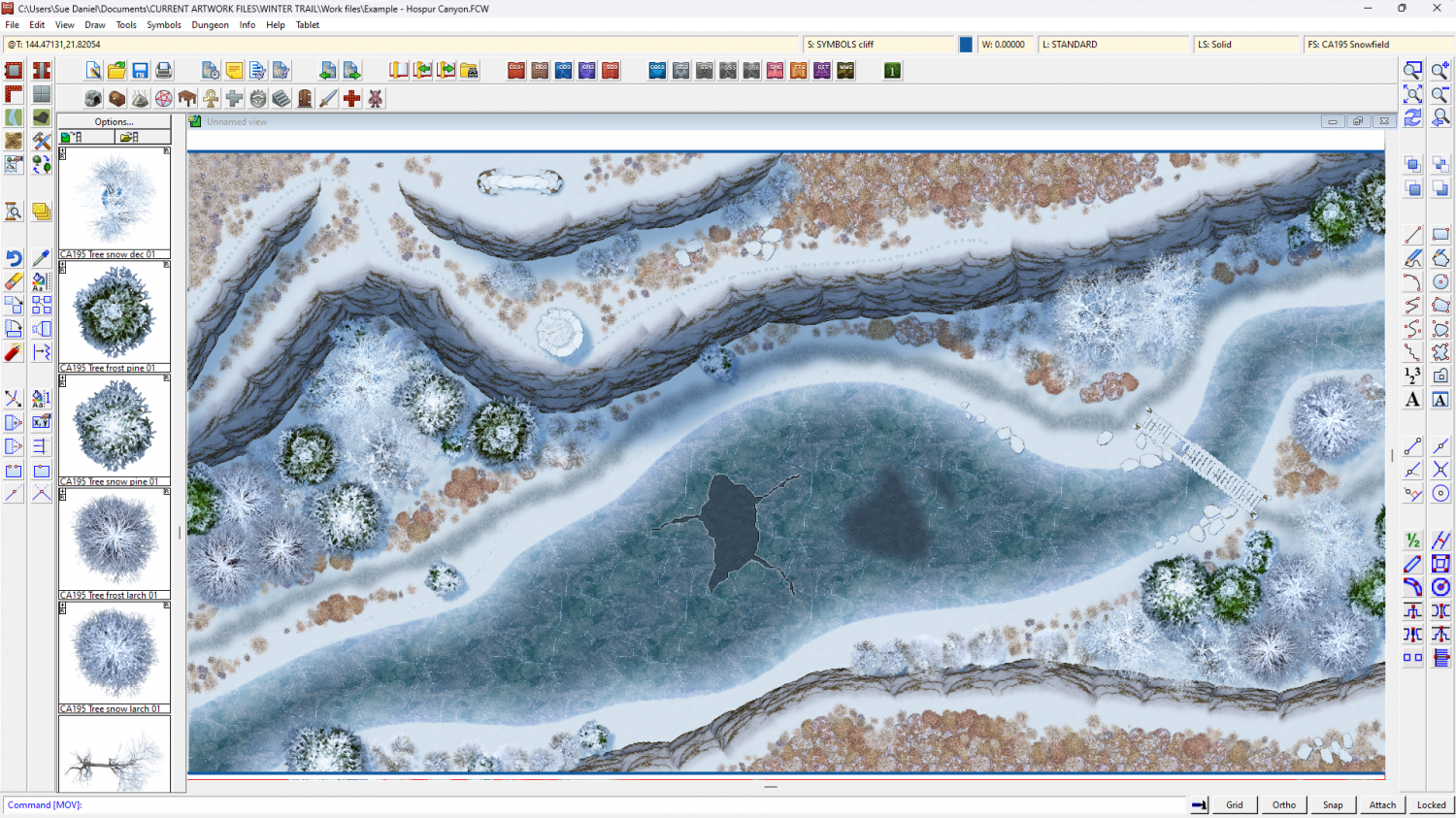
Getting close to finished here. Until now I've been working on a conversion of my Forest Trail part 2 example map, but now I've started a simpler example map to tweak things like drawing tools that aren't working right, and symbols that don't go to the right sheet.

-
What is the best way to mask parts of a symbol?
For now, that is probably the best solution.
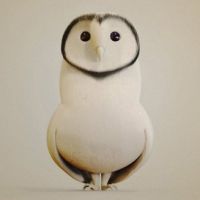
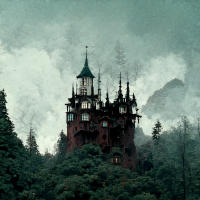
This is not a city style, but if you ever have the same problem with the symbols in a city style it is sometimes possible to use a Color Key effect on the same sheet as the symbol to be trimmed. This is because the city symbols work slightly differently to the symbols in either overland or dungeon styles.
Another way, if you can see yourself wanting to trim this symbol the same way in lots of maps and are able to carry out medium level tasks in an ordinary bitmap editor like GIMP (for example), is to make a personal copy of the symbol, save it in a separate folder to keep it apart from the published assets, edit it to look the way you want it to look, and import it as a new symbol with a slightly different name. Profantasy symbols modified this way cannot be shared, but maps using the modified symbols can be used in exactly the same way as any other map made in CC3.

-
From Quillan to Montsegur
Lovely map, Prochaska :)
You could use a subtle form of coloured contour by adding a sheet with a small Blur effect on it and drawing polygons of 'Solid 10 Bitmap' fill if you feel the need to make higher altitudes paler, perhaps?
-
WIP, suggestions please
My tail! My tail! You've found my tail! :D
As for suggestions....
It's a bit difficult at this early stage. I guess you will be adding at least one mountain chain to each island unless any of them are intentionally flat all over. The actual suggestion is to finish doing that before you do anything else so that it's done and you can get a better feel for the next bit - whatever you decide to do next. Some people do terrain next and then settlements, and some do it the other way around. My preference is for terrain first, since the mountains and the terrain deeply affect the location of settlements.
-
Cowpens Battlefield
I think it might be easier to just say that there is a dusting of snow and keep reminding players.


