


Loopysue
Loopysue
About
- Username
- Loopysue
- Joined
- Visits
- 10,417
- Last Active
- Roles
- Member, ProFantasy
- Points
- 10,163
- Birthday
- June 29, 1966
- Location
- Dorset, England, UK
- Real Name
- Sue Daniel (aka 'Mouse')
- Rank
- Cartographer
- Badges
- 27
Latest Images



-
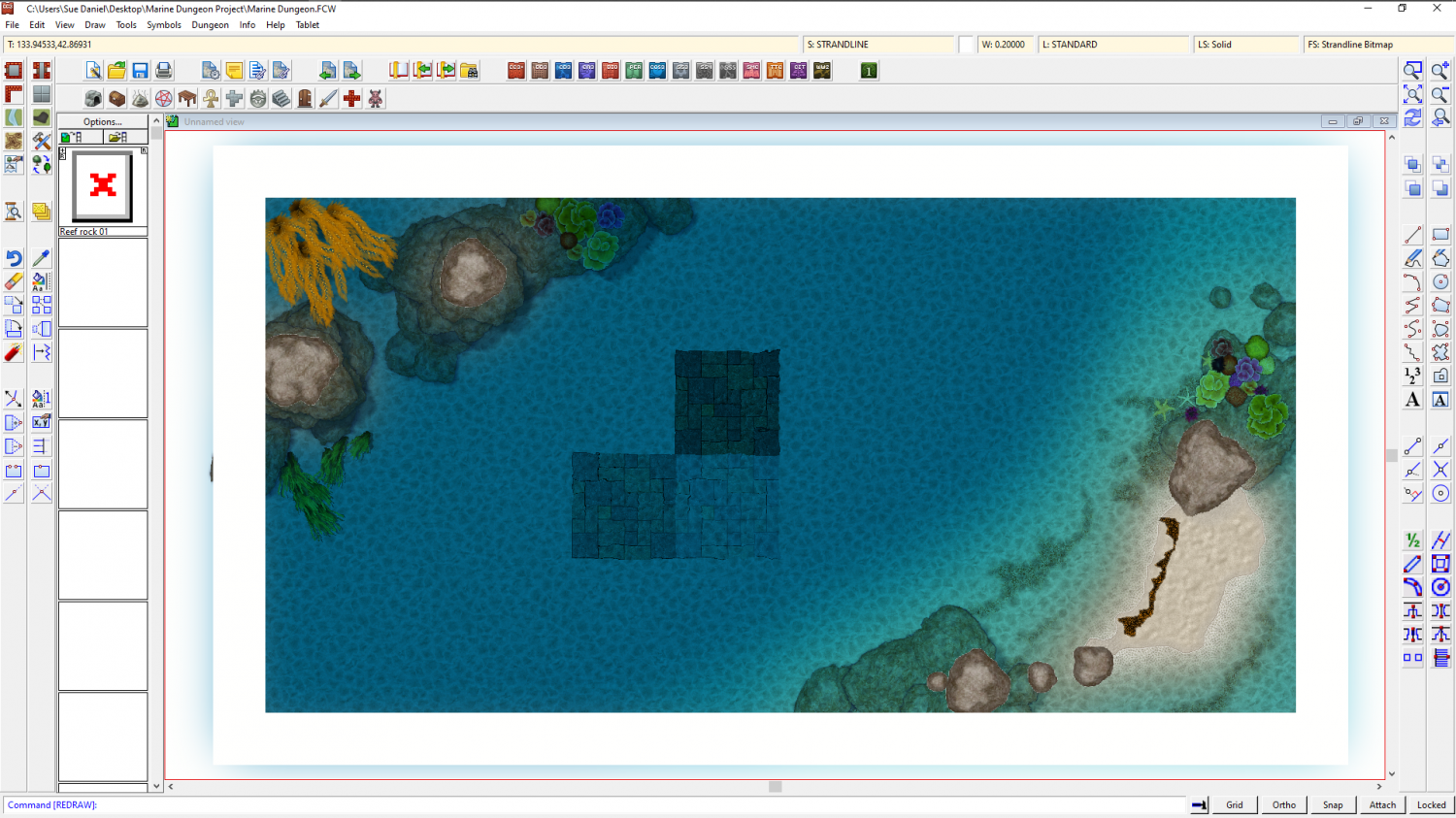
Marine Dungeon - a Cartographer's Annual development thread
@amerigoV - Thank you. I will have a look at that when I get back to the map. Stand alone shadows can be drawn as polygons, or cast by the drop shadow sheet effect.
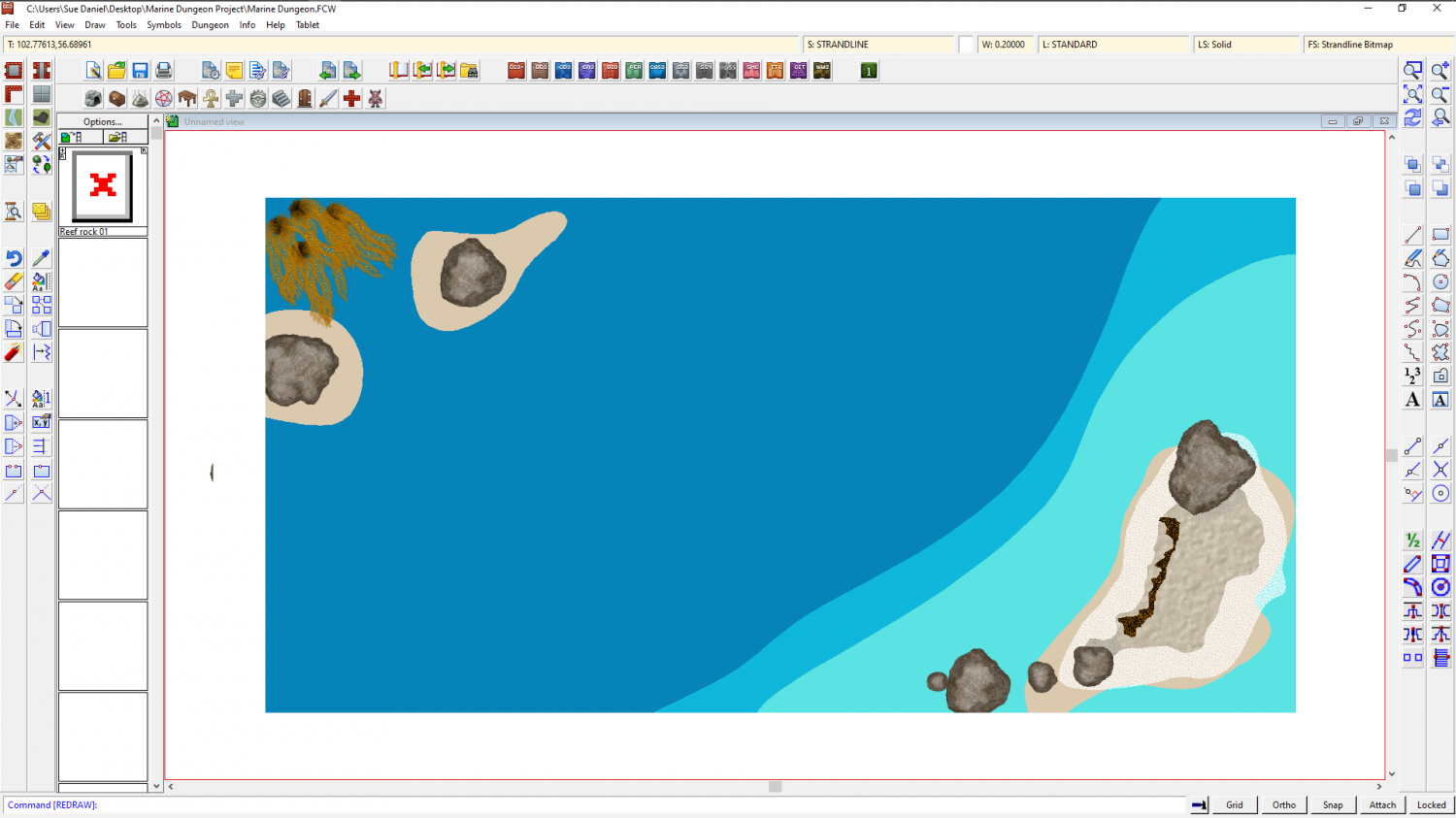
@George - Thank you very much. In truth all I did was adjust the colour palette and a few of the sheet effects. You would be shocked if you saw this map with effects turned off.

-
Strange artifacting with wall sheet
Hi kalnaren :)
This may be being caused by nodes in that very detailed line being too close together - close enough as to be nearly right on top of one another. Try using the Keyboard command SIMPLIFY on that wall. Since this is a dungeon map I would set the factor to about 0.2 or so - that being a fifth of a foot, or if the map is metric it will be equivalent to 20 cm. SIMPLIFY removes nodes that are closer together than that. Using SIMPLIFY will also speed up your map just a bit by reducing the overall node count.
I can see that you have a floor texture there as well. So before you start with anything hide all the sheets but the WALLS sheet.
You may need to do the same to the floor as you did to the wall, but you might get away with just leaving it as it is if there aren't any obvious mismatches.

-
River Artifacts
Andre suggested in the FB Group to use SIMPLIFY on the river, as this may be caused by nodes being too close together. I'm just repeating it here to update others who might also be reading this thread and who might have similar issues.

-
Representing Cliffs and Ridgelines
You're welcome, Mike :)
It's really easy to make your own set if nothing else fits. Just draw them as little triangular polygons and shrink them to the right kind of size with Scale, and use Define Symbol in the Symbols menu.
As a tip, I created mine with the fat end at the top and the tail at the bottom. By chance that just seemed to be the right orientation to work with CC3 and Symbols Along without any issues.

-
Trimming polygons
As long as the two entities are on a different sheet, or a different layer from each other you should be able to isolate one set from the other.
I would work on one set at a time - for example the outlines only, or the polygons only, and hide the other set by hiding its sheet or layer.
For the filled polygons use extract properties before you start breaking them, and use it each time you start a new one. This will set the active properties to the particular properties of that particular polygon, including colour, so they will automatically return to the right colour once you close each one to a polygon again at the end of the operation.
Also, if you want to halve the time it will take you can delete the outlines and then recreate them by copying the filled polygons onto their sheet after the trimming job. Then use the Change Properties tool to set them back to outlined polygons rather than filled ones.
-
Problem with Layers
You're welcome :)

-
Tome of Ultimate Mapping City- drawing the bridge
If you set the SNAP to on, and have a 10ft grid with 2 snapping points, then you can interpret that as 7 grid squares by 1.5 grid squares. I'm not familiar with the passage there, but given the instructions I would presume you then move it into place.

-
SS4 Mike Schley style - "Dwarven" textures
The only place I can find such fills is the Cartographers Annual issue 94 - the 2014 annual.
The example map in that issue's folder shows the fills in use, and the Mapping Guide should also contain information, though I haven't had time to read it myself just yet.
You can find both those things here on your system:
C:\ProgramData\Profantasy\CC3Plus\Annual\Issue 94 - Dwarven Dungeons

-
Beginning Resources
The best advice I can give is to tell you to imagine what kind of map you would like to be shown if you were sitting waiting to play a game. That way, you have a standard to aim for, which leaves you with the task of finding the right style and getting the map done.
There is a page of postage stamp links to all the Cartographer's Annual issues here. While there's a lot more to the full range of styles available, this is the bulk of them. Each annual is sold as a batch of 12-13 issues. You buy the annual, and if it is already complete you get one installer for the whole set of issues. If you buy the current year's annual you can download each new issue at the rate of one a month.

-
WIP - something for Adventures in Middle-Earth
Kind of reminds me of the root bridge grown by Maleficent, in Mistress of Evil
Love your drawing style, Hans :)

