


Loopysue
Loopysue
About
- Username
- Loopysue
- Joined
- Visits
- 10,413
- Last Active
- Roles
- Member, ProFantasy
- Points
- 10,161
- Birthday
- June 29, 1966
- Location
- Dorset, England, UK
- Real Name
- Sue Daniel (aka 'Mouse')
- Rank
- Cartographer
- Badges
- 27
Latest Images



-
[WIP] Community Atlas - Topographical map of Nibirum with ocean currents
Use away, André. That's what the stuff in the annuals is forWeathermanSweden said:Thank you Sue and Remy for your input.
On Shessars world map there is a scale - I will adapt it in some way in my map. I like the scale on your world Jerion - @Loopysue - maybe I can use that one? Or will my map then look to much like a copy of yours?
What do you think - should the map also contain the names of the continents and should major drifts be named?
For the latter, however, I have to admit that I lack the creativity for creating fantasy names...?


-
[WIP] Community Atlas - Topographical map of Nibirum with ocean currents
You've done a really great job with this map
Does any world map need a scale? I sometimes draw one, but I often wonder why, since the scale can only be accurate at the equator on an Equirectangular projection - which I am usually careful to point out by calling it the Equatorial scale. As for the rest of it - I'm totally all at sea! I only know what I learned from Geoff's Climate Cookbook. I'm more of a geologist and biologist.
-
Cartographer's Annual - all the issues linked in one place
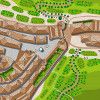
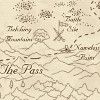
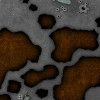
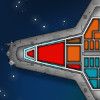
I often get asked what each of the Cartographer's Annual contains, or which of them has a good style for a particular job, so I thought I would collect them all here with linked images to each issue as a quick reference guide.2007 (linked images)

2008 (linked images)
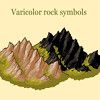
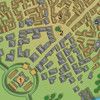
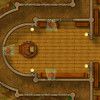
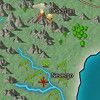

2009 (linked images)
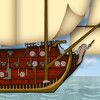
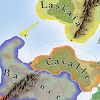
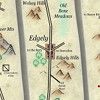
2010 (linked images)



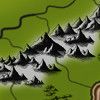
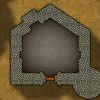
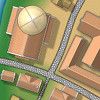

2011 (linked images)
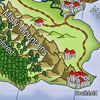

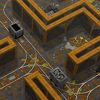

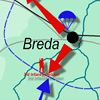
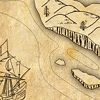
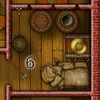
2012 (linked images)

2013 (linked images)


2014 (linked images)

2015 (linked images)




2016 (linked images)


2017 (linked images)


2018 (linked images)
2019 (linked images)
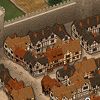
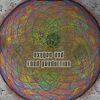

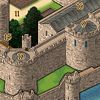
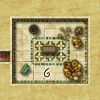

2020 (linked images)

2021 (linked images)


2022 (linked images)


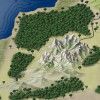

2023 (linked images)
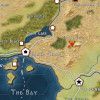
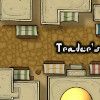
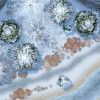

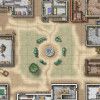
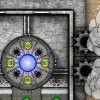

2024 (linked images)







 and 23 others.
 -
Curse of the Crimson Crown (Pathfinder Adventure Path)
Ingenious
Now I'm really looking forward to the rest of it. -
Project Spectrum - Part 2
Thanks Mike
I've been working on the remaining jungle and swamp trees this afternoon. The jungle trees are just fillers to go between the palms and nothing all that special, but the swamp trees are a bit more important than that. This is the wrong colour, because texturing in ngPlant is a pain and extremely basic, but it gives some idea.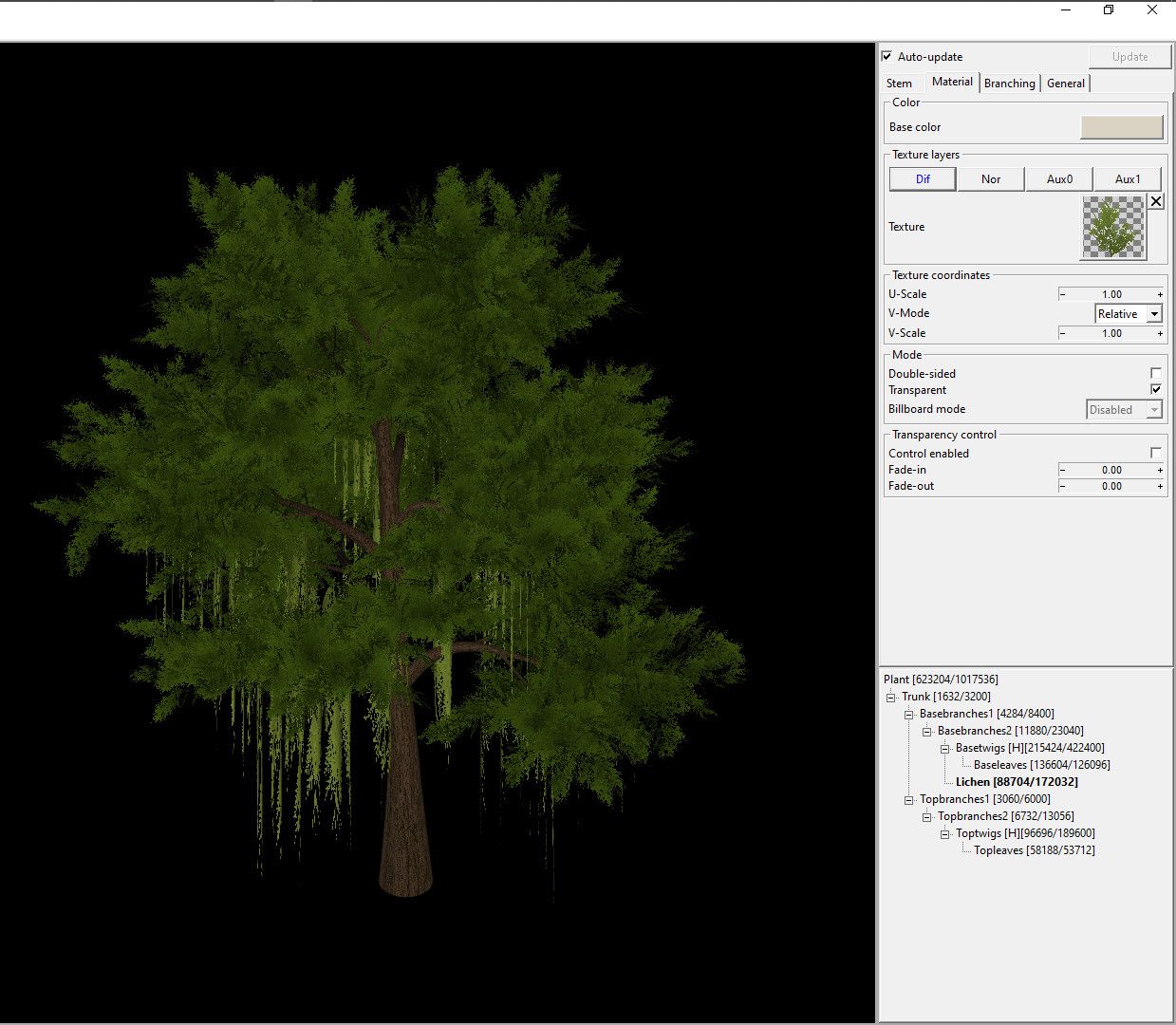


![[Deleted User]](https://secure.gravatar.com/avatar/c75d9a245b74d9c59be0999ea81ca541/?default=https%3A%2F%2Fvanillicon.com%2F92add7f8c954488718110edc4896ad39_200.png&rating=g&size=200)

