Loopysue
Loopysue
About
- Username
- Loopysue
- Joined
- Visits
- 10,354
- Last Active
- Roles
- Member, ProFantasy
- Points
- 10,103
- Birthday
- June 29, 1966
- Location
- Dorset, England, UK
- Real Name
- Sue Daniel (aka 'Mouse')
- Rank
- Cartographer
- Badges
- 27
Latest Images



-
Border Templates
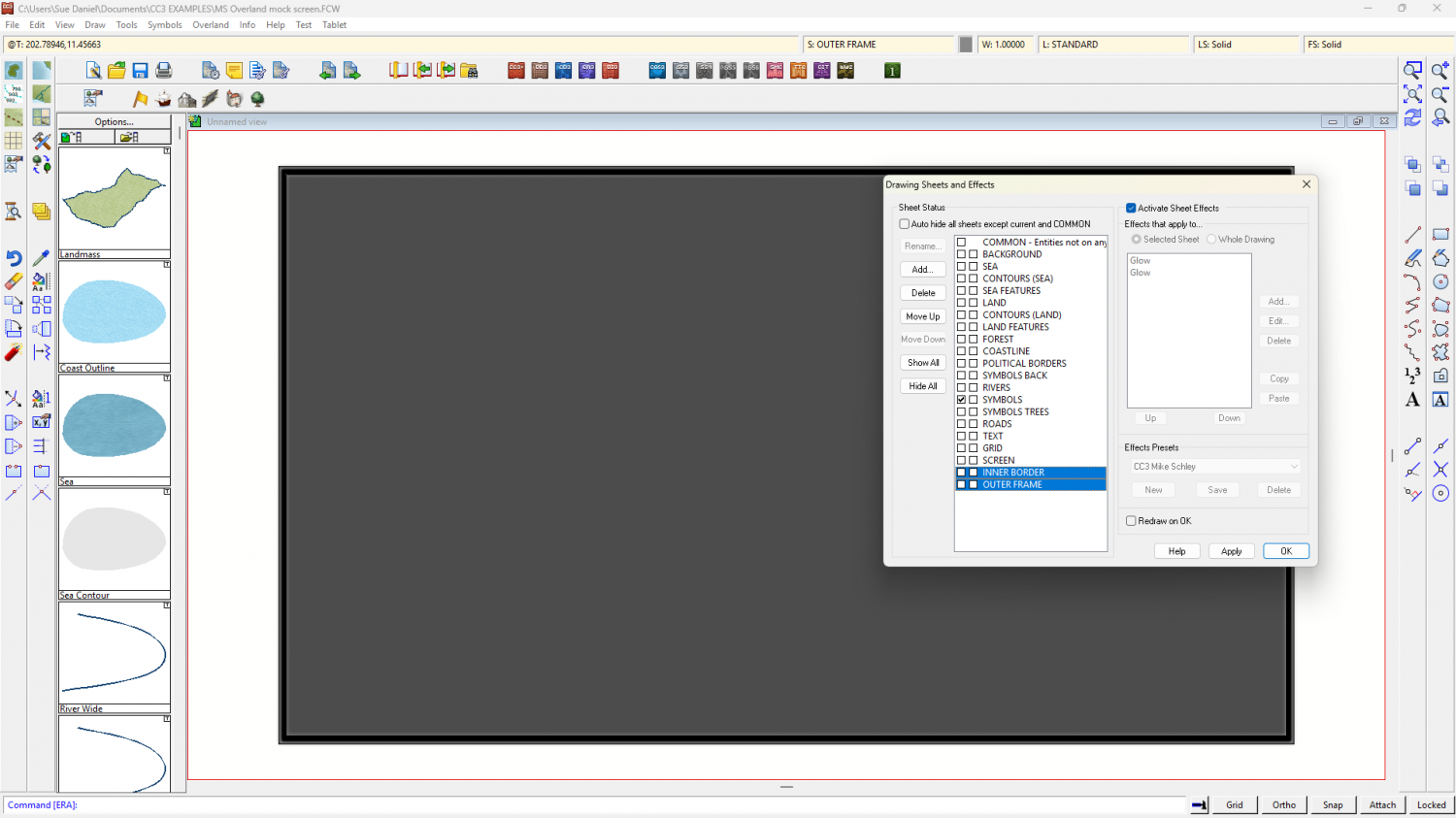
Thinking about the first look, and glancing at the edge of my current monitor a couple of additional sheets would do it. In this example (originally MS Overland which I know all users have) I have added an INNER BORDER and OUTER FRAME sheet setup and drawn a shape on each to represent those parts. Both are on the SCREEN layer.
The 'monitor off' background is just a grey polygon on the BACKGROUND sheet, which I moved to the MAP BORDER layer and resized to include the border and frame details for an automatic export of the whole. I then froze the MAP BORDER and SCREEN layers as is my habit.
I hope this gives you a few ideas.
I'm not sure what you are after with the second look.


-
Live Mapping: Villages of Schley (revived)
One of our viewers asked if it was possible to align the field fills with the fields. Yes it is. Some styles have field drawing tools that do this automatically - styles like the Ferraris Style and Darklands City.
- If you have a polygon of field you want to align, right click the Polygon tool and pick "Shaded Polygon (Angle by Edge)" from the menu.
- Click the side of the field you want the fill to be aligned with, and right click when finished.
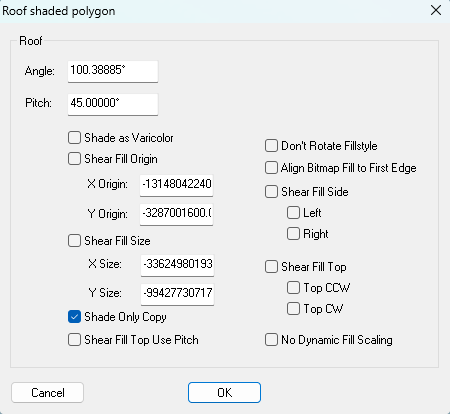
- Type EDITSHADING and hit ENTER, then check the box called "Shade Only Copy". That will remove the roof shading applied in the moment you used Shaded Polygon (Angle by Edge).
The three stages look like this, where field number 2 shows the roof shading automatically applied by Shaded Polygon (Angle by Edge).
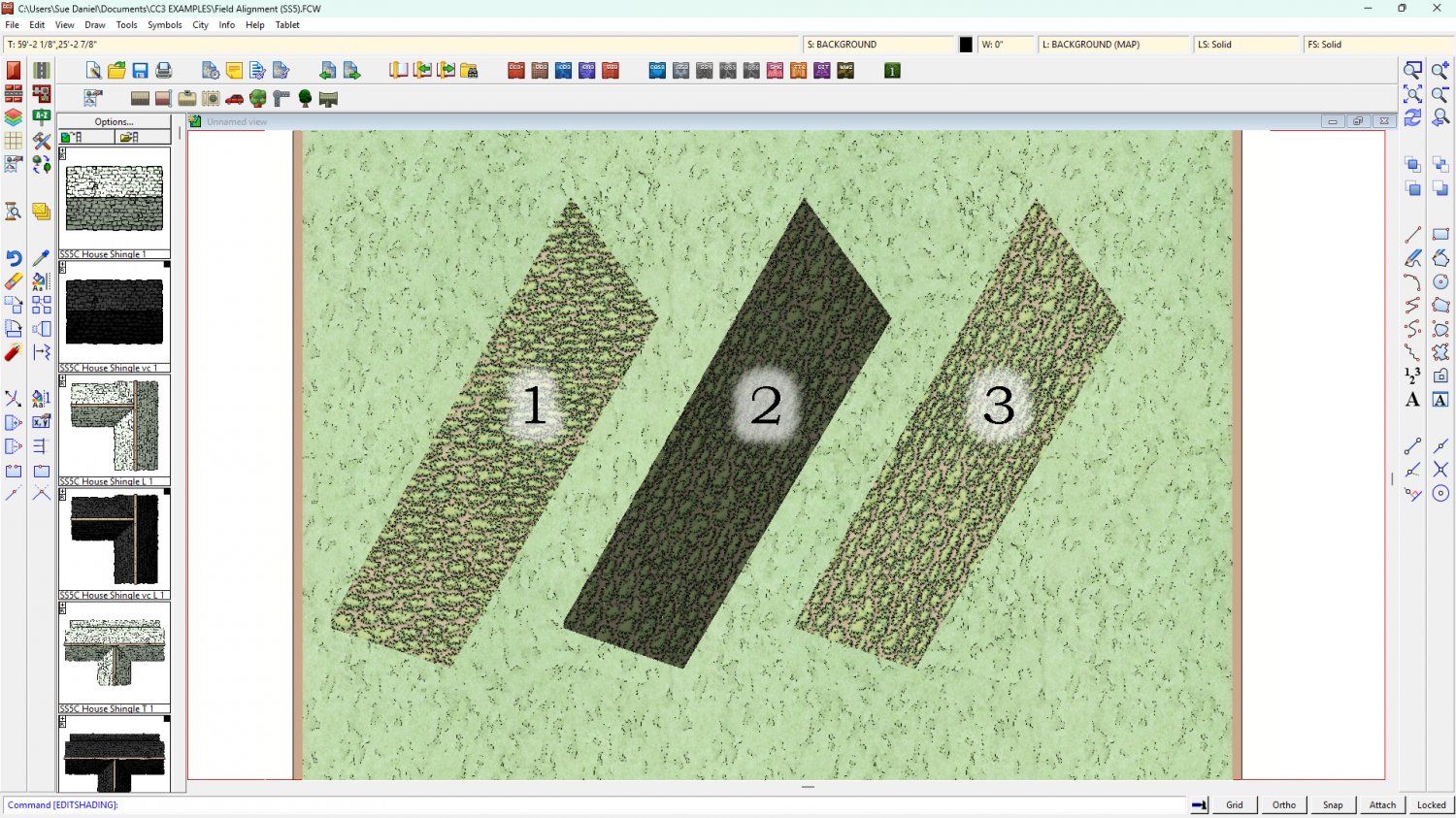
If you want to edit your field use Explode just once to return it to it's former state.

-
CC4 Overland Development Thread
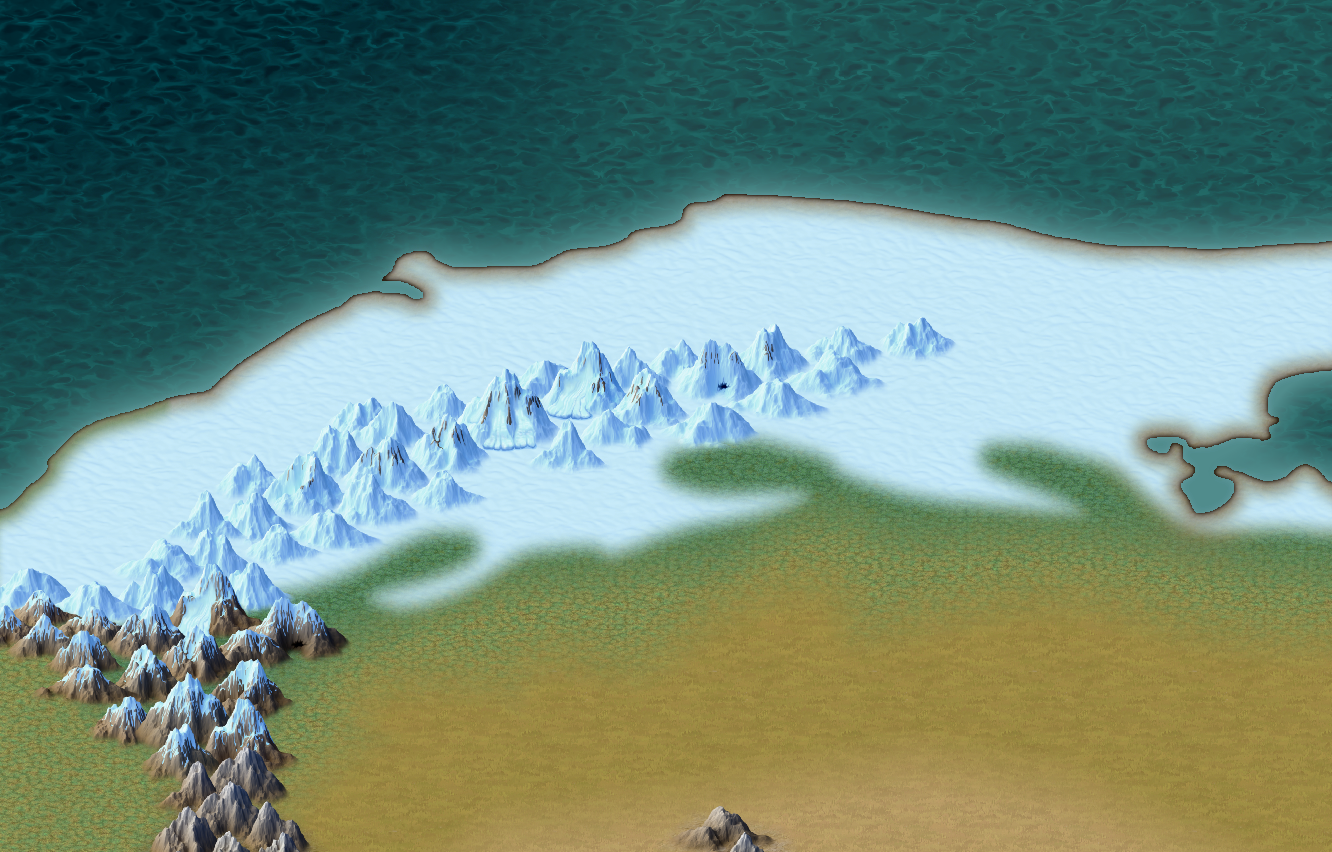
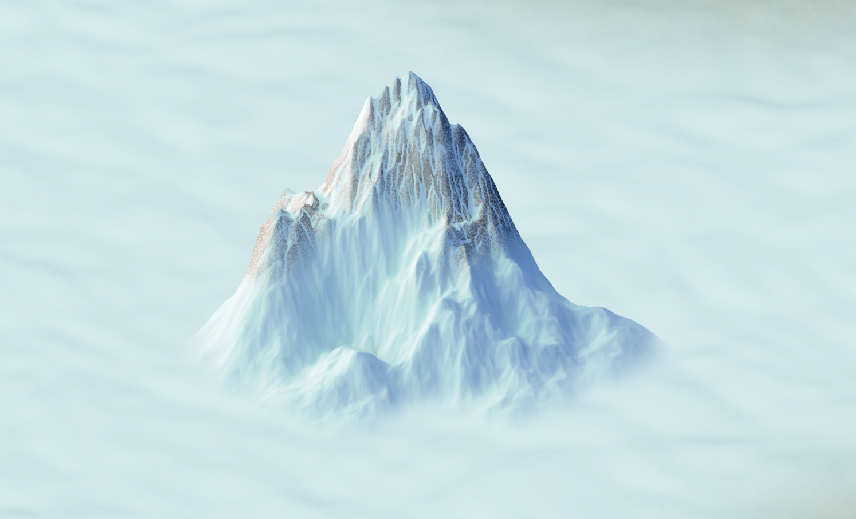
I've been playing around with the colour of the snow, and the way the arctic mountains are presented. Does this look better?






-
CC4 Overland Development Thread
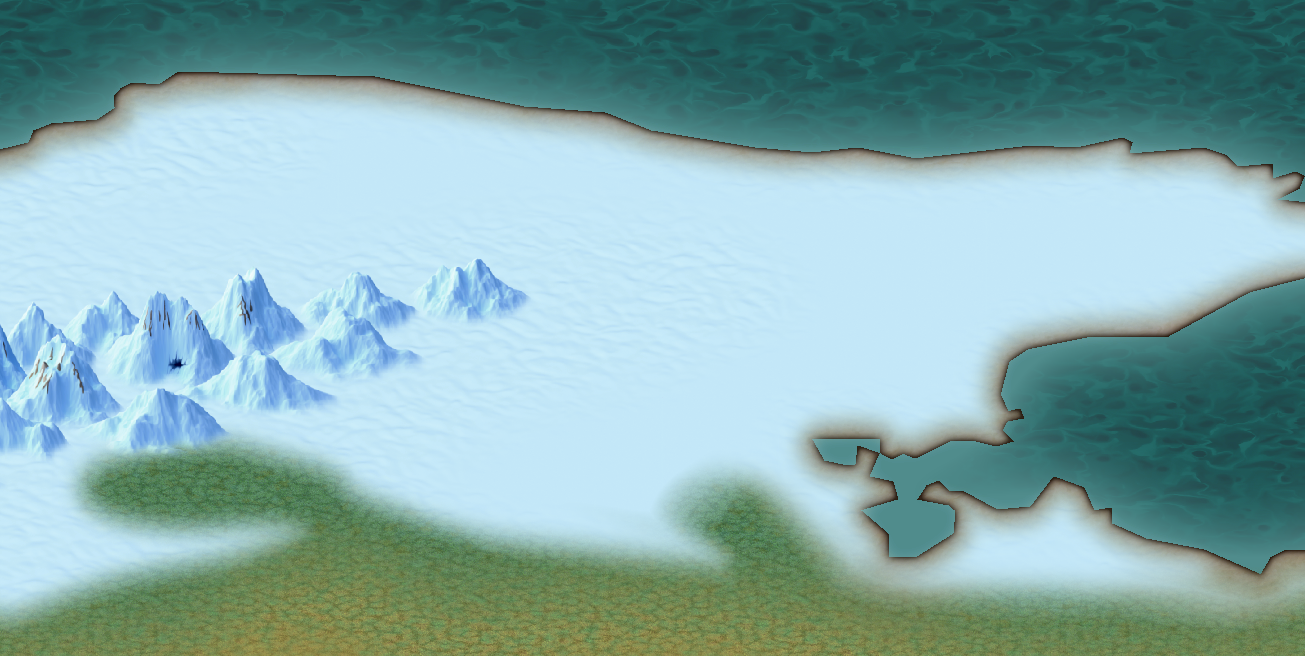
I'm working on a slightly better one than the old wavy pattern, but when I say working on it I'm not sure yet what it will look like.
At the moment it's just a flat colour.
-
CC4 Overland Development Thread
Is this enough texture? There will be hills too, and other fills to mix with it.
Yes, the mountains are now looking a bit too blue, but I'll sort that out as I add more protruding rocky bits.