


Loopysue
Loopysue
About
- Username
- Loopysue
- Joined
- Visits
- 10,416
- Last Active
- Roles
- Member, ProFantasy
- Points
- 10,161
- Birthday
- June 29, 1966
- Location
- Dorset, England, UK
- Real Name
- Sue Daniel (aka 'Mouse')
- Rank
- Cartographer
- Badges
- 27
Latest Images



-
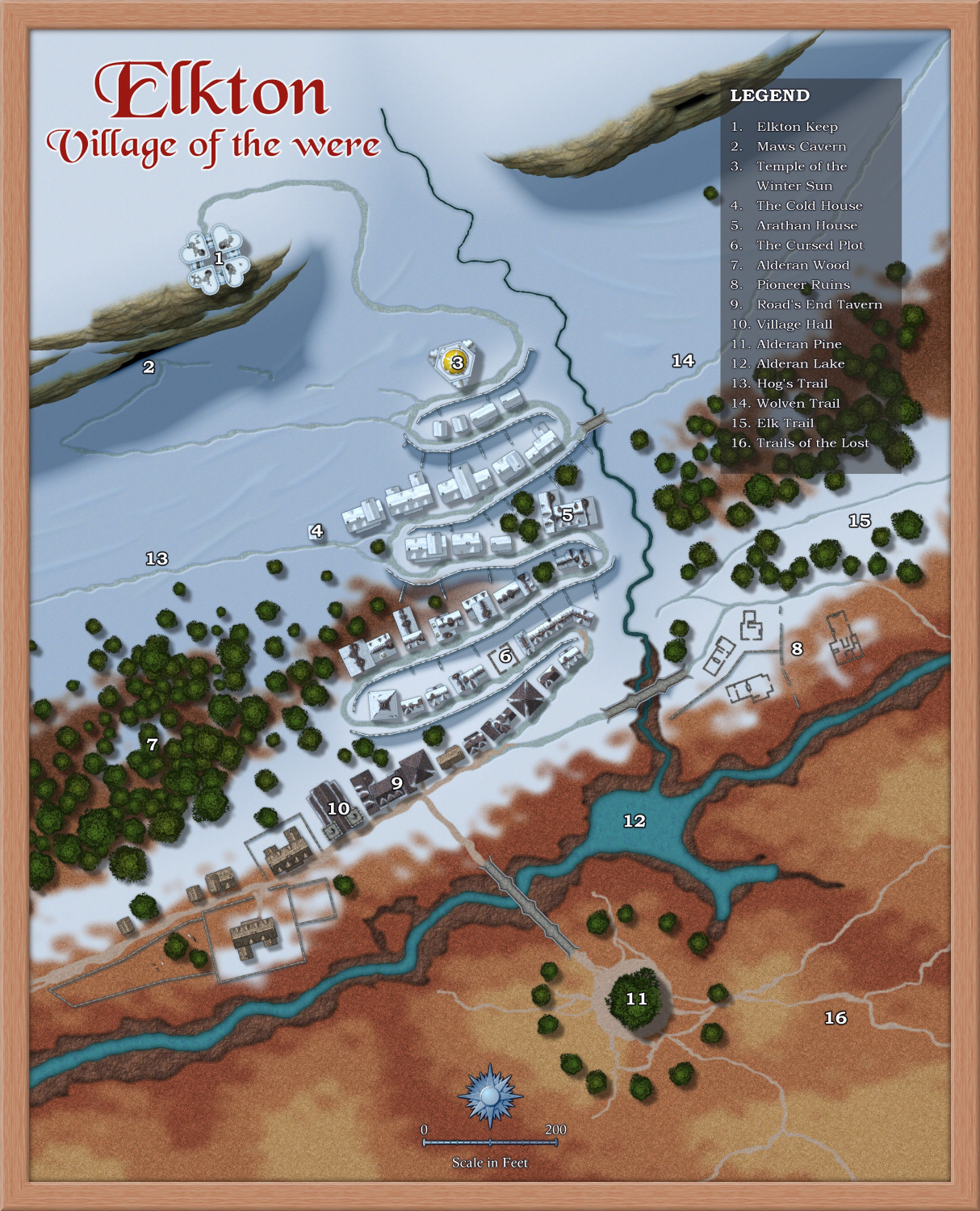
[WIP] 1000th Map Competition: Elkton, Alarius North Central
Do we have axial tilt and high/low solstice suns?
It affects the naming of the temple at the top of the terraces.
I think I'm more or less finished here, apart from the story. Shout if the labels are too tiny or not easy to see, or if you think I've done something wrong.


-
Invisible entities outside of map on TEMPLATE layer
Your welcome. It's not often I beat Wyvern to it, but I'm quite impressed with myself for doing it with only 2 fingers on an iPad virtual keyboard!



-
OSR Hex Map W.I.P.
I think you should do what you want to do.
If you are anything like me, I start something, then realise I should have done it some other way, restart it the other way, then realise it was better the first time around and go back to it. The best things happen by trial and error.
-
Live Mapping: Satellite Streets
Hi Everyone! :D
In this week's Live Mapping session Ralf will be trying out the latest Cartographer's Annual issue (November 2024) with the Satellite Streets style.
Come along and join us live on Youtube to join in the chat here:
https://www.youtube.com/watch?v=uJ4g_hhSgGU
Or you can watch it here later if you wish.


-
Disappearing polygons in Pencil Sketch annual
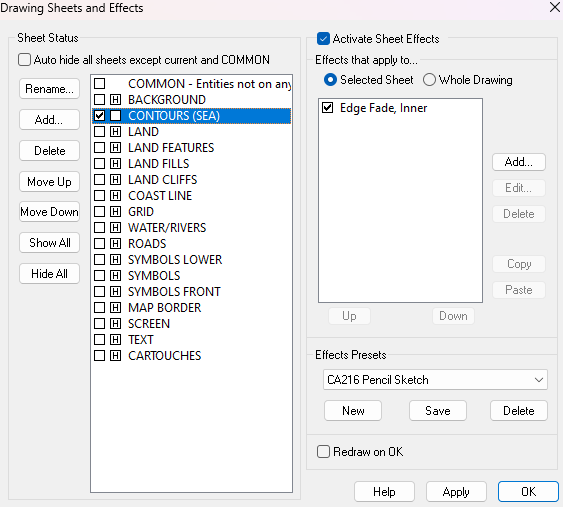
The sea tools draw on the CONTOURS (SEA) sheet, and are therefore hidden by the land.
You can find the ones you've already drawn by hiding all the other sheets, so you can use the Change Properties tool on them to move them to the WATER/RIVERS sheet.
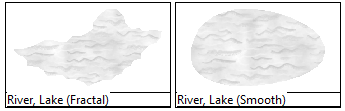
There are better tools to use to draw more rivers and lakes in the future. Try using one of these two.

-
Creating large cities without crashing
The two level mapping is probably the best idea.
You can (if you don't find it too awkward constantly hiding and showing different layers) do largish cities in one map by putting each district on it's own layer and only having the layers you are working on visible.

-
Birdseye Continental - style development thread
Yes, things are a bit minimal at the moment, but you are largely correct. This will be more of a large region scale... I think.
However, the suggestions made do still shape the decisions I have to make about what to try for ;)
I still think the castles idea would be much better done as a city style, where you can see such details as differences between 2 castles. However, since this is a top view style there's no reason you can't combine structure symbols to make mega cities.
At the moment I'm working on the textures. They always come first, no matter what style I'm working on.
This is a prototype grassland fill. The trick is to get it textured enough to look like what it's supposed to be, but not so detailed that it becomes a fizzing mash of dots. It has to be a suggestion of grass, rather than the grass itself.
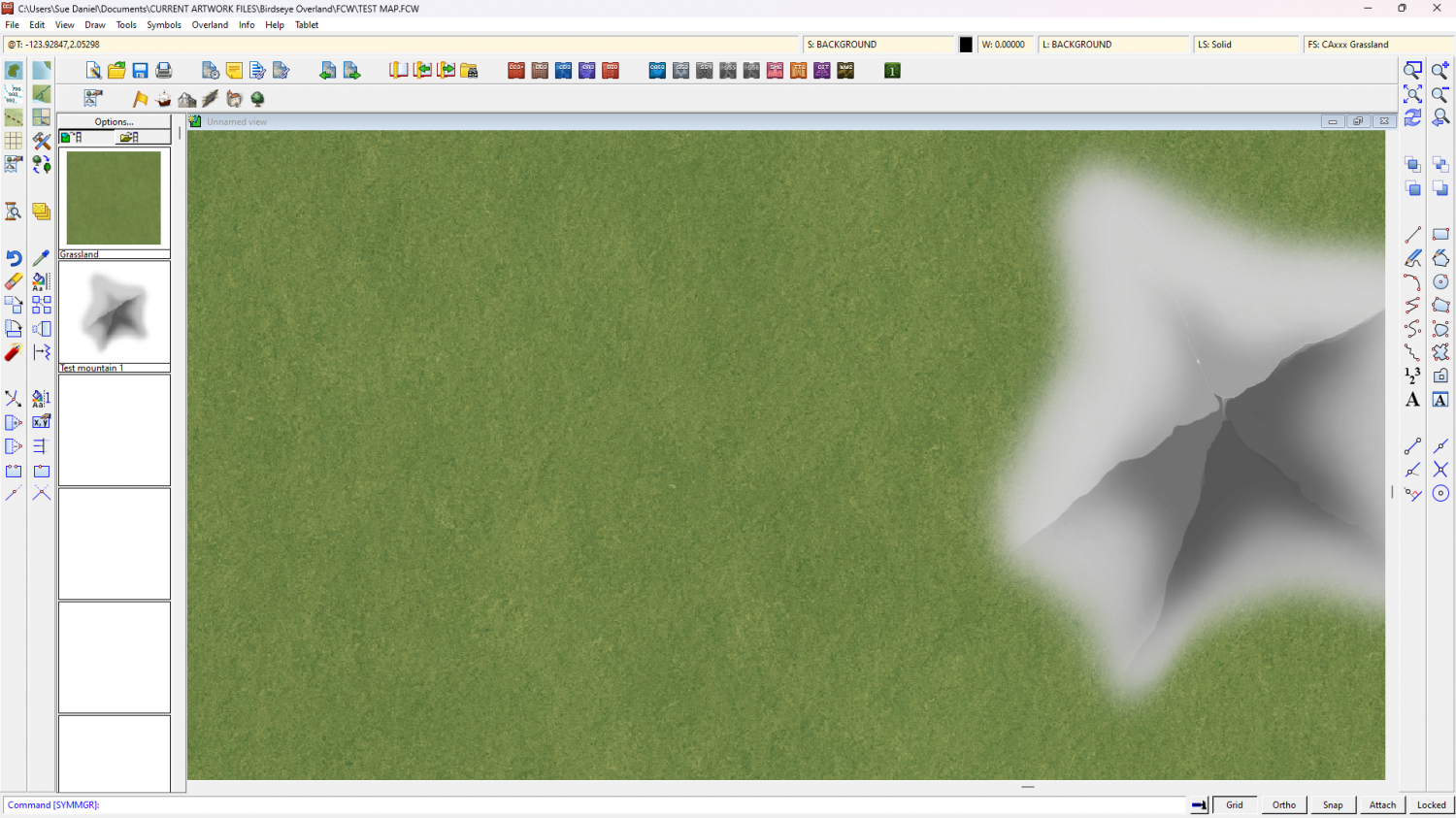
Remember the test mountain is the size of a mountain.
-
Birdseye Continental - style development thread
If course. I was already considering it - to keep that supervolcano-sized lava flow under control.
-
Live Mapping: Ancient Realms Revisited
In the first livestream of the year Ralf will be showing off the Cartographer's Annual January Issue's overland style "Ancient Realms Revisited".
Come and join the live chat and ask questions or make suggestions on Youtube.
Or if you prefer you can watch it here on the forum*.
*There's no live chat on the forum.
-
Birdseye Continental - style development thread
Wyvern - I was just thinking about the ridges. I put the mountain shape on the hill shape sheet instead, which has a much softer blur.
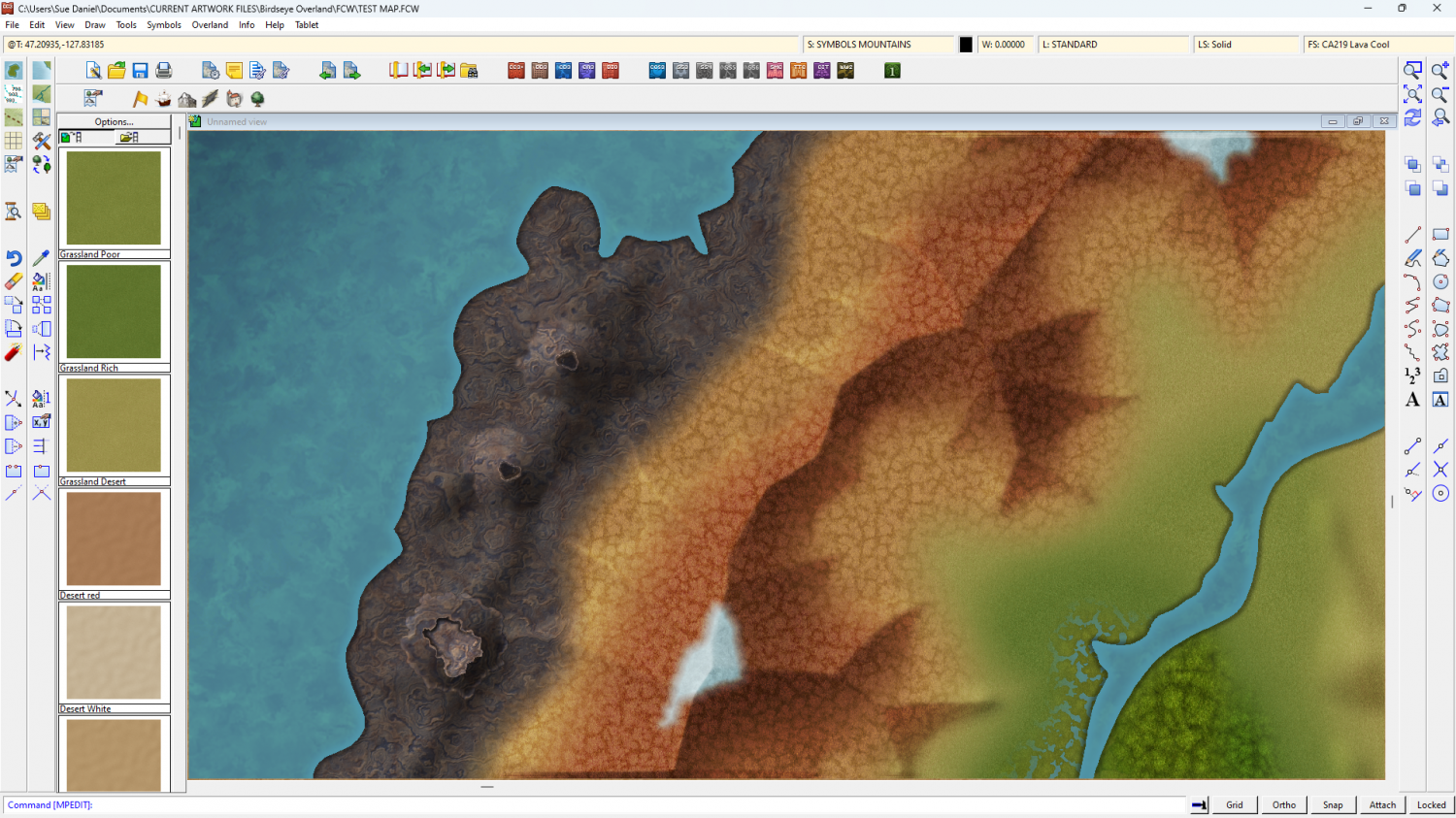
There will be a range of volcanoes to play with - most of them smaller than these. These are supervolcano size.
Calibre - That's a shame. I wouldn't change it too much - the volcano symbols won't match. But on the bright side, these are mapped symbols, so as long as you have them on a sheet of their own you can use colour changing sheet effects on them too.

