Loopysue
Loopysue
About
- Username
- Loopysue
- Joined
- Visits
- 10,416
- Last Active
- Roles
- Member, ProFantasy
- Points
- 10,161
- Birthday
- June 29, 1966
- Location
- Dorset, England, UK
- Real Name
- Sue Daniel (aka 'Mouse')
- Rank
- Cartographer
- Badges
- 27
Latest Images



-
Do I have to use FaceBook to access community content?
But I'll let you into a secret. The real techs are here. I always seem to be telling people to come to the forum because I can't solve the problem myself on FB.


-
Mapping Europe 1790s
For the first point - was the original a CC3 map? If it wasn't then you won't find the style ready made somewhere in our stock of styles.
However, you have accurately surmised that it wouldn't be too difficult to make something similar. That would mean picking and mixing different elements of different styles, like for instance using the tree symbols from 'CC3 Mike Schley Inks Overland' and creating drawing tools for the rest of the aspects.
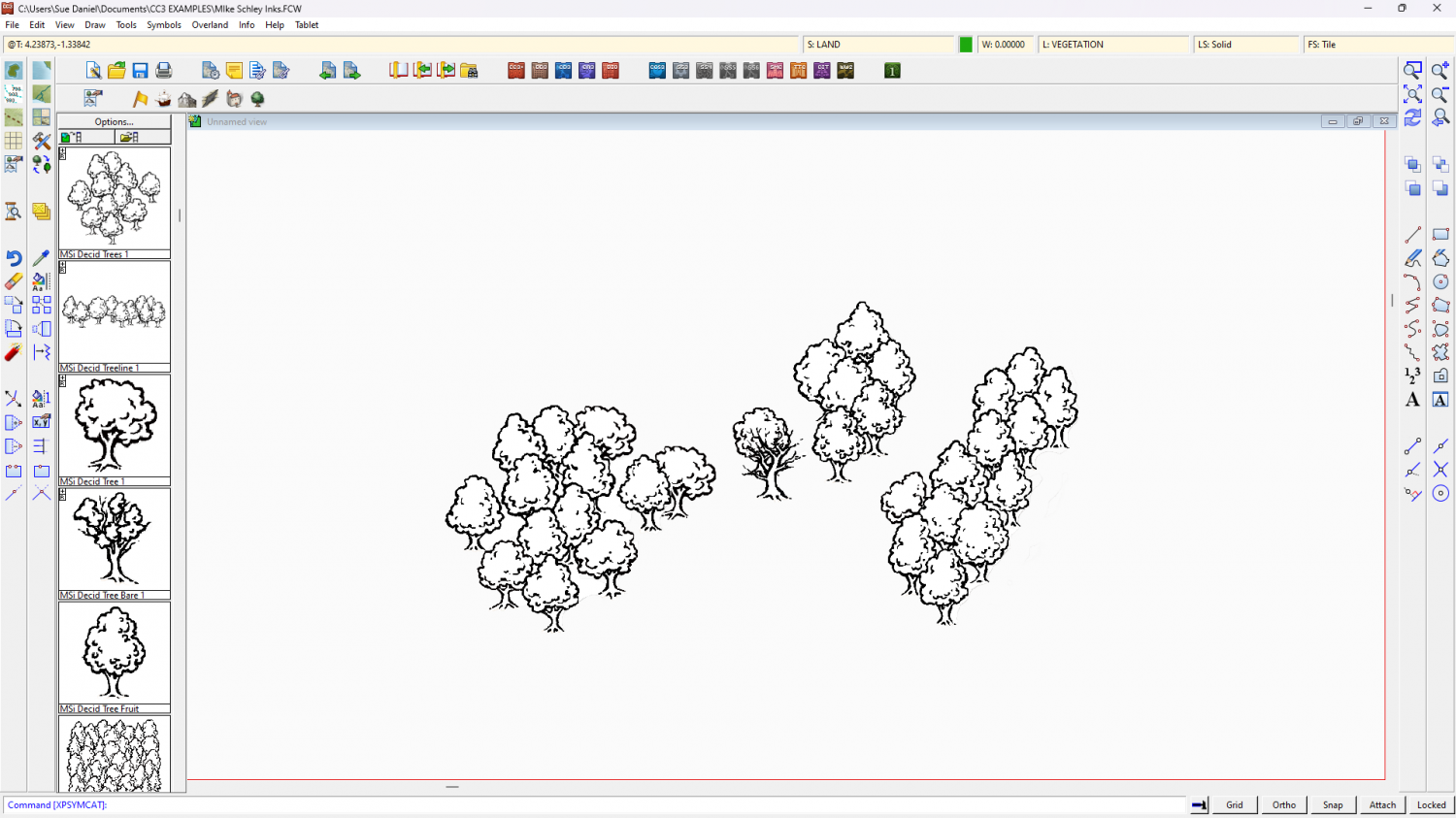
The only thing you might find a bit difficult to emulate is the dotty fill. The rest is more a matter of setting up the correct line styles and making drawing tools for them.
On the final point - are these maps copyright by the artist? That's not a problem if you create your own for personal use, but paying someone else to copy them may be a problem if you haven't got permission to reproduce them from the artist.

-
Lair of the Barrow King - WiP
Try searching the Symbols folder for things like "Skeleton", "Bone", and "Corpse".
When you find some these will be the PNG files. What you need is the corresponding catalogue file for that folder of PNGs, which is usually in the same main folder the PNG folder is in.

-
The Cartographer's Vault Humble Bundle
CA132 is the February issue of the 2018 annual, called "Dungeon Walls". Does this look like the style you have things missing in?
EDIT: Oh, sorry! I couldn't see Quenten's answer when I did this one, even though it was hours before.

-
The Cartographer's Vault Humble Bundle
Hello TakoTsubo :)
The maps cover a huge range of styles. Red X's are where you don't have the symbols for the map. They are placeholders. This is why there is also a high resolution bitmap export of all the CC3+ maps, so that people who see red Xs can still have and use the maps even if they don't have all the styles.
The City and Dungeon menus and tools were added to the core app a couple of years ago along with a city style and a dungeon style to make it possible for people to draw basic cities and dungeons even if they don't have CD3 or DD3. So those are normal for CC3 these days.
-
[WIP] Recreating Thedas
To create a new sheet just hit the Add... button on the left of the sheet list in the Sheets and Effects dialog. Then move it up or down the list to the best position.
To copy the sheet effects across from the existing LAND FEATURES sheet, pick the existing sheet and select the effects in the right panel, then hit the Copy button to the right of that panel. Select the new sheet and hit the Paste button.
You can move polygons or symbols to other sheets a number of different ways. I use the Change Properties tool as the fastest way, but you can also use Move to Sheet in the right click menu of either the Display Speed Settings button, or the Sheets and Effects button.

-
Live Mapping: Napoleonic Battles
Hi Everyone :)
In tomorrow's Live Mapping Session Ralf will be mapping a rank and file Napoleonic-era battle, based on the Napoleonic Battle Maps style from the Cartographer's Annual Vol 3.
Come along and join in the fun, or watch later :)


-
Cannot delete layer
If you can't get rid of the layer is it really worth scrapping everything to start all over again?
Layers aren't anywhere near as important as sheets. Most of the time I completely ignore them.


-
Live Mapping: Landform Overland Maps
Hi Everyone! :D
In this week's live mapping session Ralf will be taking a look at an old Annual issue, inspired by the cartography of Erwin Raisz.
Come along and join in the live chat here on YouTube:
https://www.youtube.com/watch?v=-zZGWKT2pN4
Or watch it here on the forum (ps. there's no live chat right here)
-
Sinister Sewers - Style Development Thread (CA207)
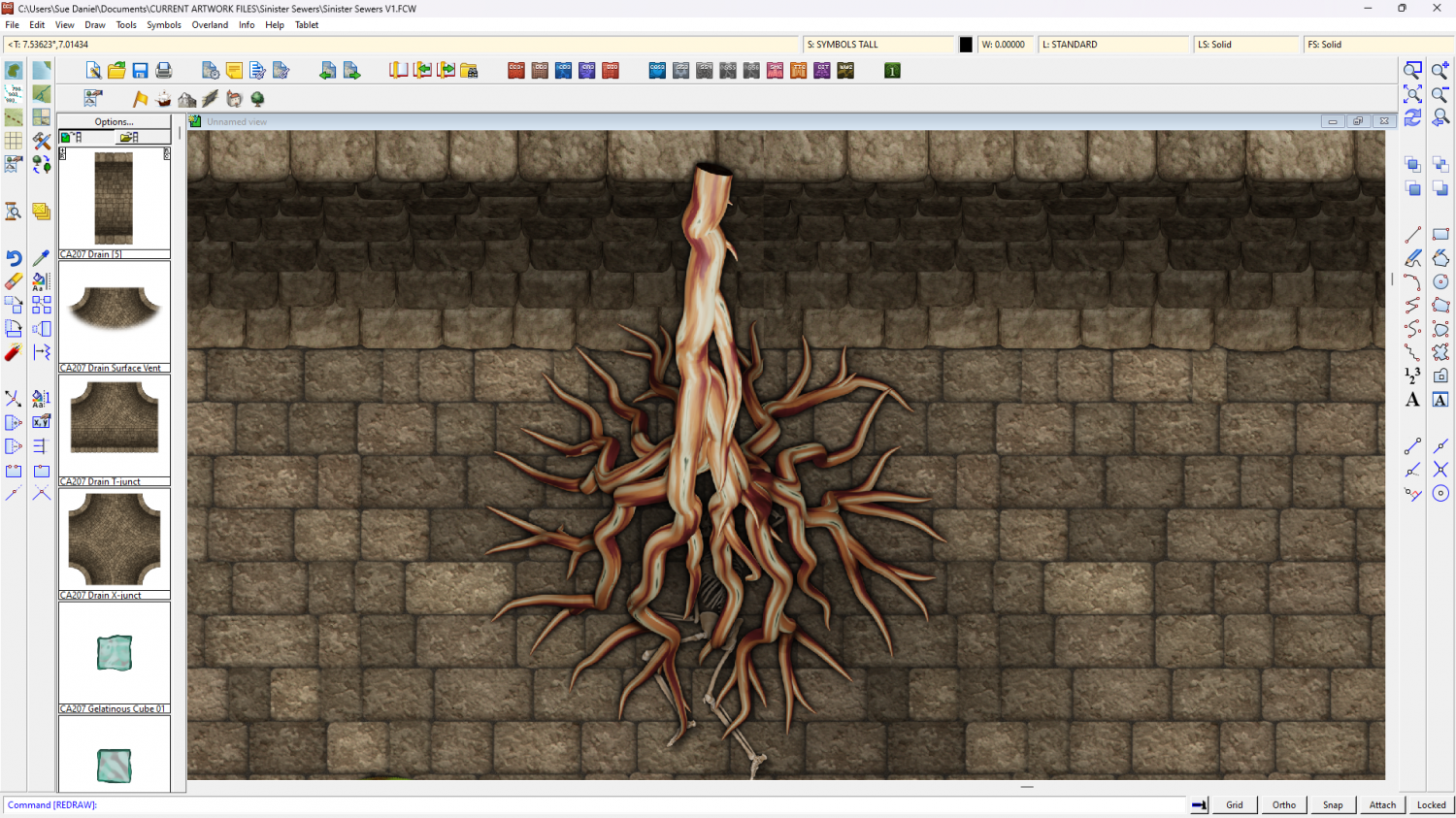
Should the top end of a carnivorous root be blunt and black in section like a pillar, fade out, or something else?