Loopysue
Loopysue
About
- Username
- Loopysue
- Joined
- Visits
- 10,415
- Last Active
- Roles
- Member, ProFantasy
- Points
- 10,161
- Birthday
- June 29, 1966
- Location
- Dorset, England, UK
- Real Name
- Sue Daniel (aka 'Mouse')
- Rank
- Cartographer
- Badges
- 27
Latest Images



-
Budapest
Another work of art, Ricko :)
If I might suggest something, though, it would be to use a related but more simplified font for the legend. Very ornate text can sometimes be a bit difficult to read when it is all packed together like that.



-
The Creepy Crypt project
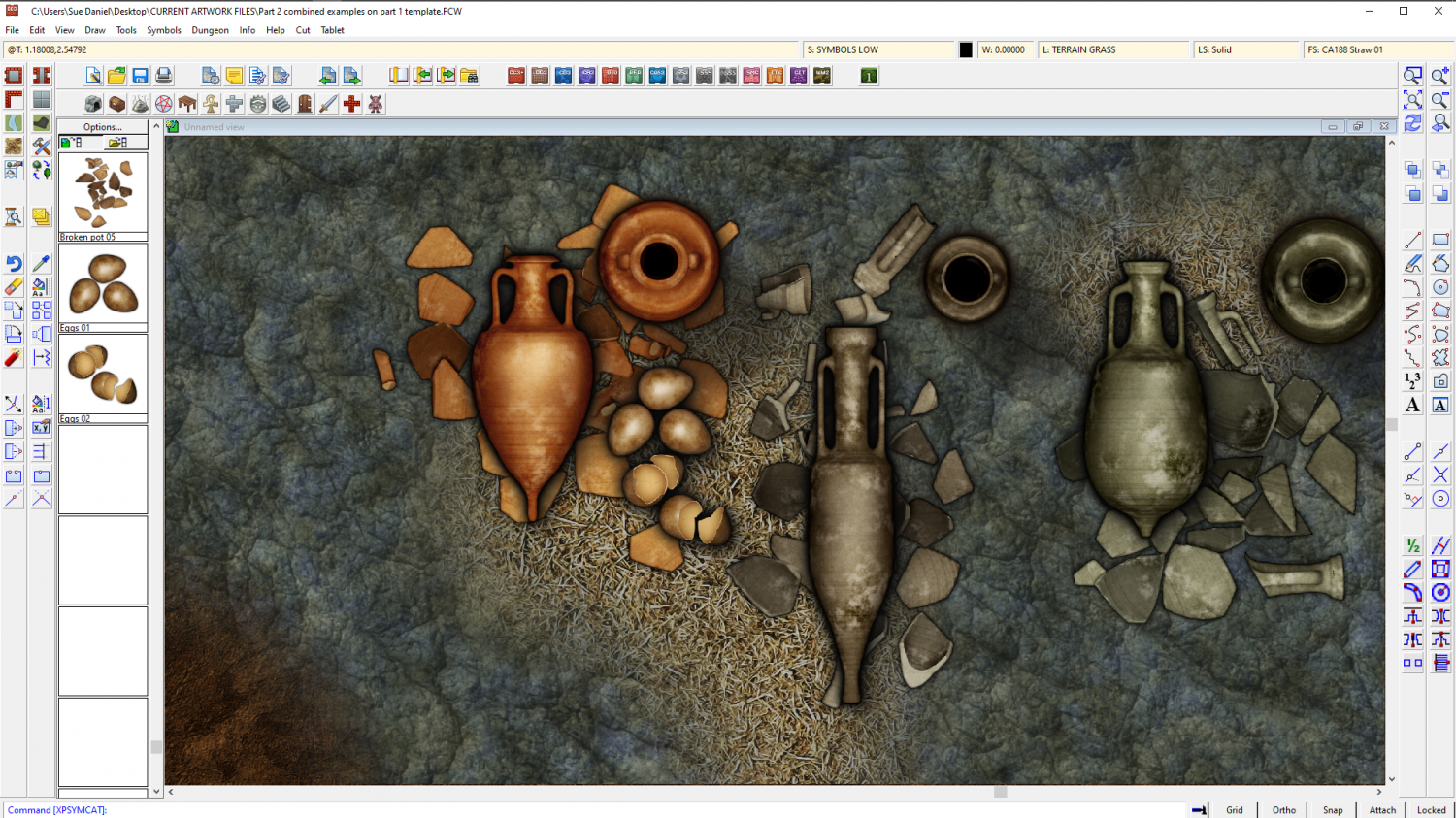
I imported them at 200 px per map unit, so you can make them larger if you want, but I think they might be a bit obvious at full size if you are trying to hide them among the fragments. Full size would be if you want them to be noticed straight away.

-
Duskwood Manor - A Village Scale Mood Piece
I think it looks pretty good :)
You can change the colour of the cliffs using either an Adjust Hue/Saturation or Colorize sheet effect on that sheet. While these effects don't normally work with symbols they will with the cliffs because the cliffs have map files.

-
I Lost My Screen Border that Hides Symbols and Land/Terrain Fills
You're welcome :)
All I did was draw the white polygon. That's the only difference. I figured that I could sort the sheets into a more logical order for you, but I decided not to mess with them, because my logical order probably won't be the same as your logical order.
If you want to make the screen broader I recommend temporarily changing the view window colour to something other than white so that you can see what you're doing. Go to View->View Window Color and pick it.
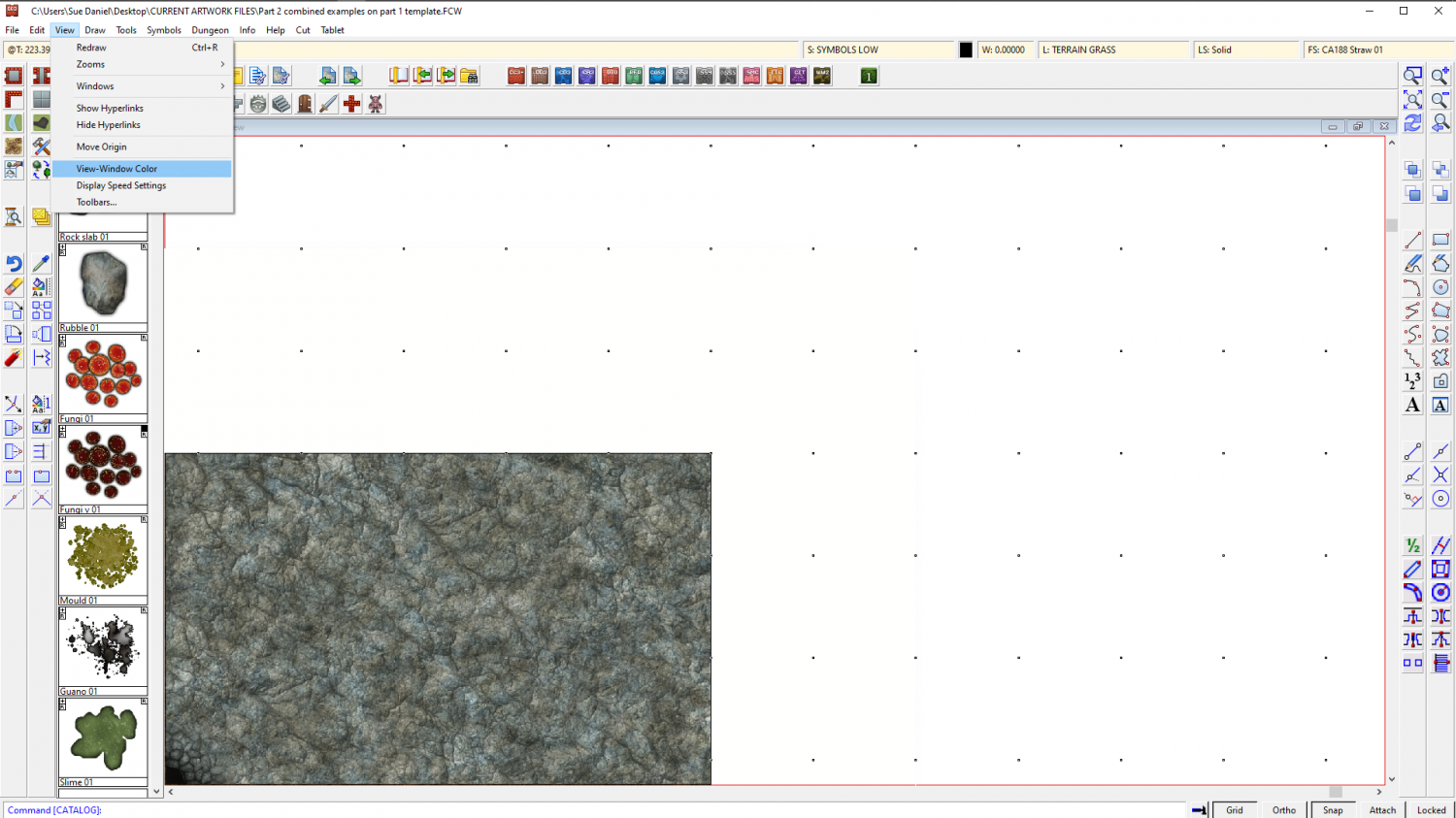
Look at the command line and it will say:
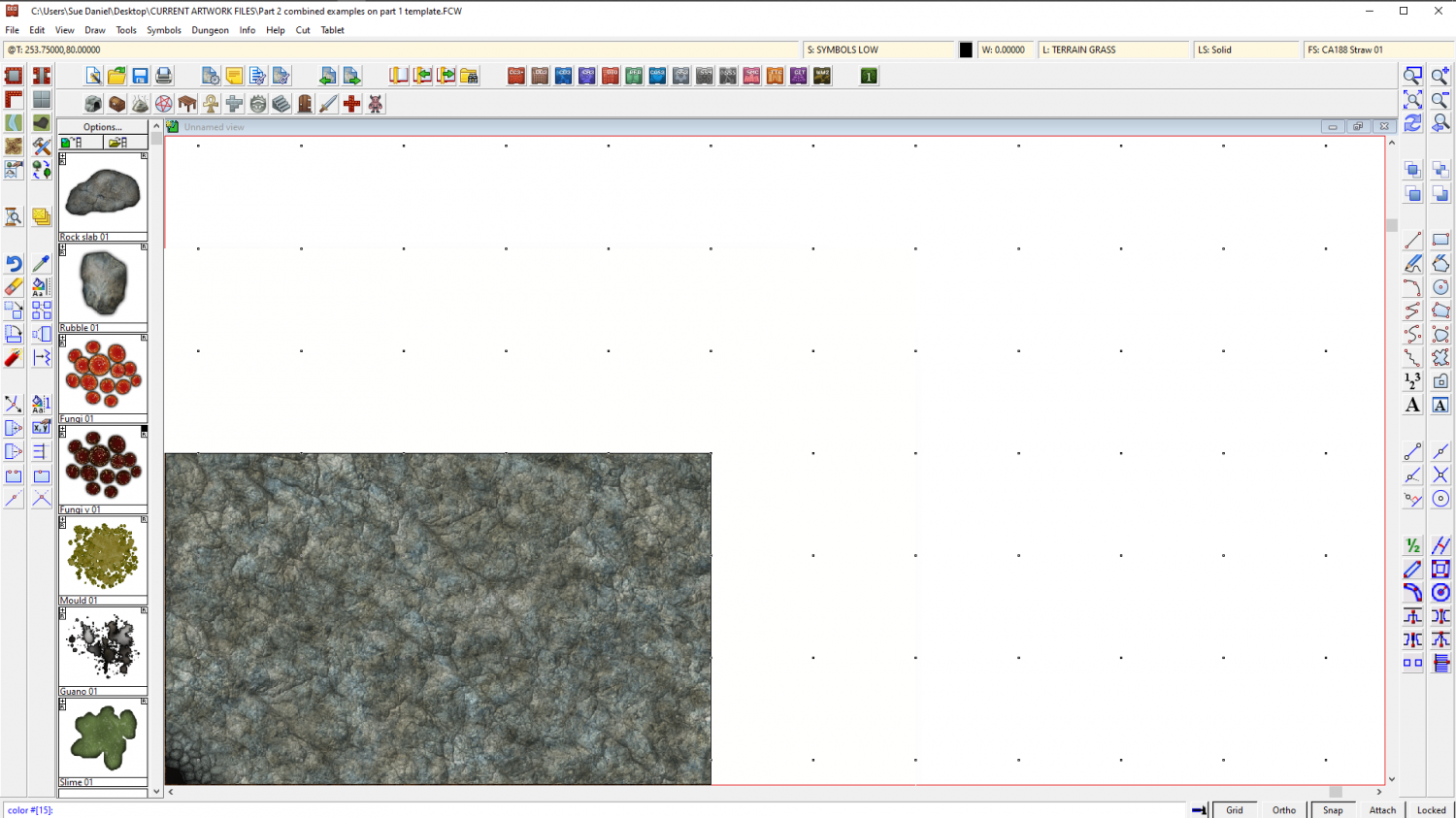
"color #[15]:"
That's white. Remember that so you can go back to it.
Type 0 (zero) and hit enter. That will turn your view window black, so that you can see the white polygon on the SCREEN sheet.
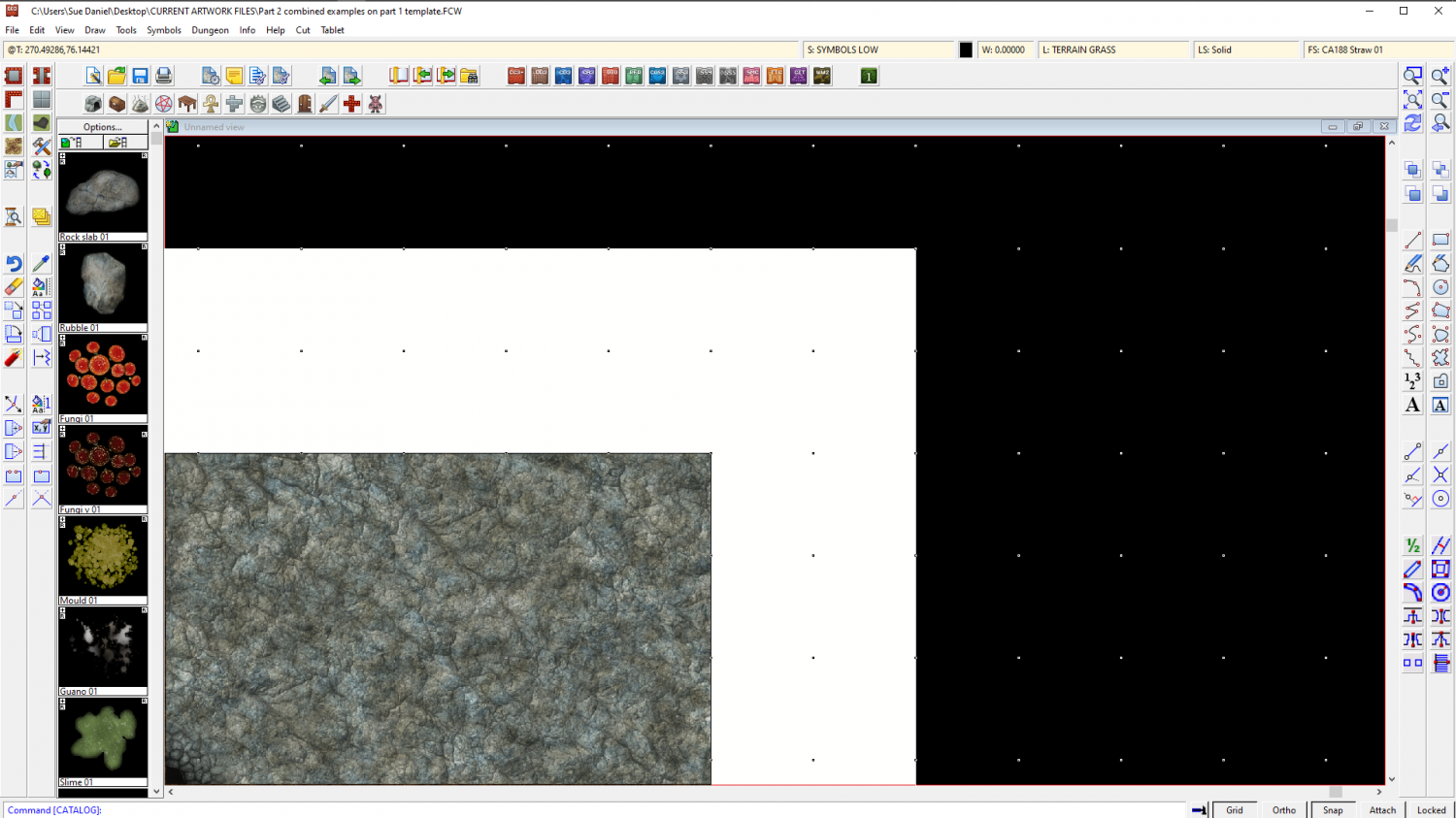
Now that you can see it you can use the node move tool to pick the corners and move them outward to wherever you want them to be. Turn snap on and you can have everything neat and tidy.
I don't recommend using huge fat wide screens because if you zoom to extents you will get an awfully wide swathe of white space and your map will be tiny. It may be worth the time and effort of editing that one piece that sticks out to tuck it under the existing screen.
When you have finished adjusting the screen you can change the view window colour back to white the same way that you turned it black.
-
Asian Town Housing Keeps Crashing
Asian Town
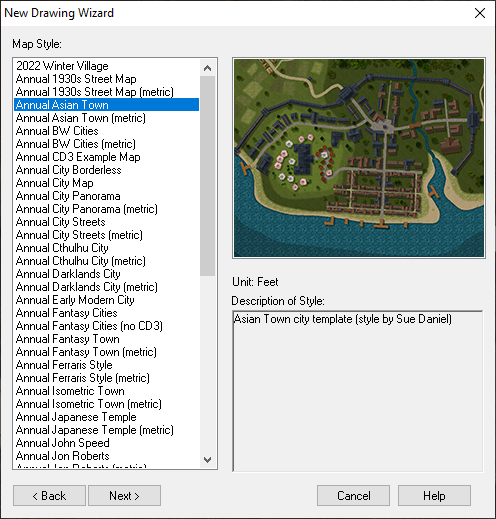
If you try to use the House tool to draw a long thin building it crashes every time.
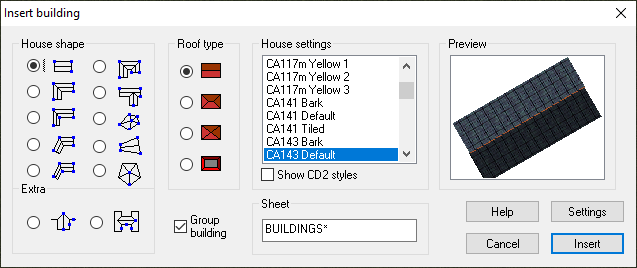
Here is an FCW showing at what point the crash happens. (I saved after each successively longer building and attached the file once it crashed).
The limit seems to be somewhere around 120 feet long.
The reason such very long buildings are quite likely to be drawn is that the Mapping Guide indicates using them to draw the city walls. I noticed that the example map for that style has a building that is 175 feet long. I was trying to separate it out from the rest of the wall to take a screen shot of it with a result of the Distance tool to show you, when moving it caused a crash. Maybe it is something that has happened since the publication of Asian Town in November 2018?
![[Deleted User]](https://secure.gravatar.com/avatar/c75d9a245b74d9c59be0999ea81ca541/?default=https%3A%2F%2Fvanillicon.com%2F92add7f8c954488718110edc4896ad39_200.png&rating=g&size=200)
-
Commission WIP!
That's a good idea, Quenten.
@jmabbott I would put a modified selection in front of them made up of all the ones you think would be more suitable, and explain the problem with using a more detailed style printed so tiny.
-
Live Mapping: Creepy Crypts
Hi everyone! :)
Ralf's back from a distant and slightly soggy holiday in the Outer Hebrides, and ready to take on another Live Mapping session. This week he will be demonstrating the Creepy Crypts style from the June Annual issue.
Come along and join in the fun! :)

-
Commission WIP!
I think that is a wise choice, though it might be an idea to get an ok from the customer before you go too much further.
Just one suggestion about the map right now is to reduce the shadow from that cliff quite a bit - length, depth and blur the edge more. It looks a bit like a floating island at the moment. If you want to keep the length, then make it not so dark and give it more blur.
-
Live Mapping: Island Chains
Hi Everyone! :D
Tomorrow's Live Mapping session will be a demonstration of the new July issue of the current Cartographer's Annual, Island Chains.
If you want to watch it right here:
If you would prefer to watch it on YouTube and join in with the live chat:
https://www.youtube.com/watch?v=AFP6aiwwkzc
Come along and join in the fun! :)

-
importing pngs with different origins
That sounds like a really complicated operation.
What about consolidating all those tiny bits and pieces into larger png images in GIMP or some other bitmap app, and then importing the fully formed symbols as single entities?
Anyway...
If you want just one image to have a different origin import them all with the origin that is right for the majority, and then edit the one that needs a different origin from the Symbol Manager. Use View->Move origin to pick the new origin position while you are editing the symbol in the edit window.
Alternatively, you could just move that one symbol into a subfolder within the main one and import it on it's own with a different import origin.