Loopysue
Loopysue
About
- Username
- Loopysue
- Joined
- Visits
- 10,411
- Last Active
- Roles
- Member, ProFantasy
- Points
- 10,161
- Birthday
- June 29, 1966
- Location
- Dorset, England, UK
- Real Name
- Sue Daniel (aka 'Mouse')
- Rank
- Cartographer
- Badges
- 27
Latest Images



-
CC4 Overland Development Thread
The forest grew back faster? I wonder if that might have something to do with a very abrupt cull of browsing animals, increased light at ground level for germinating seeds, and a slight enrichment of the soils?
-
Altitude colors
That's how I did it when I wrote The One Day Wordlbuilder, but I'm sure there are better ways even than that.

-
Too early for a CC4 wishlist thread, or is it timely?
The majority of us use a mouse because it's actually easier than using a drawing tablet. I have a perfectly good large Intuos Pro, but I never use it with CC3 because mouse is better.
However, I get what you are saying since there are users who cannot use a mouse, though I am out of my depth regarding any kind of alternatives - not being a coder myself.

-
Distance
This thread might help

-
Using Mike Schley symbols
That would be this one?

-
Numbers Don't Appear on Dungeon Map
If you want to add number labels the easiest way is to add text labels using this button: |CC2TEXT|
A dialog will appear, into which you type your number and hit enter. Then the number should appear on your crosshairs to position wherever you want.
While the number is still on your crosshairs you can alter the alignment by hitting keyboard keys as follows:
Horizontal alignment:
- C = centre
- L = left
- R = right
Vertical alignment:
- M = middle
- T = top
- B = bottom
If the number is too large or small, before you place it hold down the CTRL key and move the mouse until it is the right size. Set your size with the first number and stick with that size.
EDIT: Also do as Steven suggests and check that your TEXT sheet is near the bottom of the list of Sheets and Effects.

-
Live Mapping - Dungeon Secrets.. Or Secret Dungeons?
20 minutes :)
-
Escarpment help needed
There hasn't been an update to CC3+ for some time, so an update is an unlikely cause.
I'm not very familiar with the use of the tool, but check that the lines really aren't there - that those which vanish aren't just on a sheet below something else, or aren't just the same colour as the background.

-
Expanding Endless Sea of Ice FR
Have you thought of trying to do this with the Forest Trail cliffs pieces instead?
-
How Can I Draw Real-World Places in Campaign Cartographer?
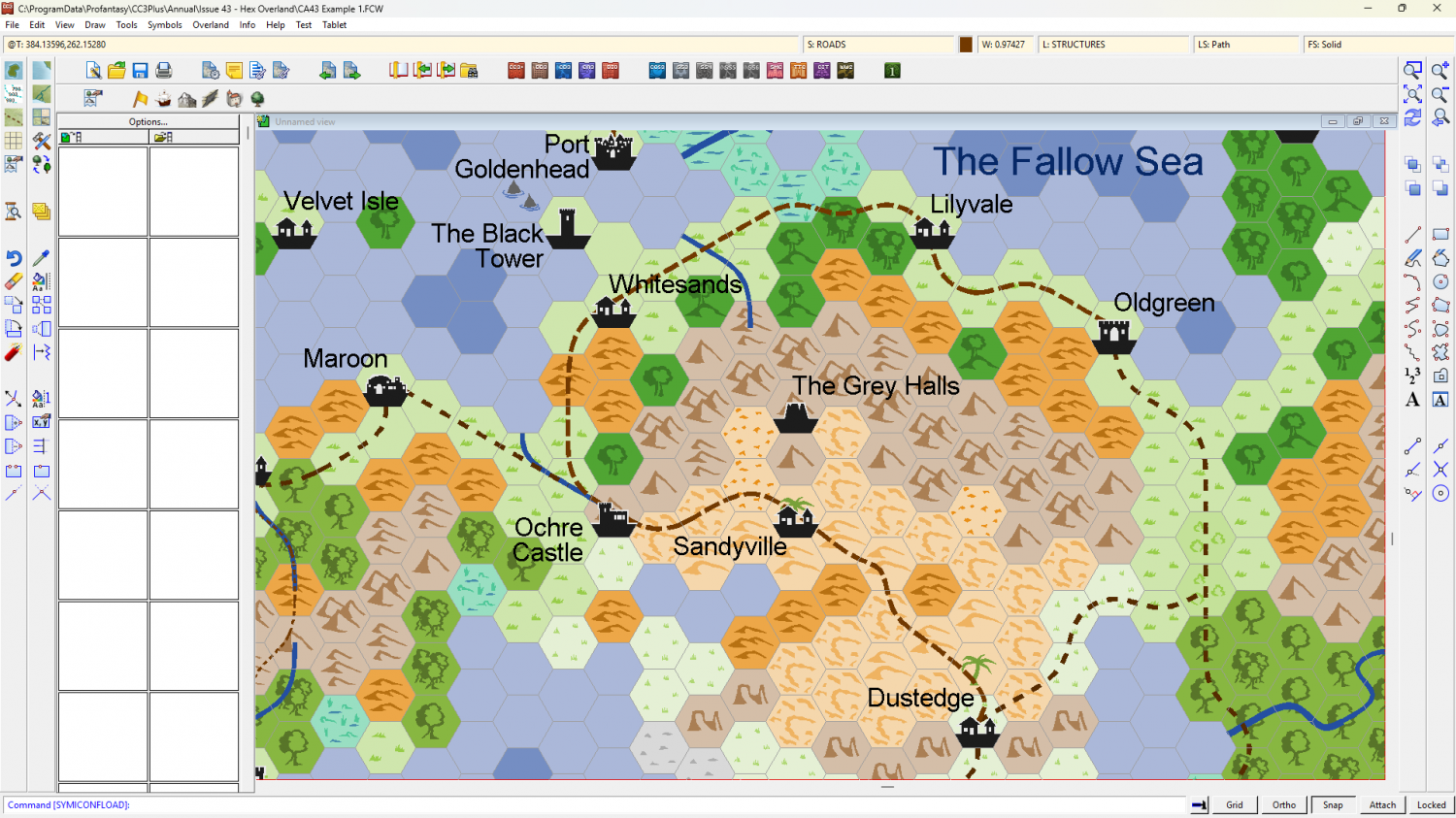
It sounds like you need a hex style where the hexes are ready-built to be placed on a snapping grid, though that might mean the coastlines, rivers, and boundaries, etc. are more hex shaped than you would probably like them to be.
Perhaps something like Hex Overland? It's in the same Cartographer's Annual as the last example I showed you - the 2010 annual, or "Volume 4".
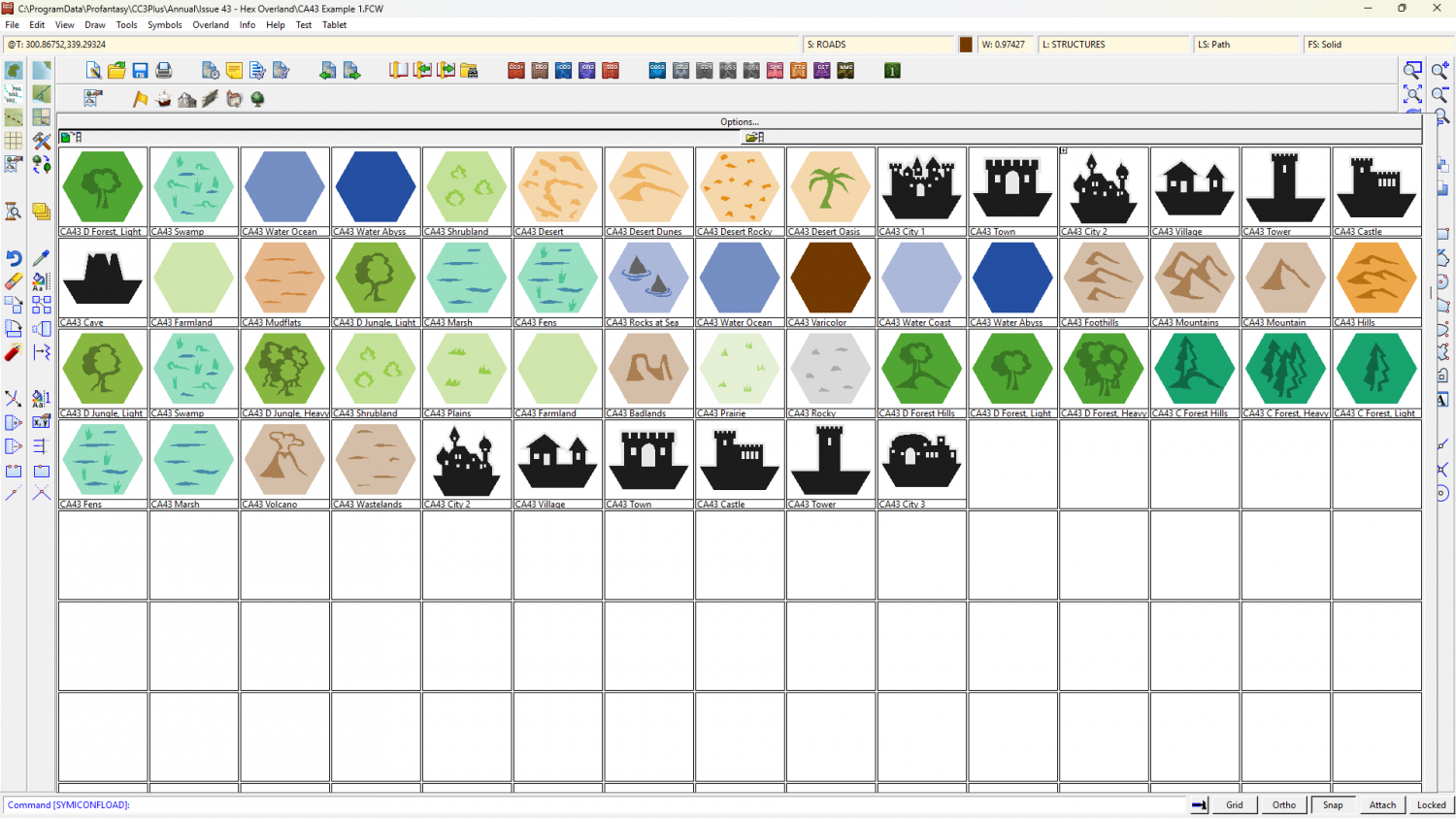
These are the symbols from that style.