Loopysue
Loopysue
About
- Username
- Loopysue
- Joined
- Visits
- 10,354
- Last Active
- Roles
- Member, ProFantasy
- Points
- 10,103
- Birthday
- June 29, 1966
- Location
- Dorset, England, UK
- Real Name
- Sue Daniel (aka 'Mouse')
- Rank
- Cartographer
- Badges
- 27
Latest Images



-
Can I buy styles individually?
That's because nothing is as yet set in concrete.
-
How many times a day does CC3+ crash for you?
If you have an FCW file and a set of instructions that invariably cause a crash that would be worth sending to TS.
-
Live tutorial suggestions
I can't confirm or deny anything at the moment. I'm just the artist in the team, but if you think about the difference between CC3 and CC3+ a full set of tutorial vids for CC3 wouldn't cover half of what CC3+ can do in it's current form. You could update here and there, but it would be piecemeal and possibly slightly confusing as the series jumps between the two versions - no longer as coherent and simple to understand as a complete set of new vids.

-
2023 Annual Install Not Showing Up
I can see from your list of overland styles that the templates that should have been installed when you installed the 2023 annual are missing. They include the 13th Age Revisited style among others. Since you have tried working with our suggestions and they are still missing, please contact Tech Support using the "Ask for Help" form available on the Support tab on your registration page (when you log in to your account on the ProFantasy webpage).
...
The rest of this comment is information that may help when you do get the installer working.
Each annual issue comes with its own PDF mapping guide. When you use the 2023 installer there is an option to open CC3 at the end of the process. If you click yes (the default setting) this file opens.
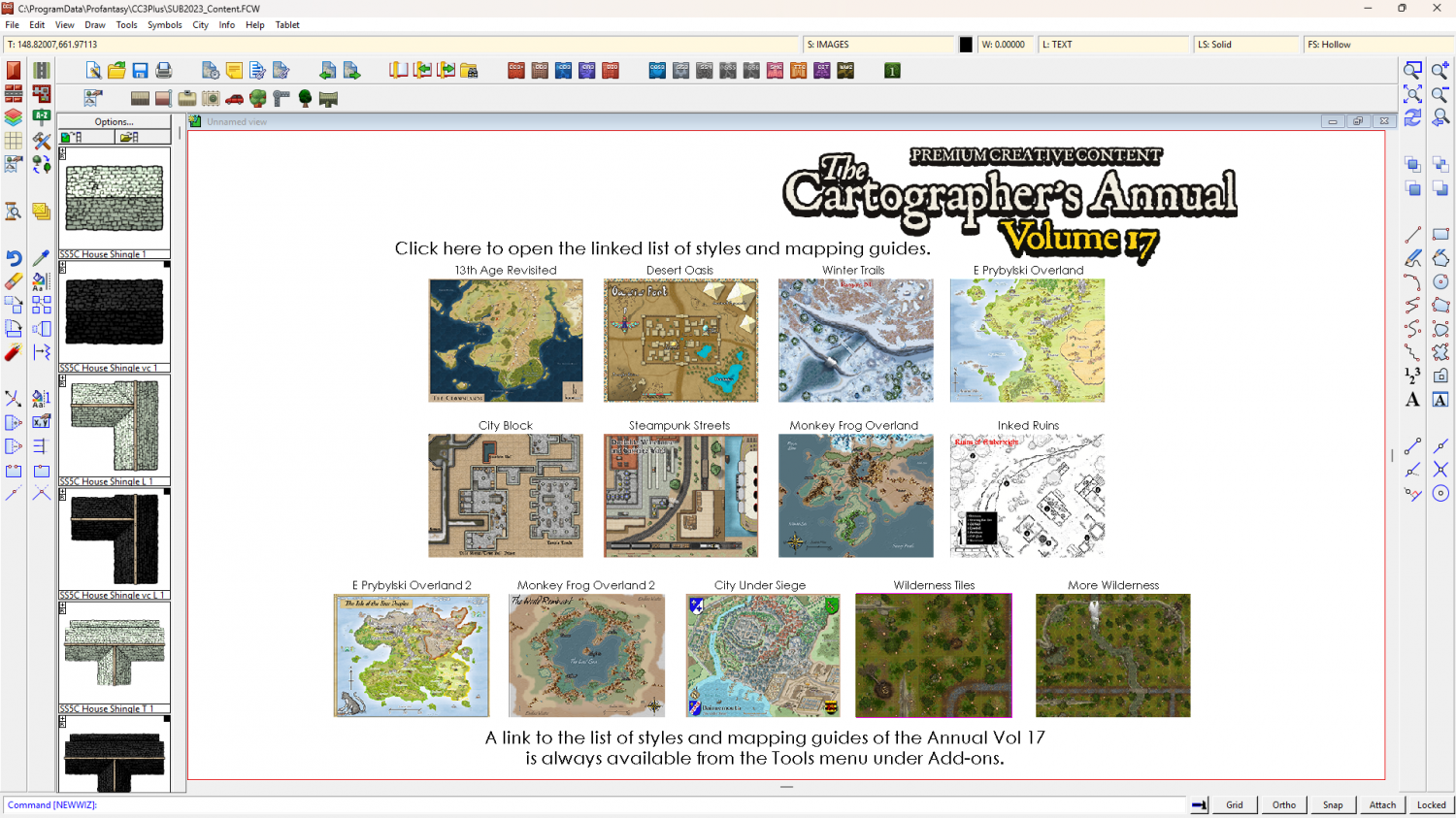
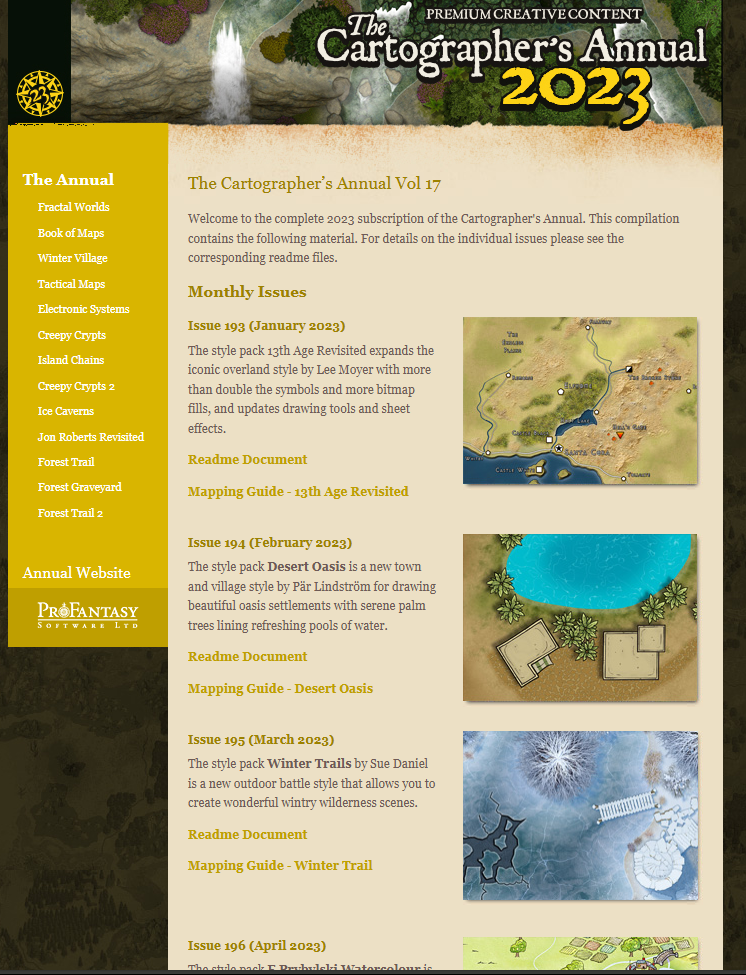
At the top there is a hyperlink to "Click here to open the linked list of styles and mapping guides." If you click that link it takes you to this page, where you can find all the mapping guides listed with the description of each issue in the annual below the Readme Document.
Clicking the first Mapping Guide for 13th Age Revisited will open this pdf (if the installer has worked properly)
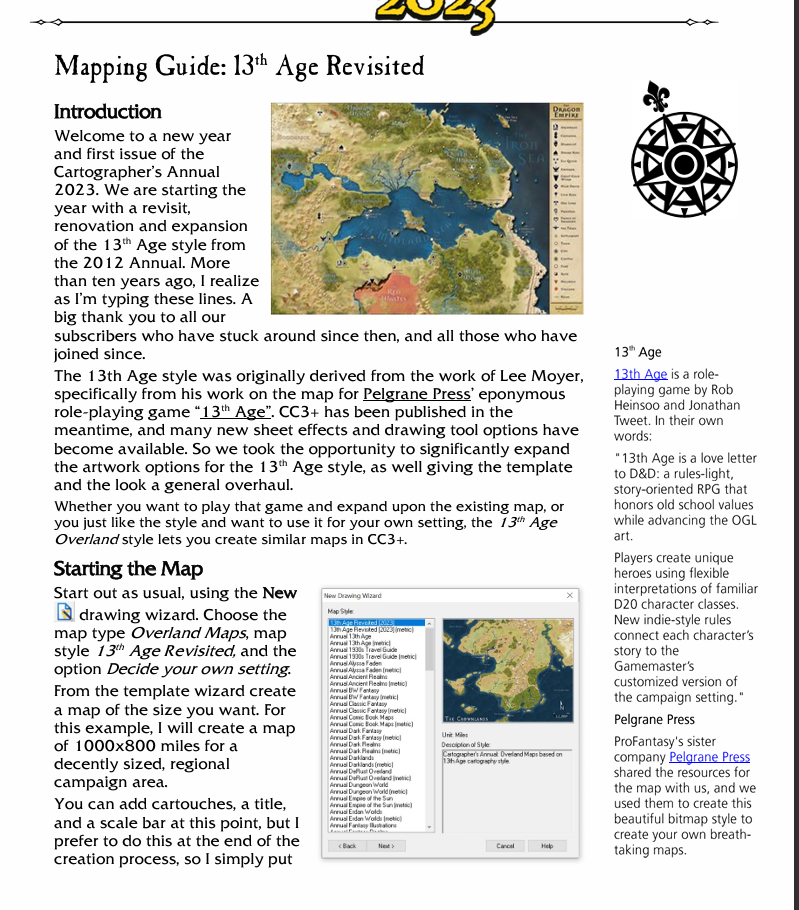
At the bottom of this page you will see a "Starting the Map" paragraph that tells you the settings needed in the New Map Wizard to start a new map of the style (in this case a new 13th Age Revisited map).
-
Live Mapping: The CC3+ Interface
Ok. I got caught out. It's live in 10 minutes.
-
Interesting Political Take on the Mercator Projection
It's likely that ancient cartographers had a tendency to make the country their commissioner was lord over look bigger than it really was. Flattery goes a long way when there's no proof that things are otherwise and you might be executed for making it look smaller than the last cartographer did.
Can't do that today, of course - except by changing the projection. I have always wondered why each country hasn't produced their own hemispherical projection with the heart of their own country at the centre.
-
CC4 Overland Development Thread
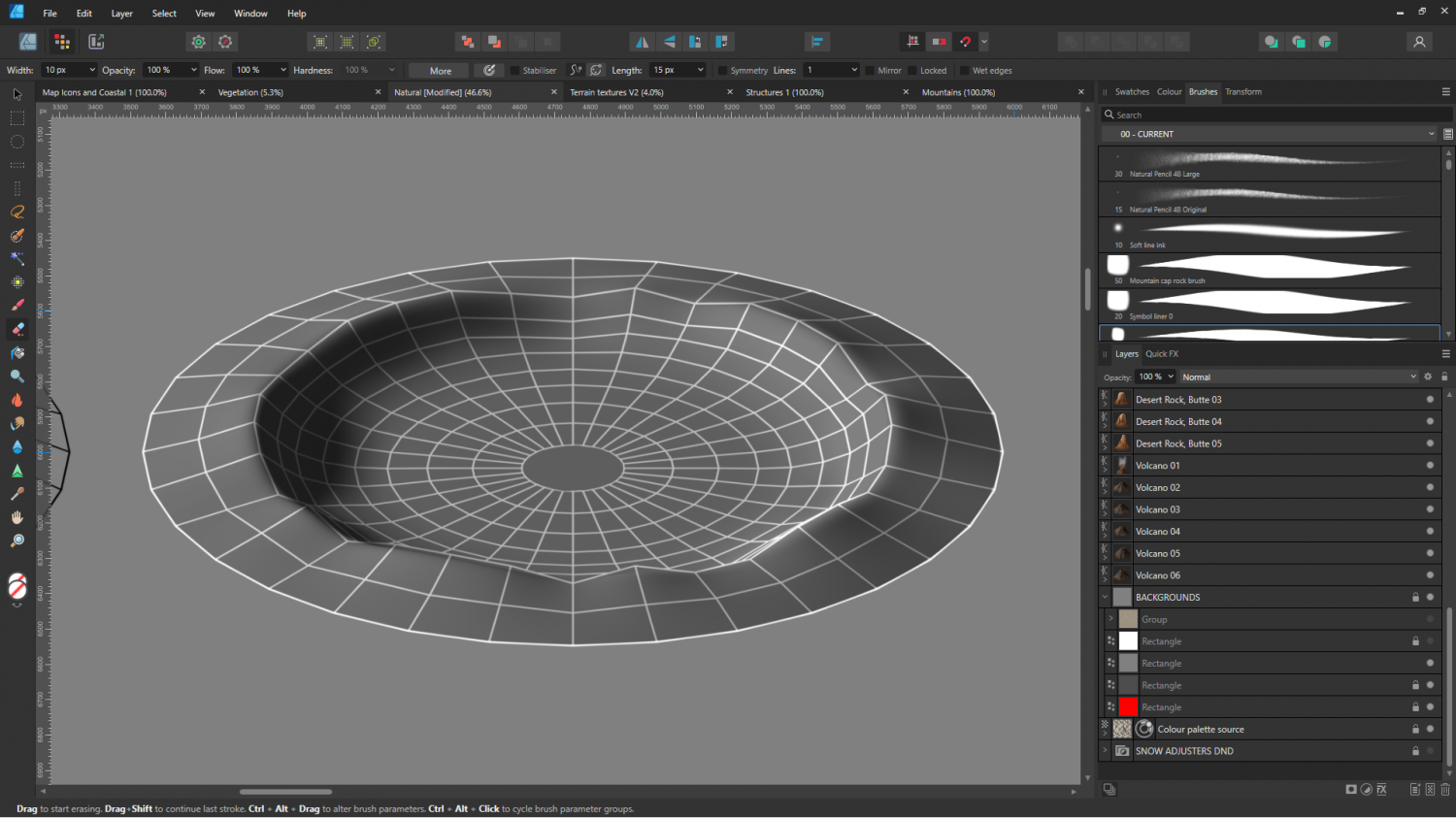
Here's a preview of the form using just the shading.

-
Shadows of a moonlit knight revamped
Nice use of the fishes... es. :)

-
WIP Arboridia (Mercia) for Community Atlas
The scale of symbol is usually conveniently organised within a single style, but where you have mixed styles the comparitive scales between houses and hills (for example) is at your discretion. It's a blend of what is recognisable for what it is, and what looks right to you.
A map symbol doesn't have to be accurately scaled to life. A good example of this is the size of overland mountain symbols, which are many more miles wide than a mountain could be in real life. However, they do need to be that big so people can see that it's a mountain range and not a line of squashed ants.
-
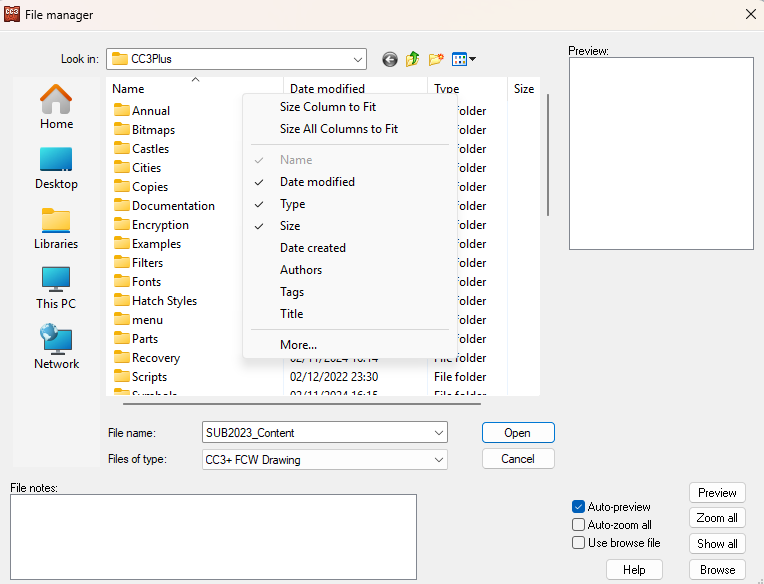
Opening Files
If it bothers you I believe you can hide that column if you right click the column header. Tags aren't normally visible. I know that because I've never messed with the column settings so this is the default setup.