


Loopysue
Loopysue
About
- Username
- Loopysue
- Joined
- Visits
- 10,411
- Last Active
- Roles
- Member, ProFantasy
- Points
- 10,161
- Birthday
- June 29, 1966
- Location
- Dorset, England, UK
- Real Name
- Sue Daniel (aka 'Mouse')
- Rank
- Cartographer
- Badges
- 27
Latest Images



-
Changing properties on a sheet that has cut through bits
Because those bits have been cut out on the water sheet they no longer exist to have properties changed on that sheet. If you want to change what you see through that hole you will need to modify the terrain you can see on the sheets that are revealed by those holes, and not the holes themselves.
What changes to you need to make to the islands?
-
Changing properties on a sheet that has cut through bits
So the islands are vanishing?
When you change the properties of the water you are also changing the properties of the magenta cut-outs. They need to remain unchanged.
Try starting from the state of your first screen shot and change the ocean again without picking the islands, or carefully deselecting them so they remain unchanged.
Or, if you have already changed everything to the other water fill, try picking the islands only and changing them back to magenta polygons using Change Properties.
-
Community Atlas: Kara's Vale, Ethra, Doriant
That looks complicated.

-
How to use the Ball Filter?
It has it's limitations since you can't cut a slot out of it, but you're welcome :)

-
Corrupted Template
That isn't the template file. It's the example map for the Traveller System Bitmap style.
The template is blank and ready for you to make your own map.
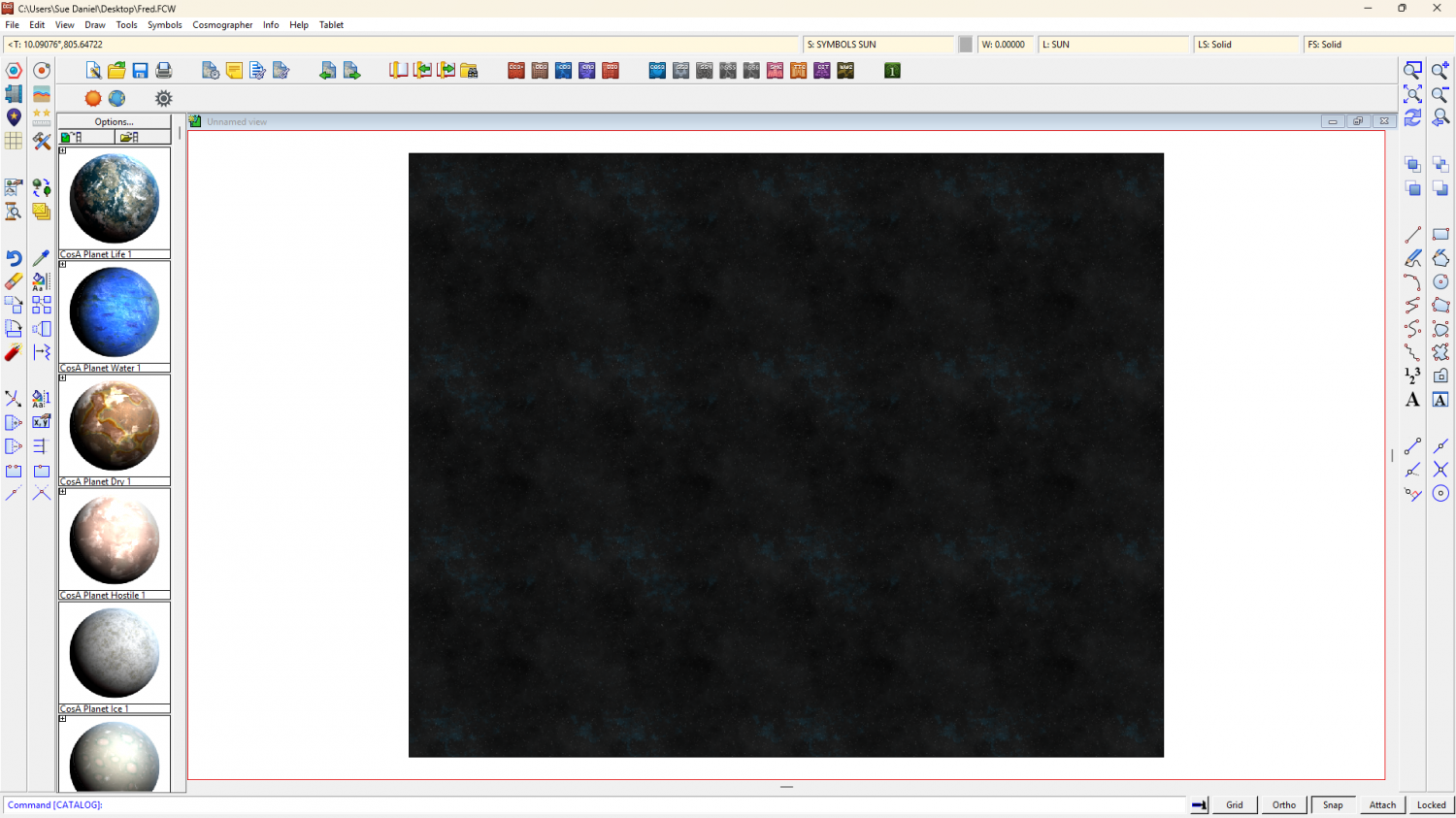
If you want to get started with Cosmographer and what you want isn't in the User Manual there are a couple of recorded live mapping sessions here that might help - even though none of them cover this specific style.

-
CC4 Overland Development Thread
LOL!
Well, lets start with the snow colour. I have this problem in that it can be that blue... or green... or pink... or yellow...
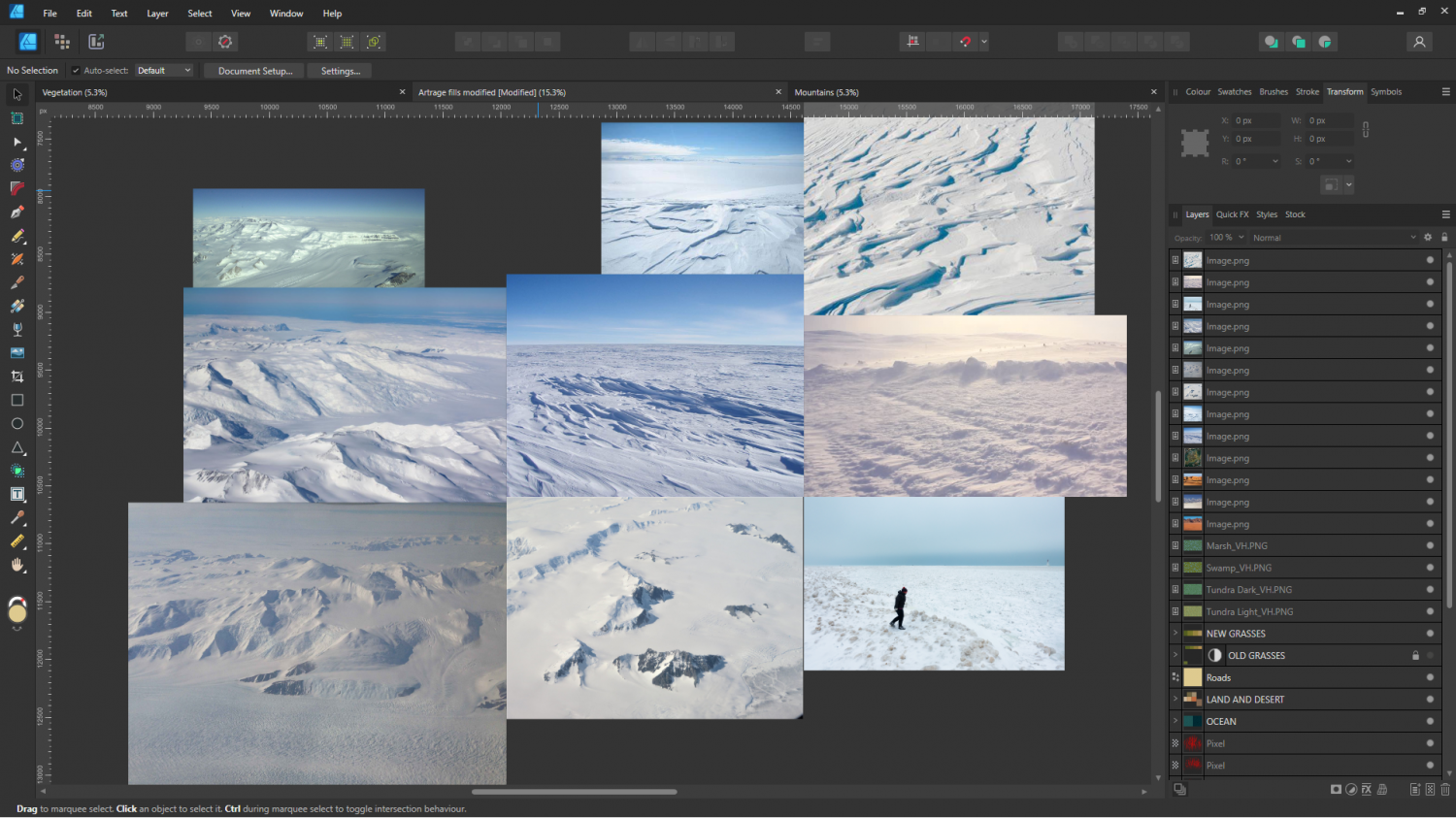
It depends on the lighting, the surface texture, the time of day, how clear the sky is... and it's a bit like trying to find one universal human skin colour.
I've decided that looking at the rest of the colour scheme I seem to have set up some kind of early evening sunny day, so maybe it should be creamy grey instead of blue grey. I'll think about it.
Agreed - it definitely needs roughing up a bit.
-
Export Quality Methods
As Wyvern has already pointed out, unless you need to do some serious post processing (adding stuff in GIMP that you can't do anywhere near as easily in CC3, like detailed variable hill shading, or hand drawn highlights/shadows for individual focal points), its just a case of exporting it directly from CC3 as a JPEG with a reasonable amount of antialiasing. The default setting of 66% is a bit over the top in my opinion. I usually use about 20%
If you are intending to do a lot of post processing, then export as a PNG about 2 x the desired end result, and work on it at that scale. Once you are finished with the post processing in GIMP, save the GIMP file (in case you change your mind about any of the things you touched up), export the finished map to a PNG, then reopen the PNG and scale it down to the desired size.
-
Is there a symbol spreadsheet? Database???
It works on whatever symbol catalogue you have open at the moment you use the command. So the order you do all the catalogues is up to you. Doing them all would take days, or even weeks.
This won't index anything at all, but show little thumbnails of the symbols in exactly the order they appear in the catalogue. The best thing is to try it for the one you have open right now and judge whether or not it would be useful to you.
-
Is there a symbol spreadsheet? Database???
To be clear - you have to open the actual catalogue files, and not just do it from any old map. If you do it from a map it will just give you the symbols in that map.
-
CC4 Overland Development Thread
Thank you :)
There's a regular version of that one as well.

