


Loopysue
Loopysue
About
- Username
- Loopysue
- Joined
- Visits
- 10,413
- Last Active
- Roles
- Member, ProFantasy
- Points
- 10,161
- Birthday
- June 29, 1966
- Location
- Dorset, England, UK
- Real Name
- Sue Daniel (aka 'Mouse')
- Rank
- Cartographer
- Badges
- 27
Latest Images



-
Missing fills - CA177 Darklands City
These fills were accidentally included in the template.
During development there are many fills that don't work properly or are too similar to others to be worth the space. These get weeded out of the fills folder towards the end of the process, but sometimes I forget to throw them out of the fill style list.
Sorry for any confusion.
If their presence bothers you it does no harm to delete them in the fill styles list. That's the job I forgot to do.

-
Live Mapping - A Peaceful Village
30 minute shout :)
-
Scaling a forest tool
You're welcome :)
Remember to reset the default symbol scale to 1 once you have finished your forests and trees, or all your symbols will be smaller than expected.

-
[WIP] Community Atlas, 1,000 Maps Contest: Villages in The Whispering Wastes of Haddmark, Peredur
I agree with Remy. I think we have different cultural views in play here. In the UK you can have several pubs on the same street, even today.

-
change map border colour and thickness
Thanks :)
The frame is a very long thin polygon bent around the outside of the map rather than a line. It's also filled with a texture, although it didn't look like it. What I've done is halve the width of the long thin polygon using the move node tool to bring the corners in from the outside, and replaced the fill with a solid colour you can change. I've put it on it's own layer (FRAME) and frozen the BACKGROUND and SCREEN so you can edit it in peace.
I've left the MAP BORDER layer unfrozen because if you decide to make the frame even narrower you will also have to move the green lines on the MAP BORDER layer to match the adjusted outer edge of the frame.
Hope this helps.
-
Apply opacity map?
You could make a small symbol set of pacthes of the terrain you want to blend over in a bitmap editor, import them in the symbol manager and make a random collection of them. These are terran patches for Forest Trail.
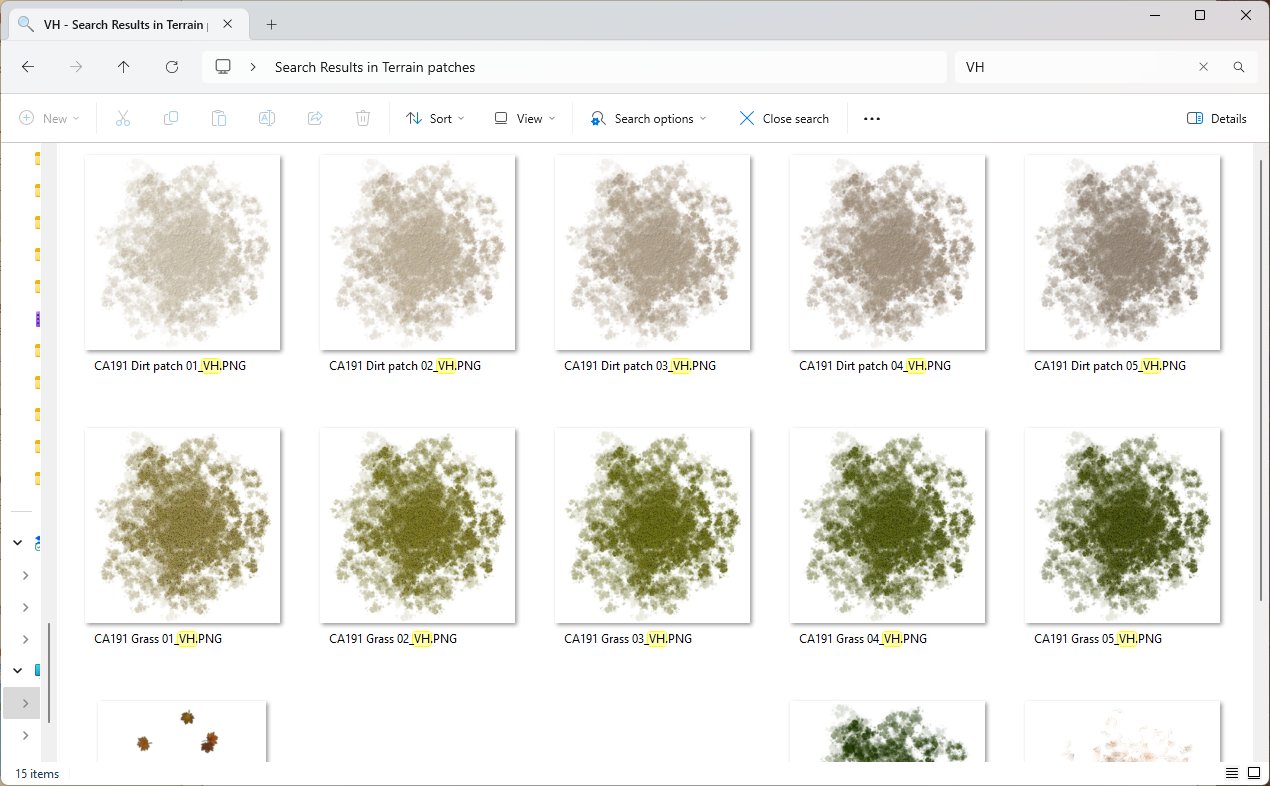
No part of these symbols are fully opaque, as that still causes hard lines between the two shades.
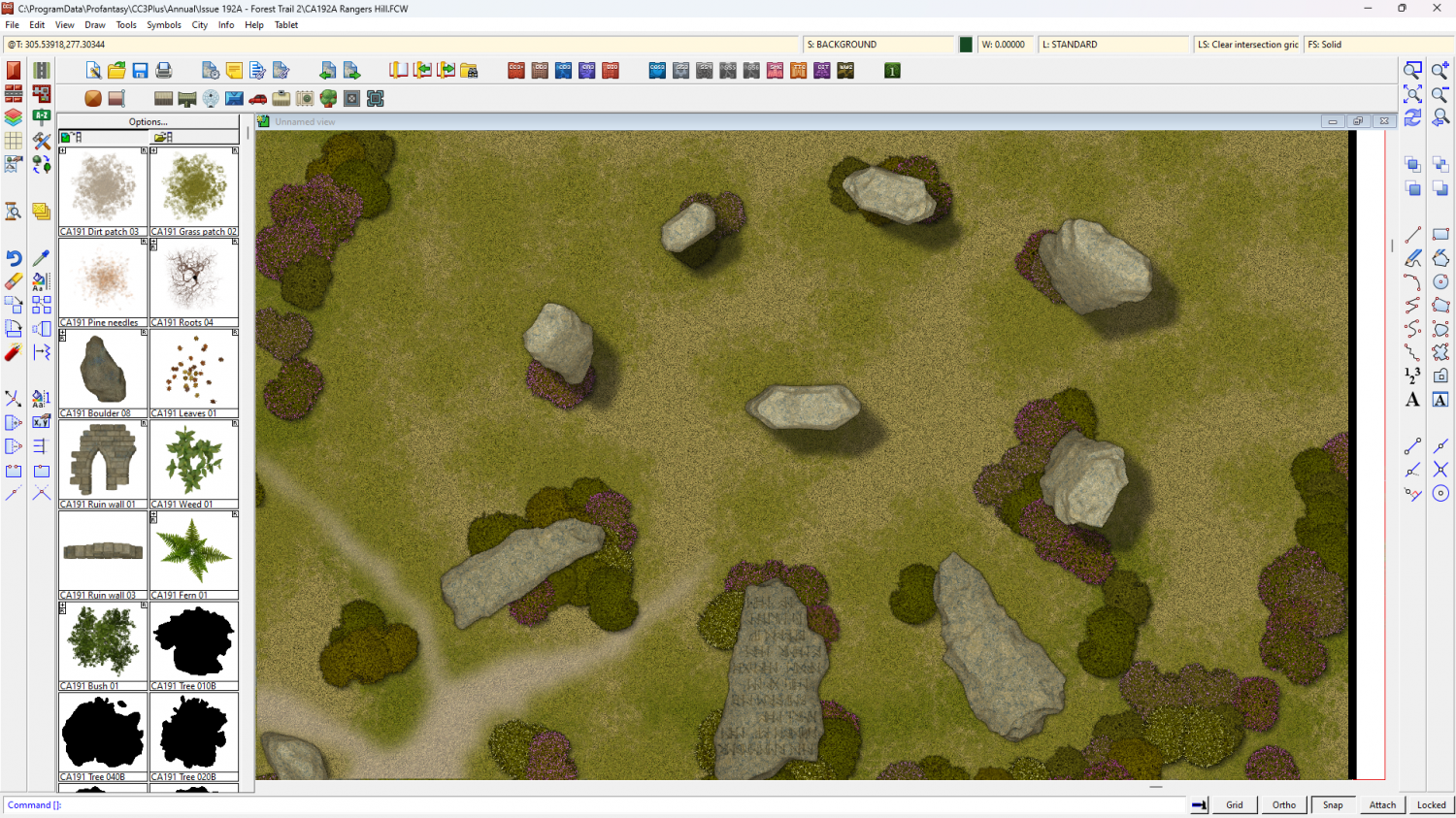
Here is the result in the Ranger's Hill example map.

-
[WIP] Per-Nezahd
One country's town is another country's village and vice versa. Maybe check out any neighbouring villages that have already been mapped nearby?
-
Photo Hex Map W.I.P
That's an interesting idea.
Looks like you've got a lot of stuff sorted out already.
-
[WIP] Community Atlas - Eknapata Desert
That's better. The labels are no longer screaming out of the map like before, but I think you may need to increase the opacity or the extent of that one glow. There's at least one label I can't easily read - the temple of Fah. I might not have adjusted it to perfection, but only enough to show you how little you could sometimes get away with.
-
[WIP] Community Atlas - Eknapata Desert
Better again.
The thing about sheet effects is they do take a lot of tweaking to achieve perfection, so you may wake up tomorrow morning and take one look at it and decide to change it again.
I don't think it's too much, but it may still be on the borderline of too little. Small adjustments are better than large ones till you hit the sweet spot between not enough and glaring. And then there will always be issues with subtle but efficient text glows where some may still not be able to see it even though you can.

