


Loopysue
Loopysue
About
- Username
- Loopysue
- Joined
- Visits
- 10,414
- Last Active
- Roles
- Member, ProFantasy
- Points
- 10,161
- Birthday
- June 29, 1966
- Location
- Dorset, England, UK
- Real Name
- Sue Daniel (aka 'Mouse')
- Rank
- Cartographer
- Badges
- 27
Latest Images



-
Can the style of an existing map be changed?
You're welcome :)

-
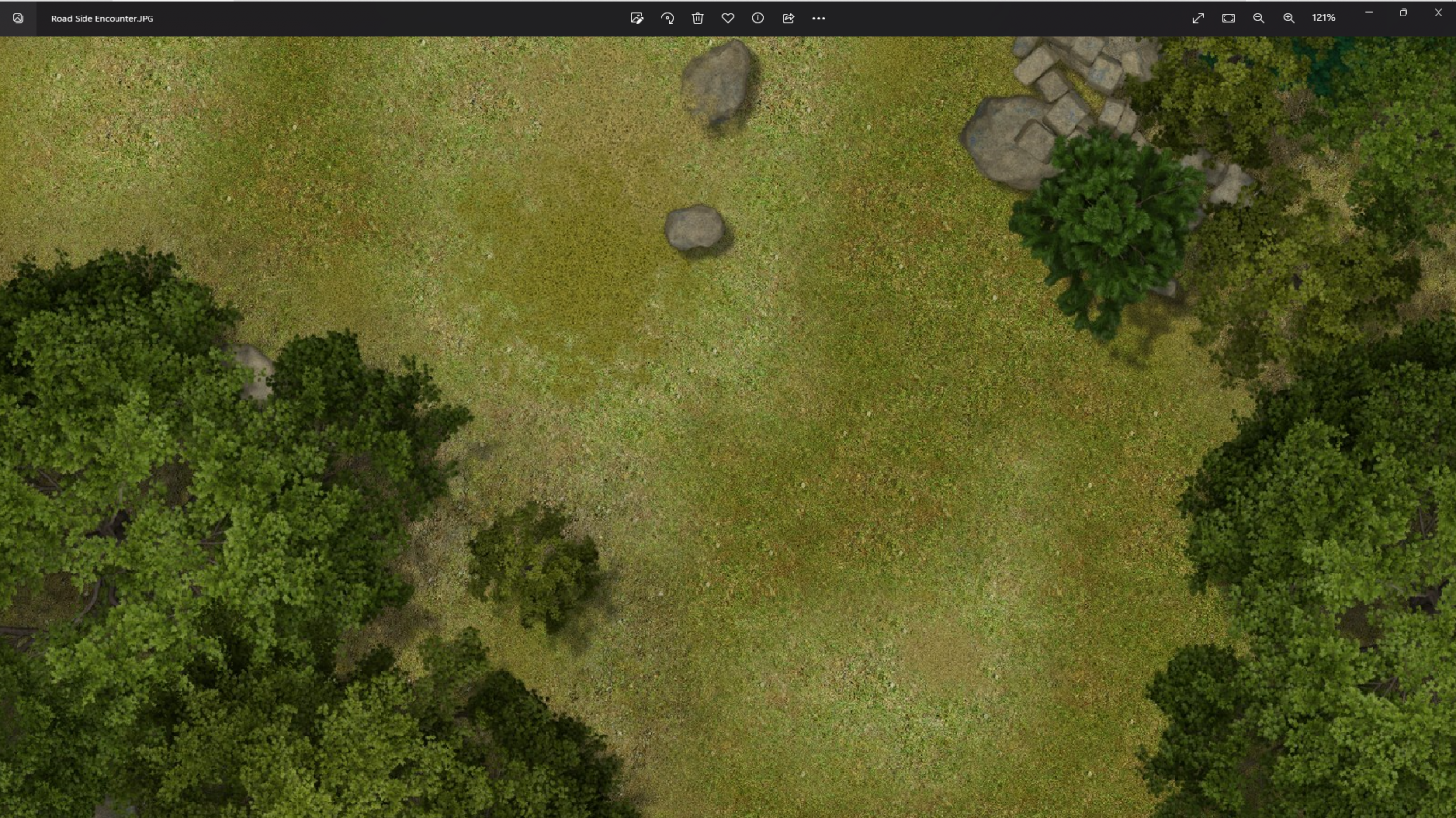
Forest encounter area - Forest trails + SS2A
I'm getting this on export. It doesn't look too different to the FCW window view when zoomed in. What part of the grass wasn't working for you?
-
Expansion to Ellis Prybylski Watercolor Style
That's great! :D
Do you do sea monsters?
Or how about a ship?

-
Polygon Fill...
@JME70 I don't remember anyone who never fell for the old line width issue in the early days ;)
-
Sheet effects not activating
The map you uploaded doesn't have a green glow on any of the text sheets.
Things to try include:
- making the Blur Radius huge and clicking Apply
- Make sure you are adding a sheet effect to the right sheet, and not to some other sheet, or to the whole map (that last option is the radio buttons at the top of the effects panel)
- make sure the text you want to have glow green is on the sheet you think it's on.

-
missing objects in FSC files
Hi Scott! :D
You just need to save it over the top of the existing file of the same name in: C:\ProgramData\Profantasy\CC3Plus\Symbols\Dungeons\Annual Jon Roberts

-
[WIP] First Cosmographer Map - Space Elevator Cabin
Looks good to me :)
I am curious about which way this is moving. I notice that the economy seating is all facing in one direction a bit like a passenger jet. Does that mean they are facing the direction of movement?
-
Glorantha, Genertela continent, various maps
Have fun! :)
-
Live Mapping: City Block Expansion
Hi Everyone :)
In tomorrow's live mapping session Ralf will be expanding upon the City Block map pack by Jimmy Medina (aka DM Geezer Jim), recently published as the May issue of this year's Cartographer's Annual.
You can come along and join us live on YouTube on 4 May 2023 (or watch the recording at a later date), here:
https://www.youtube.com/watch?v=-4B24g61lMw
Or you can watch it here on the forum if you don't like YouTube
-
Live Mapping: City Block Expansion
It may be that the techniques Ralf uses can be applied to any style. We just don't know yet. Not even I know what the show will contain until it happens ;)

