


Loopysue
Loopysue
About
- Username
- Loopysue
- Joined
- Visits
- 10,419
- Last Active
- Roles
- Member, ProFantasy
- Points
- 10,163
- Birthday
- June 29, 1966
- Location
- Dorset, England, UK
- Real Name
- Sue Daniel (aka 'Mouse')
- Rank
- Cartographer
- Badges
- 27
Latest Images



-
Annual 2024?
I got both because the 15% off is part of the monthly newsletter (issued today). 25% off is the specific Cartographer's Annual resubscription email (issued 20th December - yesterday).
To be clear - that's not a total 40% discount. These are two separate buying options.

-
Sinister Sewers - Style Development Thread (CA207)
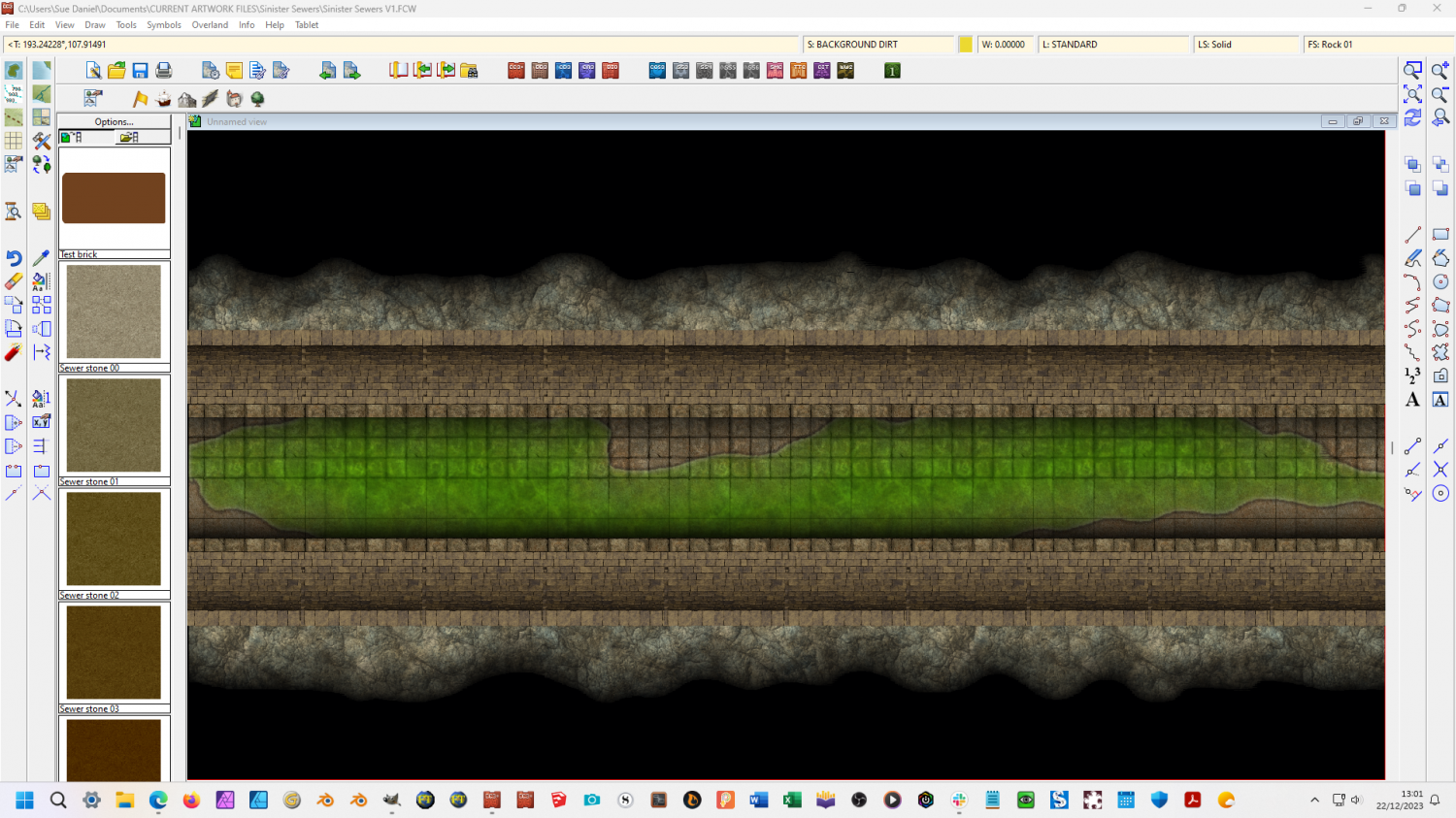
I got distracted and did the background rock instead of getting on with the walls. The only trouble is that there's now a general mismatch in the greys, but we can fix that.
-
Sinister Sewers - Style Development Thread (CA207)
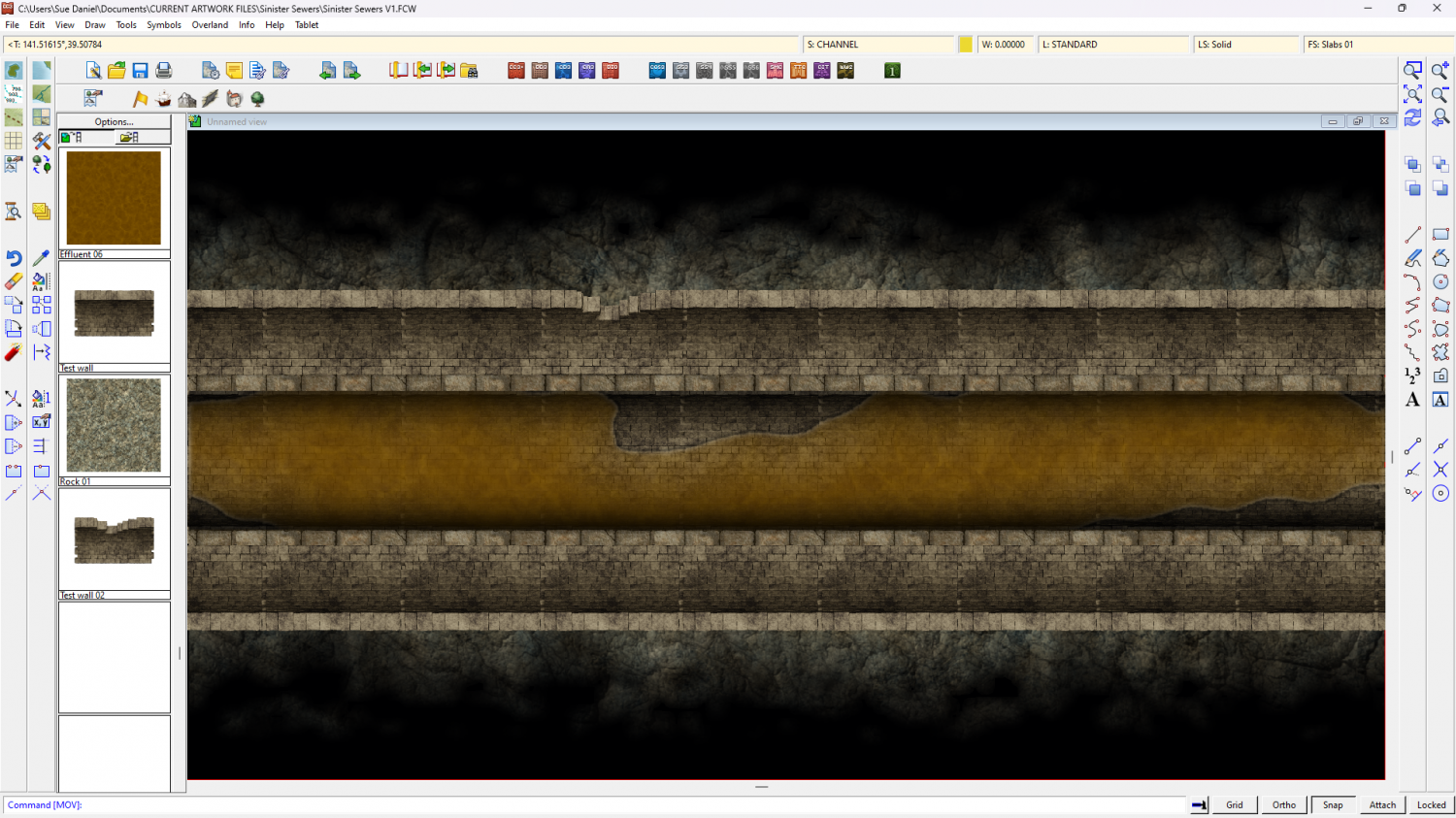
Rebalanced greys. I used the same curved wall symbol to line the channel as well as the outer walls.
-
Understanding Fog of War Effects
This is one of the videos Joe referred to above.
-
Understanding Fog of War Effects
You're welcome :)
Night effects cover the entire area, so they reappear beyond the screen. However, when you save your map as a bitmap export (Save as... in the File menu) you will only be rendering the area of your drawing, so you won't see any of that.

-
Understanding Fog of War Effects
Oh Remy's video is just as good, but you would have found my timestamp a bit confusing ;)
-
Sinister Sewers - Style Development Thread (CA207)
Well actually that was an accident, but there's no reason why you can't use it that way. I was testing it to see if I could break it just after I finished setting it up.
Oh so the cubes are your fault are they? LOL!
That do-it-yourself approach to the contents is an idea. I might leave one of them empty for that purpose.

-
Sinister Sewers - Style Development Thread (CA207)
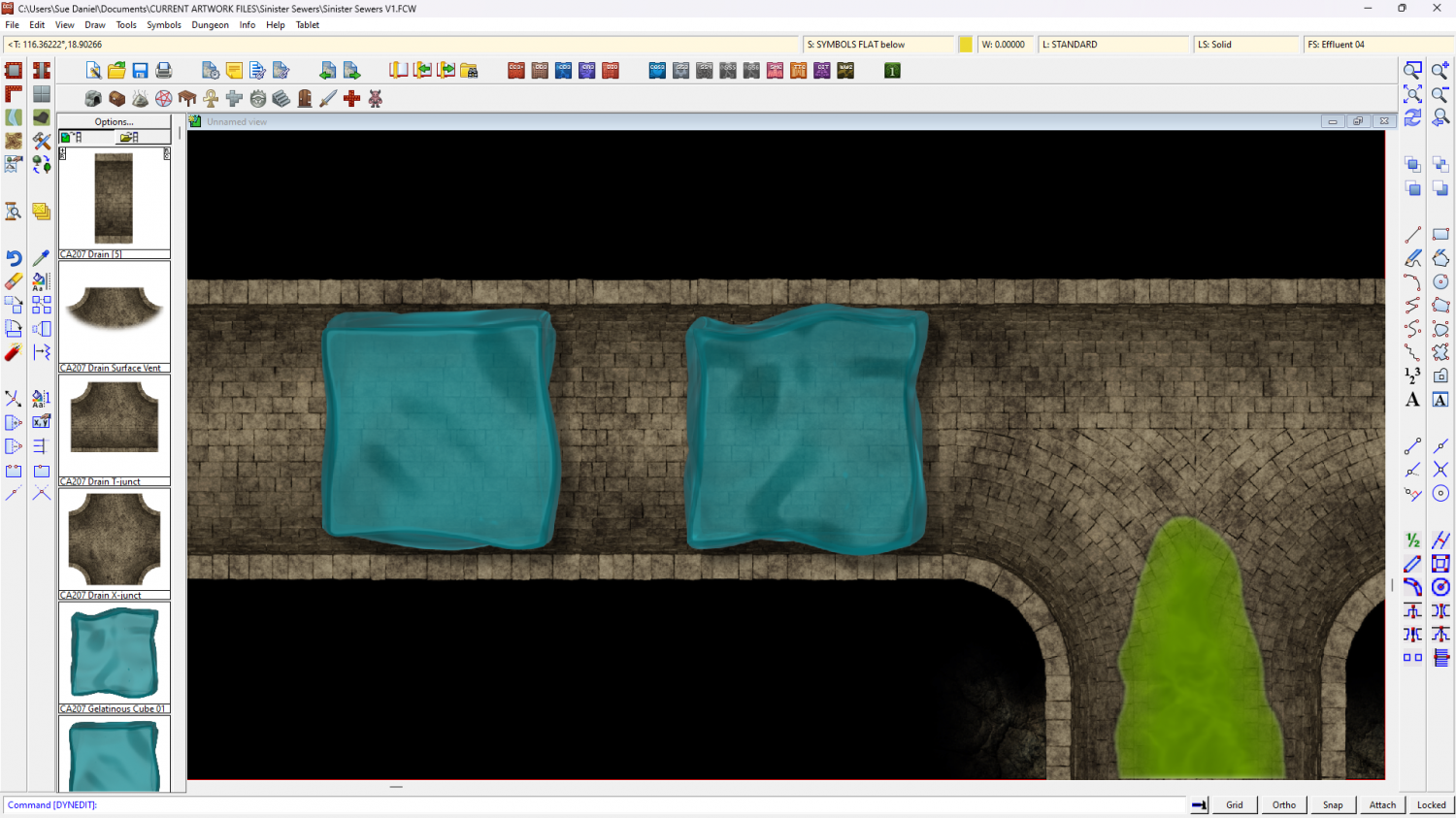
Gelatinous cubes anyone?
What would you like to see in them?


-
How to make maps like Aliens: Dark Descent
Ralf did an annual style that might suit with a little modification in the 2020 Cartographer's Annual, or you could work it out yourself using sheet effects and simple coloured polygons.

-
Scaling map for guide
Yes, it's a grid coordinate so you do need both zeros.
There's no actual canvas in CC3. You can export the very same map as an image that is 2000 x 2000 px, or 8000 x 8000 pixels. It's the same map, just exported at different sizes, or different resolutions as you prefer. The reason for taking care to draw everything 'to scale' within CC3 is so that all the sheet effects and drawing tools give you accurate and predictable outcomes as they have been set up in the template, and so that you can then measure distances and areas in your map within CC3 using the tools in the Info menu.

