Loopysue
Loopysue
About
- Username
- Loopysue
- Joined
- Visits
- 10,417
- Last Active
- Roles
- Member, ProFantasy
- Points
- 10,163
- Birthday
- June 29, 1966
- Location
- Dorset, England, UK
- Real Name
- Sue Daniel (aka 'Mouse')
- Rank
- Cartographer
- Badges
- 27
Latest Images



-
is this type of dungeon wall available ?
We need a 'sad' or 'I care' response button!

![[Deleted User]](https://secure.gravatar.com/avatar/c75d9a245b74d9c59be0999ea81ca541/?default=https%3A%2F%2Fvanillicon.com%2F92add7f8c954488718110edc4896ad39_200.png&rating=g&size=200)
-
Live Mapping: Cavern Maps
Hi Everyone! :D
This week, Ralf is resuming his journey through the first ever Cartographer's Annual (2007) by demonstrating the July issue - Cavern Maps.
You are very welcome to come along and see how its done, and to ask questions and make suggestions/requests.

-
How To Save Image Without White Box Surrounding It
When you Save as... click the Options button and check the Crop image to aspect ratio and Restrict image to map border boxes.
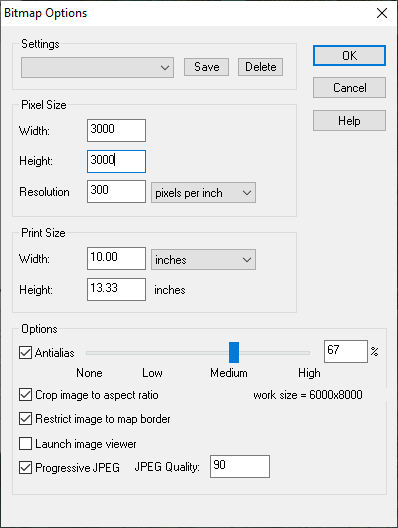
That should crop out all the white stuff around the outside edges of your map.
To hide the legend you will need to hide the sheets those parts are on before you export the map.

-
How To Save Image Without White Box Surrounding It
@jslayton - I think it should be possible to get this result with most maps where the MAP BORDER green rectangle coincides exactly with the background and if you hide the decorative frame (if there is one). I'm very convinced that it happens as a result of antialiasing the edge of the map, and because the usual drawing area and/or SCREEN is white.
EDIT: yes - I can make the map I have open do it if I hide the frame I gave it and export a rectangular section. In this case the antialiasing (set to 66%) has mixed the line of pixels at the outermost edge with the white of the screen and turned them all noticeably paler. If the AA was lower it would be probably be even more noticeable.

Here is the same thing again with only 20% AA
I had to re-show the layer boundary in GIMP so you could see it against the pale background there.

But maybe it's nothing to do with the AA (proving the first part of this comment is actually wrong). Here it is again without any AA
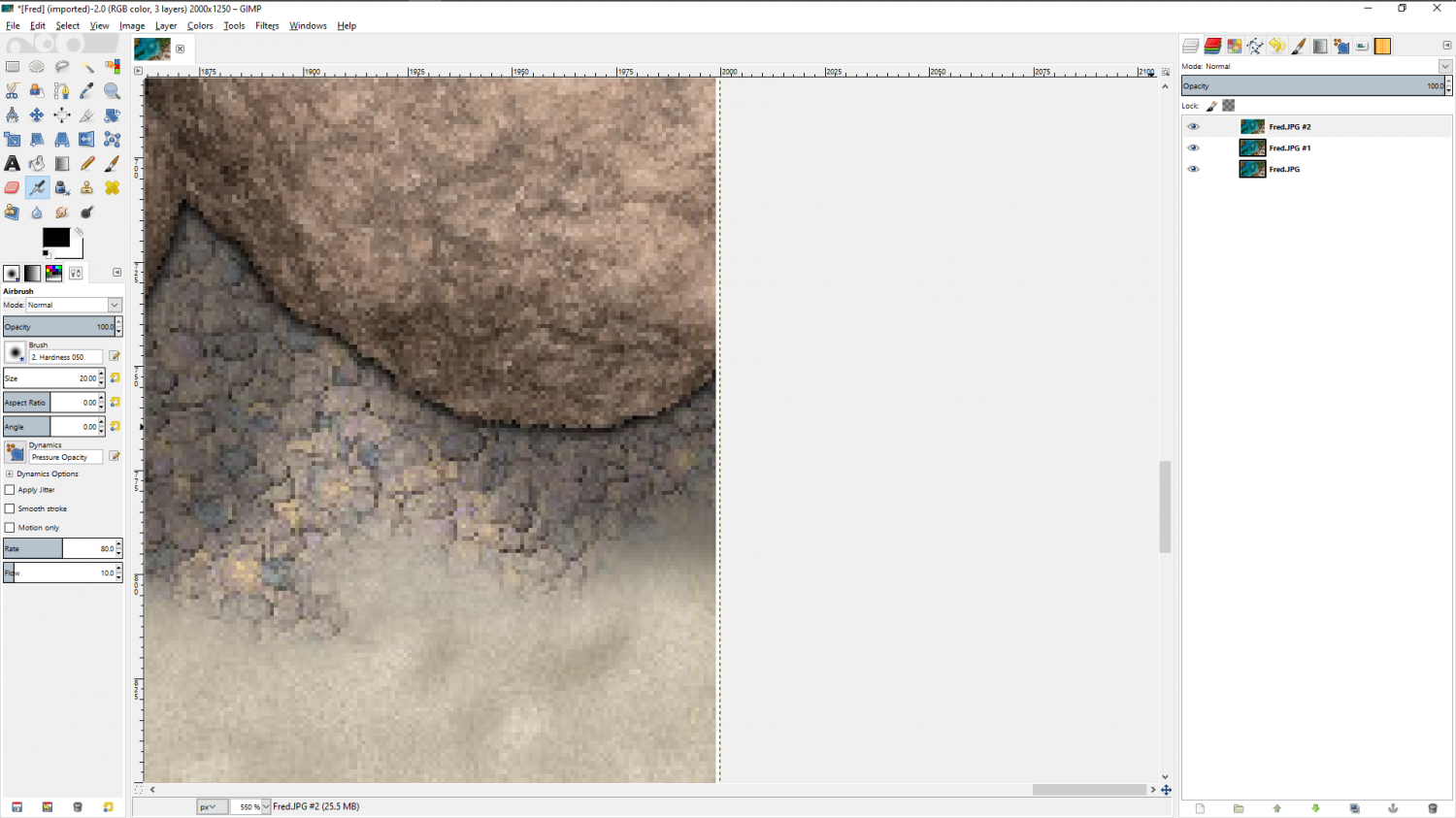
I think this may be why most styles have at the very least a black outline rectangle as a visual frame.
The other thing I've only just noticed after 5 years mapping with CC3 (I always usually have a decorative frame so don't ever see this normally) is that there are 2 pixels of white on the top and left hand sides, where there is only one pixel of white on the bottom and right hand sides.
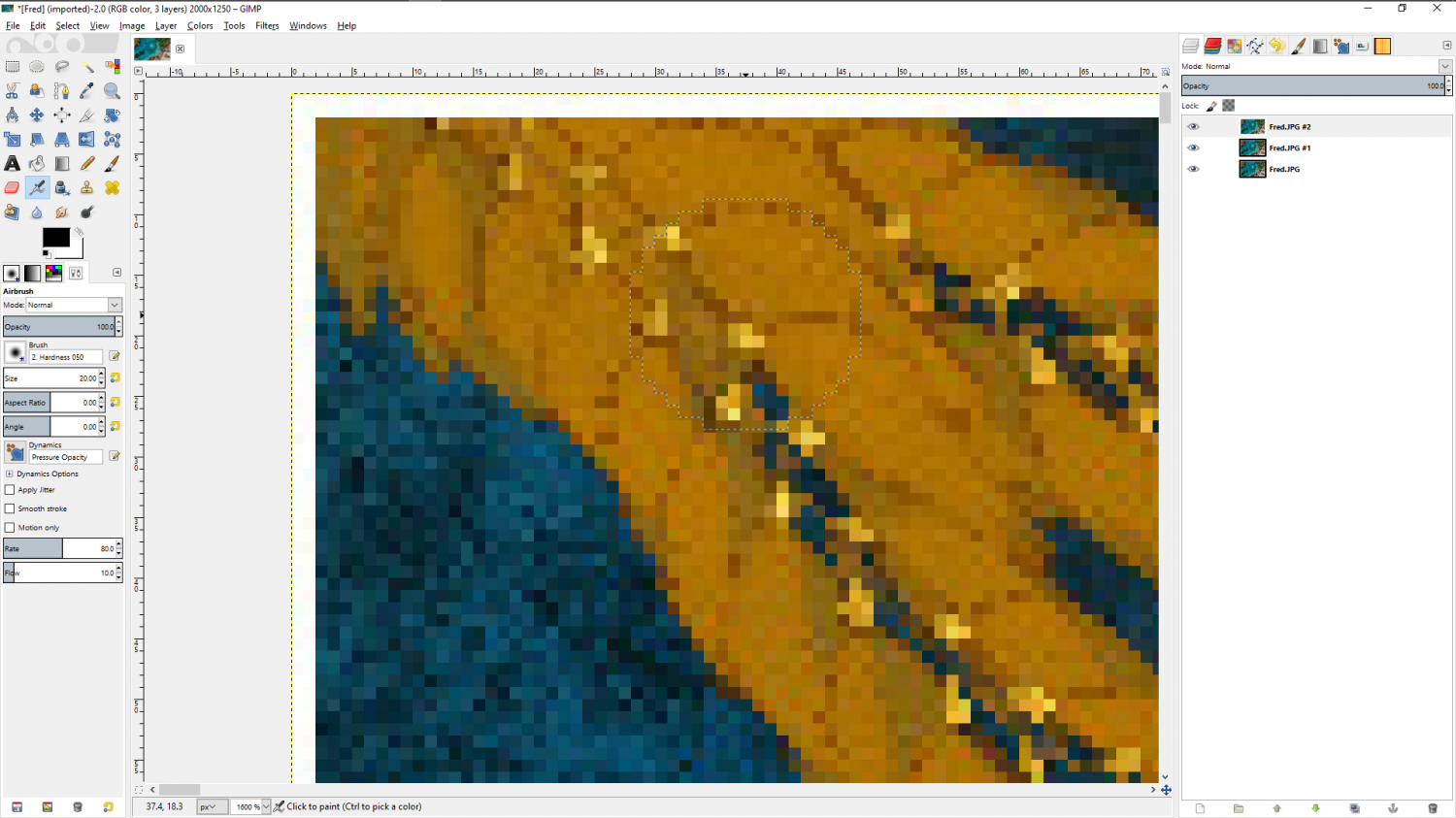
Another thing I've only just noticed is that despite there being no AA at all on this last image the white isn't pure. It contains tints of the colour from the map. Here (below) I have manipulated the Gamma to show these up clearly for what they are - apparently random colours.
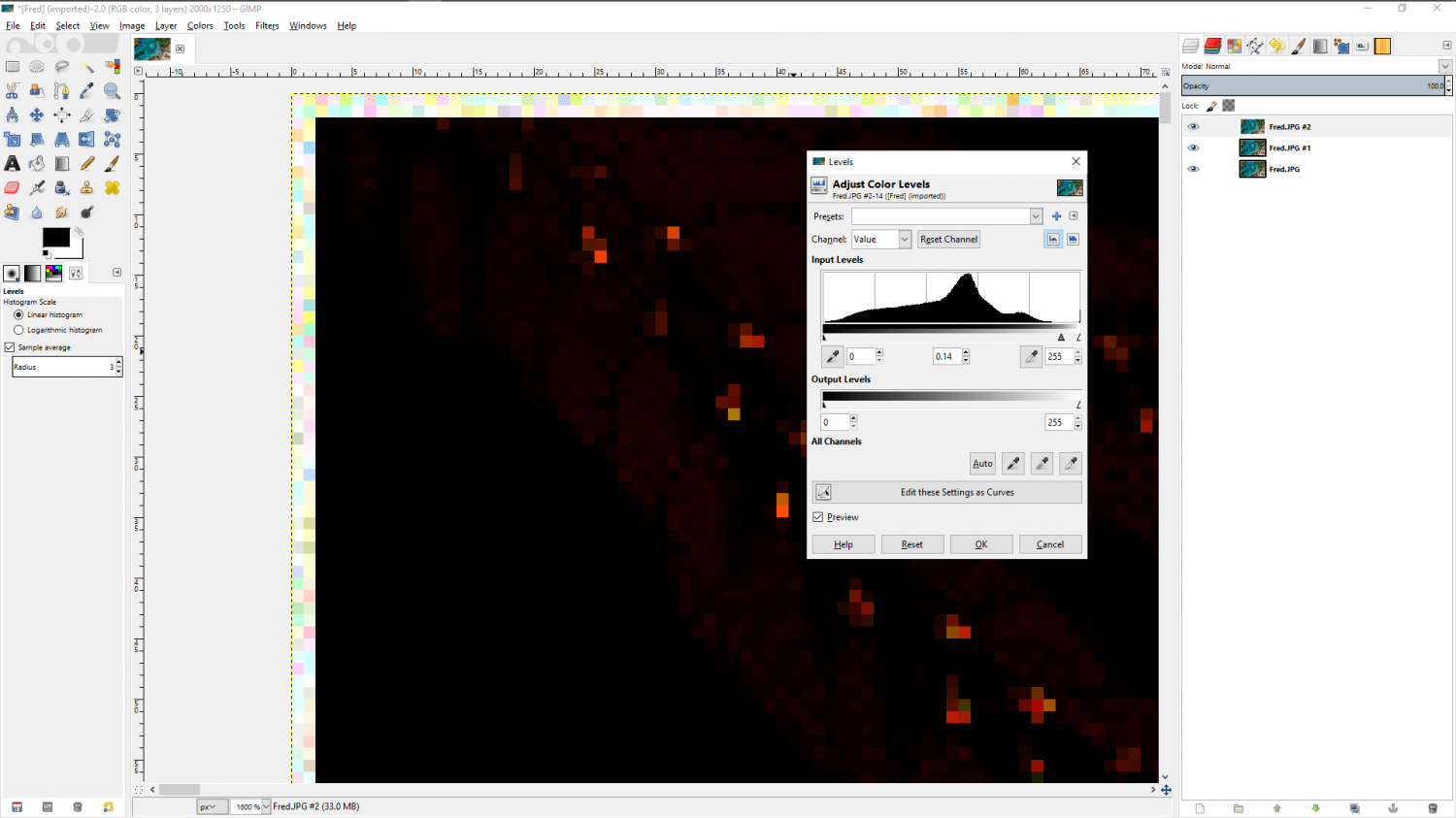
A further experiment proves it is the screen the render is capturing, even though the rectangle being picked is exactly the map extent. Here I have kept the same settings as before but turned the screen black.

-
How To Save Image Without White Box Surrounding It
Ok Joe. Thanks for the explanation.
You could do the same thing in GIMP, using Select all, and then shrink the selection by 2 pixels and do a Crop to selection.
-
Perspectives 3 - Log Fort
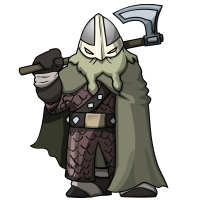
Oh you won't get any practical help until after 20 June, when I hand everything over for MD ;)
But after that I have breathing space to be more generous.
-
Live Mapping: Starship Deckplans
Hi Everyone! :D
In this week's Live Mapping session tomorrow (Thursday 24 June) Ralf will be giving us a rundown of how to build our own star ships using the Starship Deckplan issue of the 2007 Cartographer's Annual.
(No Cosmographer required!)
All are welcome to come along and join in with questions and suggestions :)
-
CA style development - "Darklands City" (issues for September and December 2021)
Thanks Daisho :)
If you think of more, be sure to add them as a new comment or I might not see them.
-
Too early for a CC4 wishlist thread, or is it timely?
@ArgoForg - On point 3, you can use Resize Drawing Area in the File menu right now if that is still an issue for a map you are working on.
-
Nebula ? I'm looking for nebulae bitmap fills or symbols
Ok. I think that will probably be a bit too small to look good.
I've trimmed it to work as a symbol, but I'm not sure it will look all that great on a background that is different to the one it began its life on, but if it works it works, and if not, it doesn't.