


Loopysue
Loopysue
About
- Username
- Loopysue
- Joined
- Visits
- 10,416
- Last Active
- Roles
- Member, ProFantasy
- Points
- 10,161
- Birthday
- June 29, 1966
- Location
- Dorset, England, UK
- Real Name
- Sue Daniel (aka 'Mouse')
- Rank
- Cartographer
- Badges
- 27
Latest Images



-
[WIP] Community Atlas - Rhaghiant (western Doriant)
That looks a lot better. I can see that they are towns rather than something I can't interpret as being anything in particular.
Can you add smaller towns in the local maps? Yes. The whole point of doing local maps is to be able to add the details that aren't appropriate for the regional map.

-
SS5 and B&W Cities
It's been a while since I played with SS5, but I remember one way of turning the map to greyscale was to add an RGB Matrix Process to the Whole Drawing and pick the Gray preset for it.
The fact that the folder is called Color doesn't mean there is a black and white version.
Here is a shot of one of the example maps with the RGB Matrix Process added.
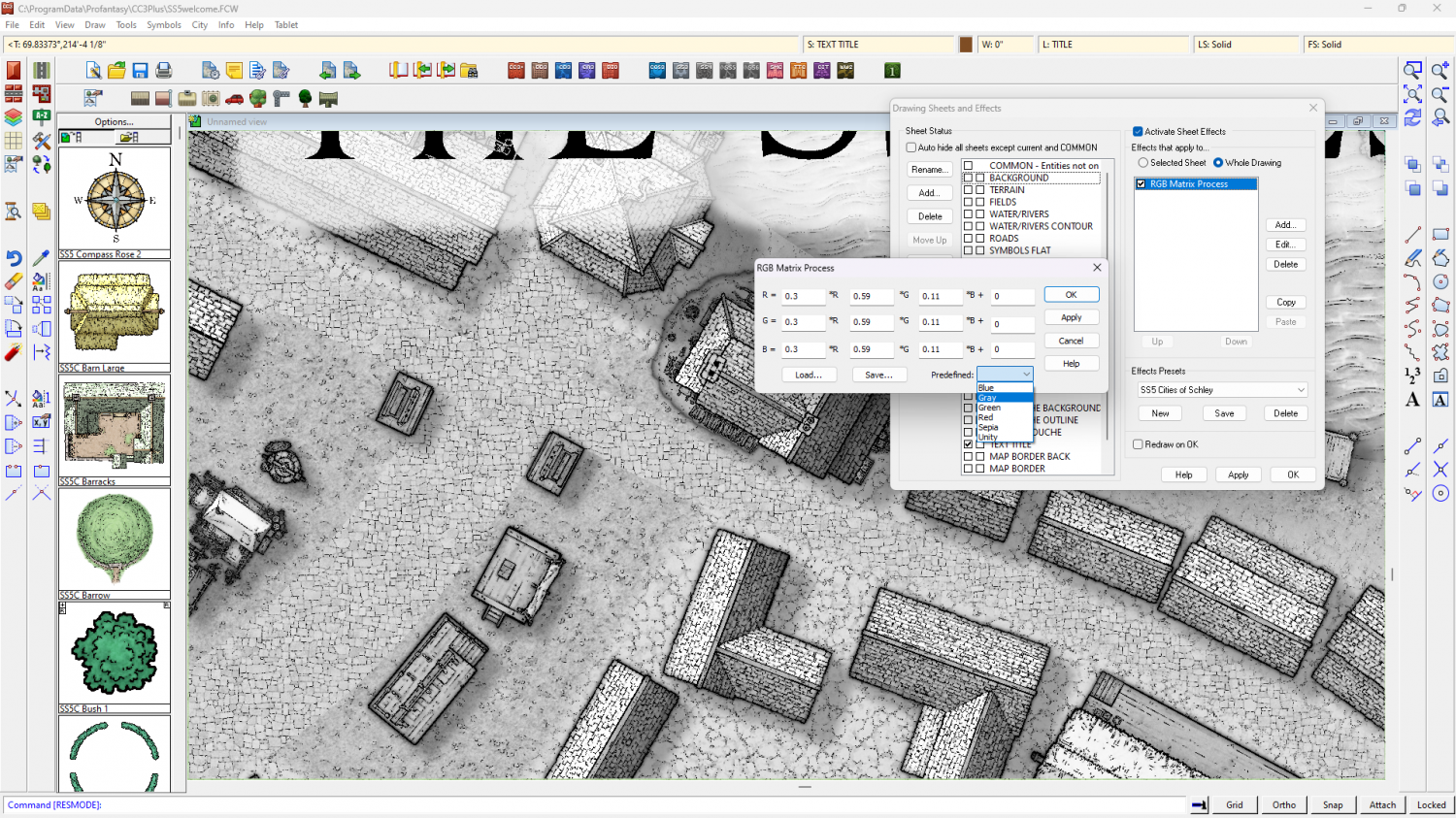
I've just noticed that you may have to change the shade of the glow on the text sheet to the palest grey to stop bits of the letters falling out when they are over black parts of the map.
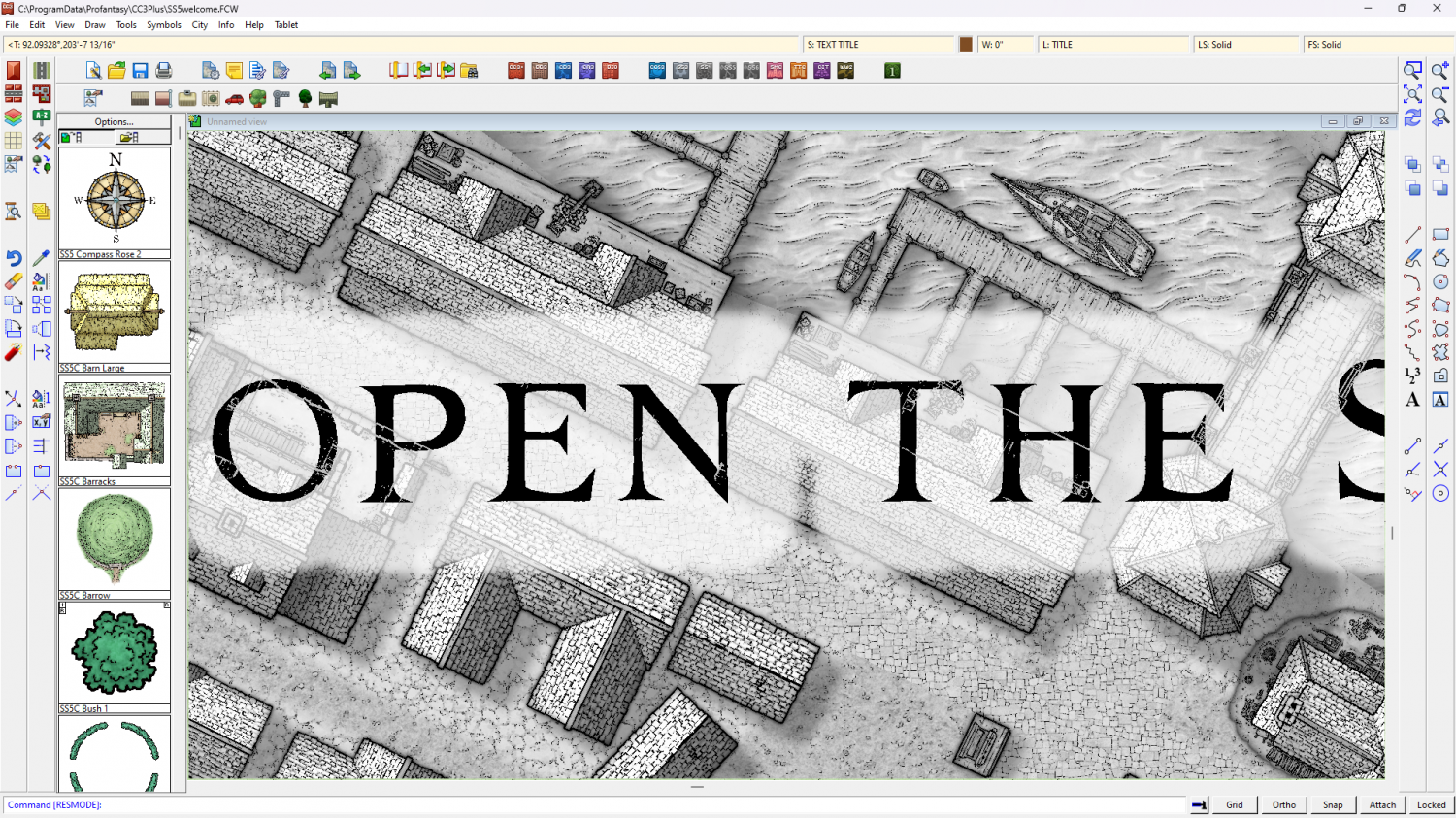
Theoretically, you should be able to turn any style to greyscale using the same method, but I've not tried any of the others.

-
Live Mapping: Watabou Cities Revisited (postponed till 11 July)
Apart from the occaisional accident all the live mapping sessions have been recorded, so it should still be there.
-
Live Mapping: Watabou Cities Revisited (postponed till 11 July)
We're on in 30 minutes :D
-
Struggling with "TEXT FORESTS" sheet and outer glow effect oddities
These kinds of label issues tend to happen when the rendering engine gets confused by overlapping black and white extents and fails to see some of the upper sheet - the labels. Please try changing the text colour to the very palest grey in the palette, and edit the glow effect to the very darkest grey.
You may be experiencing the same kind of trouble with your roads. Try changing the road colour to the very palest grey.
It's very unlikely that any of these issues are being caused by your system.
If you are still having problems when you've tried my suggestions, please share your .FCW file here with us so that we can have a more detailed look at what is happening.




