


Loopysue
Loopysue
About
- Username
- Loopysue
- Joined
- Visits
- 10,415
- Last Active
- Roles
- Member, ProFantasy
- Points
- 10,161
- Birthday
- June 29, 1966
- Location
- Dorset, England, UK
- Real Name
- Sue Daniel (aka 'Mouse')
- Rank
- Cartographer
- Badges
- 27
Latest Images



-
Live Mapping: Ancient Realms Revisited
In the first livestream of the year Ralf will be showing off the Cartographer's Annual January Issue's overland style "Ancient Realms Revisited".
Come and join the live chat and ask questions or make suggestions on Youtube.
Or if you prefer you can watch it here on the forum*.
*There's no live chat on the forum.



-
Birdseye Continental - style development thread
Thank you :)
I do these threads to get a better sense of direction with a style, but if they also help to sell things that's good too.
-
Birdseye Continental - style development thread
@Traveller Nothing is set in concrete at this stage. I'm considering some kind of mountain ridge symbol as an addition to the bevel effect, so that people who want a bit more than just a bevel can have it. I'm going with dots and circles for structures, though. Anything more detailed than that would look terrible at this scale. Those kinds of things could be included in the regional version of the style, which I hope to do at some point.
-
Birdseye Continental - style development thread
If course. I was already considering it - to keep that supervolcano-sized lava flow under control.

-
Birdseye Continental - style development thread
The wetlands are already there. I've labelled the marsh, but not the swamp.
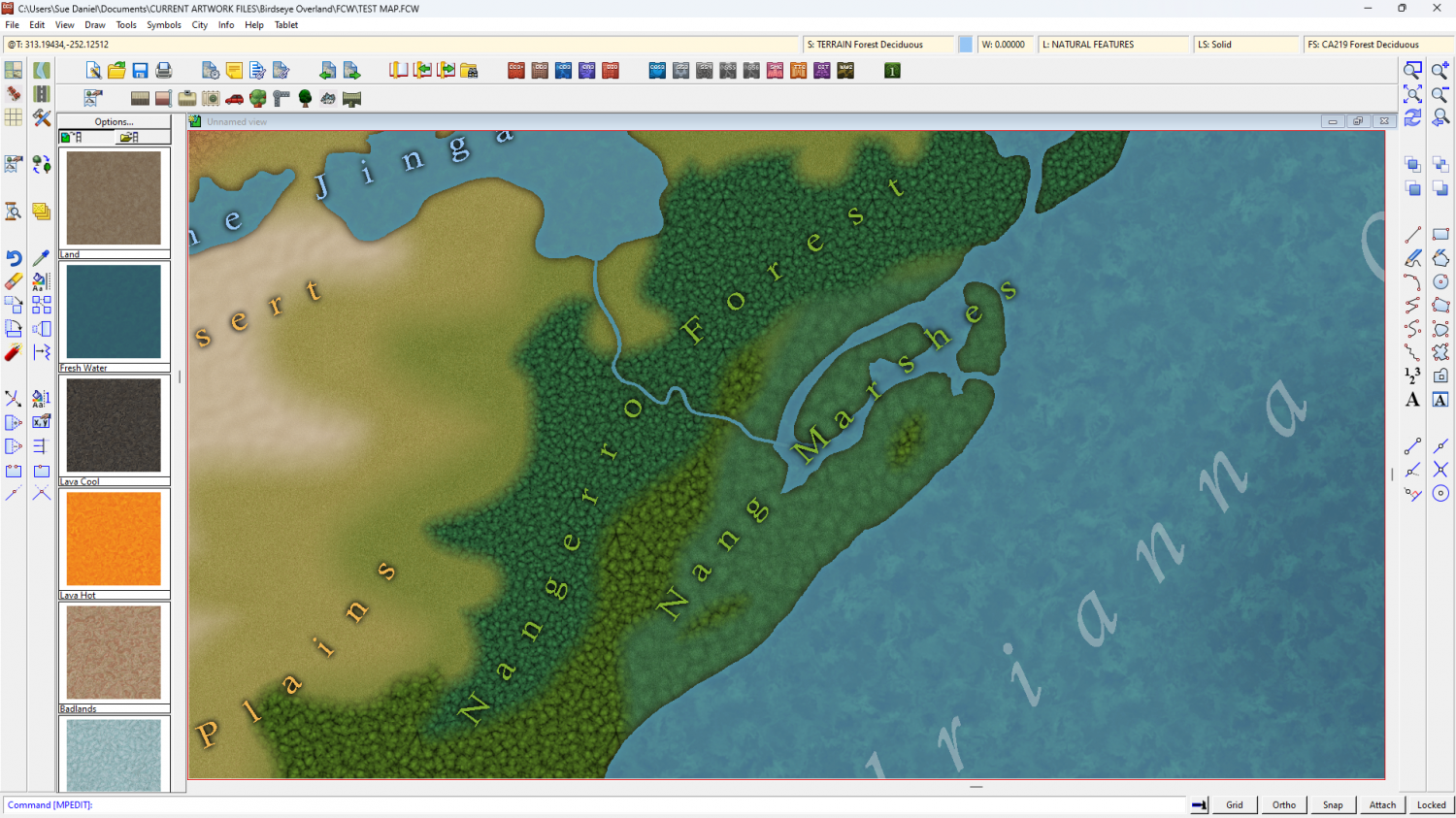
The swamp fill may need a bit more definition, across the inlet from Bantu
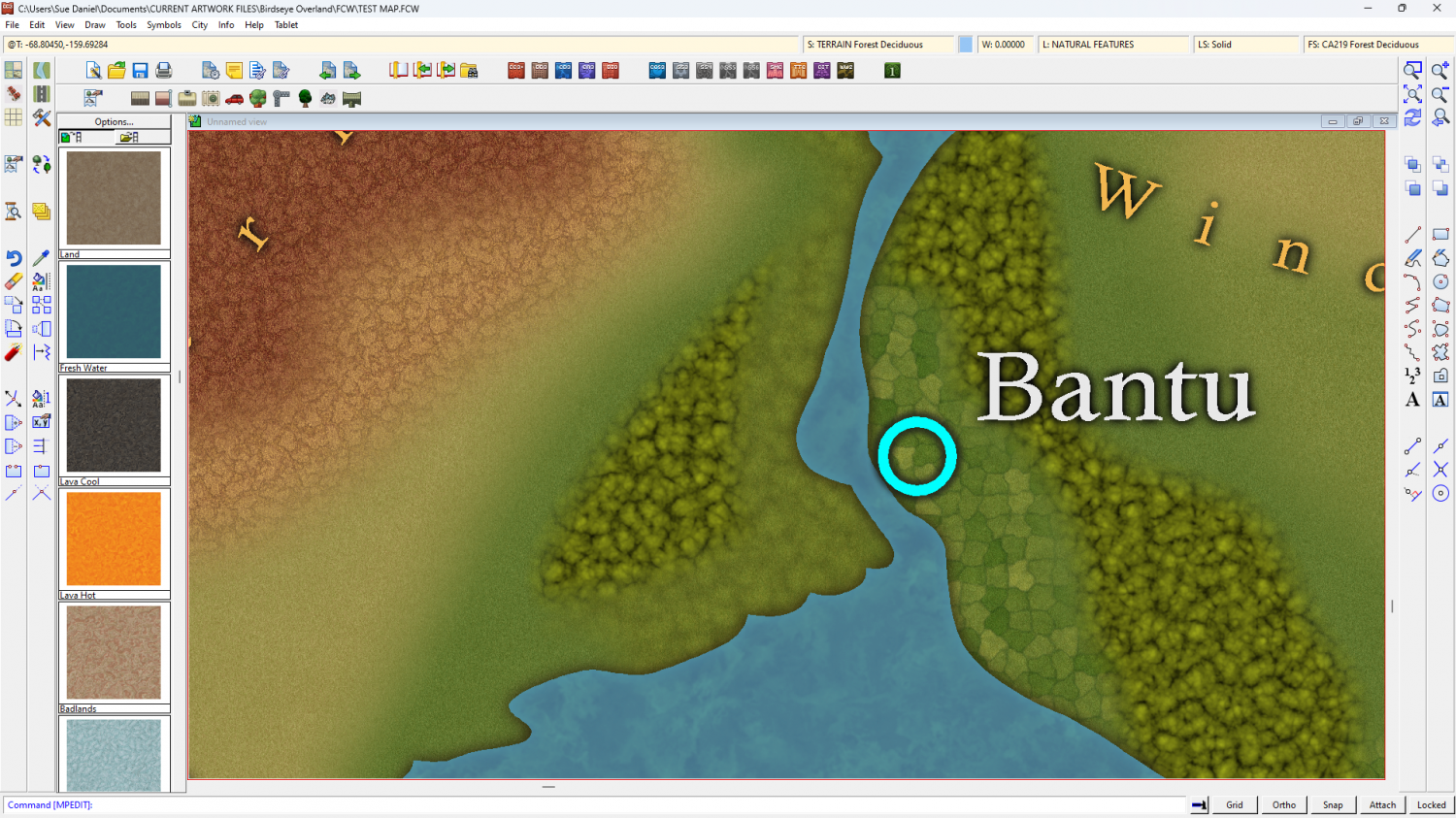
The forest fills are mere placeholders for now. All the same texture coloured differently by Colorize sheet effects. They will look a lot less like lumpy porridge by the time I'm done ;)
All the fills will be refined before publication.
I've got one river drawing tool. I think I will call it "River, default Amazonian", as it's 3 miles wide.

