Loopysue
Loopysue
About
- Username
- Loopysue
- Joined
- Visits
- 10,122
- Last Active
- Roles
- Member, ProFantasy
- Points
- 9,982
- Birthday
- June 29, 1966
- Location
- Dorset, England, UK
- Real Name
- Sue Daniel (aka 'Mouse')
- Rank
- Cartographer
- Badges
- 27
-
Difference between layers and sheets
I think (though I might be wrong) that when these two were named it might have been before 'layers' were commonly accepted as the industry standard as the things you draw on in bitmap apps. But I also get confused at times by the now non-standard names for things that we all used in the early days of computer graphics. I use bitmap apps more frequently than CC these days because I generate CC assets using Affinity, GIMP, Krita... etc, so it was several years before I stopped accidentally calling sheets layers, and layers sheets, back in the days when I was helping new mappers on a range of different mapping apps over at Cartographer's Guild.
However, that's a great explanation from Joseph Slayton about how it all works in CC.
These are the layers most commonly kept frozen so the entities on them don't get moved or deleted by mistake:
- MAP BORDER - should only have a rectangle or 4 defining lines (usually in bright green) that tell CC where the edge of the map is.
- SCREEN - Holds the white collar around the outside of the map to cover up bits of symbols and fills that don't lie within the map border.
- BACKGROUND - not always frozen, but I prefer it that way so I don't keep picking the edges or corners when mapping.
Layers that you shouldn't manually mess with:
- MERGE - is used by CC, and causes some really weird stuff to happen if it's hidden, or things end up on it by mistake.
- SYMBOL DEFINITION - I wouldn't know how to technically describe it, but this layer has something to do with logging or controlling what symbols are in the map.
Example maps usually have all the layers frozen so they can't be accidentally altered, but if you want to make a copy and unfreeze the layers to create your own version for a game, that's easy enough to do.
-
Dungeons of schley Template broken
If you hide all but the MAP BORDER layer (layer, not sheet) there is a polygon (probably a decorative frame) on it.
The MAP BORDER layer is a very special layer that determines the extent of the map, controls the behaviour of many drawing tools, and also controls how grids are positioned. The layer should only have a set of 4 green lines, or a green rectangle on it (see below, where I have deleted the other entity to reveal it).
The grid you created was being positioned using the inside corners of that polygon as its origin. If you move that frame(?) to a different layer a new grid should work as expected.
I recommend re-freezing the MAP BORDER layer, once you are done, to prevent accidentally moving or deleting the green rectangle. Take care not to place anything else on it.
-
Birdseye Continental - style development thread
Calibre - you might be able to use the 3 shades of grassland as contours.
In the meantime I've realised there's no escaping the necessity of doing all the textures first. Only that way can I draw the mountains and hills to fit the colour scheme. So here are 3 desert textures.
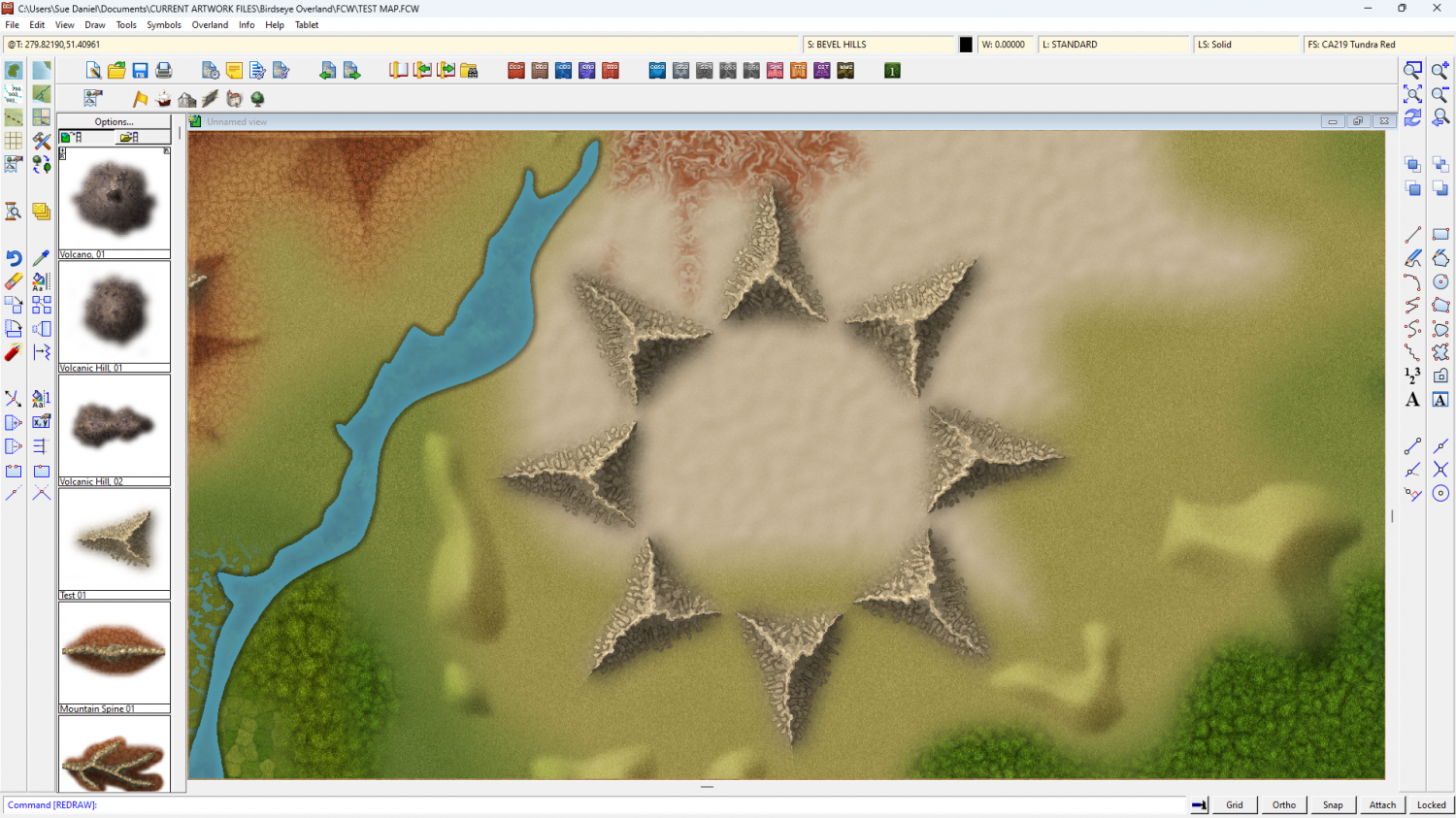
I'll put a SYMBOLS HILLS sheet in the style for the foothills that uses a bevel to generate them from hand drawn patches of Solid 20 bitmap. But I may also do regular hill symbols.
-
Birdseye Continental - style development thread
-
Birdseye Continental - style development thread
Yes, things are a bit minimal at the moment, but you are largely correct. This will be more of a large region scale... I think.
However, the suggestions made do still shape the decisions I have to make about what to try for ;)
I still think the castles idea would be much better done as a city style, where you can see such details as differences between 2 castles. However, since this is a top view style there's no reason you can't combine structure symbols to make mega cities.
At the moment I'm working on the textures. They always come first, no matter what style I'm working on.
This is a prototype grassland fill. The trick is to get it textured enough to look like what it's supposed to be, but not so detailed that it becomes a fizzing mash of dots. It has to be a suggestion of grass, rather than the grass itself.
Remember the test mountain is the size of a mountain.