


Loopysue
Loopysue
About
- Username
- Loopysue
- Joined
- Visits
- 10,422
- Last Active
- Roles
- Member, ProFantasy
- Points
- 10,163
- Birthday
- June 29, 1966
- Location
- Dorset, England, UK
- Real Name
- Sue Daniel (aka 'Mouse')
- Rank
- Cartographer
- Badges
- 27
Latest Images



-
Live Mapping: Shaded Contours (Annual Vol 2)
Yes, you could do that - alternate the contour and bevel sheets, so that you have a giant bevel sandwich. That might not match up entirely either.
There is a thread somewhere on the forum where (I think it was one of @WeathermanSweden's) I think the hill shading was exported from FT3+ and used in CC3+ to provide a perfect result. However, this is a new tool that emerged with the publication of FT3+, and neither Ralf nor I have had the time to play with it just yet.

-
Creating Varicolor Symbols
Hello Courynn :)
Do you have the Tome of Ultimate Mapping? If you do, the complete 'how to' on varicolour symbols has it's own section starting on page 111.
That is probably the easiest way to learn the process, though you can easily ask again if you get stuck, or don't have the Tome.

-
Can you Manually Draw Landmasses in FT3?
If you already have FT3 you can update to FT3+ for free. Or if you don't have FT3 at all, when you buy it you should also get the One Day Worldbuilder packaged with the app. That will help you draw your own world from scratch. The Supplementary Notes are the ones for that.
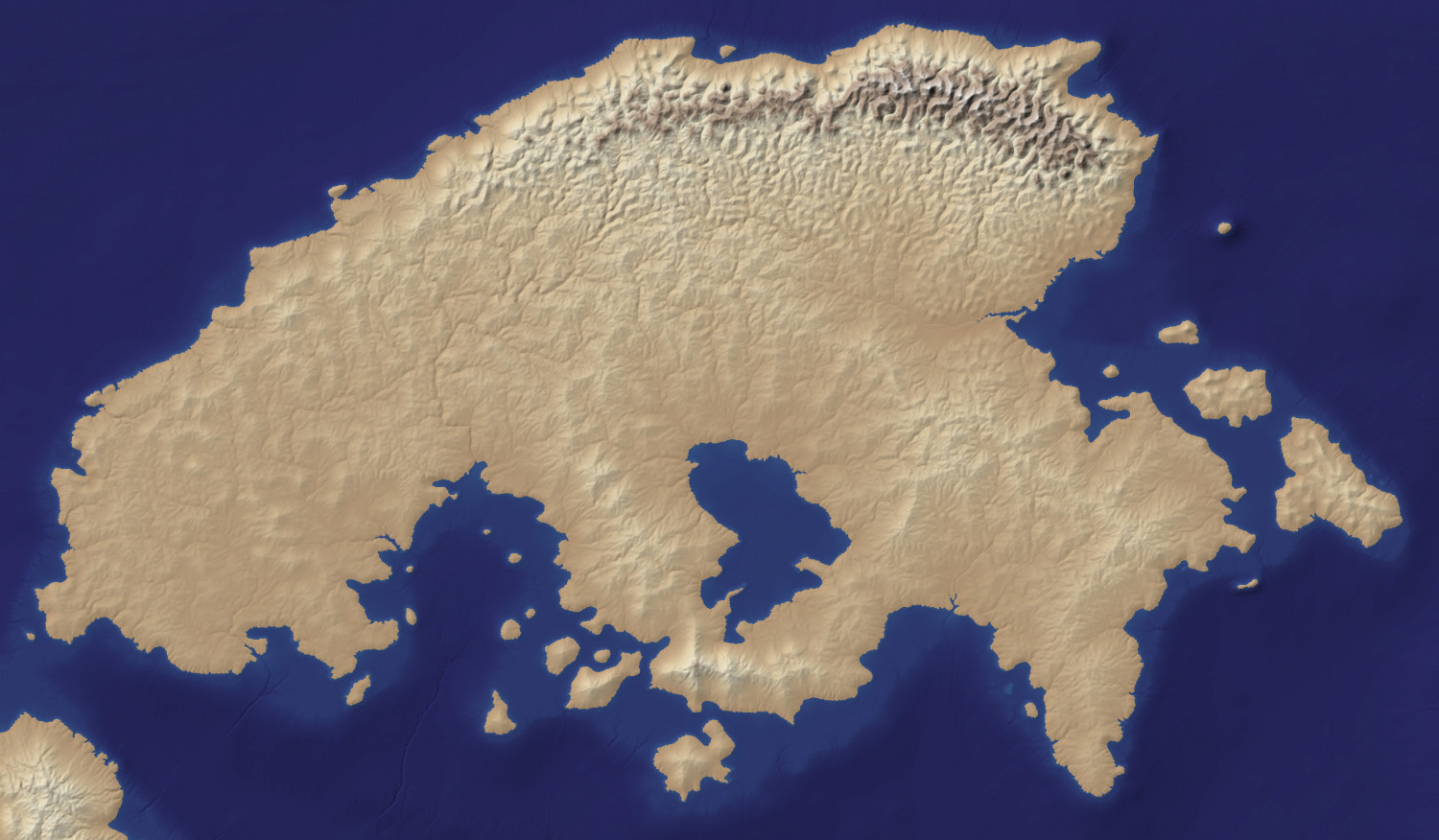
Just so you can see it properly, here is an extract of the map. It's not a parchment texture, as you can see, but a bitmap export from a free app called Wilbur (instructions on how to produce these are included in the ODW), used as a background image for the a CC3 map.

-
WIP: The Strong Arms Inn, Menii
Nice work, Jim :)

-
Merging 2 overlapping landmasses
That was 8 years ago, now. Today we have a lot more commands for things like this.
The shortest way is just to add the missing bit if there is a gap, hide all other sheets but the LAND sheet, pick the properties of the land, and then use the keyboard command TRACED to select them all and join them all into one by automatically tracing all the way around the whole lot. Delete the separate bits of land and you will be left with just the one part.

