Loopysue
Loopysue
About
- Username
- Loopysue
- Joined
- Visits
- 10,422
- Last Active
- Roles
- Member, ProFantasy
- Points
- 10,163
- Birthday
- June 29, 1966
- Location
- Dorset, England, UK
- Real Name
- Sue Daniel (aka 'Mouse')
- Rank
- Cartographer
- Badges
- 27
Latest Images



-
Panzer sample thread
Oh yes - that definitely works! :D

-
Panzer sample thread
I agree with Remy - this would make a really great annual.




-
Searching for symbols for WW2 and modern military vehicles, artillery etc.
Tricky.
I don't suppose there are any vehicle plans that are definitely in the public domain that you could trace?
Or if you had a model that you could photograph from above, you could trace the photo without worrying about copyright.
-
Searching for symbols for WW2 and modern military vehicles, artillery etc.
All this wonderful creativity! :D
-
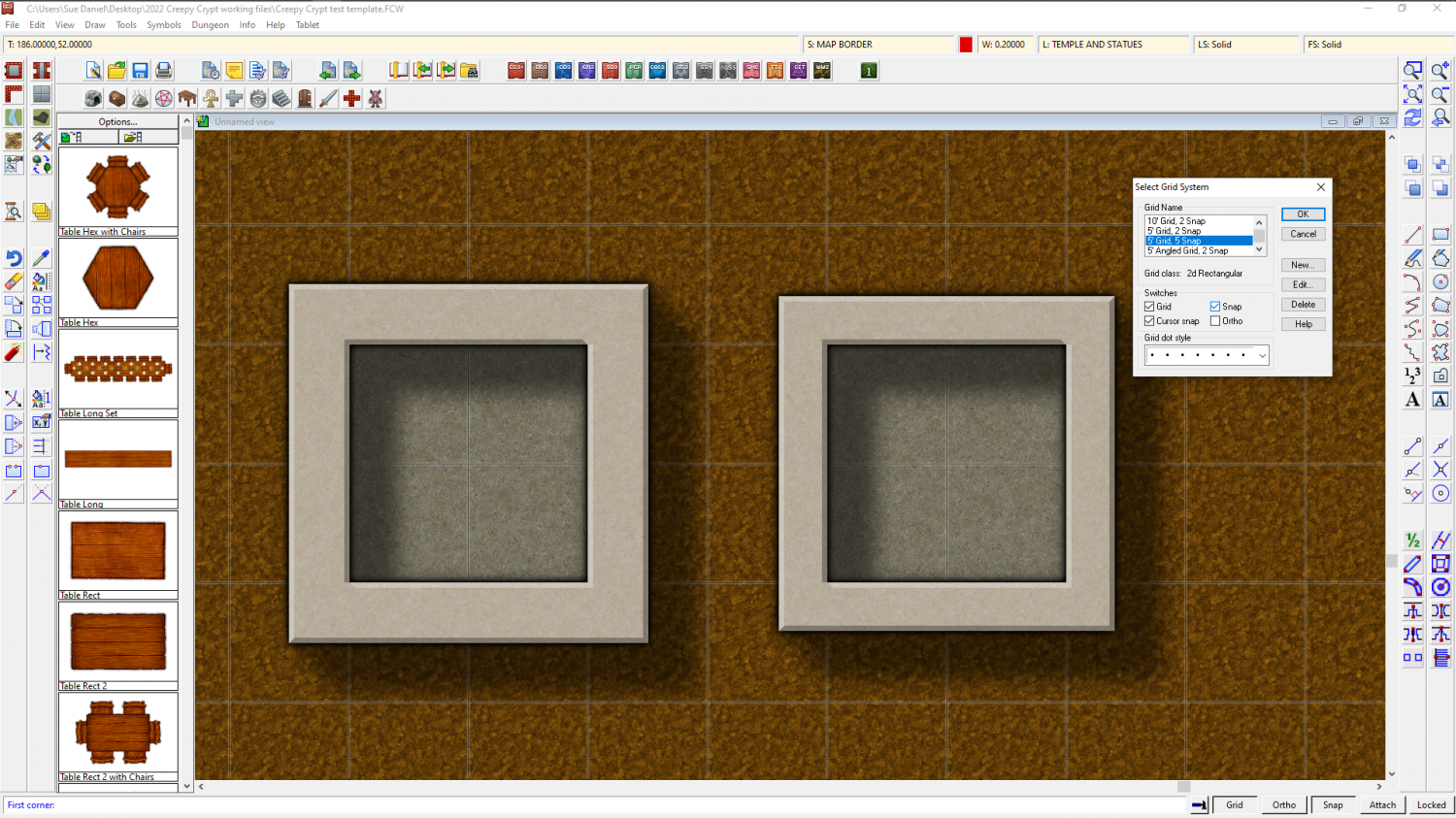
How do I create walls that do not cross into half or more of the floor square?
Similarly, if you want 2.5 foot wide walls you will need to edit the 5ft snap grid (right click the Snap button to do this) and make 4 snap points instead of 2, then draw your room 1.75 ft larger than you want it on the first snap point outside the boundary of the floor space.
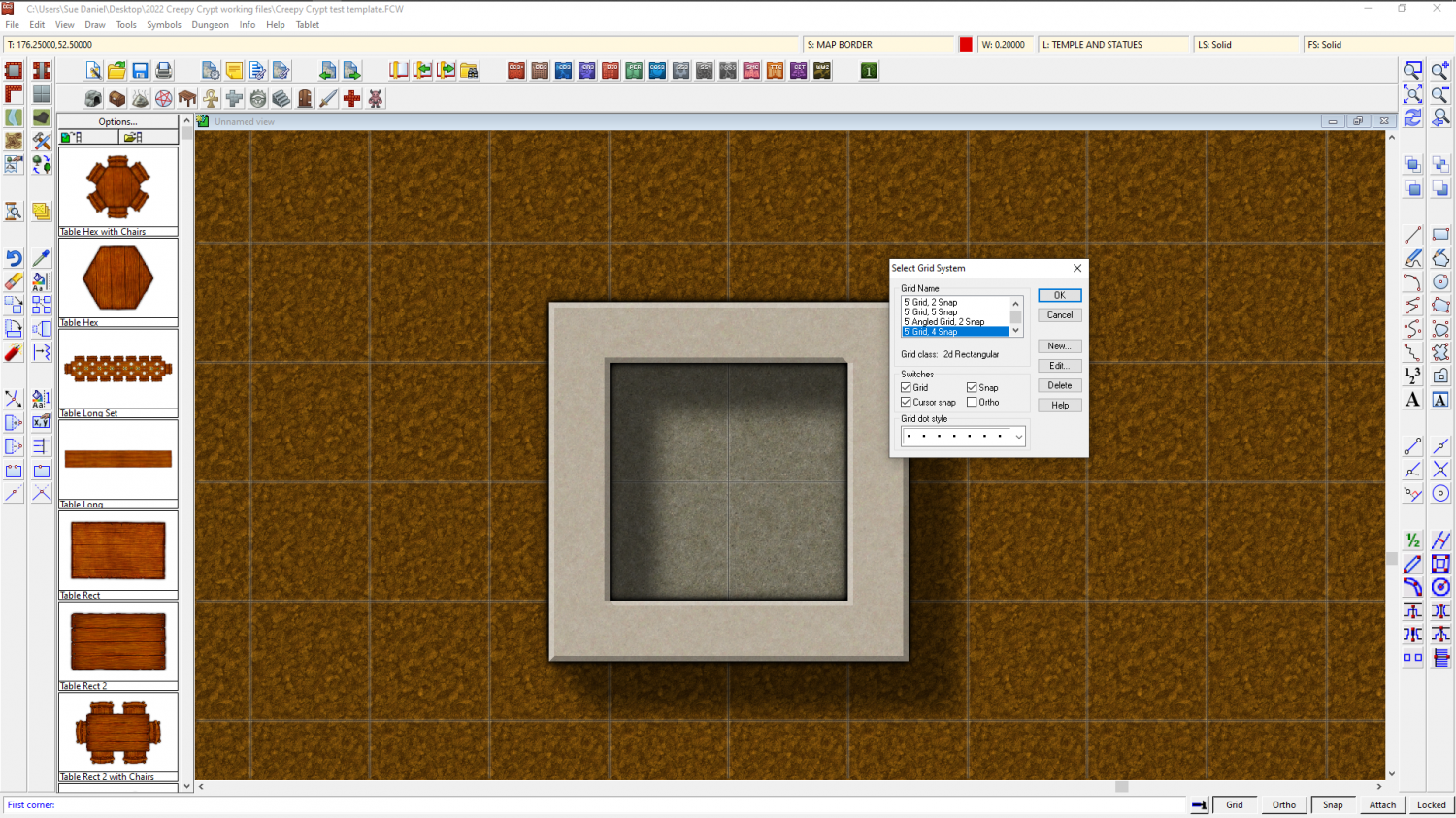
Or for 2 ft wide walls you need to use the 5 snap 5 ft grid.