


Loopysue
Loopysue
About
- Username
- Loopysue
- Joined
- Visits
- 10,422
- Last Active
- Roles
- Member, ProFantasy
- Points
- 10,163
- Birthday
- June 29, 1966
- Location
- Dorset, England, UK
- Real Name
- Sue Daniel (aka 'Mouse')
- Rank
- Cartographer
- Badges
- 27
Latest Images



-
Darkland cities tools showing as blank
In the first instance, that's not right. There is an FCW file containing a sample of each of those fills in the Drawtools folder that should be showing itself in each of those field tool images. But I can see from my own installed copy of the template that this isn't happening.
In the second instance - colour 6 is the knockout colour that punches a hole in the water to reveal the land and make an island, so that is perfectly correct.
I have reported the invisible fields as a bug.



-
Wet medley and a city!
Looking good :)
There are connecting wall and hedge symbols if you want to divide those fields and add a bit more detail?
-
There any master printable lists of symbols?
Hi :)
If you open the catalogue file (that's the [Foldername].FSC file usually visible in the parent folder of the [Foldername] containing the symbols), you can export an FCW file with all the symbols arranged neatly and ready for printing using the "Create catalog thumbnail file..." option.
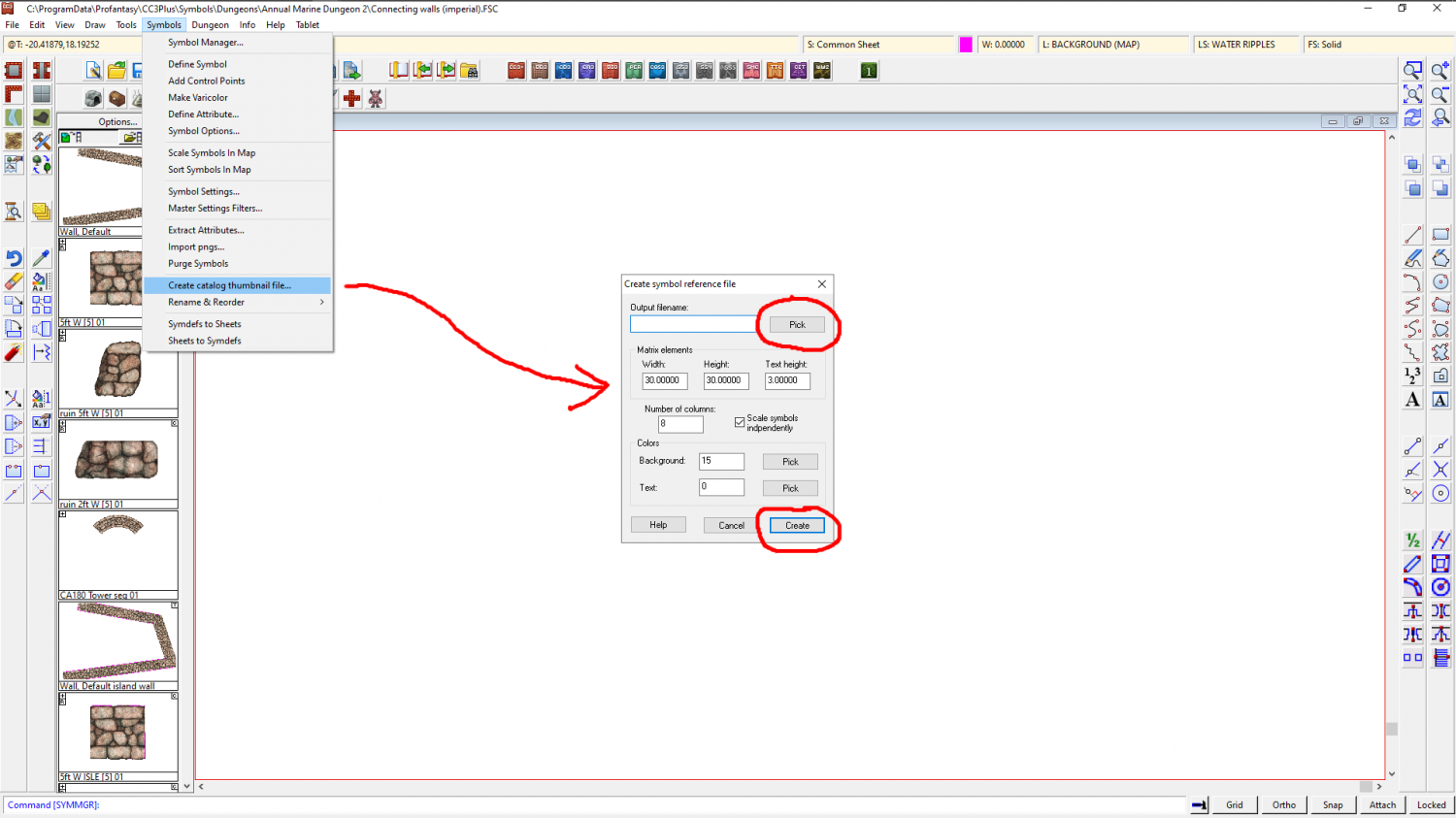
In this example I created a Test.FCW file on my desktop which looked like this when opened.
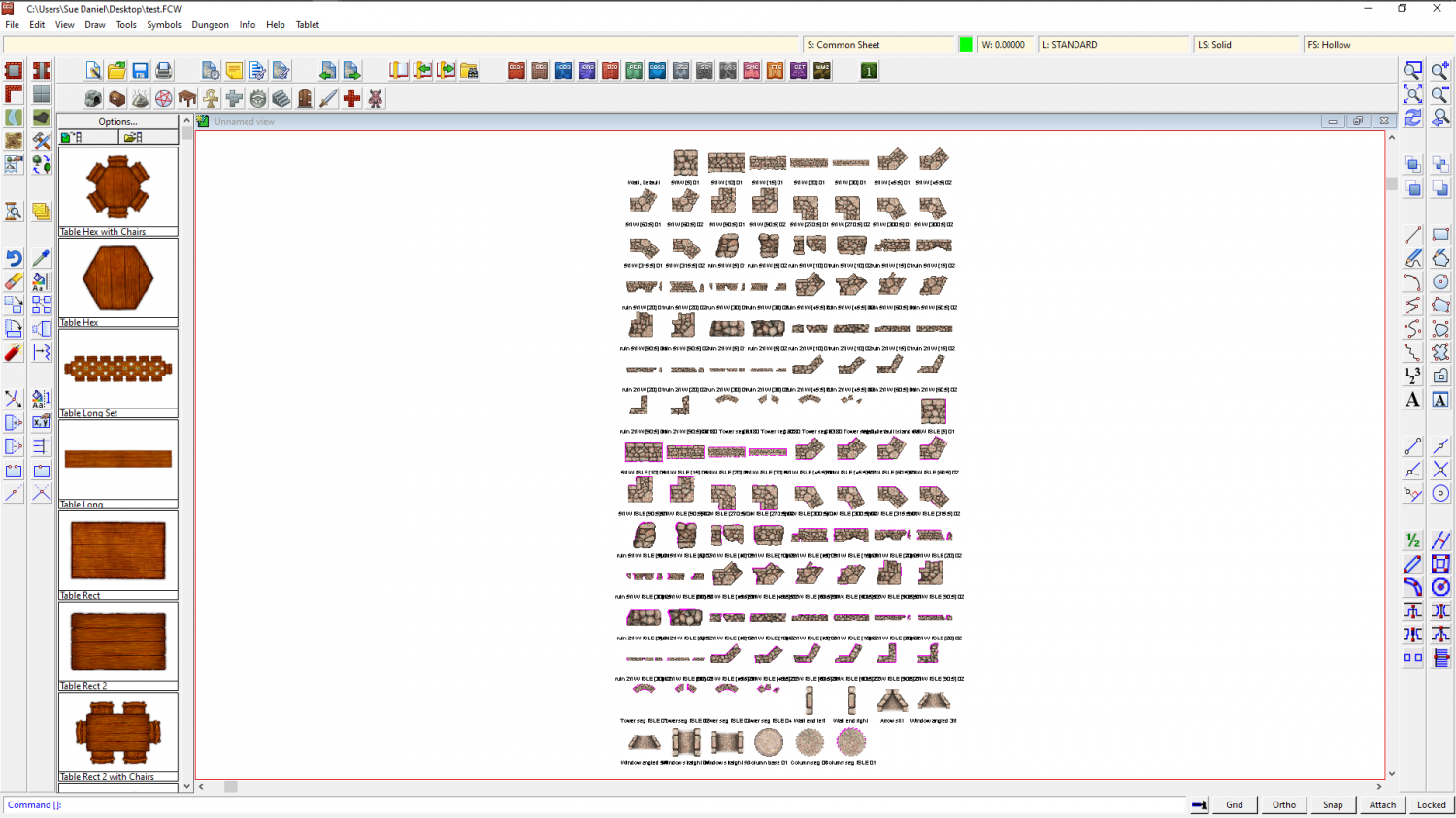
The blank space at the top left is a drawtool and not a symbol, so it's name is there but the sample line is not.
I then exported a jpg bitmap from this and got this result (this is only a 500 px export to preserve the copyright on these symbols on the forum, but you can set it any size you prefer using the Options button in the Save as dialog.
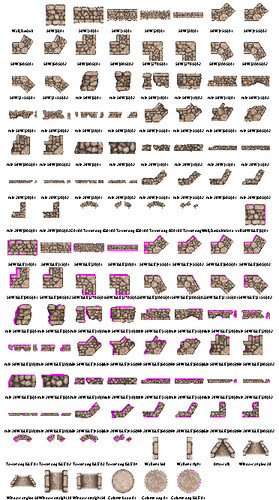
This works for each catalogue at a time, but it doesn't take too long to do, and if you print each one you can make a reference book of them for yourself.


-
Wet medley and a city!
I like it :)
But I am wondering why there is so much water at the bottom.
-
Panzer sample thread
You're doing some beautiful work, Hans. Keep it up! :)


