


Loopysue
Loopysue
About
- Username
- Loopysue
- Joined
- Visits
- 10,422
- Last Active
- Roles
- Member, ProFantasy
- Points
- 10,163
- Birthday
- June 29, 1966
- Location
- Dorset, England, UK
- Real Name
- Sue Daniel (aka 'Mouse')
- Rank
- Cartographer
- Badges
- 27
Latest Images



-
[WIP] City of Accordo (Ferraris Style)
Thank you! :)
Although I always feel rather guilty taking credit for the style, since it is faithfully based on the orginal Ferraris map.

-
[WIP] City of Accordo (Ferraris Style)
It's looking great as it is :)
-
Lighning Rendering problem
That is most usually caused by the lights not being present in the current render pass, and not accounted for in the total light falling in the current render pass. At a guess that image took 2 passes to render.
Type EXPORTSETMPPP and hit enter.
The number showing in your command line will most likely be 4000000 (4 million)
Type 40000000 (40 million) and hit enter.
That will expand the size of each pass over the map as it is rendered, and hopefully prevent the artefact by completing the whole map in a single pass.


-
The Creepy Crypt project
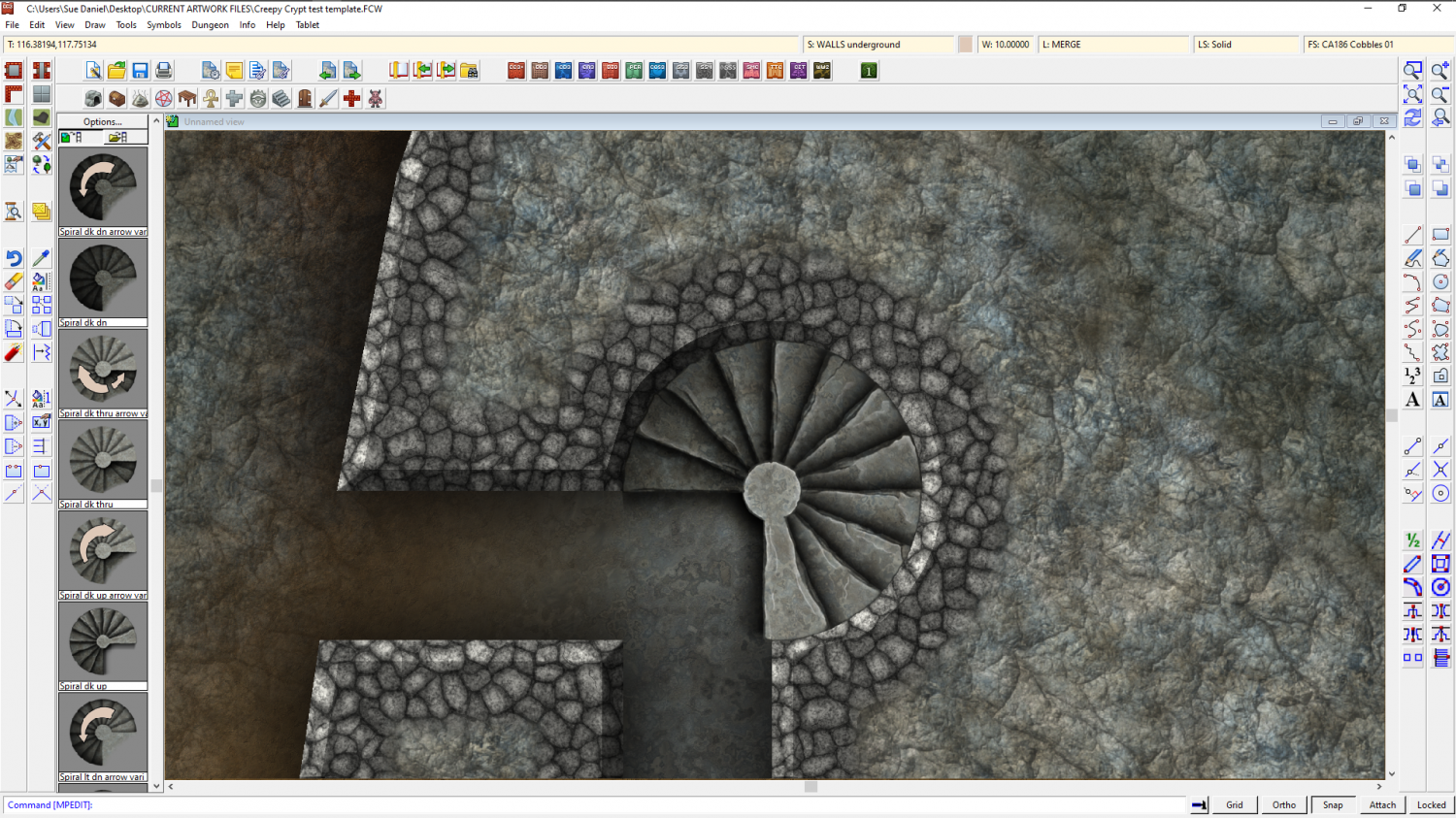
@Quenten One spiral sans arrow (and a colorize effect on the cobbles to make them more similar to the rock)
![[Deleted User]](https://secure.gravatar.com/avatar/c75d9a245b74d9c59be0999ea81ca541/?default=https%3A%2F%2Fvanillicon.com%2F92add7f8c954488718110edc4896ad39_200.png&rating=g&size=200)






 and 1 other.
 -
The Creepy Crypt project
Hard to tell. I've got a lot of brain fog going on at the moment through lack of sleep, so I can't remember if I read your comment before or after I started. It was about the same time, and that's all I can say. Though I have been working on the stairs for several days already. I think the main problem is that I keep changing my mind about the best way to do this or that.
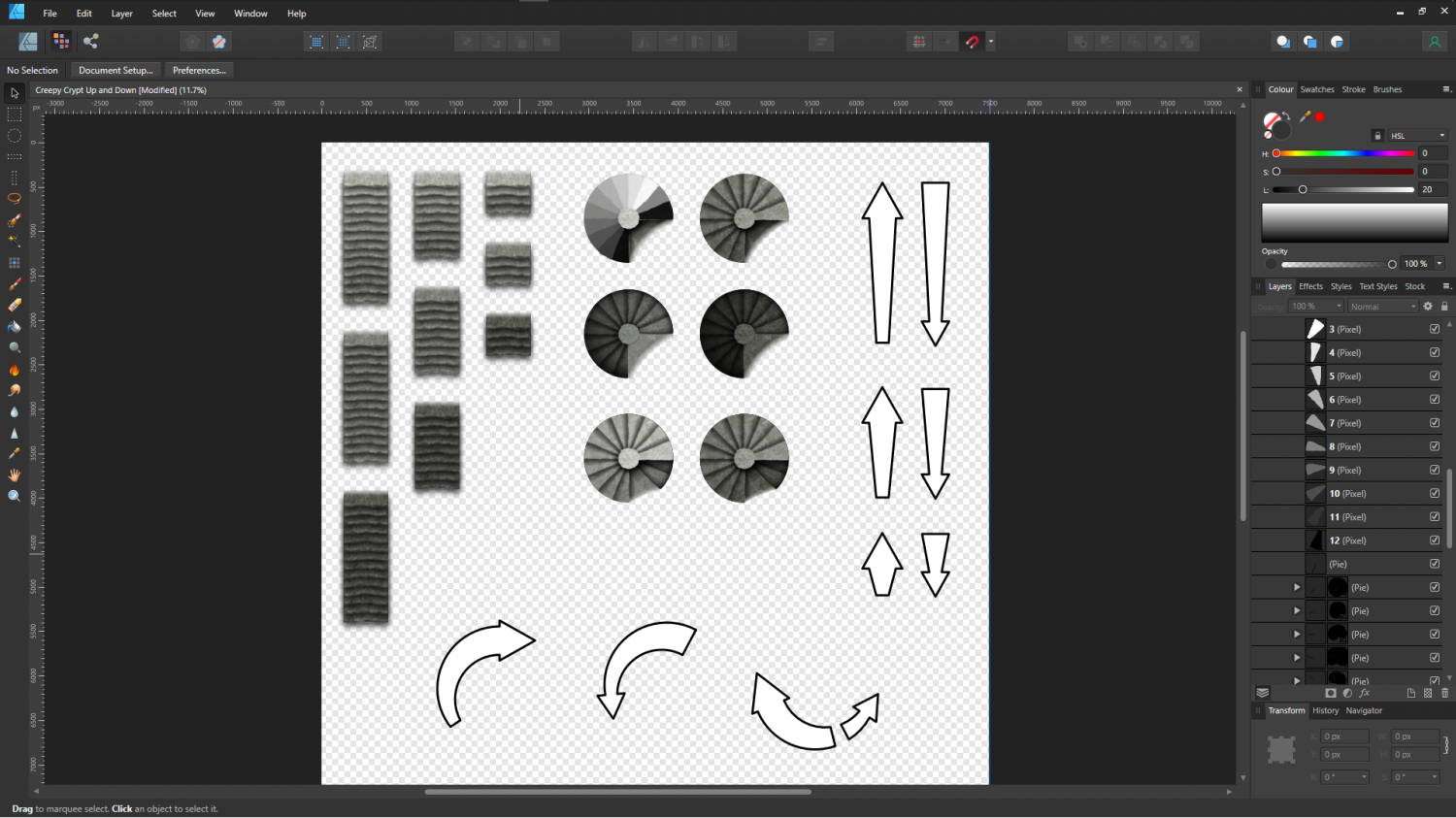
(The arrows are twice the size they need to be so I can get them out of Affinity without them looking fury. Pixelated, that is to say)
