


Loopysue
Loopysue
About
- Username
- Loopysue
- Joined
- Visits
- 10,424
- Last Active
- Roles
- Member, ProFantasy
- Points
- 10,163
- Birthday
- June 29, 1966
- Location
- Dorset, England, UK
- Real Name
- Sue Daniel (aka 'Mouse')
- Rank
- Cartographer
- Badges
- 27
Latest Images



-
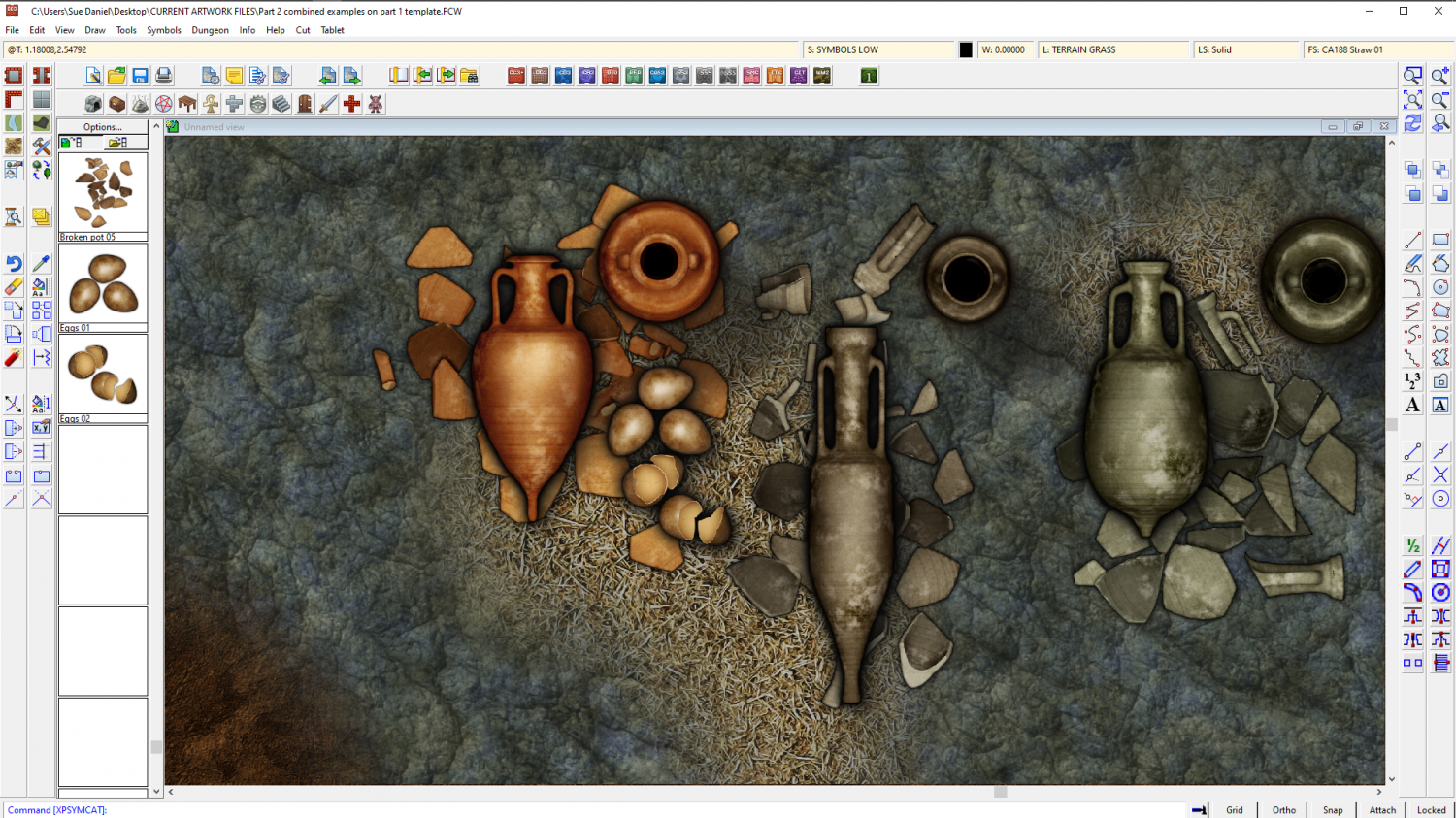
The Creepy Crypt project
I imported them at 200 px per map unit, so you can make them larger if you want, but I think they might be a bit obvious at full size if you are trying to hide them among the fragments. Full size would be if you want them to be noticed straight away.


-
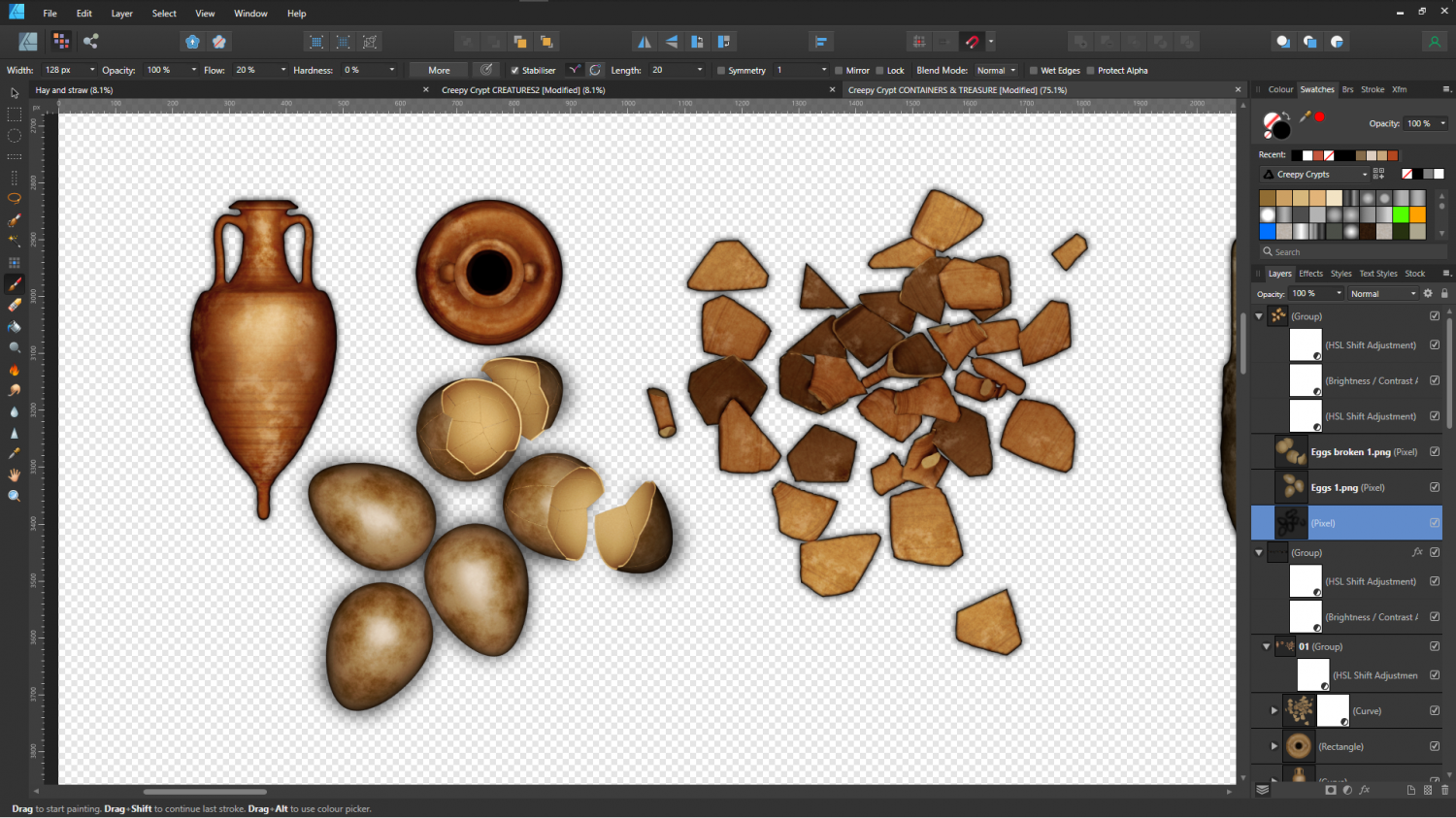
The Creepy Crypt project
Do you mean something a bit like this, @jslayton? Something where you don't actually know for sure what it was that just hatched out?


-
change size of map
Just hide the SCREEN, BACKGROUND, MAP BORDER (sometimes called a similar name), and FRAME sheets, and grab the whole lot in one selection box.
If there is a lot of stuff being moved it is quite normal for the screen to slowly flash as it continually refreshes the moving parts no matter how many moving parts there are. It won't crash, though, unless you get impatient and start clicking things to try and hurry it. The larger the map to be moved the more stately the speed you can do it at.

-
change size of map
You can use the Resize Drawing Area option in the File menu to adjust the size.
When the dialog opens it will show you the current size of the map in map units. Edit those numbers to change the size of the map. The existing drawing will remain as it was in the bottom left corner of the new drawing area, but it's easy enough to move it if you wanted more space all around.
-
Token Treasury symbols for commercial use
Hi Gathgar :)
The EULA is here if you want to refer to it at any point in the conversation: https://www.profantasy.com/service/license.asp
While I am employed by Profantasy I work on the art side of things more than anything, so I can't really give you a definitive answer. For that you will have to contact Profantasy directly using the email link "Licensing questions" on the contact page here: https://www.profantasy.com/service/default.asp
Service is good, so you should get an answer before too long.

