


Loopysue
Loopysue
About
- Username
- Loopysue
- Joined
- Visits
- 10,413
- Last Active
- Roles
- Member, ProFantasy
- Points
- 10,161
- Birthday
- June 29, 1966
- Location
- Dorset, England, UK
- Real Name
- Sue Daniel (aka 'Mouse')
- Rank
- Cartographer
- Badges
- 27
Latest Images



-
Interesting Political Take on the Mercator Projection
It's likely that ancient cartographers had a tendency to make the country their commissioner was lord over look bigger than it really was. Flattery goes a long way when there's no proof that things are otherwise and you might be executed for making it look smaller than the last cartographer did.
Can't do that today, of course - except by changing the projection. I have always wondered why each country hasn't produced their own hemispherical projection with the heart of their own country at the centre.
-
Live Mapping: The CC3+ Interface
Ok. I got caught out. It's live in 10 minutes.
-
Live Mapping: The CC3+ Interface
Following Gen Con, In this week's live mapping Ralf will be covering the basics of the CC3+ interface once again; taking a look at the available toolbars, their features and the options on how to customize them.
The session will be half an hour earlier than usual, so don't miss out if you like to catch it live and join the chat on Youtube. The time of the show in your area is shown in the forum sidebar.
https://www.youtube.com/watch?v=Mnqo3hc_UPE
If you do miss it you can always catch up later, or even watch it right here:
This thread isn't monitored during the show, but you can ask questions and discuss the show below if you wish.



-
FT3 Views
Do you mean this route?
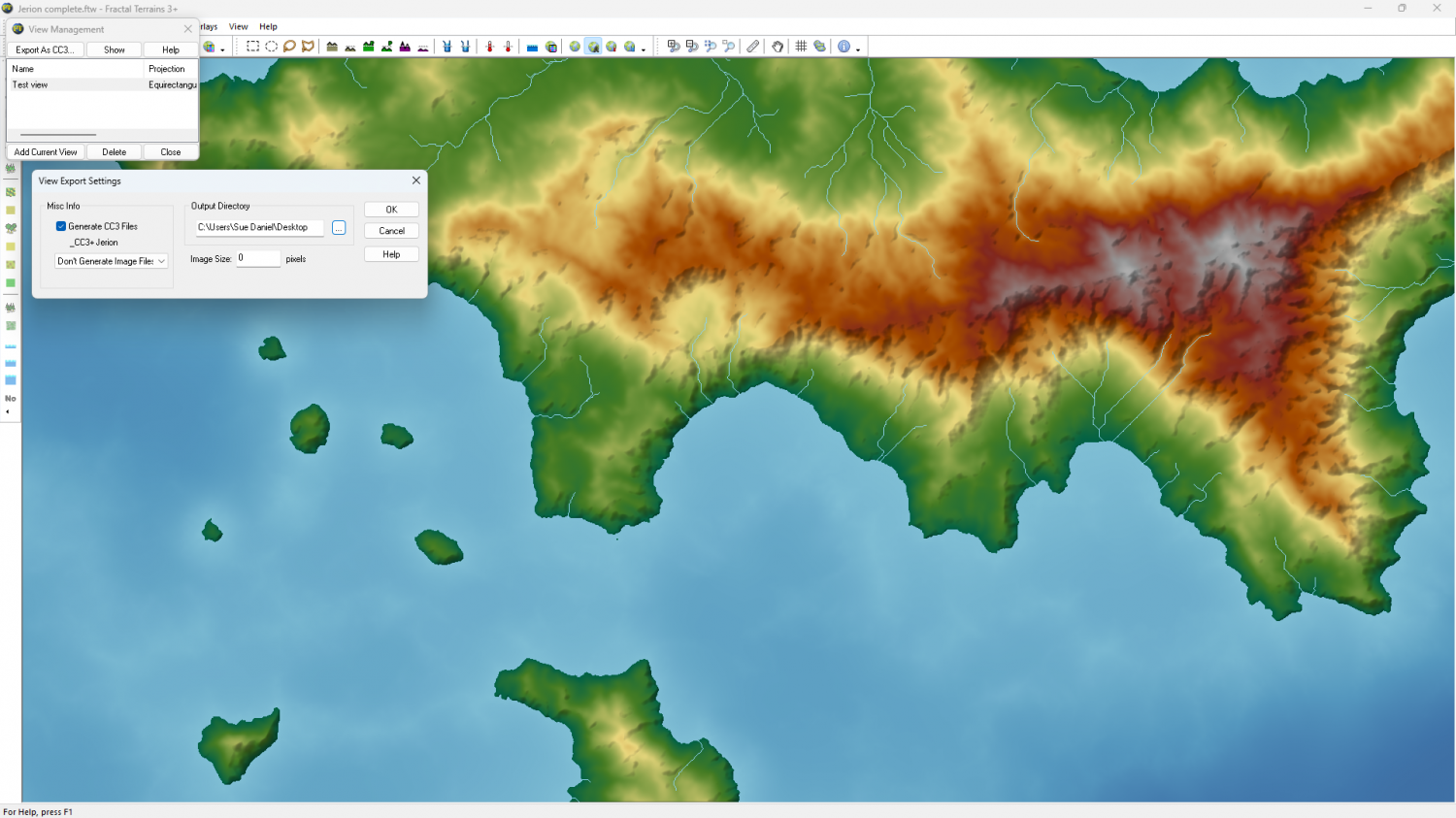
If so, then yes - you are correct about the 1:1 thing.
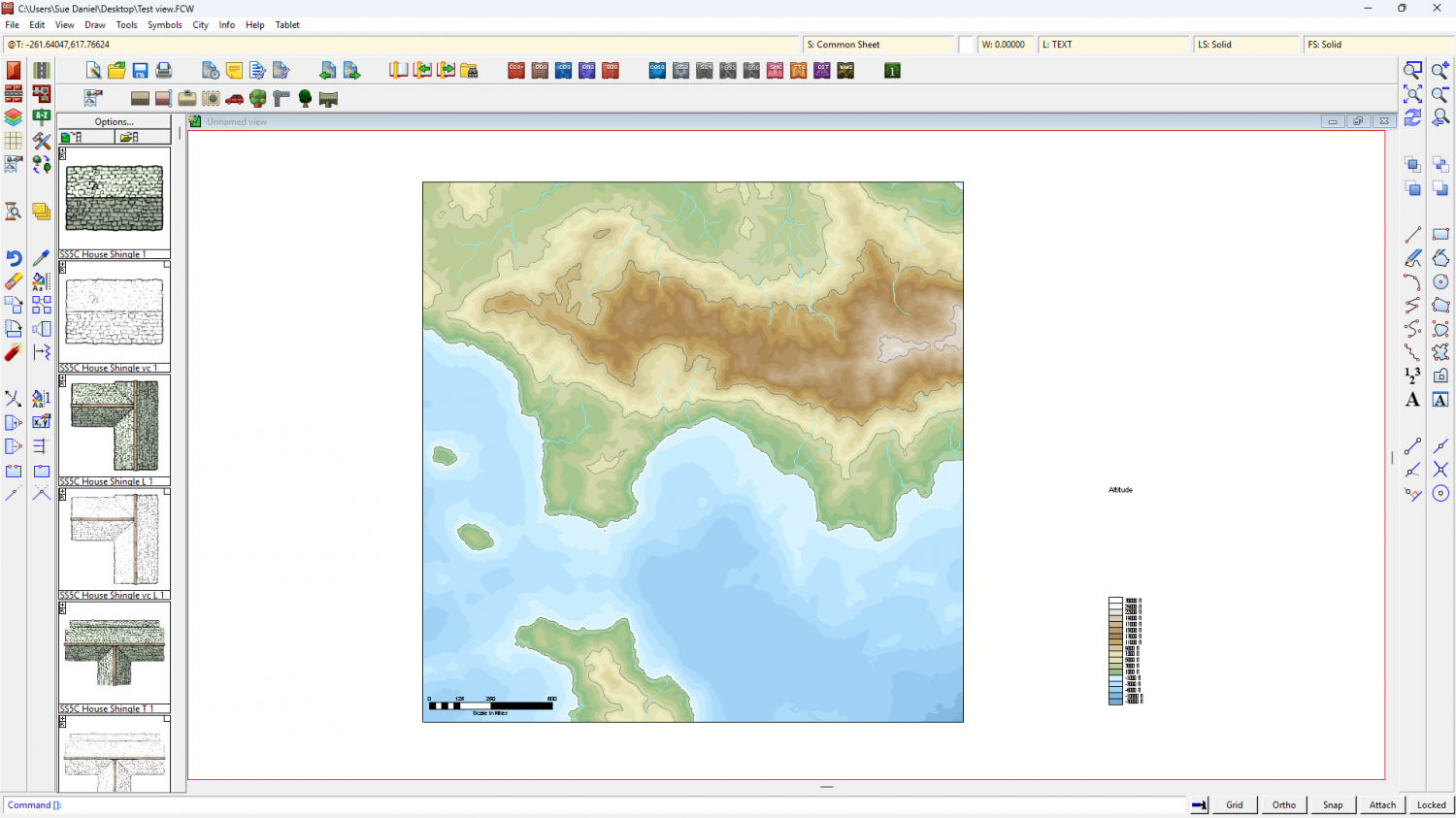
However, if you just use the View to get to the right place in the map and then use Save as Campaign Cartographer file
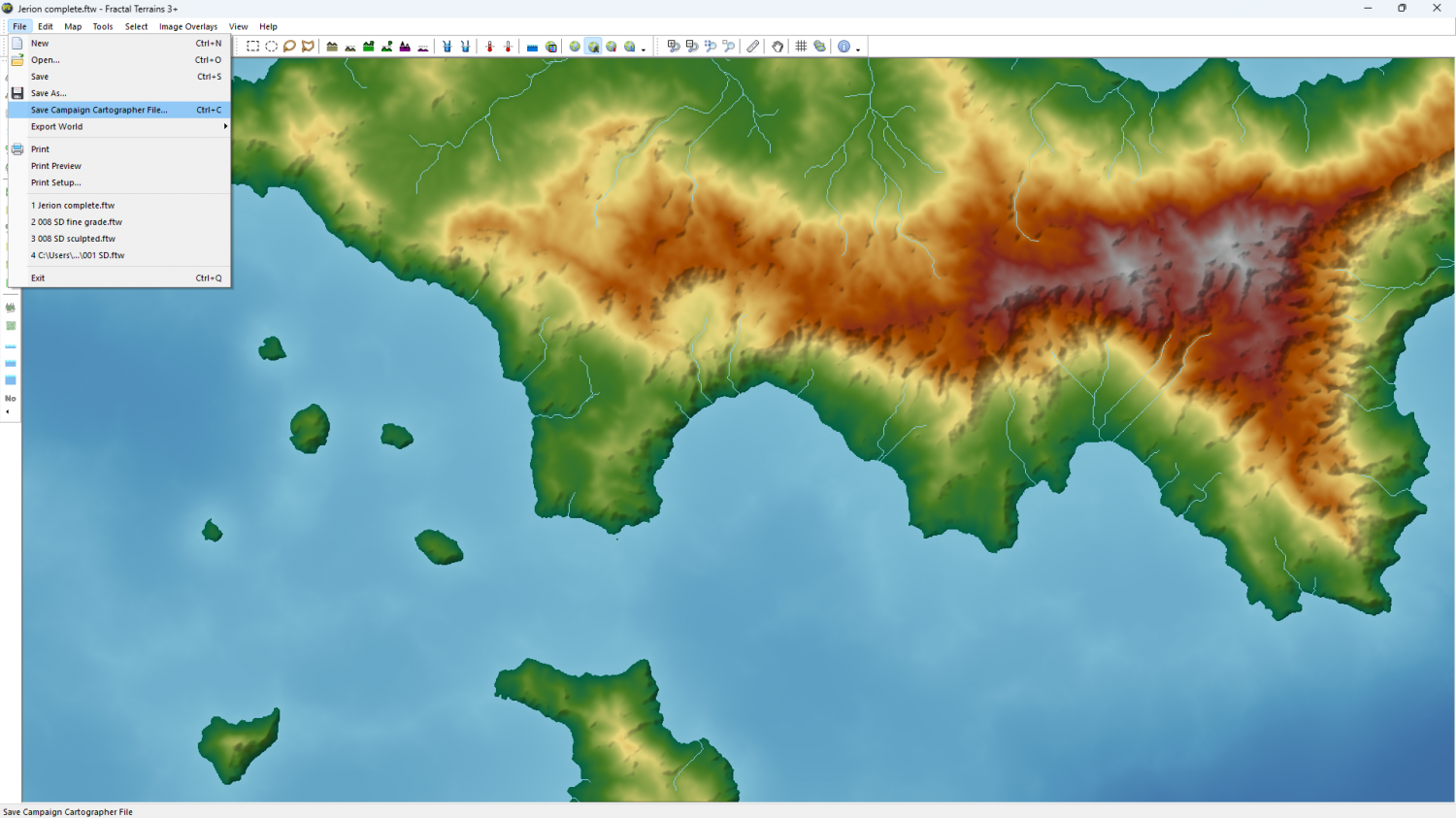
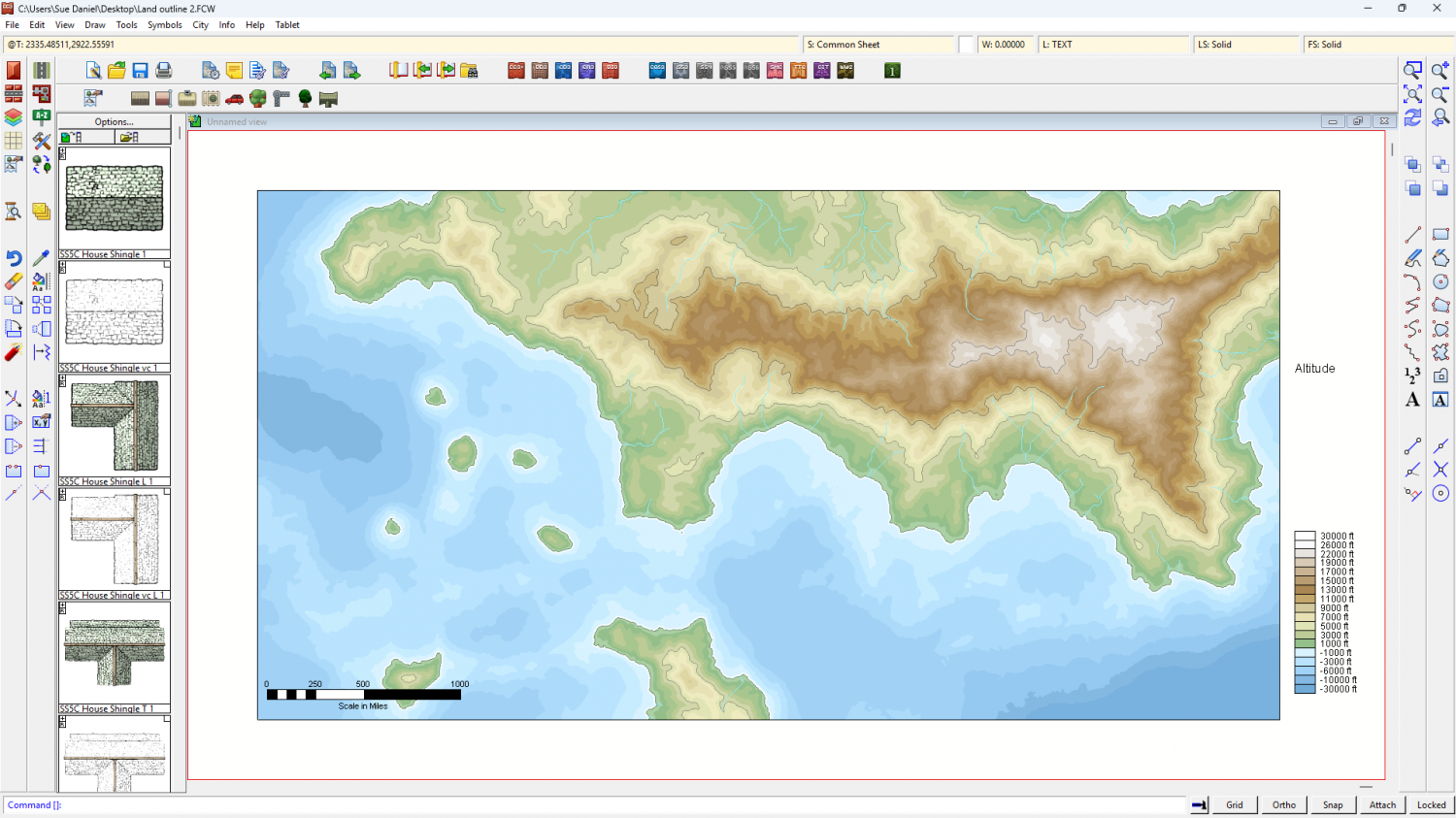
You should get the correct area.
Thanks for raising this issue. I wasn't aware of it till you mentioned it.
EDIT: Incidentally, if you change the shape of the FT window the exported map (as long as you do it from the File menu) will be whatever proportion you have set the window to.

-
2023 Annual Install Not Showing Up
I can see from your list of overland styles that the templates that should have been installed when you installed the 2023 annual are missing. They include the 13th Age Revisited style among others. Since you have tried working with our suggestions and they are still missing, please contact Tech Support using the "Ask for Help" form available on the Support tab on your registration page (when you log in to your account on the ProFantasy webpage).
...
The rest of this comment is information that may help when you do get the installer working.
Each annual issue comes with its own PDF mapping guide. When you use the 2023 installer there is an option to open CC3 at the end of the process. If you click yes (the default setting) this file opens.
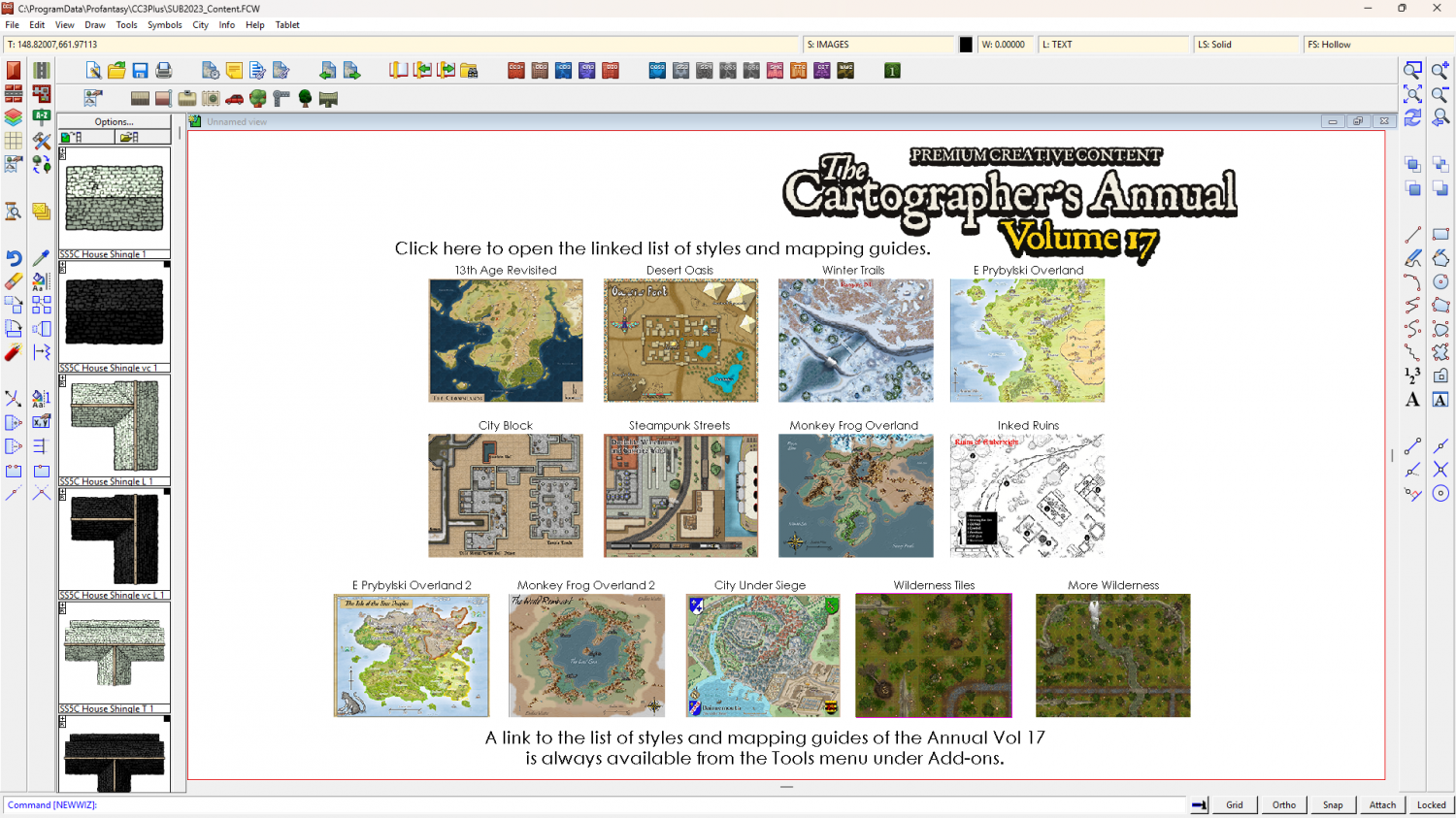
At the top there is a hyperlink to "Click here to open the linked list of styles and mapping guides." If you click that link it takes you to this page, where you can find all the mapping guides listed with the description of each issue in the annual below the Readme Document.
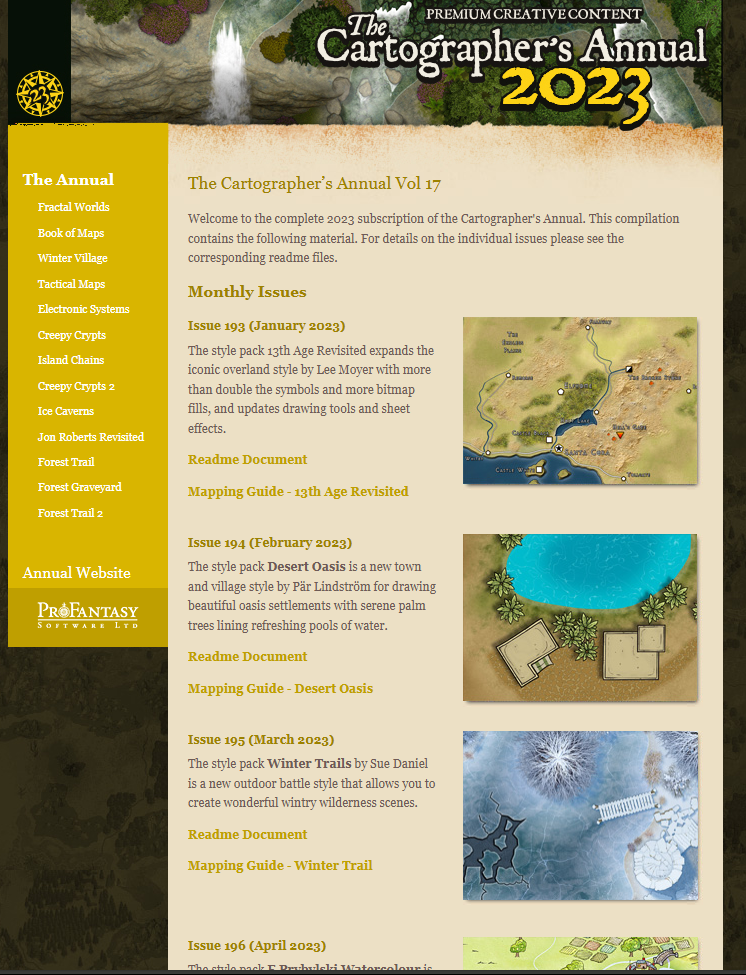
Clicking the first Mapping Guide for 13th Age Revisited will open this pdf (if the installer has worked properly)
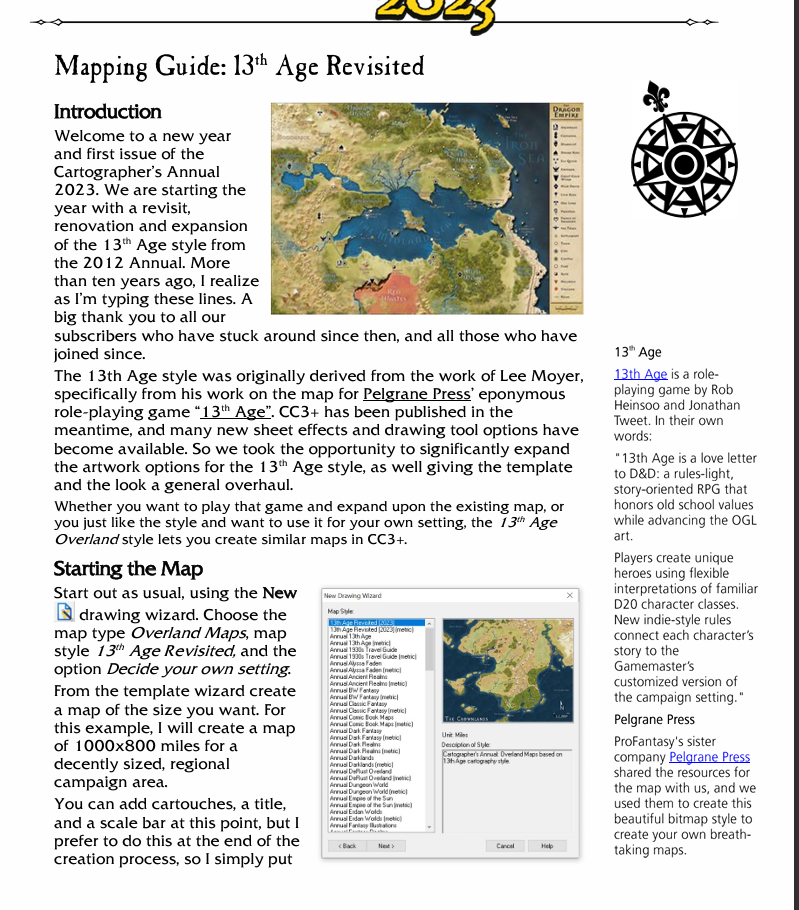
At the bottom of this page you will see a "Starting the Map" paragraph that tells you the settings needed in the New Map Wizard to start a new map of the style (in this case a new 13th Age Revisited map).

