


Loopysue
Loopysue
About
- Username
- Loopysue
- Joined
- Visits
- 10,354
- Last Active
- Roles
- Member, ProFantasy
- Points
- 10,108
- Birthday
- June 29, 1966
- Location
- Dorset, England, UK
- Real Name
- Sue Daniel (aka 'Mouse')
- Rank
- Cartographer
- Badges
- 27
Latest Images



-
CC4 Overland Development Thread
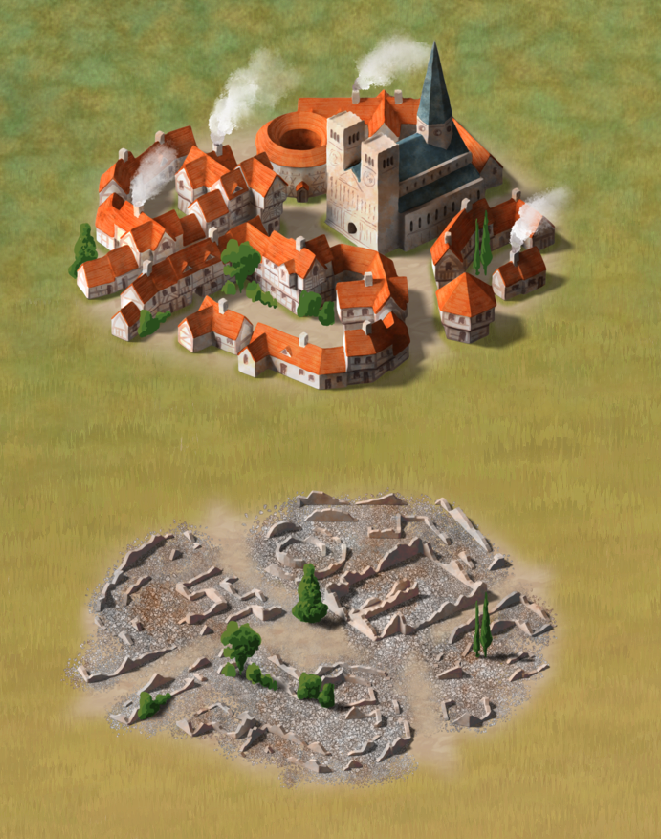
They weren't specifically designed for it, being more carefully graded to match the unspoken standard that each step down a level is 2/3 the area covered by the previous level. It's not exactly a specification, but it's the rule that the Mike Schley symbols seem to follow. For example the Town is 2/3 the size of the City, and the Village is 2/3 the size of the Town, and the Hamlet 2/3 the size of the Village. However, all the buildings in each symbol are the same scale so there's no reason you couldn't if you wanted to. I'm not sure they will look as great as Mike's used that way because I've given each of them an approximate circular base (circular viewed isometrically).

-
CC4 Overland Development Thread
Thank you :)
Yes - all the ruined symbols have the same floorplan as the unruined Structures.

-
CC4 Overland Development Thread
I just remembered I hadn't shown the new mesas and buttes. Also 2 new fills - volcanic and wasteland. I think you've seen the red desert before.
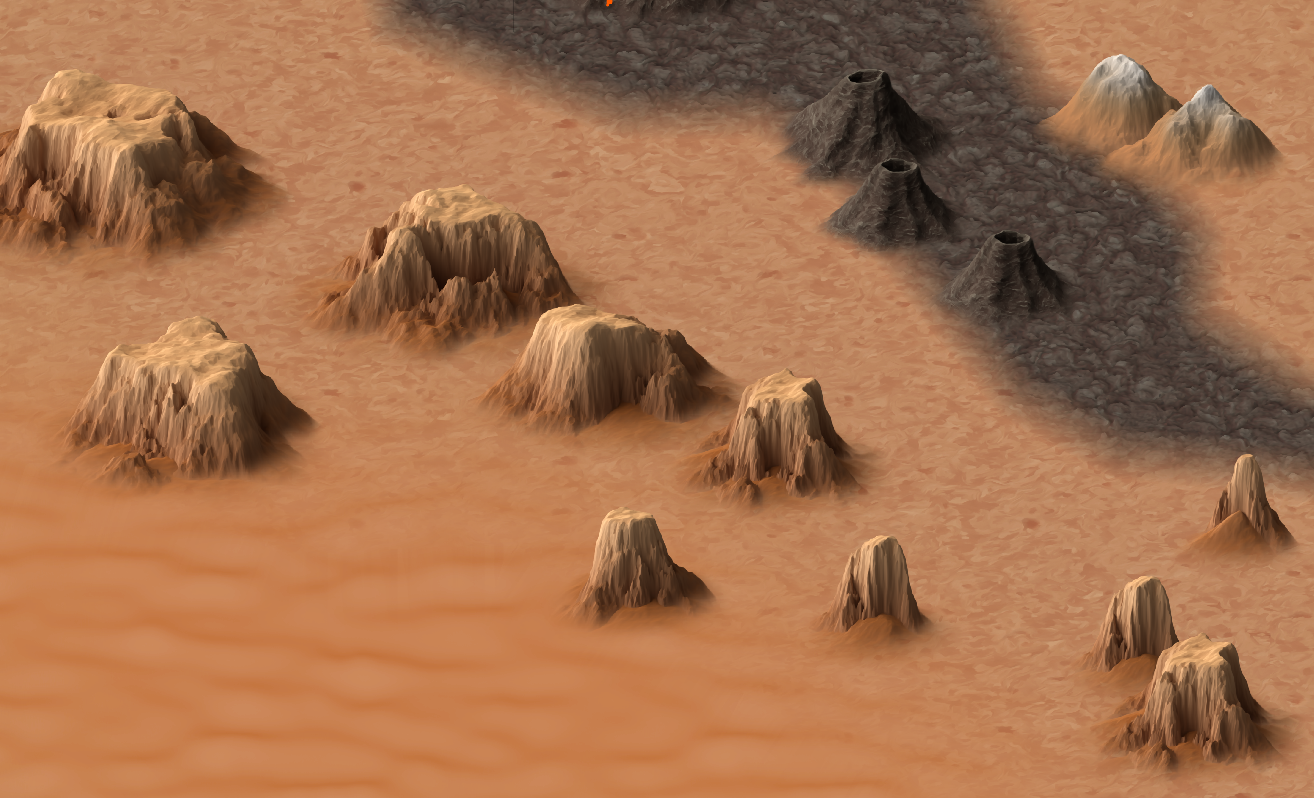
The two small mountains top right in this shot are the varicolour versions, matched with the wasteland fill.




-
CC4 Overland Development Thread
Thanks Calibre :)
The blurriness of the terrain can be adjusted by scaling the terrain. It's set pretty large at the moment because the map itself is huge. That white rectangle is the extent of a default 1000 x 800 map unit map.
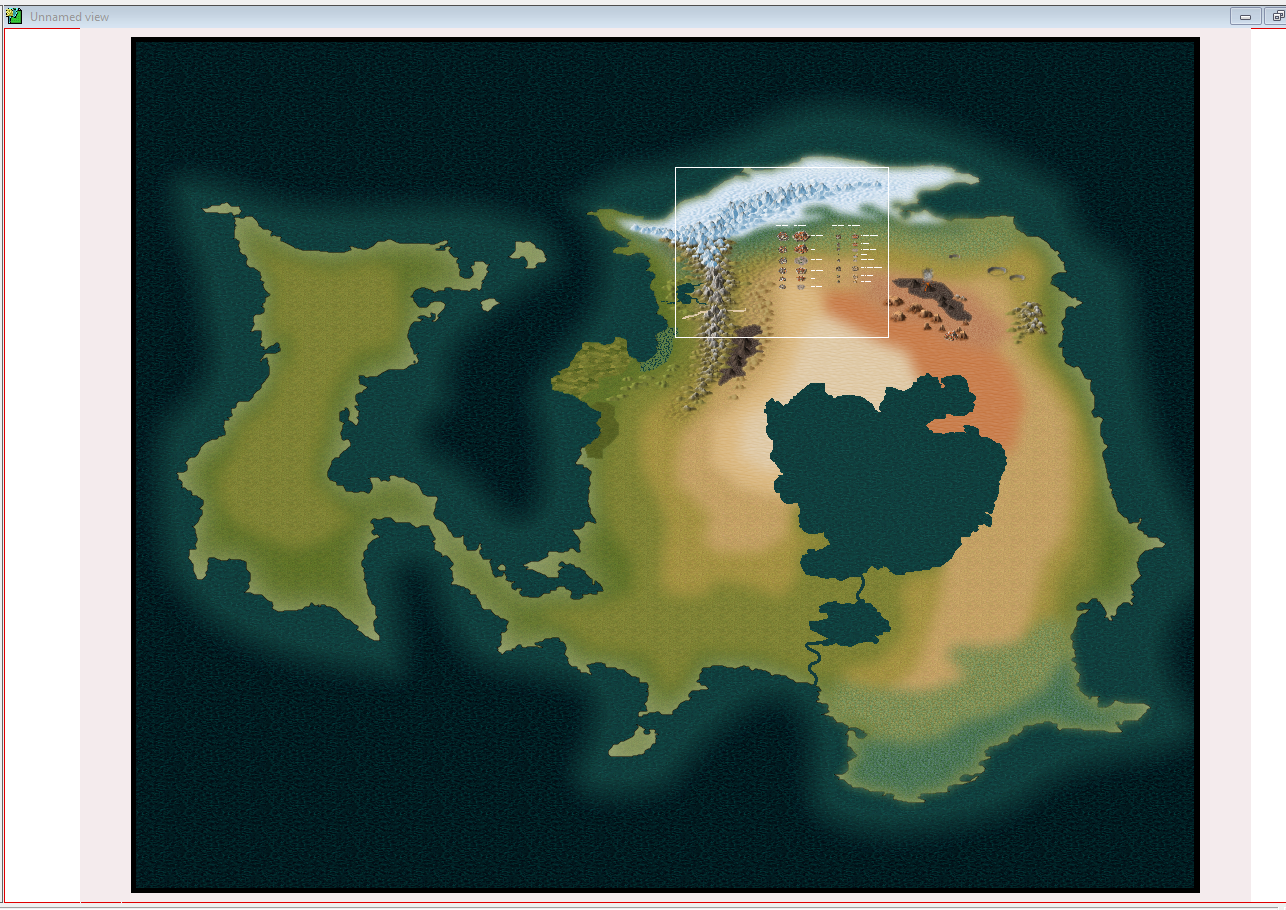
Here I have halved the scale of the terrain fills. (The trees in the cities are placeholder scribbles and not the final trees). The grass is a final fill texture, but the tundra above it is an isometric version of the Birdseye tundra and is likely to be updated before publication.
The shade of the water is a tricky one. Some people prefer this darker water, and some prefer it much lighter. I started with water that was approximately the same shade as the Birdseye water, but went darker in response to other requests.
Stretching the mountians on the X axis might make them look rather pixelated. Maybe use mountains from a different style?
-
CC4 Overland Development Thread
LOL! Ok. My answer is only slightly different.
Whenever you are ready.
...
I should add right away that there is no need to delete a whole contour line because of one mistake. There are editing tools and methods that take a few seconds - even if you've realised you switched contours half way around. But we can talk about that closer to the time when you start mapping again. I just wanted you to know now you don't have to do that to yourself.

