


Loopysue
Loopysue
About
- Username
- Loopysue
- Joined
- Visits
- 10,420
- Last Active
- Roles
- Member, ProFantasy
- Points
- 10,163
- Birthday
- June 29, 1966
- Location
- Dorset, England, UK
- Real Name
- Sue Daniel (aka 'Mouse')
- Rank
- Cartographer
- Badges
- 27
Latest Images



-
Lake sort of glazes over
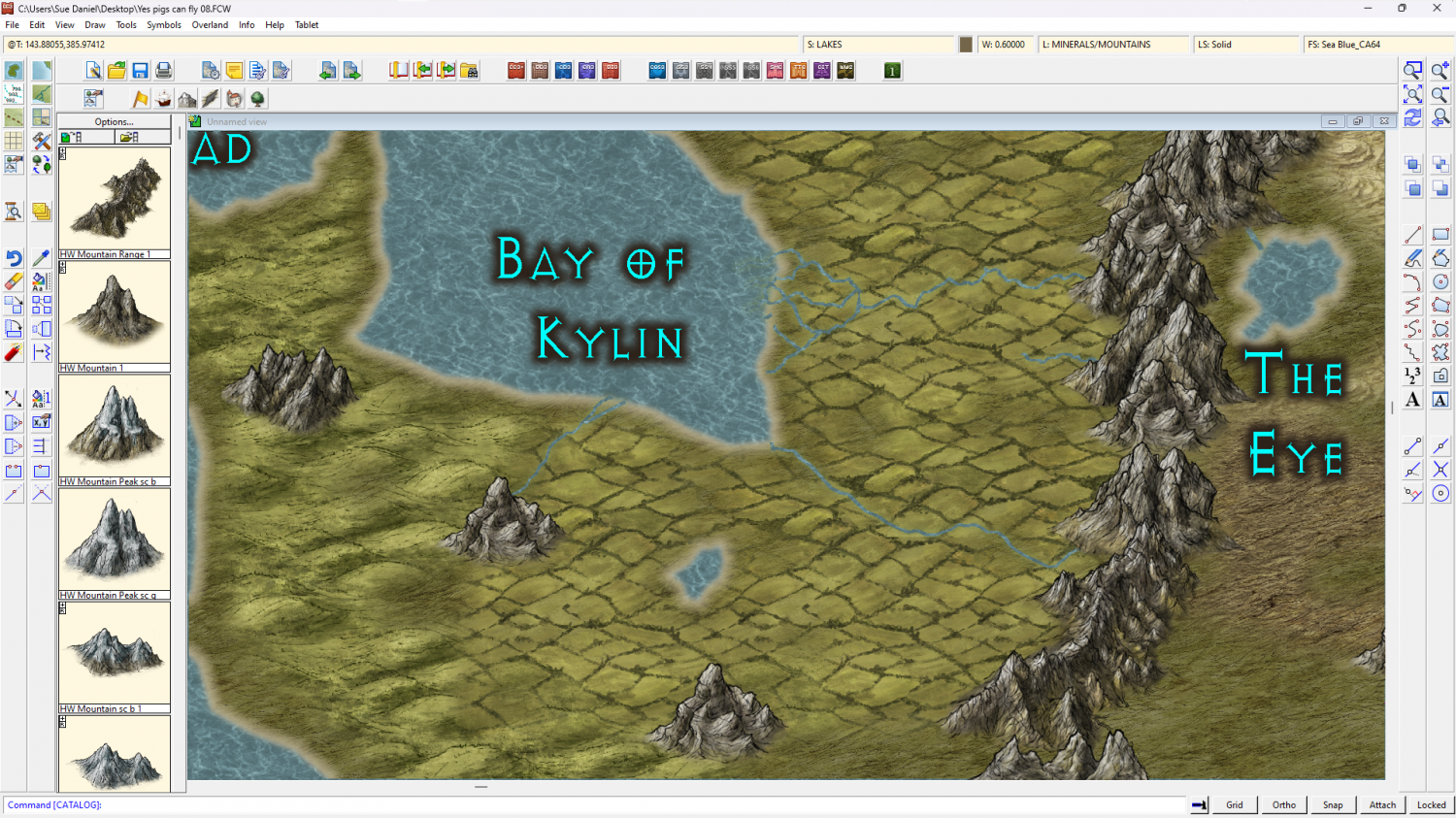
You can use the lake polygon as a cut out shape on more than one sheet. I've set it up for you in this version. All I did was add a Color Key sheet effect to the TERRAIN FARMLAND sheet, change the properties of the lake to solid colour 6 (magenta), moved it to the TERRAIN FARMLAND sheet and copied it from there to the LAND sheet.
There's nothing left on the actual LAKES sheet now.
I hope this is what you wanted?

-
lines that don't delete
You're welcome :)
It might be worth considering if you might be using just a little too much detail generally if you end up having to use SIMPLIFY all the time to resolve these line glitches.
-
Live Mapping: 1930s Floorplans
30 minute shout :)
-
Live Mapping: 1930s Floorplans
Hi everyone! :D
This week in our Live Mapping session, Ralf will be completing his 1930s Travel Guide series by creating a floorplan in the Baedeker-inspired style.
You can watch it right here on the forum, but you would be most welcome coming along to join in the chat, live on YouTube here: https://www.youtube.com/watch?v=TH69okYSPQw


-
Do any styles have East European Symbols?
There are onion domes in the City Domes issue of the 2018 annual if you want domes to add to other styles. They're based on Saint Basil's Cathedral in Moscow. There are also plainer onion domes from other East European churches in that set.
The rooftops are pretty complex, but if you want to make complex roof shapes the House tool is your friend. It depends on how much detail you want to get into and how much time you want to spend on each building.

