Loopysue
Loopysue
About
- Username
- Loopysue
- Joined
- Visits
- 10,419
- Last Active
- Roles
- Member, ProFantasy
- Points
- 10,163
- Birthday
- June 29, 1966
- Location
- Dorset, England, UK
- Real Name
- Sue Daniel (aka 'Mouse')
- Rank
- Cartographer
- Badges
- 27
Latest Images



-
How to Kern
Do you have a screen shot of the fonts you mean and the bad kerning?
Some fonts don't behave well when placed as curved text.
I believe font kerning is controlled by Windows (even in CC3) based on information built into the font itself. If you are having issues with straight text problems can arise because the font is badly designed - as many of the free ones tend to be these days. In those cases the only solution is to explode the text and move the letters individually wherever it is particularly bad.


-
Square hex overlay with blank intersections?
You're welcome :)
I would create a new line style and give it an appropriate name. Remember to uncheck all the boxes.
Line styles are saved with the drawing, unfortunately, so if you want to use this line in more than one map it might be worth creating a crude 'template' containing the line style.
Alternatively, if you copy and pretend to paste an existing grid from the original map to a new map that will transfer the line style to the new map. That's the same kind of pretend paste you do when transferring fills from one style to another. You press ESC just before you paste it.
-
Square hex overlay with blank intersections?
I did one like this with a small blur and a transparency effect on the GRID sheet.

It's a 5ft grid with black dashed lines of 0.1 line thickness.
Having a line thickness greater than zero is important in this one case, since for some reason a zero width line doesn't behave as expected.


-
installing City Designer 3+
When you say they aren't there, where are you looking for them? In the first dialog select Cities, and Decide settings myself.
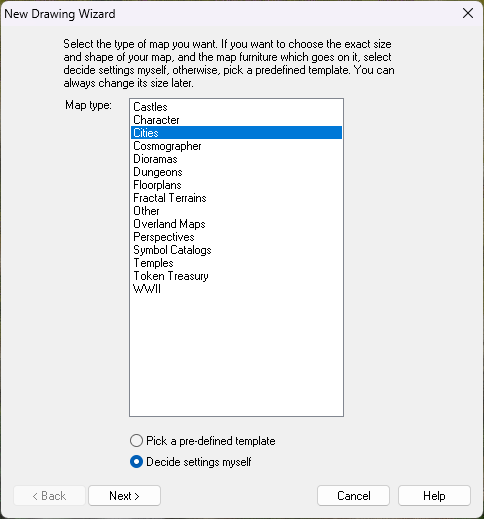
Then CD3 should be available from the list in the second dialog.
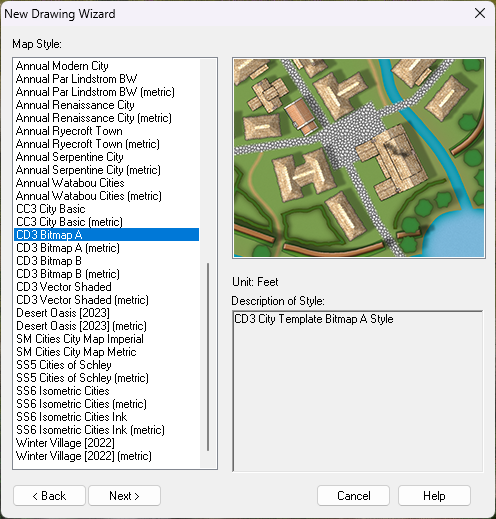
I hope that helps.
-
Importing symbols from annual
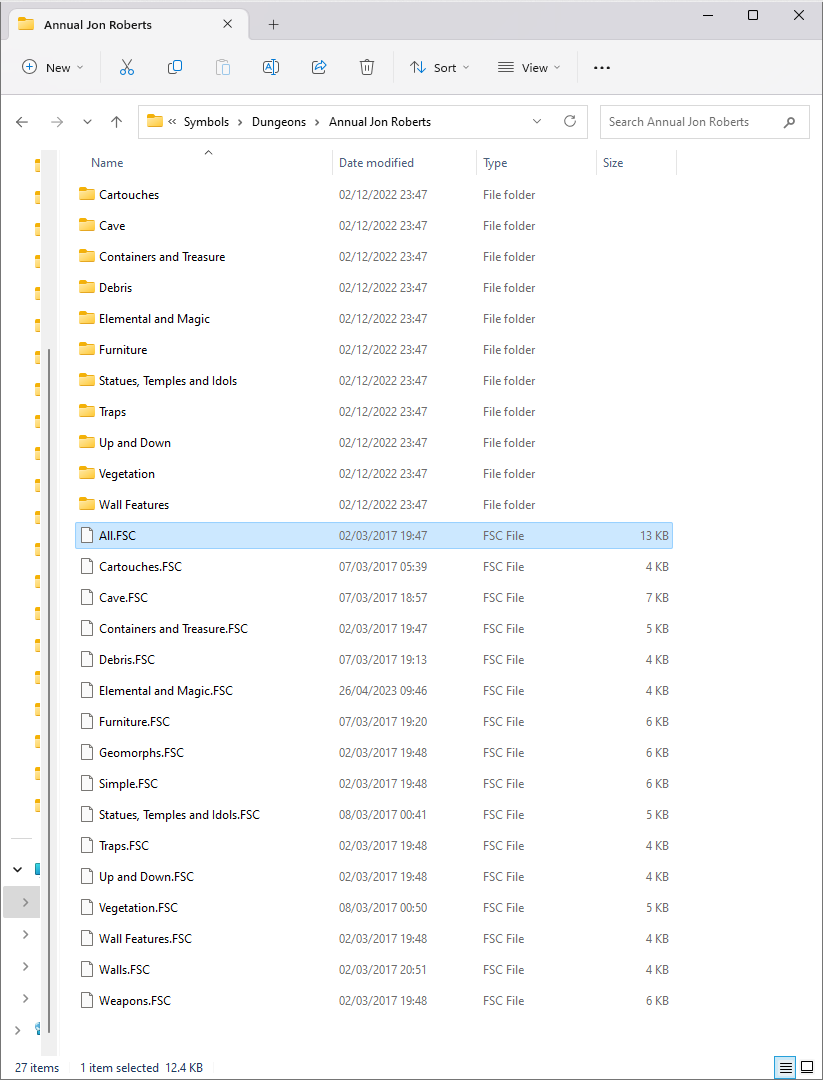
You need to open the corresponding symbol catalogue by clicking the open folder button on the top right of the symbol pane. Depending on which subset of symbols you want to use it will be one of these. The "All.FSC" looks like it might be a good bet.
Depending on your installation it should be here: C:\ProgramData\Profantasy\CC3Plus\Symbols\Dungeons\Annual Jon Roberts