


Loopysue
Loopysue
About
- Username
- Loopysue
- Joined
- Visits
- 10,418
- Last Active
- Roles
- Member, ProFantasy
- Points
- 10,163
- Birthday
- June 29, 1966
- Location
- Dorset, England, UK
- Real Name
- Sue Daniel (aka 'Mouse')
- Rank
- Cartographer
- Badges
- 27
Latest Images



-
Sinister Sewers - Style Development Thread (CA207)
Thanks :)
I haven't started the symbols yet, Jim, but there will hopefully be a nice collection of various bits of debris to dump in the channel. And there are a range of 6 flavours of fluid to pick from - at the moment. I will add more if necessary.
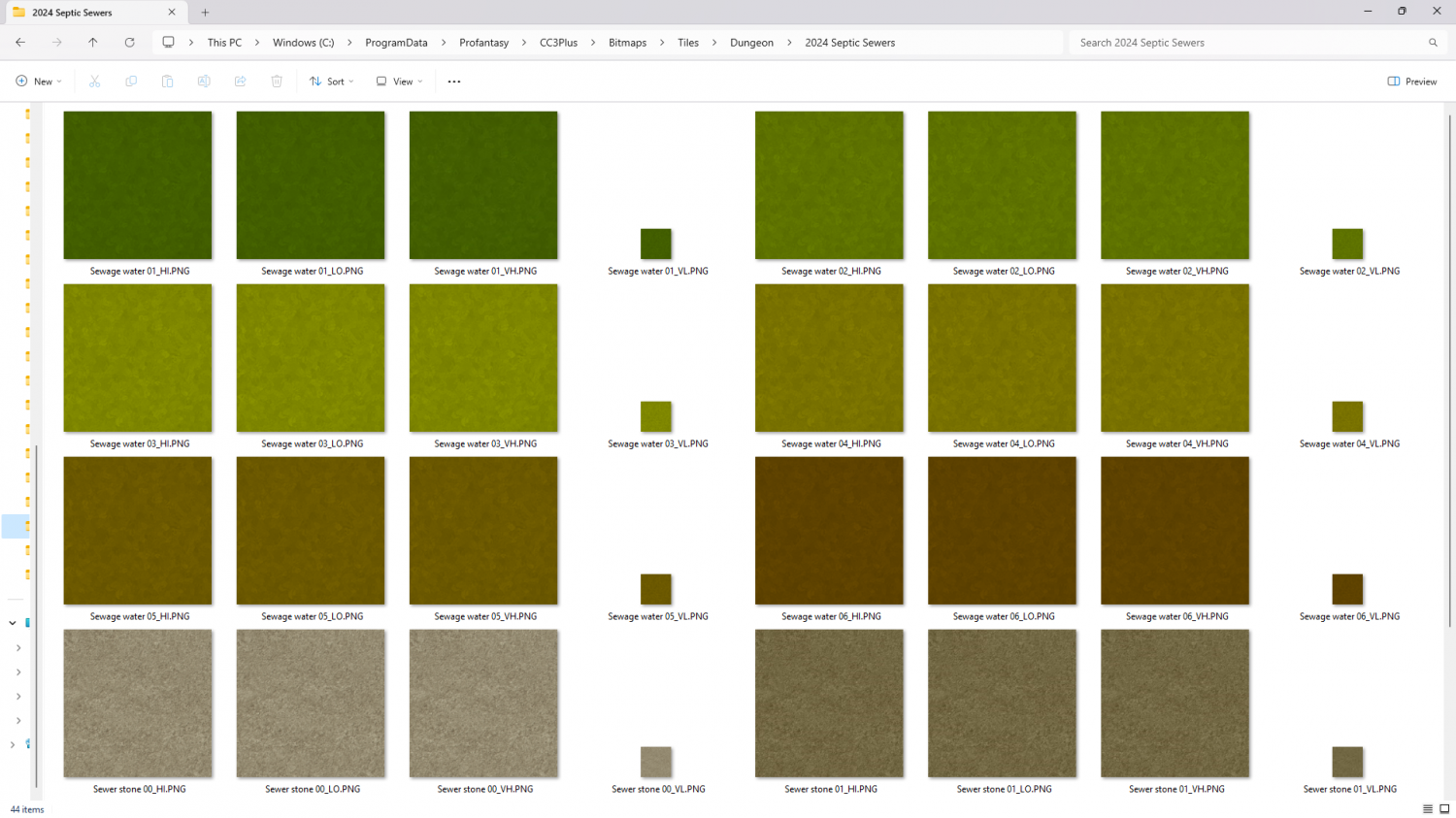
These are all 'proto-fills' and will hopefully end up looking a lot more interesting on the day.





-
Sinister Sewers - Style Development Thread (CA207)
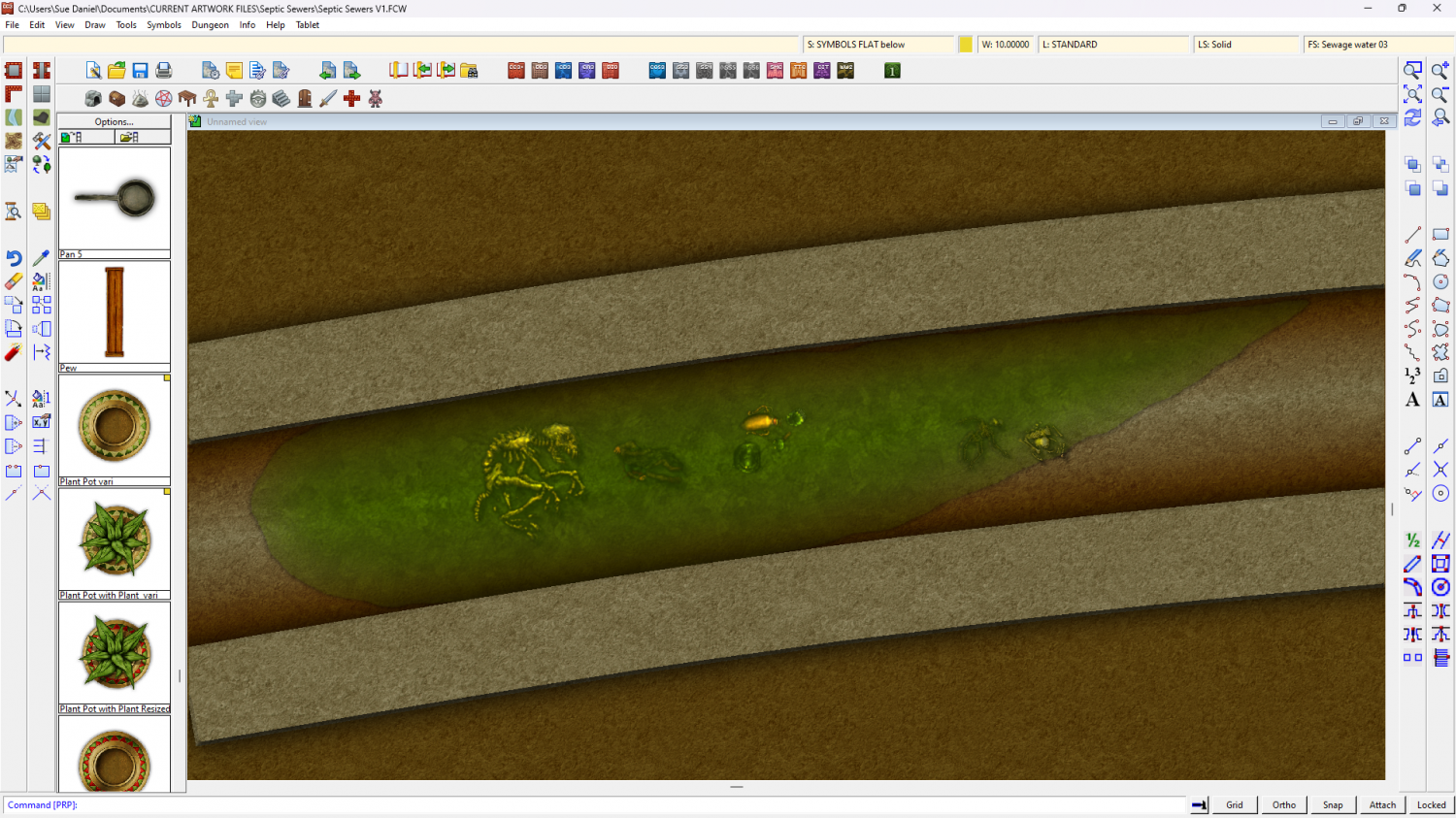
I'm thinking about the colour scheme here. What do you think of dirty oranges and browns with green liquid?
(The fills and symbols are placeholders)




-
Sinister Sewers - Style Development Thread (CA207)
Notwithstanding the subject matter those are beautiful models.
And a movie recommendation too!
Thanks Wyvern :)
-
Sinister Sewers - Style Development Thread (CA207)
Hi guys :)
I've been asked to do a 'small sewer style' for next year's Cartographer's Annual. I already have an image of pipes and grungy dirty fills that I can do. Have you got any favourite sewer maps you want to show me for inspiration? If the map isn't yours please provide a link to the original on the artists page rather than post a 'borrowed' copy here.
Thanks! :D


-
The Cartographer's Vault Humble Bundle
Hello TakoTsubo :)
The maps cover a huge range of styles. Red X's are where you don't have the symbols for the map. They are placeholders. This is why there is also a high resolution bitmap export of all the CC3+ maps, so that people who see red Xs can still have and use the maps even if they don't have all the styles.
The City and Dungeon menus and tools were added to the core app a couple of years ago along with a city style and a dungeon style to make it possible for people to draw basic cities and dungeons even if they don't have CD3 or DD3. So those are normal for CC3 these days.

