


Loopysue
Loopysue
About
- Username
- Loopysue
- Joined
- Visits
- 10,417
- Last Active
- Roles
- Member, ProFantasy
- Points
- 10,163
- Birthday
- June 29, 1966
- Location
- Dorset, England, UK
- Real Name
- Sue Daniel (aka 'Mouse')
- Rank
- Cartographer
- Badges
- 27
Latest Images



-
Creating weather tables using Fractal Terrains data?
Not that I'm aware of. The climate data for Fractal Terrains doesn't take Coriolis, wind or geography into account, so I don't think anyone has ever used it that way. The most common use is just to indicate general climate.

-
Mapping Europe 1790s
For the first point - was the original a CC3 map? If it wasn't then you won't find the style ready made somewhere in our stock of styles.
However, you have accurately surmised that it wouldn't be too difficult to make something similar. That would mean picking and mixing different elements of different styles, like for instance using the tree symbols from 'CC3 Mike Schley Inks Overland' and creating drawing tools for the rest of the aspects.
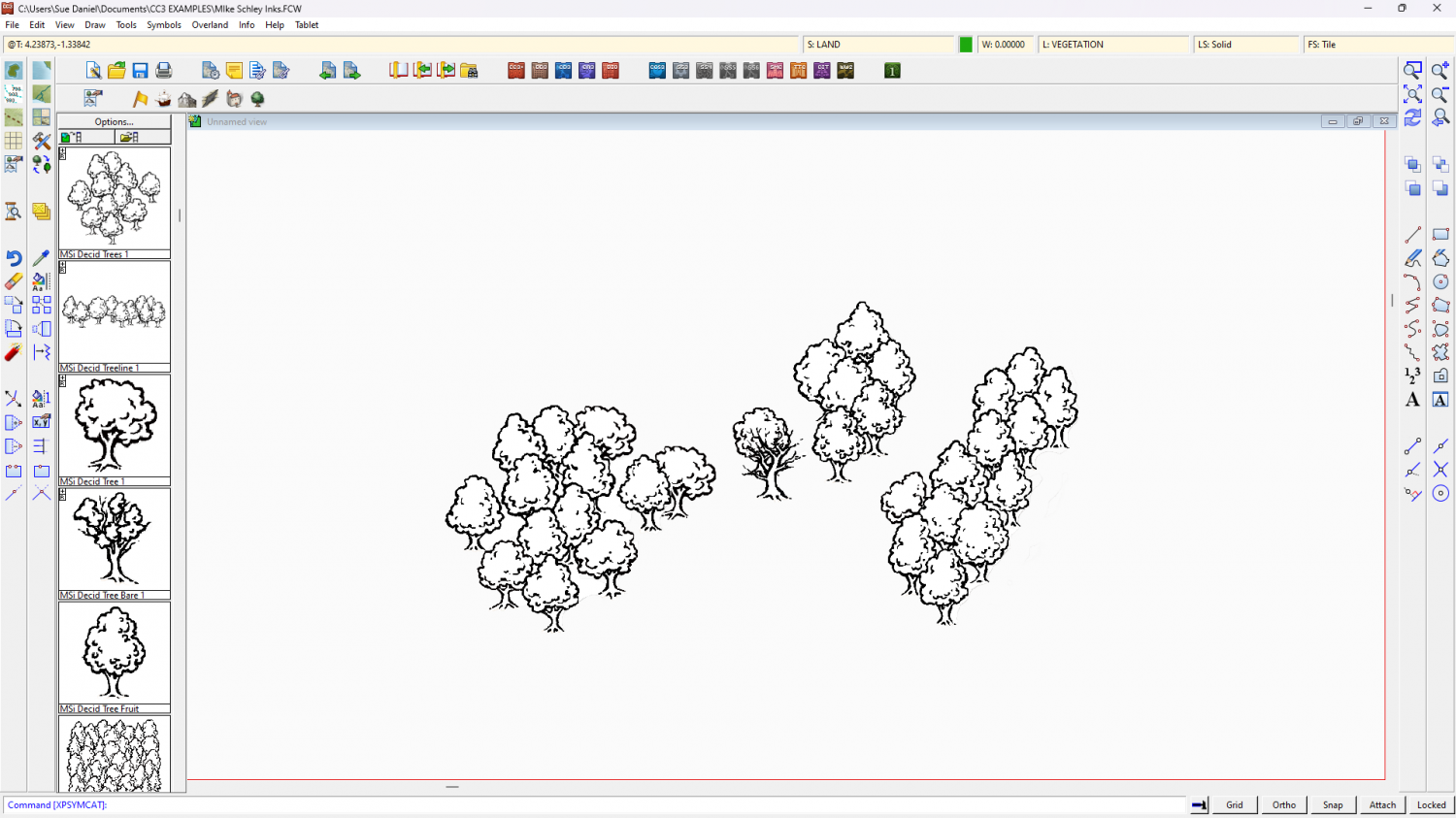
The only thing you might find a bit difficult to emulate is the dotty fill. The rest is more a matter of setting up the correct line styles and making drawing tools for them.
On the final point - are these maps copyright by the artist? That's not a problem if you create your own for personal use, but paying someone else to copy them may be a problem if you haven't got permission to reproduce them from the artist.


-
Sinister Sewers - Style Development Thread (CA207)
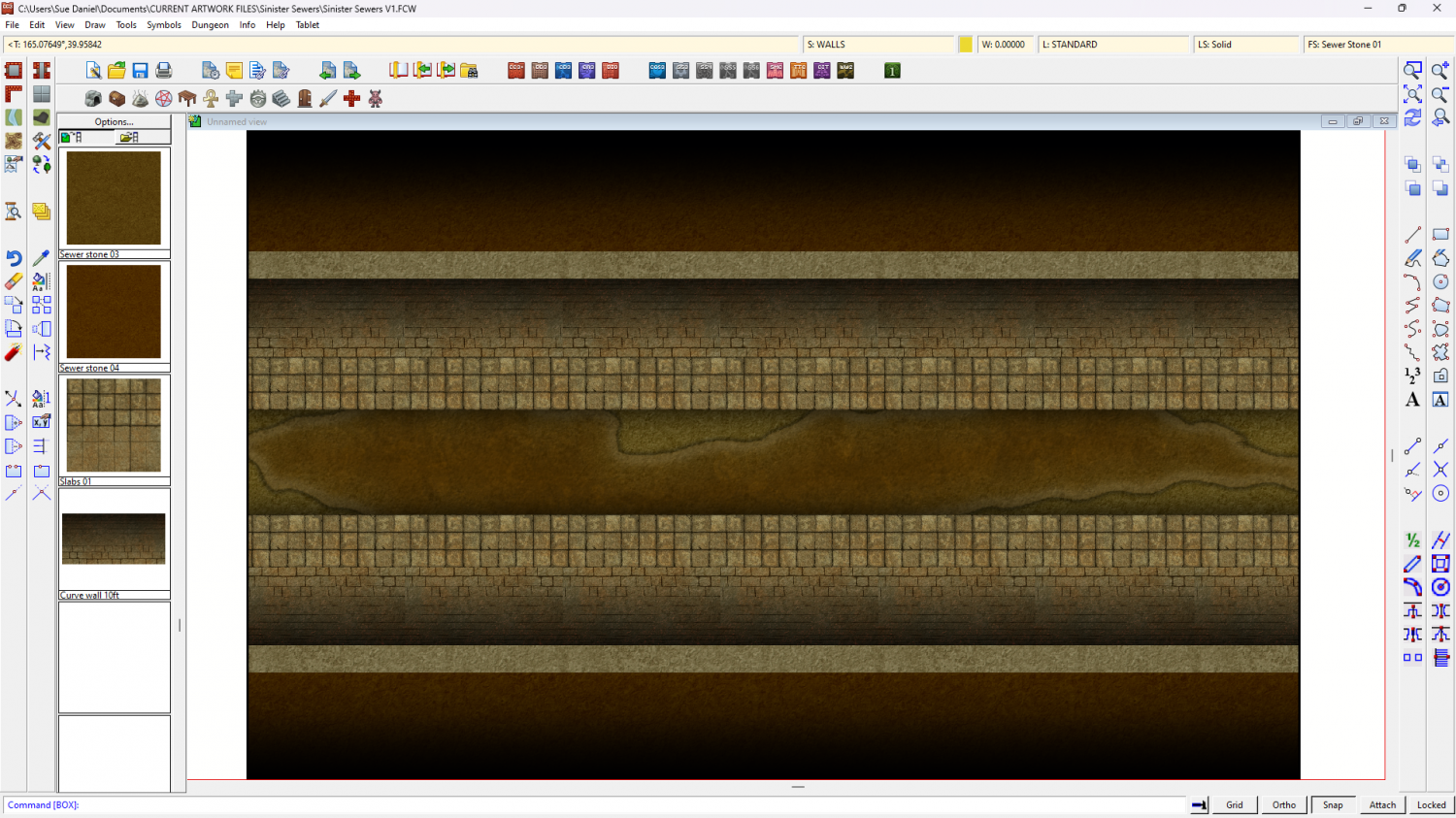
Well, today's progress is quite un-pretty compared to that, but this is a sewer after all.
Much more work to do to make things look solid and real, and I'm not really sure about the paving slabs either side of the channel.




-
Sinister Sewers - Style Development Thread (CA207)
It's very early days yet, Ricko. I'm experimenting. Yes, bricks had occurred to me, and so had rounded 'corners' at the edges. These things will come soon.
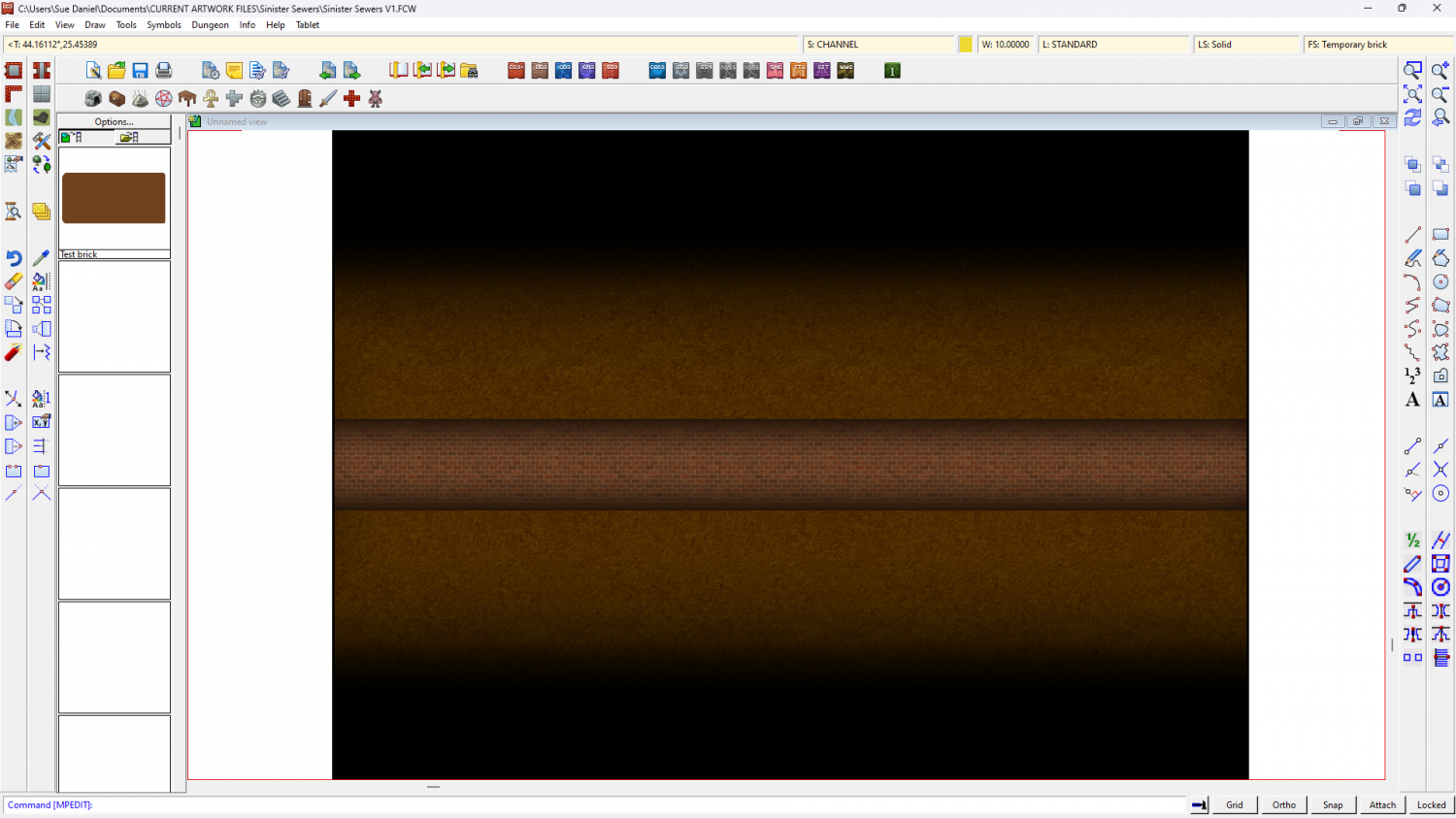
And here is that same boring background stone being used as a background texture for possible rounded floor edges.

-
Sinister Sewers - Style Development Thread (CA207)
Thanks Ricko :)
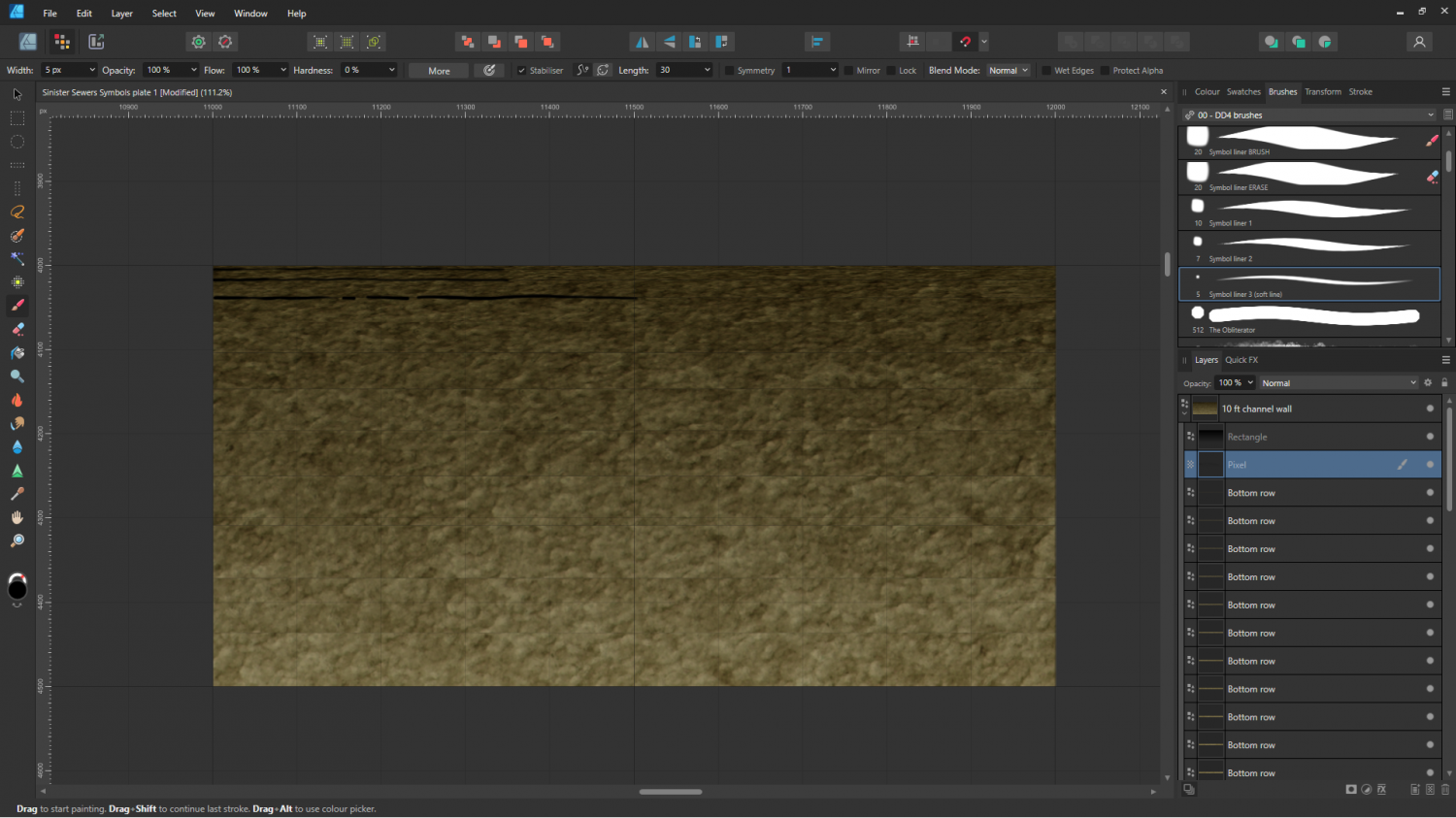
The stone fills are next. The current ones are just some old stone fill I made and never used with the colours adjusted to give the overall shade and tone of things like paving and lining block work.
