Loopysue
Loopysue
About
- Username
- Loopysue
- Joined
- Visits
- 10,417
- Last Active
- Roles
- Member, ProFantasy
- Points
- 10,163
- Birthday
- June 29, 1966
- Location
- Dorset, England, UK
- Real Name
- Sue Daniel (aka 'Mouse')
- Rank
- Cartographer
- Badges
- 27
Latest Images



-
Sinister Sewers - Style Development Thread (CA207)
LOL! I know! The terrible sad truth is that I didn't even think of that until I already posted it.
I'm a really dozy artist.
It's like the time I bellowed out of the window at two drunken yobs sitting on a bench talking at the tops of their voices at 3am. "Do you mind! Some of us are trying to get some sleep around here!"
The next morning I mentioned that I was astonished at how quickly these yobs vanished without any backchat or anything offensive being said and was puzzled by the way my housemates started falling about laughing.
It didn't occur to me until it was actually pointed out that we were sharing a house at the gate of a graveyard, and the bench was inside the graveyard.





-
Sinister Sewers - Style Development Thread (CA207)
Thanks Autumn! :)
I know about the green water, but the truth is if you look at all those other sewer maps out there, for some reason everyone seems to think it's green. Never mind. I've a range of colours.
-
Sinister Sewers - Style Development Thread (CA207)
Well actually that was an accident, but there's no reason why you can't use it that way. I was testing it to see if I could break it just after I finished setting it up.
Oh so the cubes are your fault are they? LOL!
That do-it-yourself approach to the contents is an idea. I might leave one of them empty for that purpose.
-
Sinister Sewers - Style Development Thread (CA207)
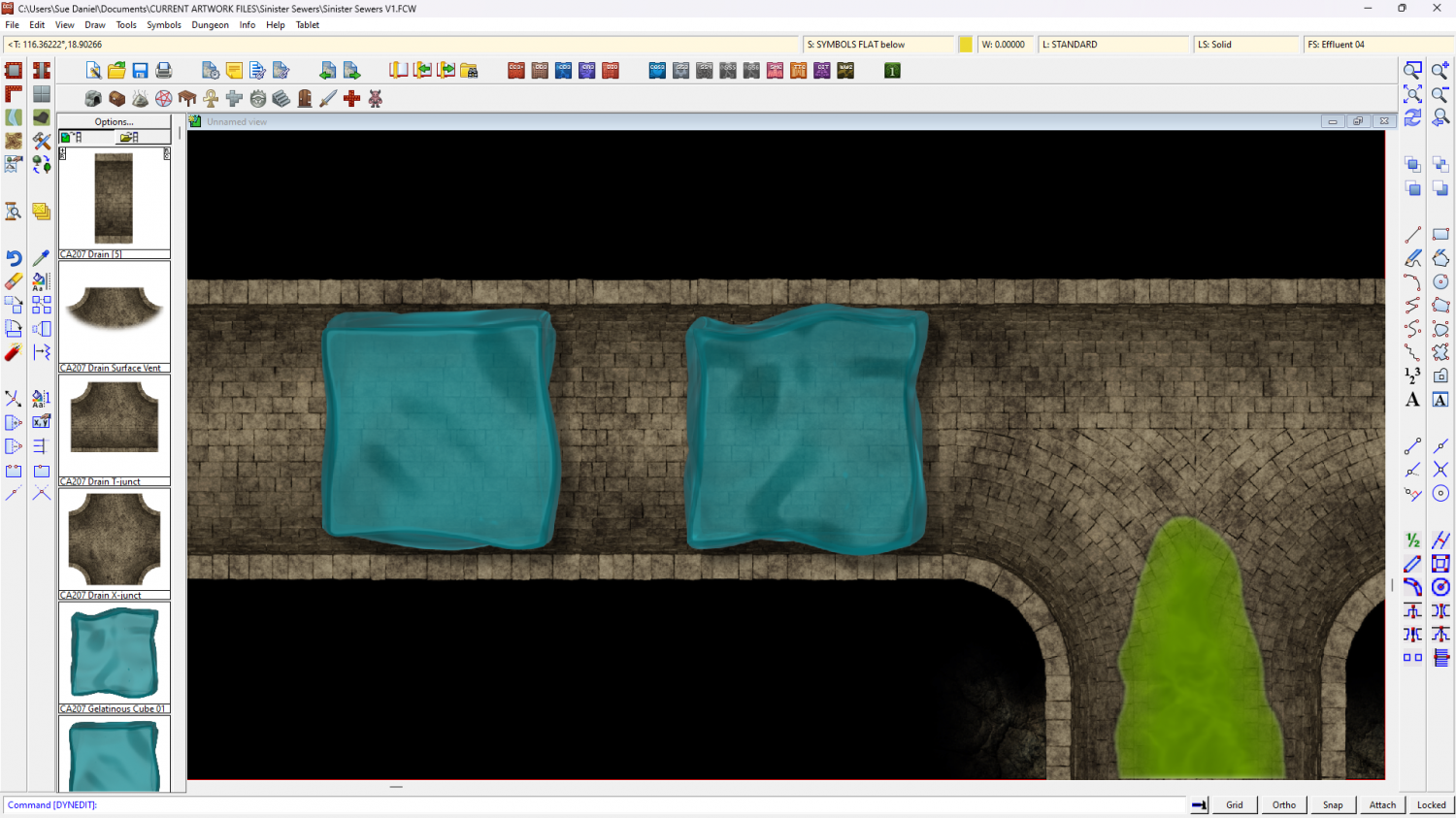
Gelatinous cubes anyone?
What would you like to see in them?

-
Sinister Sewers - Style Development Thread (CA207)
Thanks Ede. That's a really neat map :)
I've just got the small drain or central channel connecting symbol working properly, but you've reminded me I need a bridge as well as various planks etc.