Loopysue
Loopysue
About
- Username
- Loopysue
- Joined
- Visits
- 10,414
- Last Active
- Roles
- Member, ProFantasy
- Points
- 10,161
- Birthday
- June 29, 1966
- Location
- Dorset, England, UK
- Real Name
- Sue Daniel (aka 'Mouse')
- Rank
- Cartographer
- Badges
- 27
Latest Images



-
Nebula ? I'm looking for nebulae bitmap fills or symbols
Ok. I think that will probably be a bit too small to look good.
I've trimmed it to work as a symbol, but I'm not sure it will look all that great on a background that is different to the one it began its life on, but if it works it works, and if not, it doesn't.
![[Deleted User]](https://secure.gravatar.com/avatar/c75d9a245b74d9c59be0999ea81ca541/?default=https%3A%2F%2Fvanillicon.com%2F92add7f8c954488718110edc4896ad39_200.png&rating=g&size=200)
-
Nebula ? I'm looking for nebulae bitmap fills or symbols
Are you looking for a nebula symbol, or for a complete image to use as a background?
I have a relatively simple nebula image (not a real one, but one I made in GIMP). You could have this one, but I don't know if it is what you are looking for. It would have to be a background image only as it isn't a seamless texture.
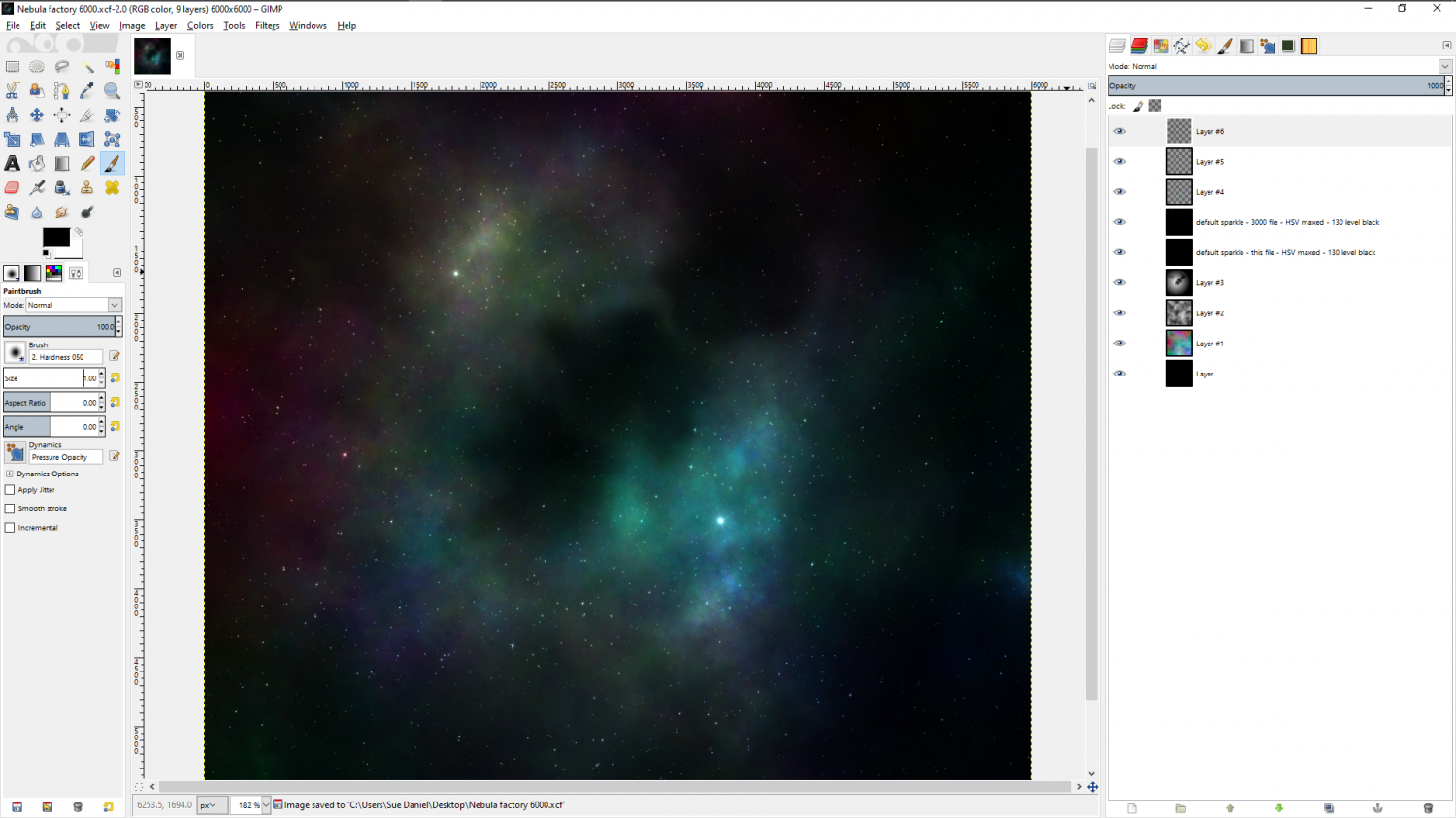
If you do want it, let me know what size (it's square).


-
CA style development - "Darklands City" (issues for September and December 2021)
Here is the 'basic bones' list of buildings for a standard annual issue city. For 2 issues there will be quite a few more than this in the end, so suggestions for other inclusions are welcome, as well as suggestions about the look of the style.
- Huts (2)
- Houses, Rectangular (4)
- Houses, L-shape (2)
- Houses, T-shape (2)
- Houses, X-Shape (2)
- Special Buildings: Town Hall (1), Temple (1) and Villas (2)
- Tower, Square
- Tower, Round
- Tower, Square with Roof
- Tower, Round with Roof
- Bridge, Stone
- Bridge, Wood
- Bridge, Rope
- Town Wall (simple) 20' section
- City Wall (more elaborate) 20' section
- City Gate
- Wooden Pier
- Well
- Trees (3)
- Rock Outcroppings (2)
This is a combined list of all the suggestions so far:
Boats
Statues, with separate pedestals
Fountains
Gallows
Prison
Blacksmith/foundry/forge
Inn, small and large
Barracks - perhaps 2-3 parts, so different combos can be made
Quarantine station, with lots of guards warding off spiky looking round aliens
Theatre/opera house
Stadium / coliseum complete with lions and Christians
Courthouse
Market stalls with variable colours
Uncollected garbage
Restaurants/taverns
Ruined buildings
Funerary monuments and buildings – mausoleums and sepulchral vaults.
Tombstones and graves
Monastery for the evil monks of the Order of Unnatural Science
Access to sewers (sewer caps, grates, dry sells, stone stairs and ramps)
Windmill
Watermill
Sawmill
Grain silo and mill
Gardens
Brewery
Bits of shops
Stables/corrals
Wooden palisades
Stockades/gibbets/crowcages
Walls/fences
Vegetation other than trees
Dead vegetation
Different flavours of hut
Mud, mud with straw
Street tools with sewage channel down the middle
Tannery
Circling crows/vultures/pigeons
Insect swarms (flies, roaches)
Flames (for burning buildings or trash)
Various additions to houses eg awnings, gables, chimneys, extensions, chimney smoke




-
CA style development - "Darklands City" (issues for September and December 2021)
Hi Everyone! :)
Welcome to another new style development thread!
This time I will be working on a City style that is intended to be similar to the Darklands overland style in flavour, and to be published as two parts in September and December this year.
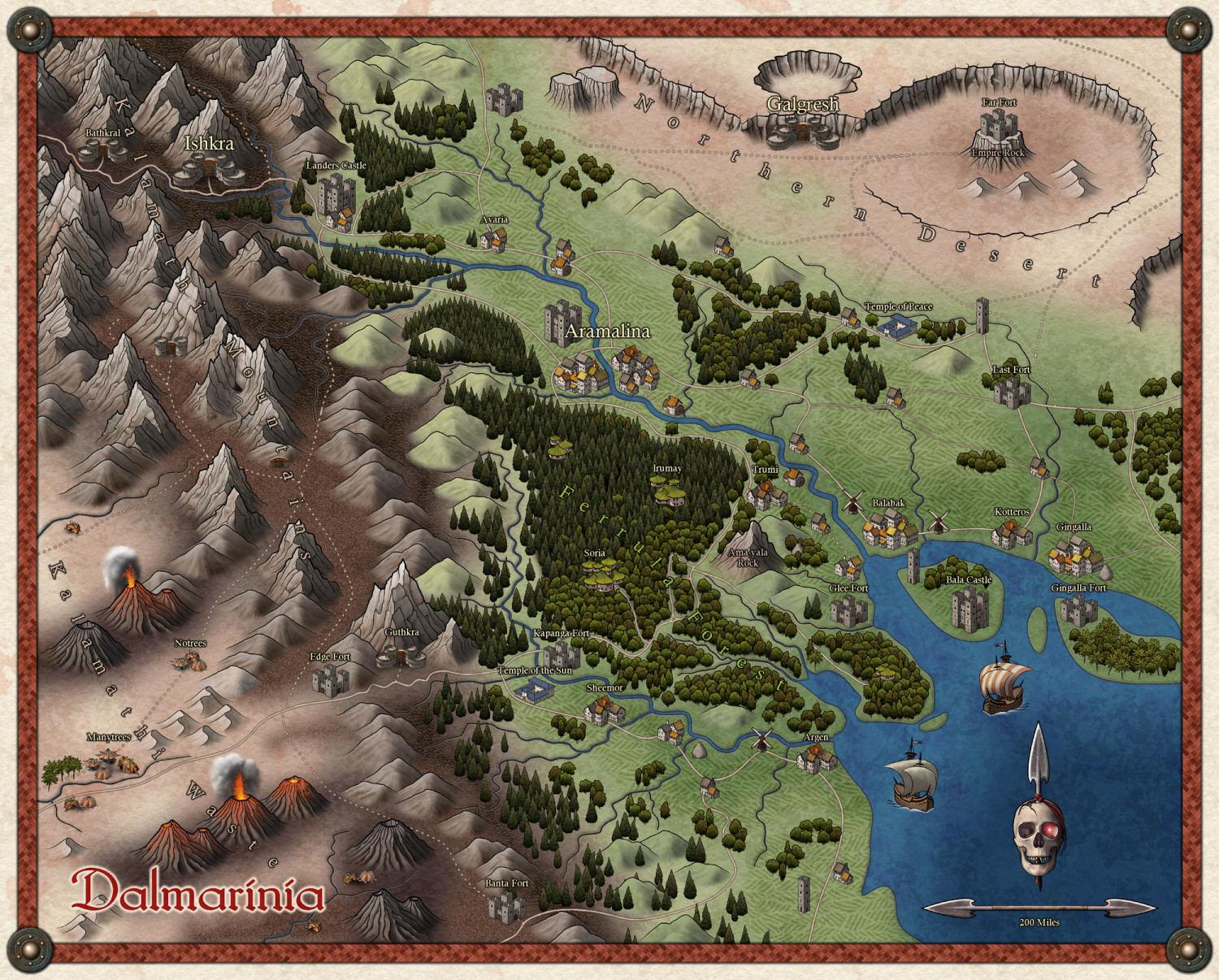
So, first off, I would love to know what you would like to see in a city version of this style.







-
Mouse Pointer Tooltips
Hi James :)
Go to Options in the Tools menu and check the little box called 'Display floating prompt'.