Loopysue
Loopysue
About
- Username
- Loopysue
- Joined
- Visits
- 10,414
- Last Active
- Roles
- Member, ProFantasy
- Points
- 10,161
- Birthday
- June 29, 1966
- Location
- Dorset, England, UK
- Real Name
- Sue Daniel (aka 'Mouse')
- Rank
- Cartographer
- Badges
- 27
Latest Images



-
Marine Dungeon - further developments
Here is a finished example map for part 2, showing some of the new symbols and fills.
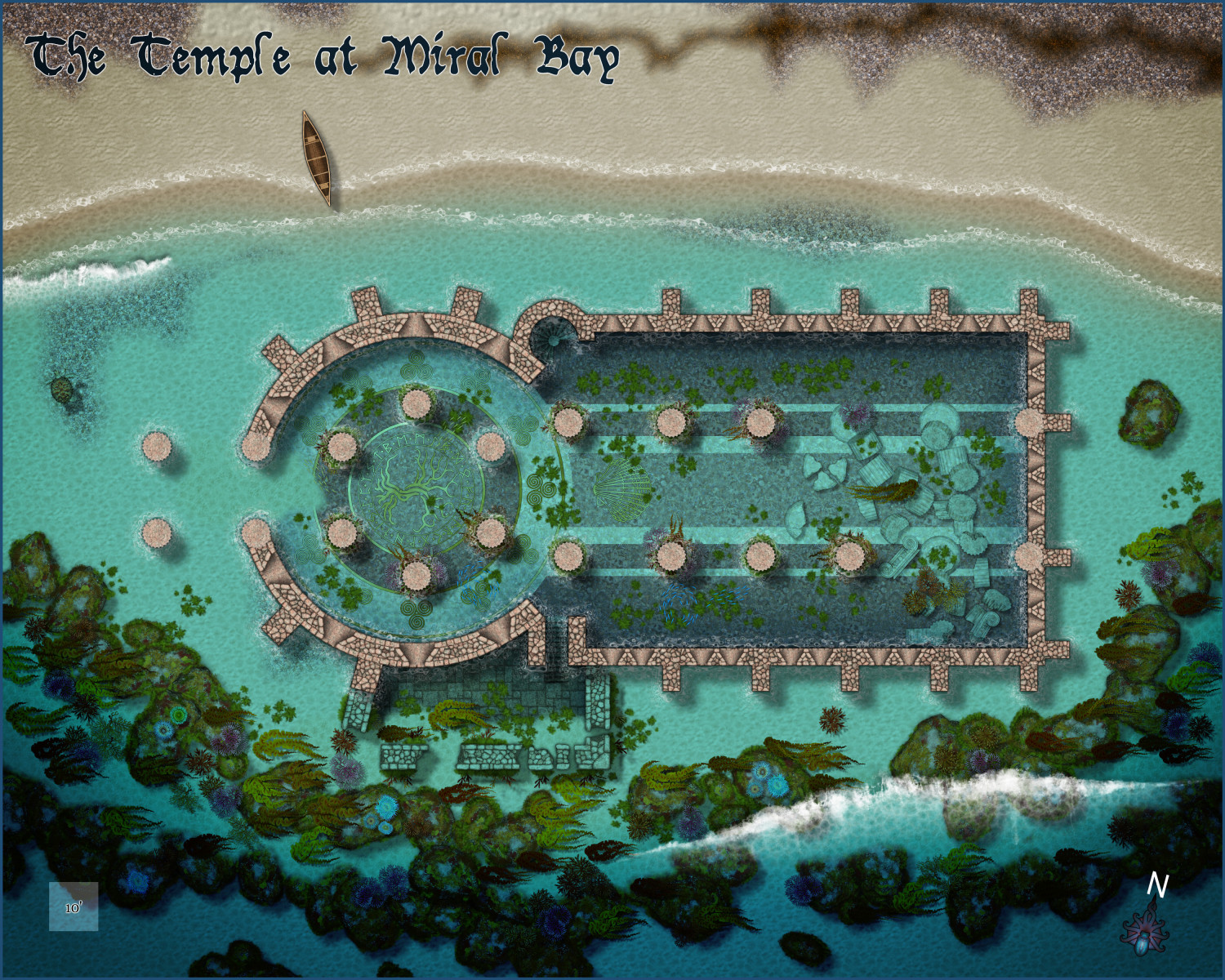
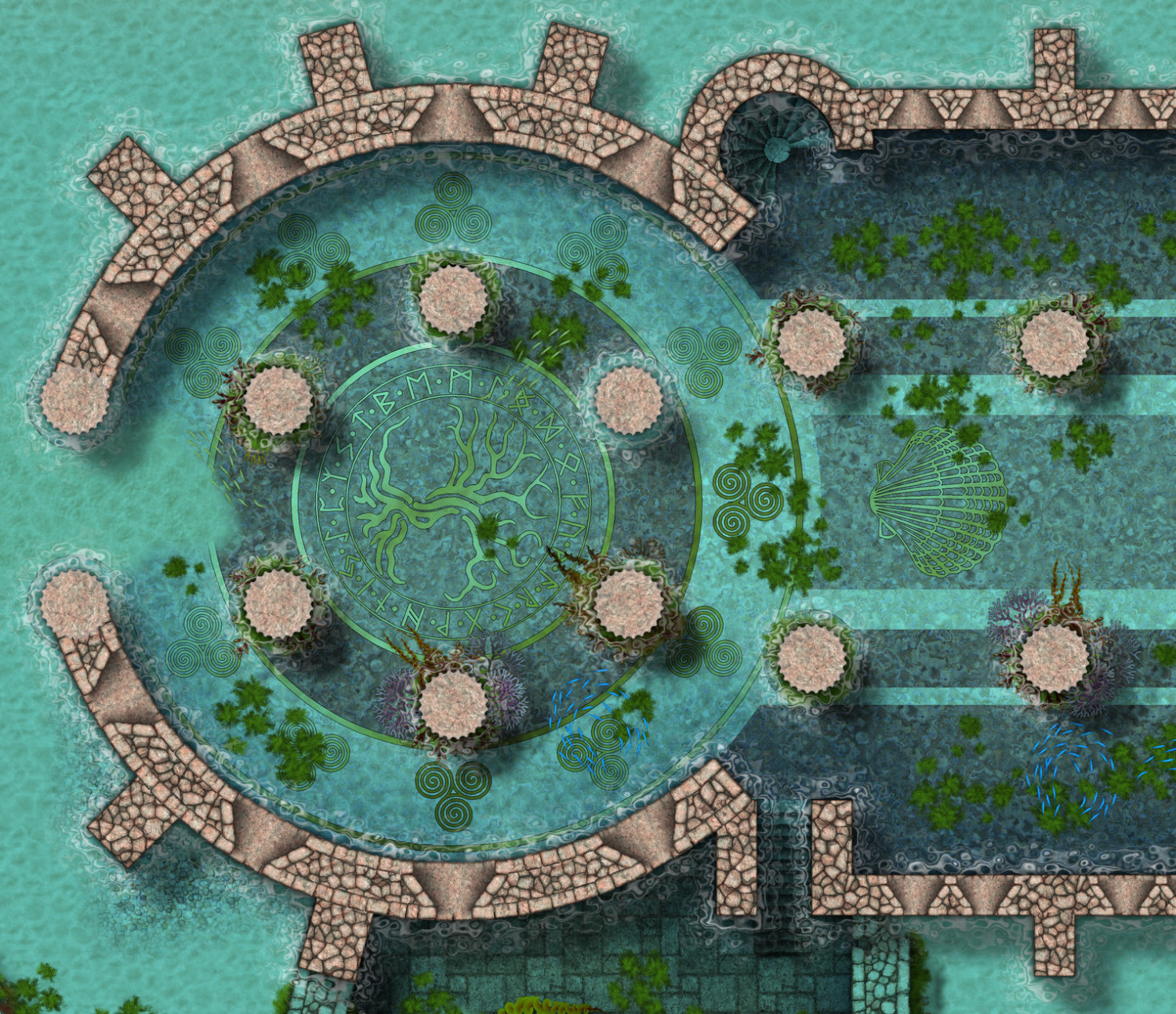
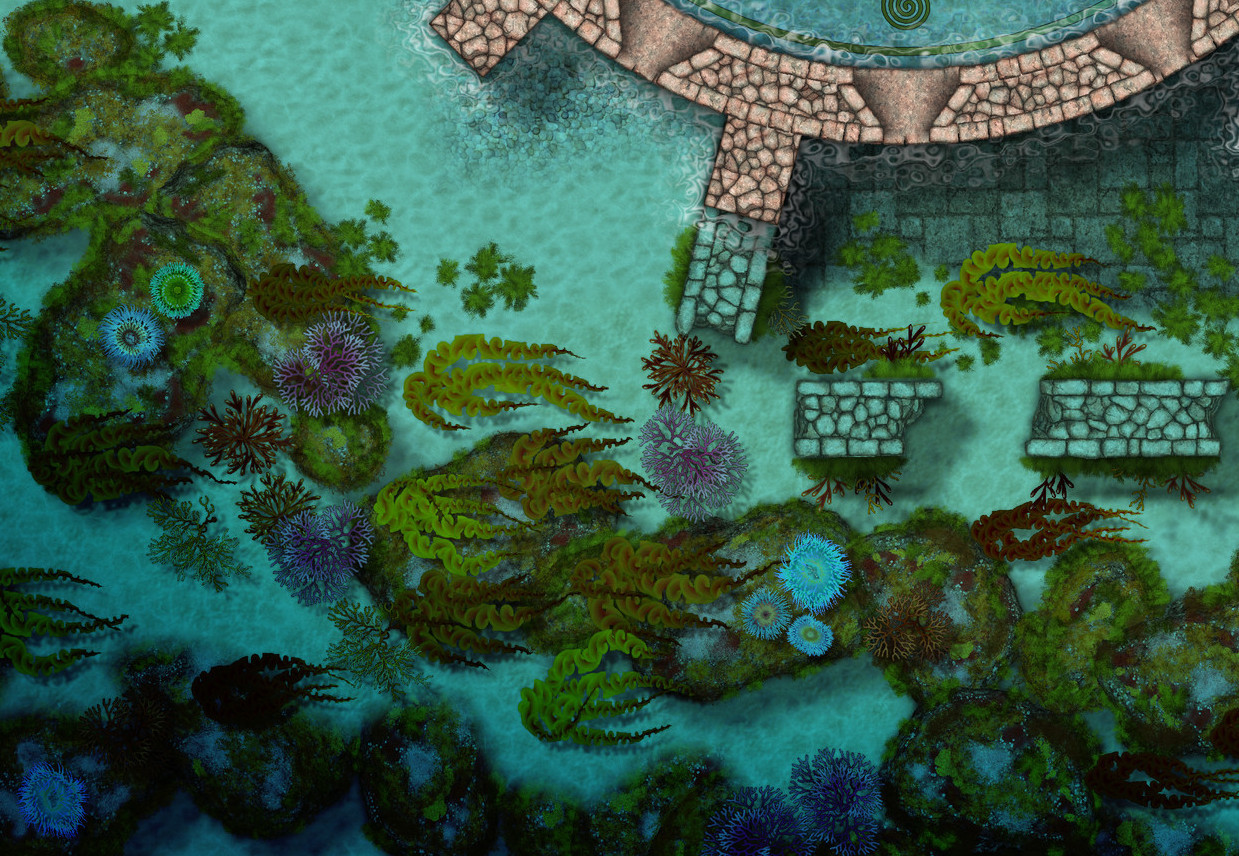
There's more. I just didn't want to overcrowd the map with stuff.






![[Deleted User]](https://secure.gravatar.com/avatar/c75d9a245b74d9c59be0999ea81ca541/?default=https%3A%2F%2Fvanillicon.com%2F92add7f8c954488718110edc4896ad39_200.png&rating=g&size=200)


-
Marine Dungeon - further developments
Thank you both for your ideas :)
I have to start Darklands City soon, but I think I might have to find a few more hours to do some more on this.

-
Marine Dungeon - further developments
Ok. This is officially the last day for preparing the graphics for Marine Dungeon 2, since I have another annual issue I need to do before Dec 1st if possible so I don't mess up everyone else's time table.
I haven't done all of the requests, and there are enough left over to do... something, later, though I'm not sure how that will be presented.
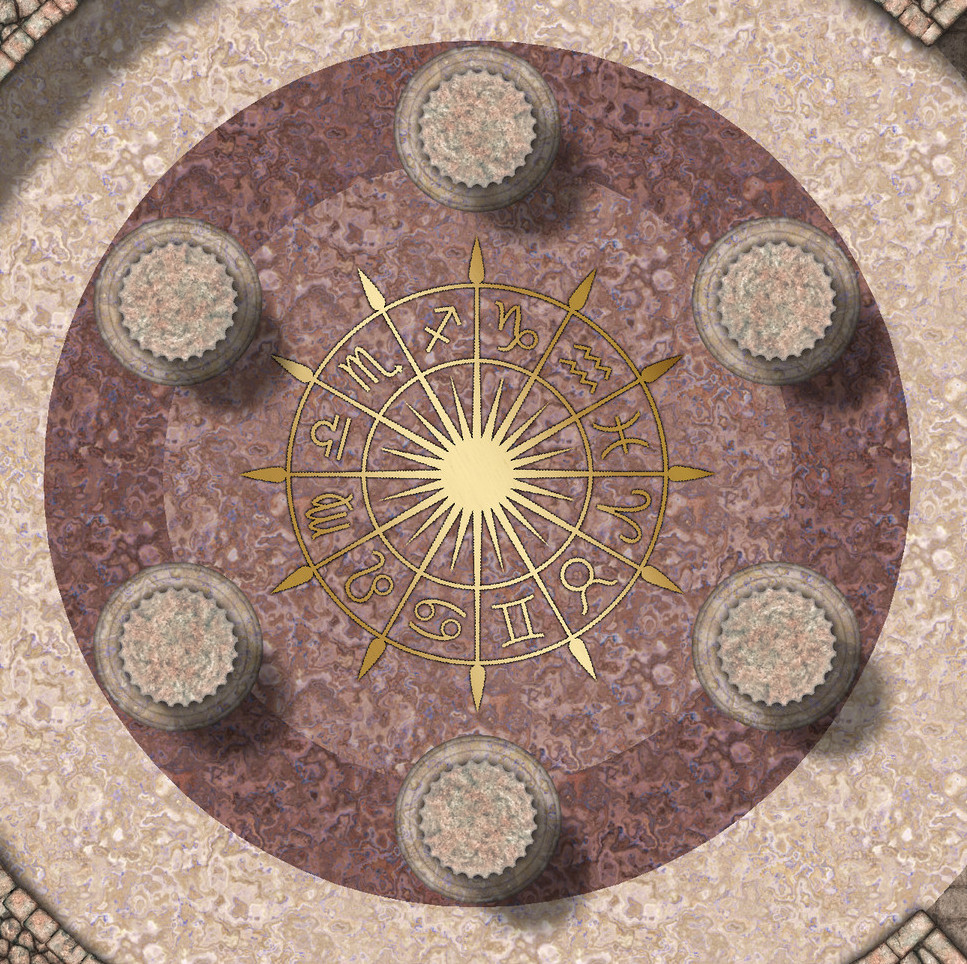
Since I only have this one last day I've decided to finish off a small set of canoes and do some bronze floor inlays for the flooded temple I've prepared as my contribution to the example maps.
Does anyone have any particular requests for inlays? I can do about 6, I think.
This one is 20ft across.

-
Marine Dungeon - further developments
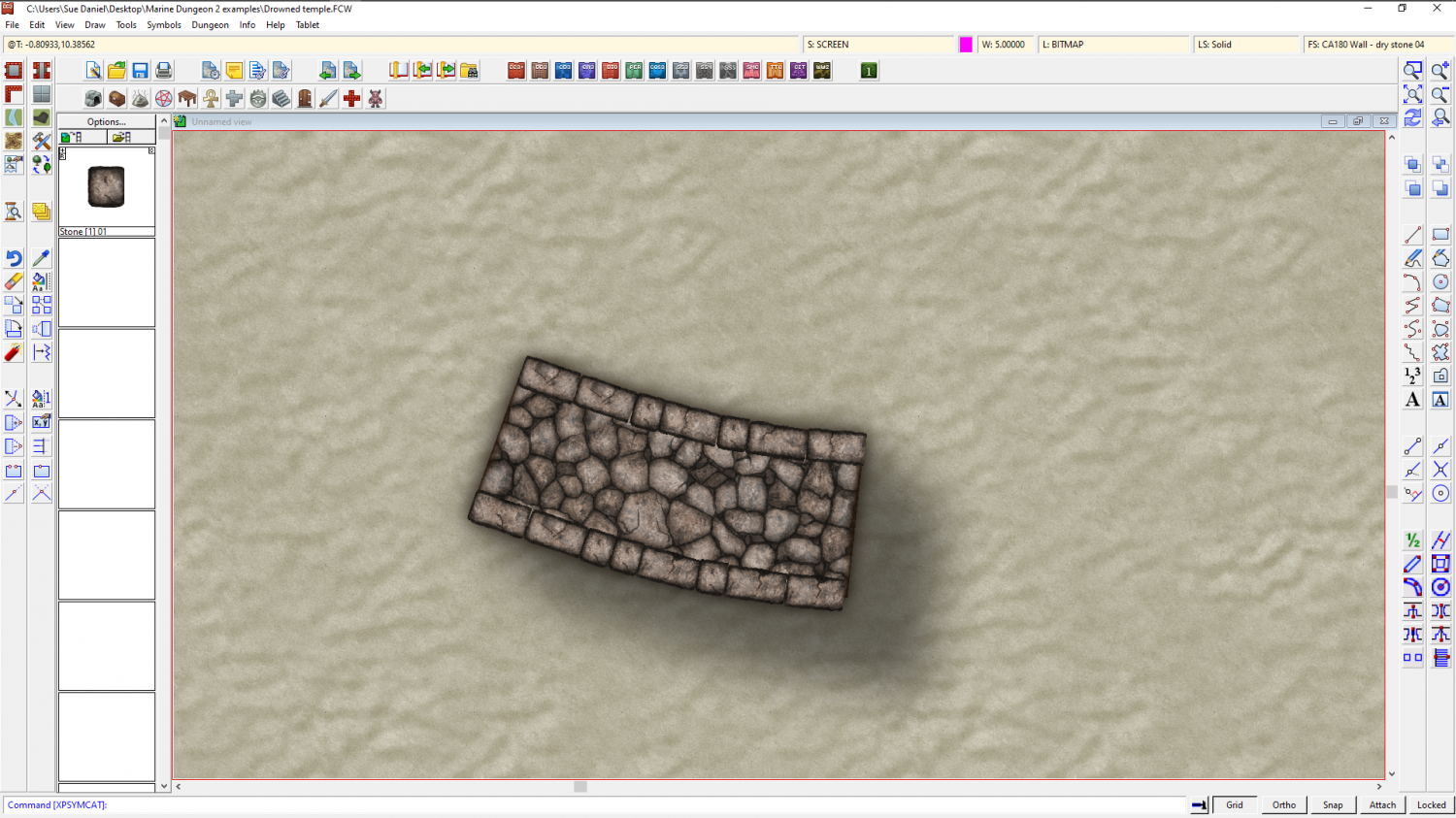
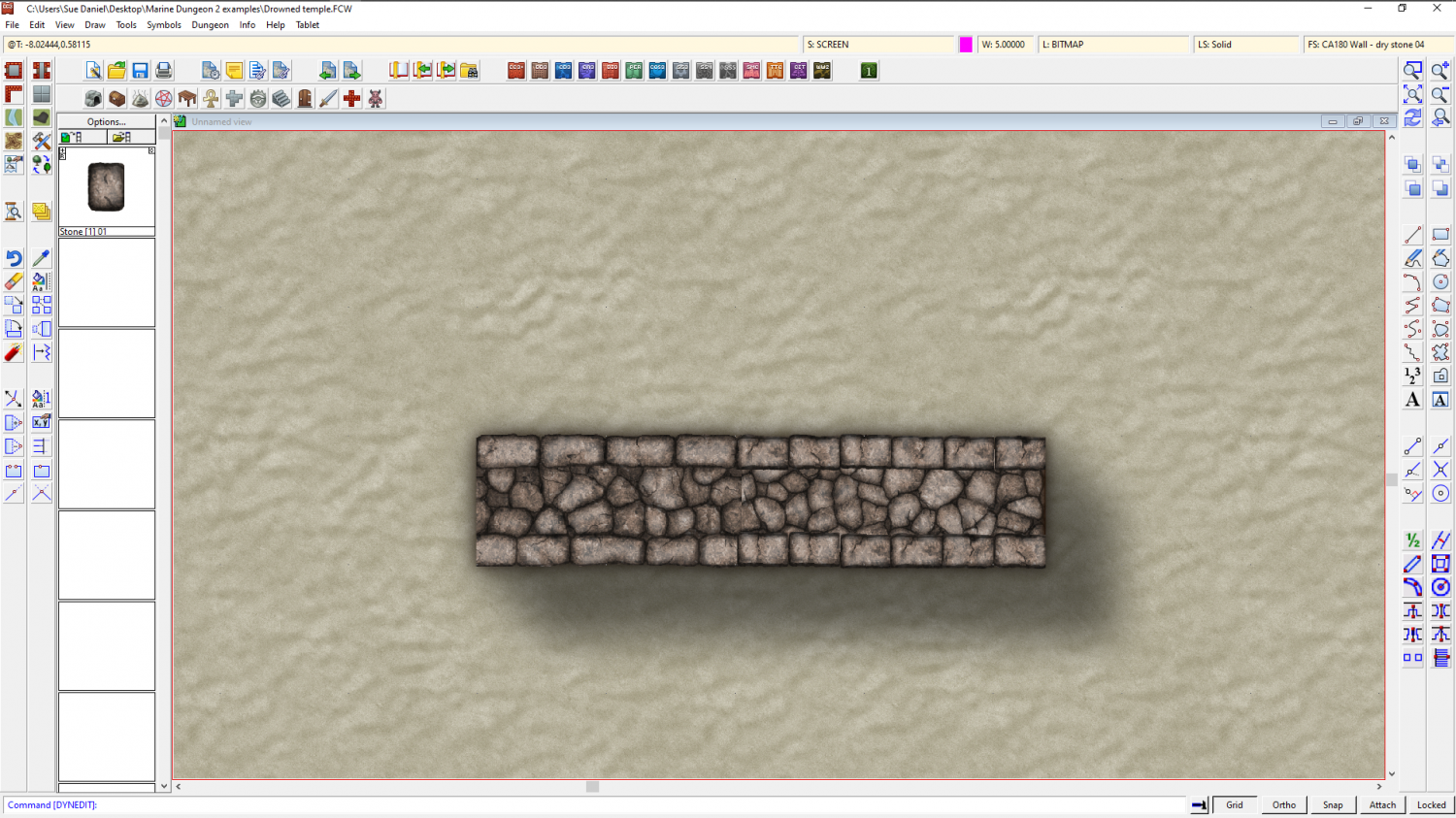
I've hit a problem with a new and very last minute idea of connecting stones to make odd-shaped wall bits that can't be done with the main connecting wall set. Unfortunately, it keeps missing stones, but I don't know everything about connecting symbols, so I'm hoping someone else has tried this before and knows what I'm doing wrong here.
There are no corner parts and nothing has a defined length. the exact length of the stones varies because they were extracted from the main wall symbols.
I did say it was a last minute idea.
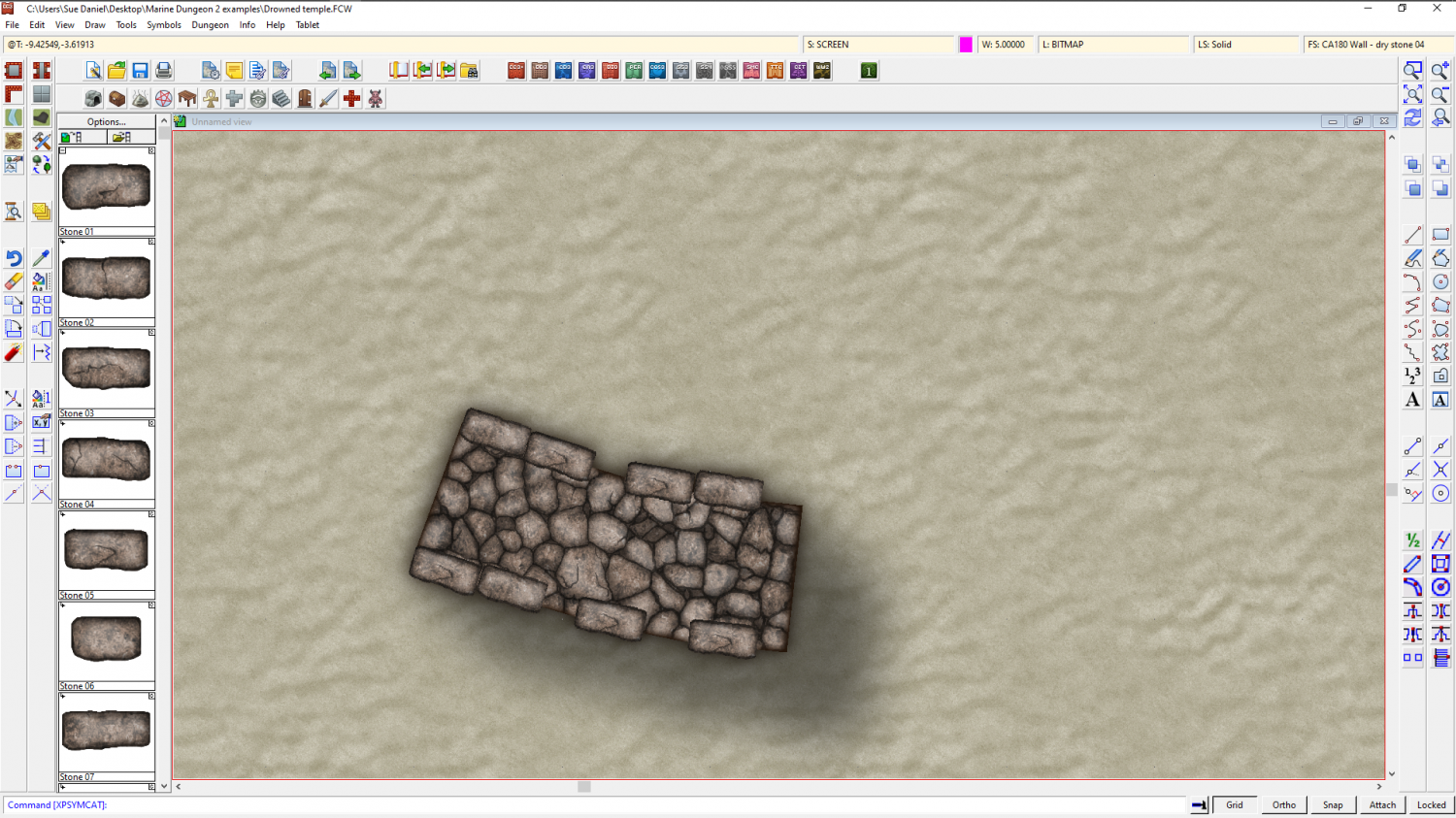
EDIT: I forgot to name them properly! 🙄

-
Displace moving everything to the left
Thank you, Raiko
I did some better waves yesterday, and then had to change the ripples quite a lot to make things sit right with the rest of the style.
Hope you still like it.