


Loopysue
Loopysue
About
- Username
- Loopysue
- Joined
- Visits
- 10,414
- Last Active
- Roles
- Member, ProFantasy
- Points
- 10,161
- Birthday
- June 29, 1966
- Location
- Dorset, England, UK
- Real Name
- Sue Daniel (aka 'Mouse')
- Rank
- Cartographer
- Badges
- 27
Latest Images



-
CA style development - "Darklands City" (issues for September and December 2021)
Well, I did some more versatile ruins that don't have the dark blur around them, so that you can put them either flat on the ground or on a sheet with a shadow. After that there is a drawing tool to add a floor if desired, or you can fill in with debris.
After a lot of messing around learning how to draw them, we now have horses and cows. Sheep and pigs to come (I hope). That should give everyone enough things to fill the land around their towns with now that there are 11 different kinds of field :)
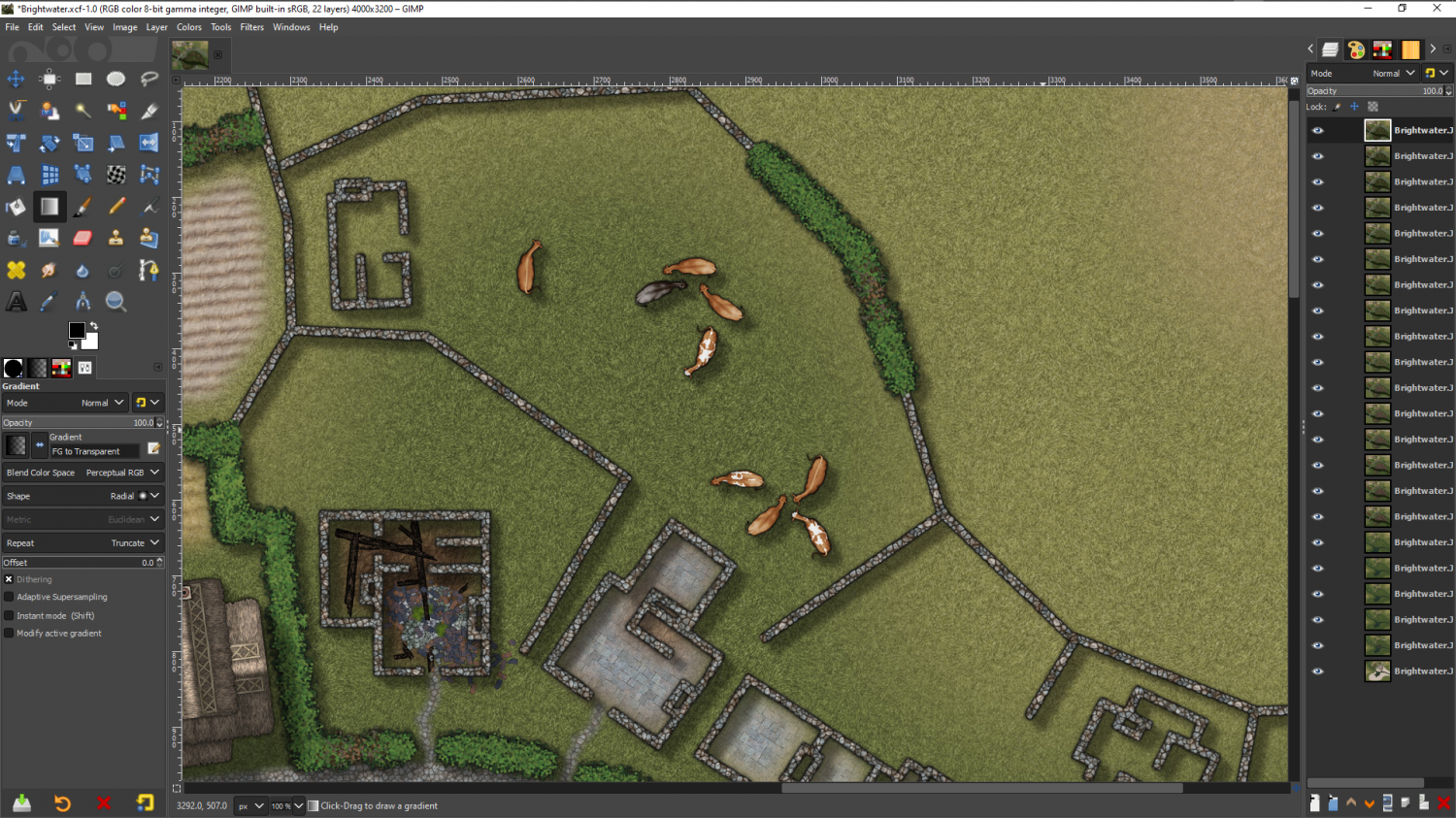
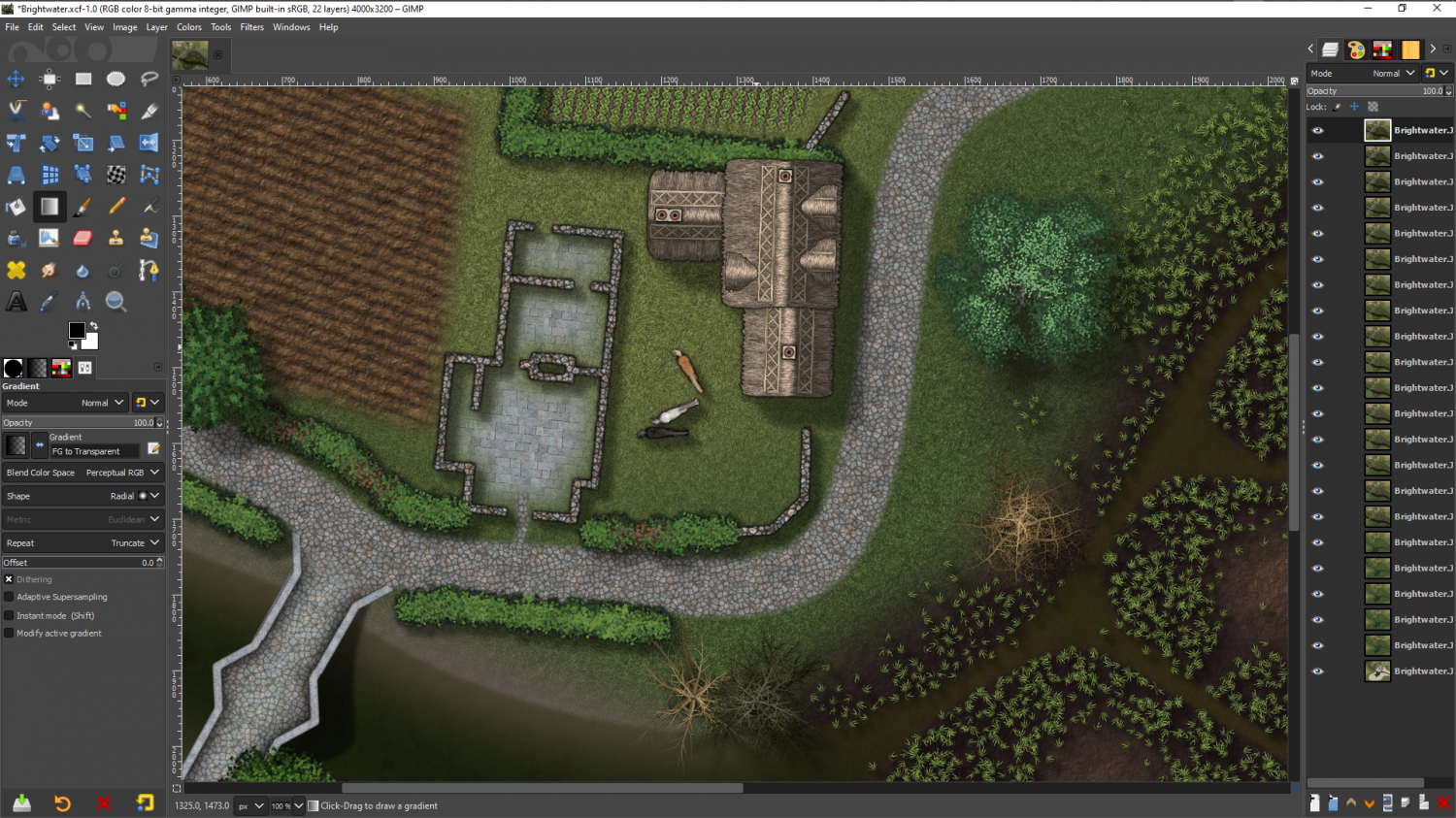
I have a feeling that the animals would have been more use in a dungeon scale setting, but they're there now.
![[Deleted User]](https://secure.gravatar.com/avatar/c75d9a245b74d9c59be0999ea81ca541/?default=https%3A%2F%2Fvanillicon.com%2F92add7f8c954488718110edc4896ad39_200.png&rating=g&size=200)







-
Practical use of the new Fractal Terrains Profantasy Normal Map in Campaign Cartographer?
@WeathermanSweden - Do you believe in coincidences?
Well, I said just a few days ago that I had lost those shaded mountains I did, and this morning I had one of those FB memory things from this day in November, 2018. It was this pair of images. I might have lost the mountains and all the work I did towards them, but I still have these it seems. If the colours seem strange that is because the image part of both these mountains had to be toned down to a darkish brown to come back to being the same colour as the paper once they where shaded by the map file. So the colours I applied were similarly distorted. They look kind of oddly metallic, don't they.

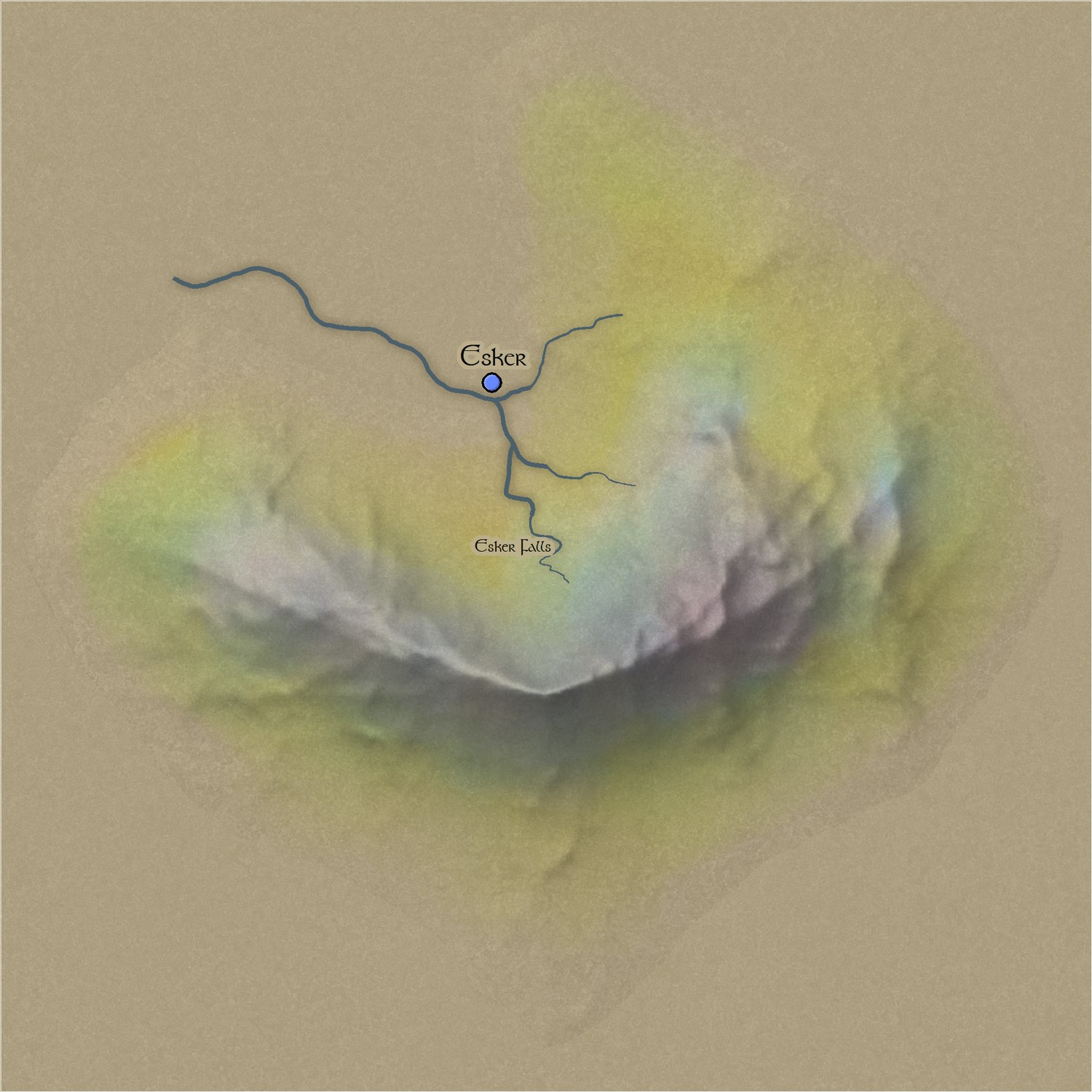
I actually made the mountains and their shaded map files in Blender, where I once had a CC3+ map file shader set up. All that is gone too, thanks to Blender updates.
You can clearly see the edge around the symbol because it has to be cut off rather sharply. And since the only way to make it blend is to have the background uniformly the same all the way around the base of the mountain (no real amount of texturing), I decided it would be an extremly limited style - no more than a 5 minute curiosity and not really much use in the long run.
Some part of me wishes I had taken more care to preserve that work, since I will probably have to redo it at some point in the future!
But anyway - that was my experiment into the idea 3 years ago.


-
CA style development - "Darklands City" (issues for September and December 2021)
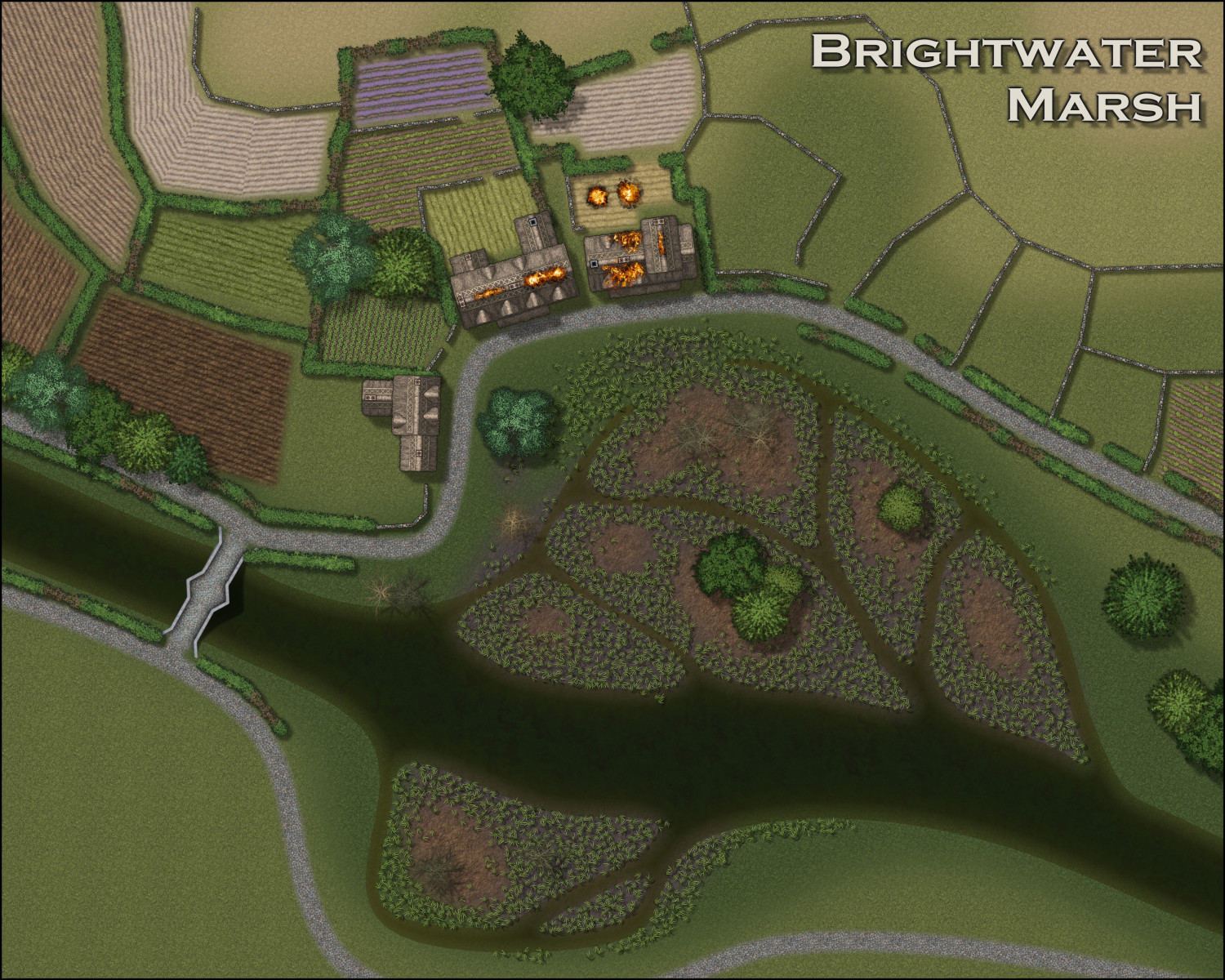
Think I've got it now.
A reedbed isn't as dense as it looks from the side. You can see the mud between the stems in overhead photographs, which means I can use Symbols in Area and allow sufficient spacing to keep the number of symbols down just a bit.

-
CA style development - "Darklands City" (issues for September and December 2021)
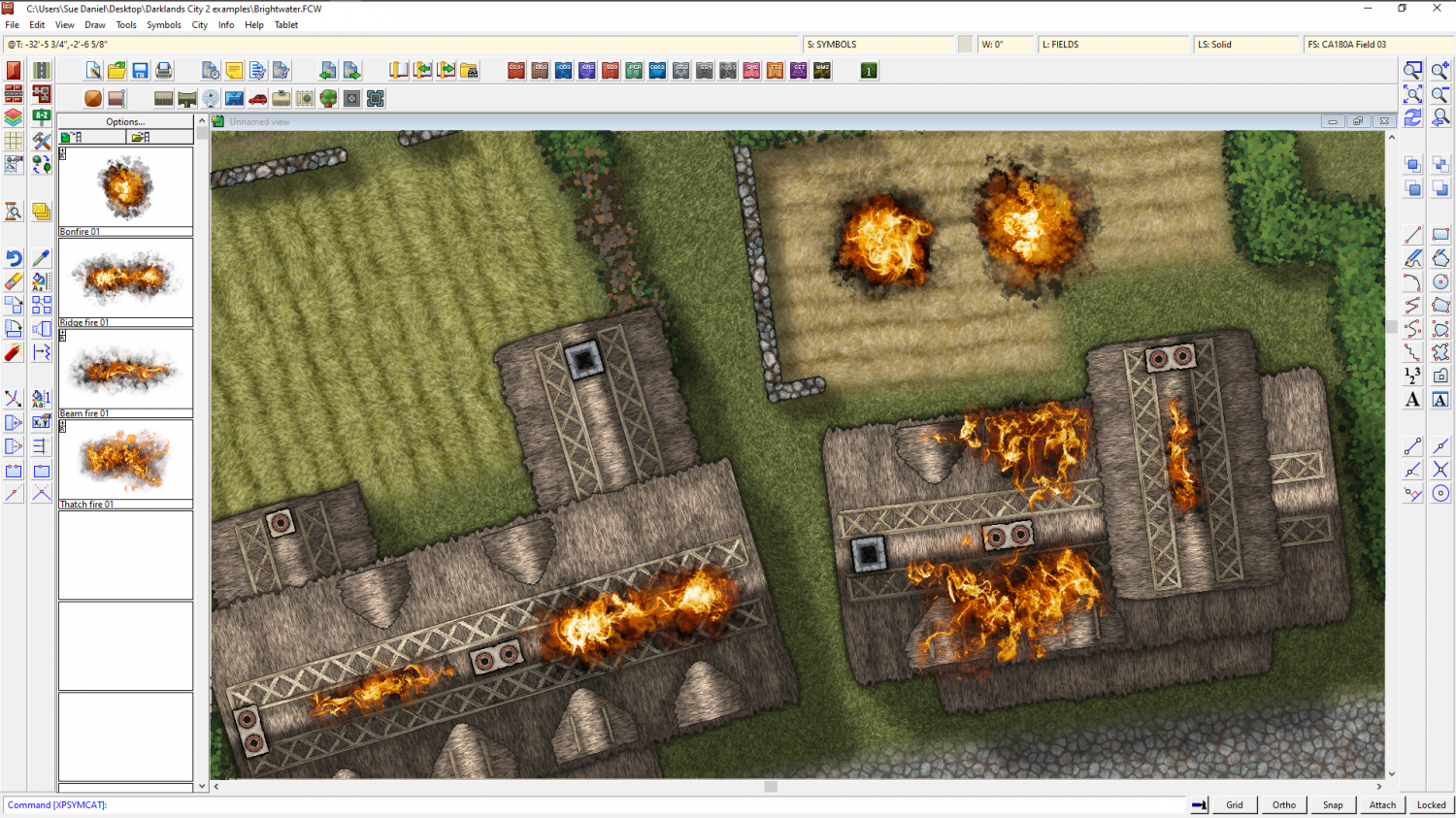
I've turned it into a bonfire and made some other fires for other kinds of things.
There will be smoke as well - when I am happy with the look of it.


-
CA style development - "Darklands City" (issues for September and December 2021)
Thank you :)
There are different opinions on FB - some say it looks more like an explosion, but it depends how explosive the chimney fire is ;)
I purchased two sets of new brushes for Affinity. I used the cheaper set to make the fires in part 1, and this is the first sample of a fire made with the second more expensive set.
Here is a speed demo of this second set.
Now I have something of a problem. I can't delete the existing symbols, but the new ones are quite different!
(And before anyone shouts at me that the links to the resources below that video state clearly that they are not for commercial use, those are links to his personal webpage. I purchased the proper licence from the Affinity Shop ;) )
Here is a video made by the creator, showing more exactly how his brushes can be used. It's a long video, but if you want to do this yourself you will need to know this stuff.
