Loopysue
Loopysue
About
- Username
- Loopysue
- Joined
- Visits
- 10,415
- Last Active
- Roles
- Member, ProFantasy
- Points
- 10,161
- Birthday
- June 29, 1966
- Location
- Dorset, England, UK
- Real Name
- Sue Daniel (aka 'Mouse')
- Rank
- Cartographer
- Badges
- 27
Latest Images



-
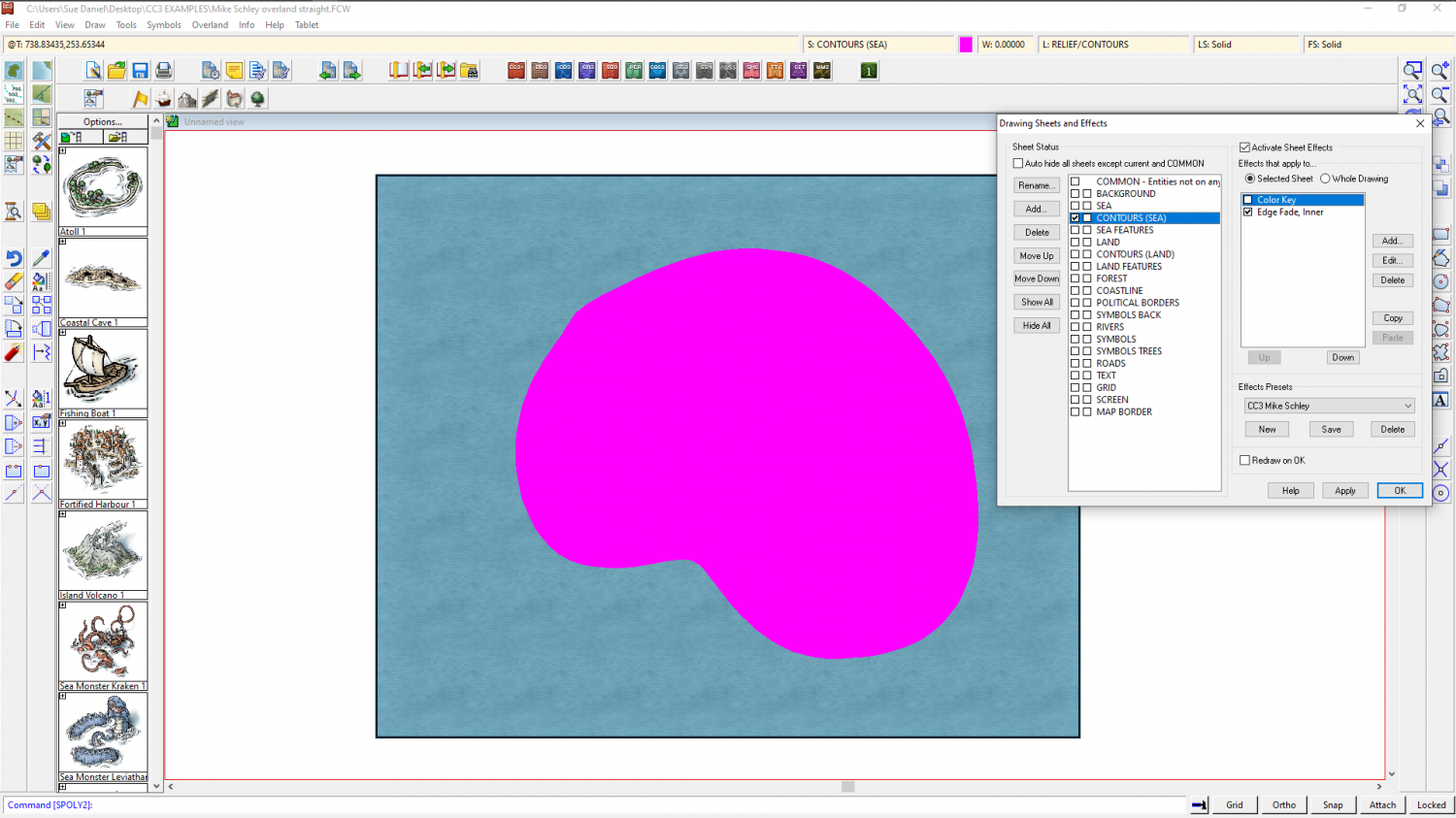
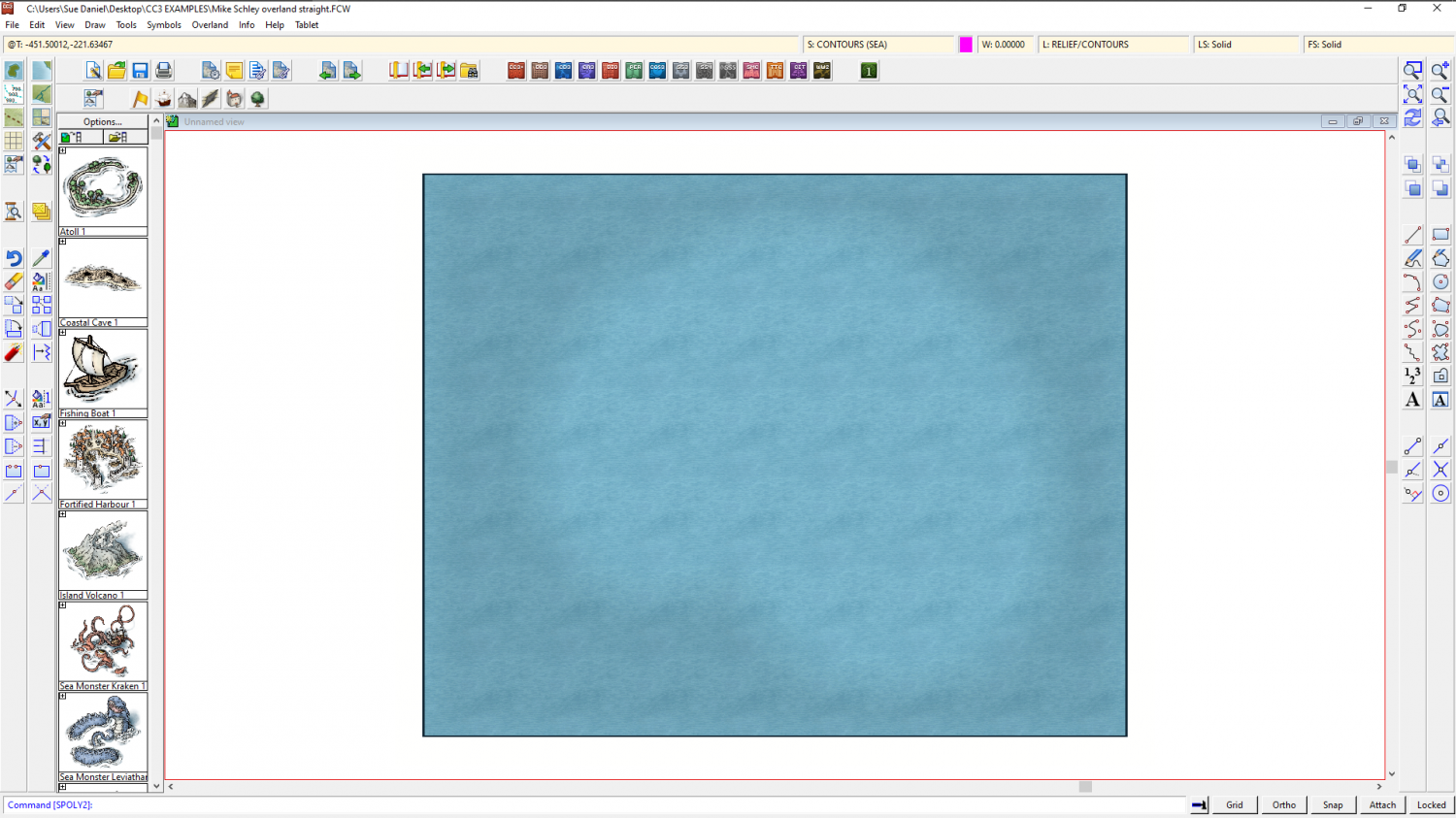
Outer Polygon showing deep sea, how to place
If you don't mind departing just a little from the Tome to get this one thing the way you want it to be, you can add a Color Key sheet effect to the CONTOURS (SEA) sheet, move it above the Edge Fade Inner sheet effect, and then draw a solid polygon of magenta where you want the hole in the contour to be.
Make sure the Activate Sheet Effects box is checked and ok.


-
[WIP] City of Accordo (Ferraris Style)
@Bidmaron - This is the spot where I started looking, and the search for all the possible textures and symbols took me 8 weeks. There's no guarantee that I got them all, either.

-
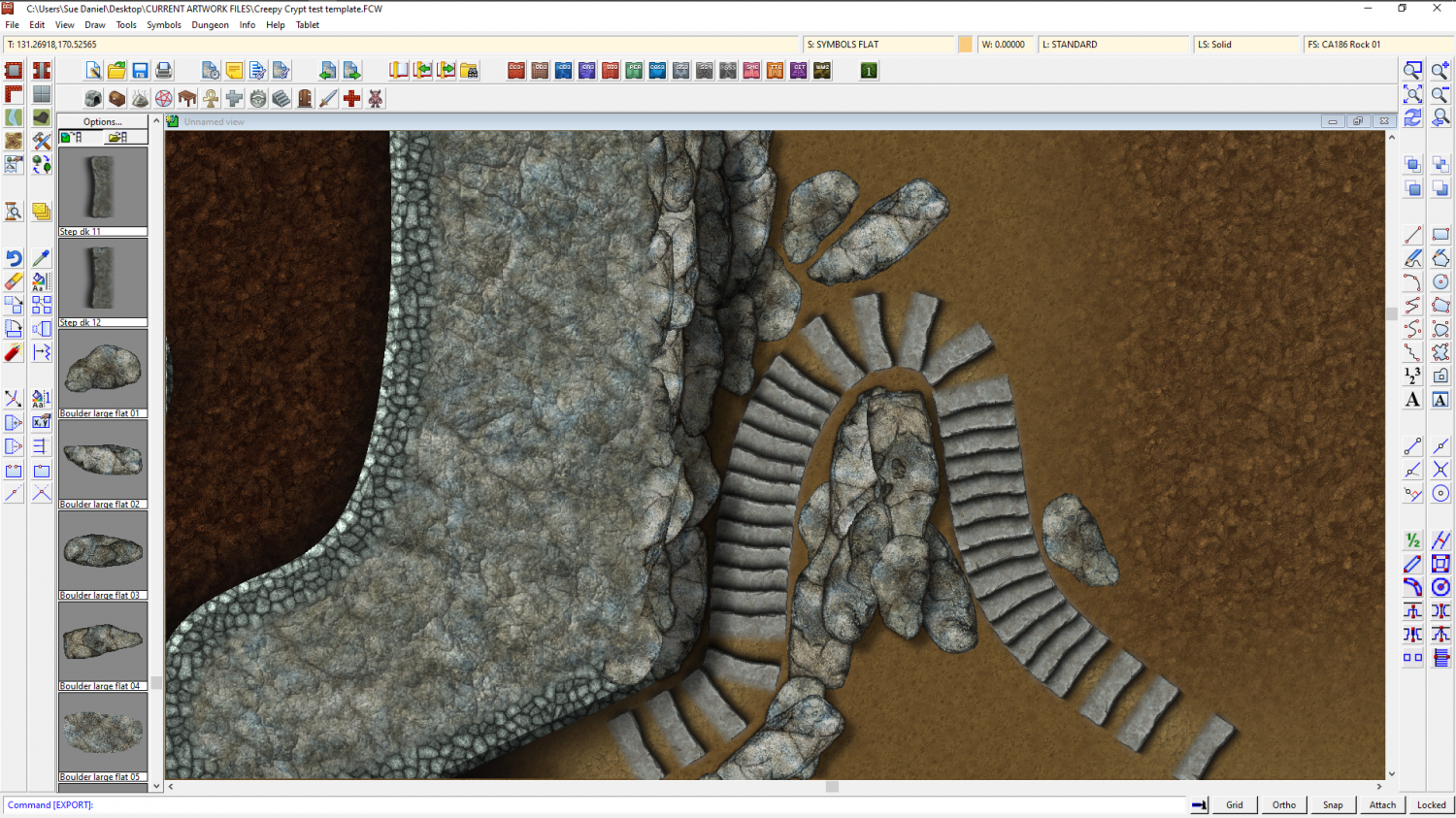
The Creepy Crypt project
I might be getting slightly off topic here, but I made some rocks that can double as cliff material.
But we do need the stuff to generate the right sort of mood, so maybe not?

![[Deleted User]](https://secure.gravatar.com/avatar/c75d9a245b74d9c59be0999ea81ca541/?default=https%3A%2F%2Fvanillicon.com%2F92add7f8c954488718110edc4896ad39_200.png&rating=g&size=200)




-
[WIP] City of Accordo (Ferraris Style)
I had to stop going there. Too many hours spent gazing already.
-
Lighning Rendering problem
That is most usually caused by the lights not being present in the current render pass, and not accounted for in the total light falling in the current render pass. At a guess that image took 2 passes to render.
Type EXPORTSETMPPP and hit enter.
The number showing in your command line will most likely be 4000000 (4 million)
Type 40000000 (40 million) and hit enter.
That will expand the size of each pass over the map as it is rendered, and hopefully prevent the artefact by completing the whole map in a single pass.