Loopysue
Loopysue
About
- Username
- Loopysue
- Joined
- Visits
- 10,415
- Last Active
- Roles
- Member, ProFantasy
- Points
- 10,161
- Birthday
- June 29, 1966
- Location
- Dorset, England, UK
- Real Name
- Sue Daniel (aka 'Mouse')
- Rank
- Cartographer
- Badges
- 27
Latest Images



-
The Creepy Crypt project
I can't help but think that I've gotten slightly side-tracked with portals and things, but it was fun.
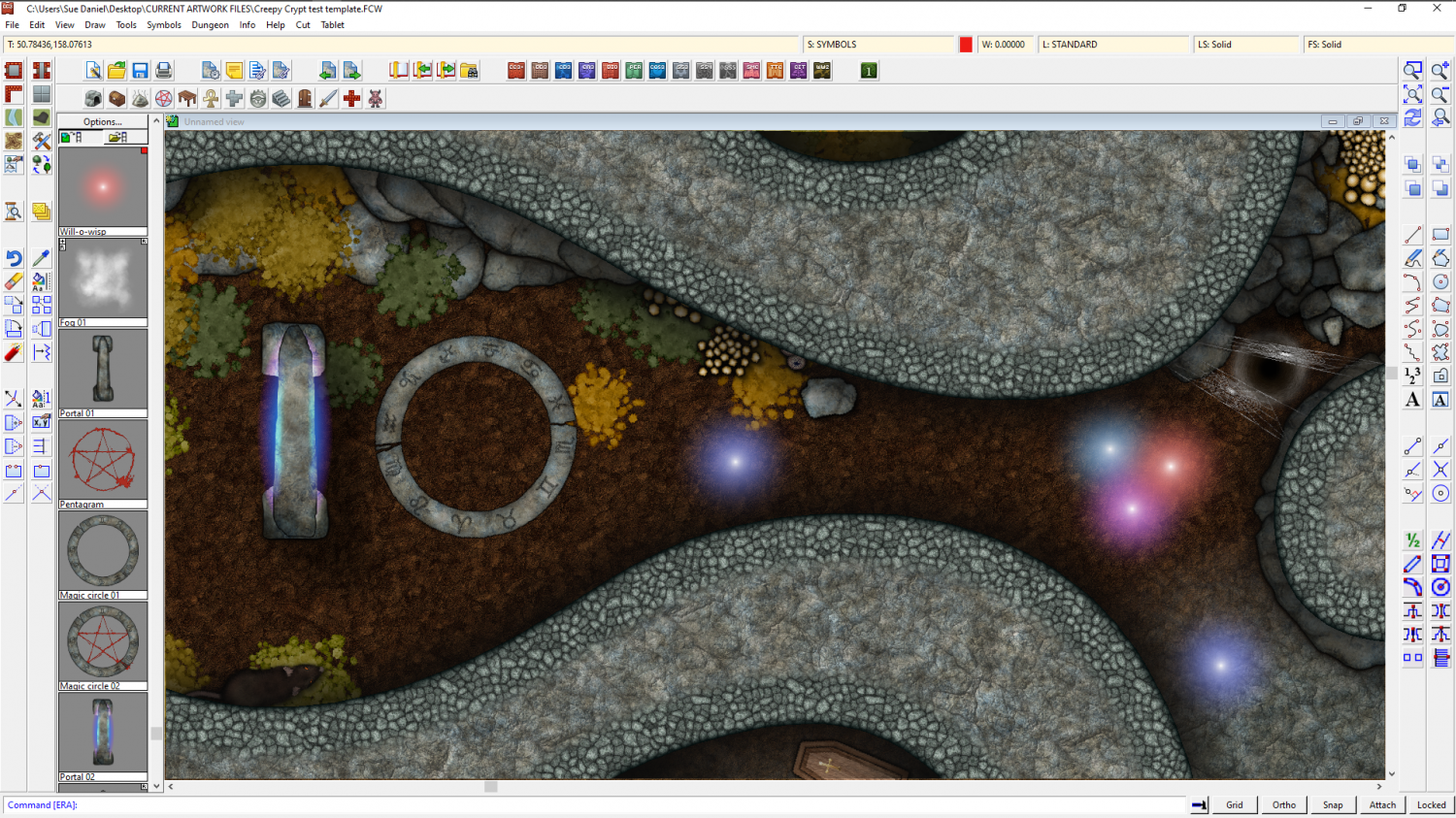
Those are will-o-wisps, by the way ;)

![[Deleted User]](https://secure.gravatar.com/avatar/c75d9a245b74d9c59be0999ea81ca541/?default=https%3A%2F%2Fvanillicon.com%2F92add7f8c954488718110edc4896ad39_200.png&rating=g&size=200)





-
Heraldry Symbols
@Quayuazue - I had too much of a headache to get on with what I was supposed to be doing, so I found a laurel wreath I used in another design and made this vector symbol for you. Here is the FCW showing you how to use it on shields of more than one colour like the examples you gave (basically, draw two shields on top of one another but reverse the colouring on the top one, add a Color Key, and then place the laurels symbol on that top shield).
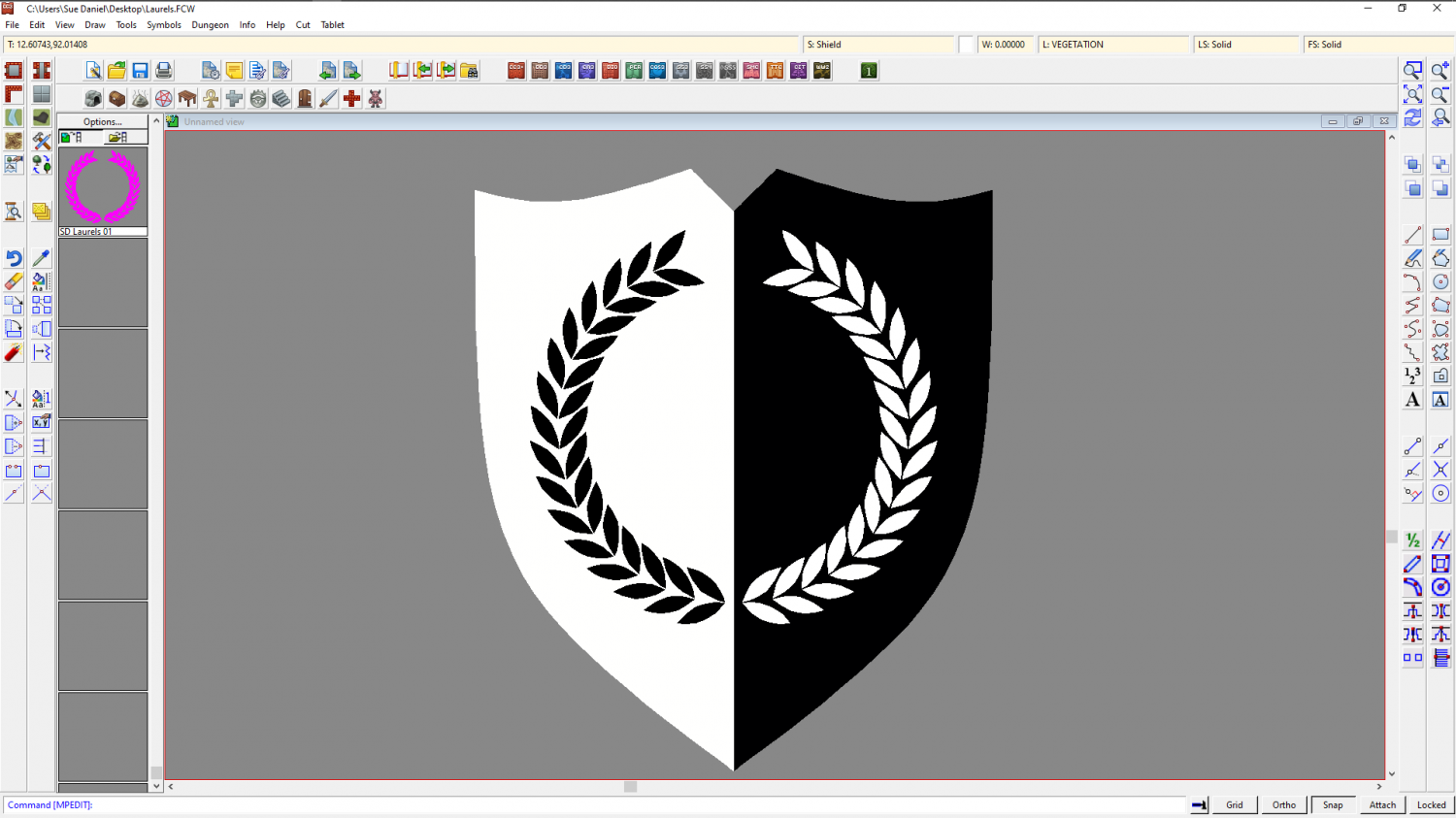
And this is the symbol catalogue containing just that one symbol so you can open it in any FCW file you have going.
If you don't want to use it as a color key shape, but want an actual black or white version you can clone and edit copies of it.
This is a free symbol, so don't get all hung up about rights and modifying it. It's literally something that helped me forget the headache ;)



-
Making hand drawn seamless tiles
Every now and then I get asked how I make the textures - the seamless bitmap tiles I add to new styles.
For a long time now its been the same answer, and one that I've been increasingly troubled about giving because the main node-driven procedural texture generating software I've been using for the past 5 years now became abandonware probably about 2 years ago and shouldn't really be recommended because the image library is no longer available - and while you can add your own photos the image library is quite a big part of it.
The second bit of software I use is Krita, which is a free bitmap app that has a wraparound mode that allows you to hand draw seamless tiles. However, Krita brushes are remarkably complicated to create, so you tend to get a bit stuck with the default brushes (as I do), or have to buy brushes made by other artists which might not be what you want.
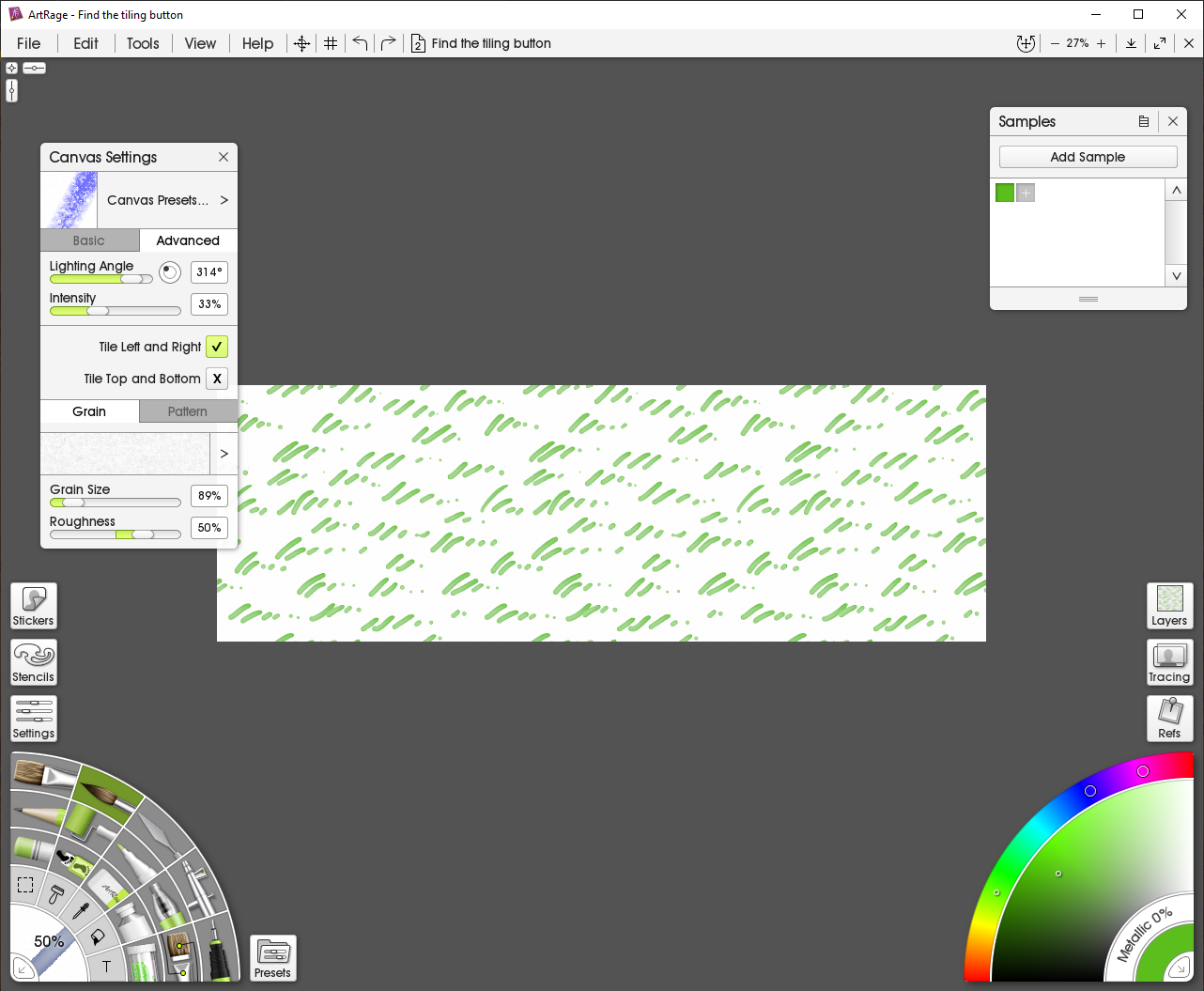
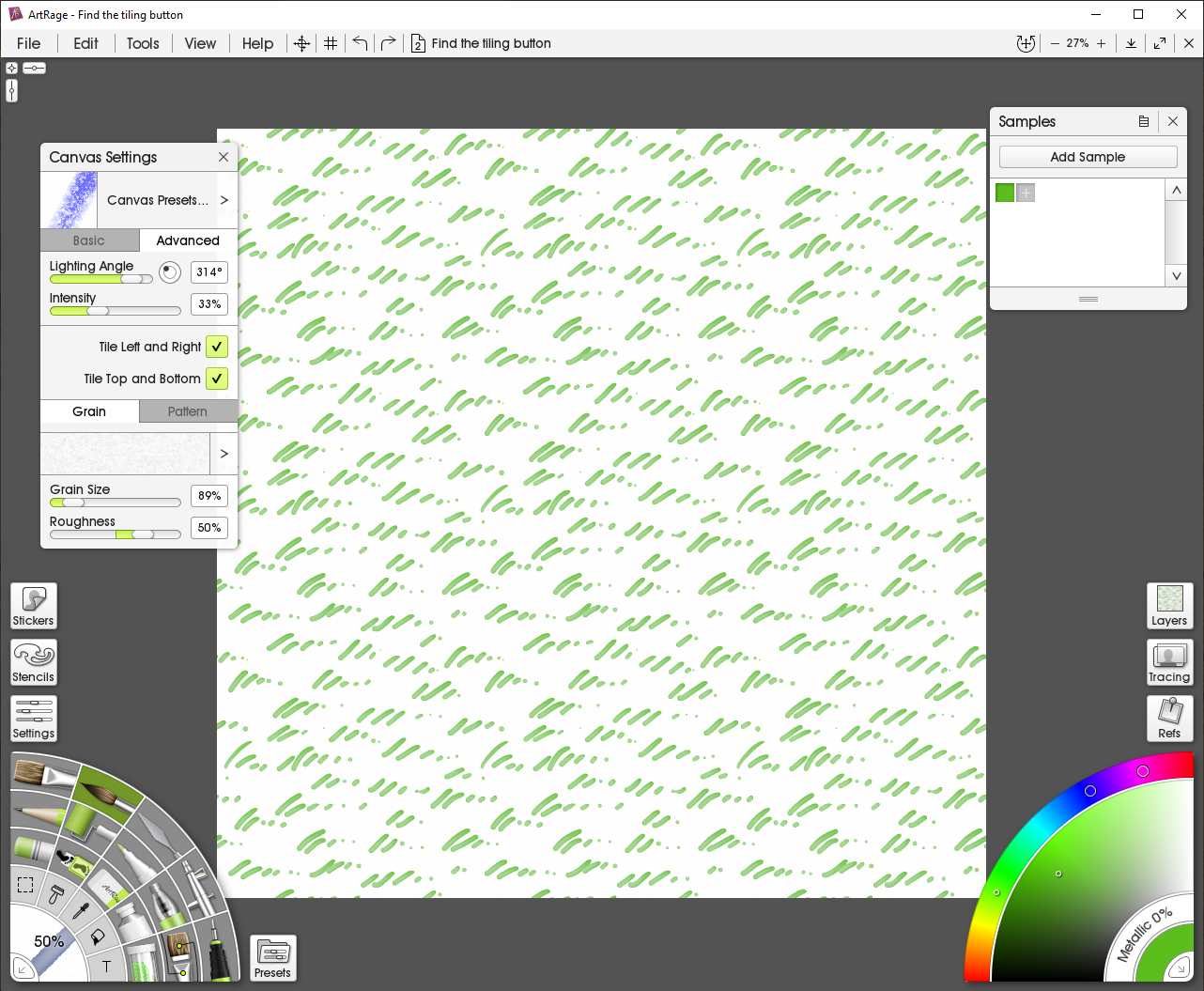
However, today I purchased the latest version of Artrage (Artrage Vitae) and discovered you can now hand draw seamless tiles by activating the two tile options available under the Advanced tab of the Canvas Settings dialog, from the View menu. I've told you these details because it took me 2 hours of really intensive googling to find out how to activate it. Apart from this little difficulty, once you've found it making hand painted seamless tiles in Artrage is a lot easier than in Krita - mainly because Artrage is better designed for casual use as a painting app and doesn't have a seriously complicated brush engine.
So here is a 5 minute example I did earlier with the tiling switched off.
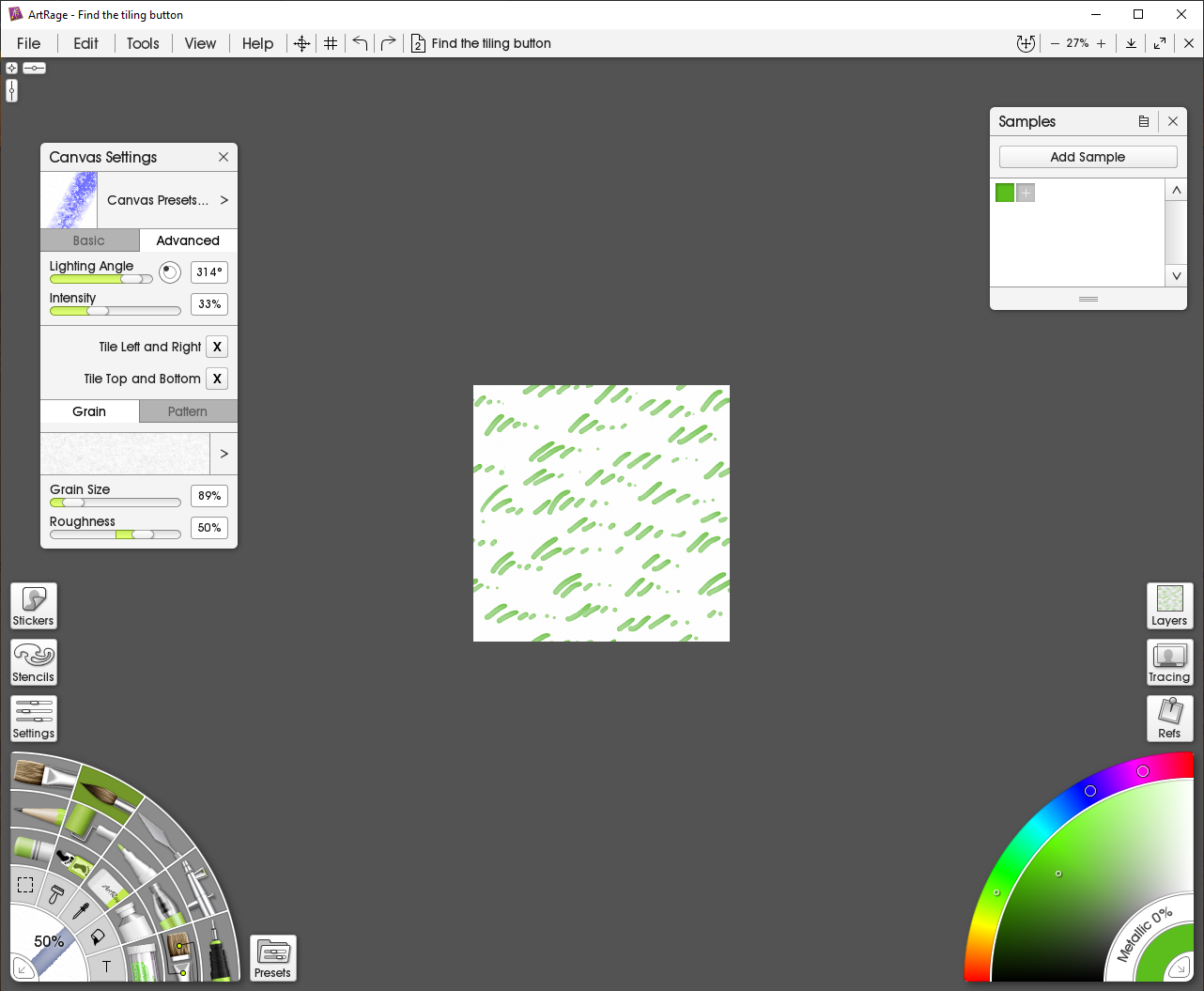
With left and right tile activated...
And with top and bottom tile activated.




-
The Creepy Crypt project
-
Fast Marshes Tutorial
Wonderful work, Ricko - thank you :)