Avatar

Loopysue

Loopysue

About

Username
Loopysue
Joined
Visits
10,238
Last Active
Roles
Member, ProFantasy
Points
10,037
Birthday
June 29, 1966
Location
Dorset, England, UK
Real Name
Sue Daniel (aka 'Mouse')
Rank
Cartographer
Badges
27

Latest Images

  • The Creepy Crypt project

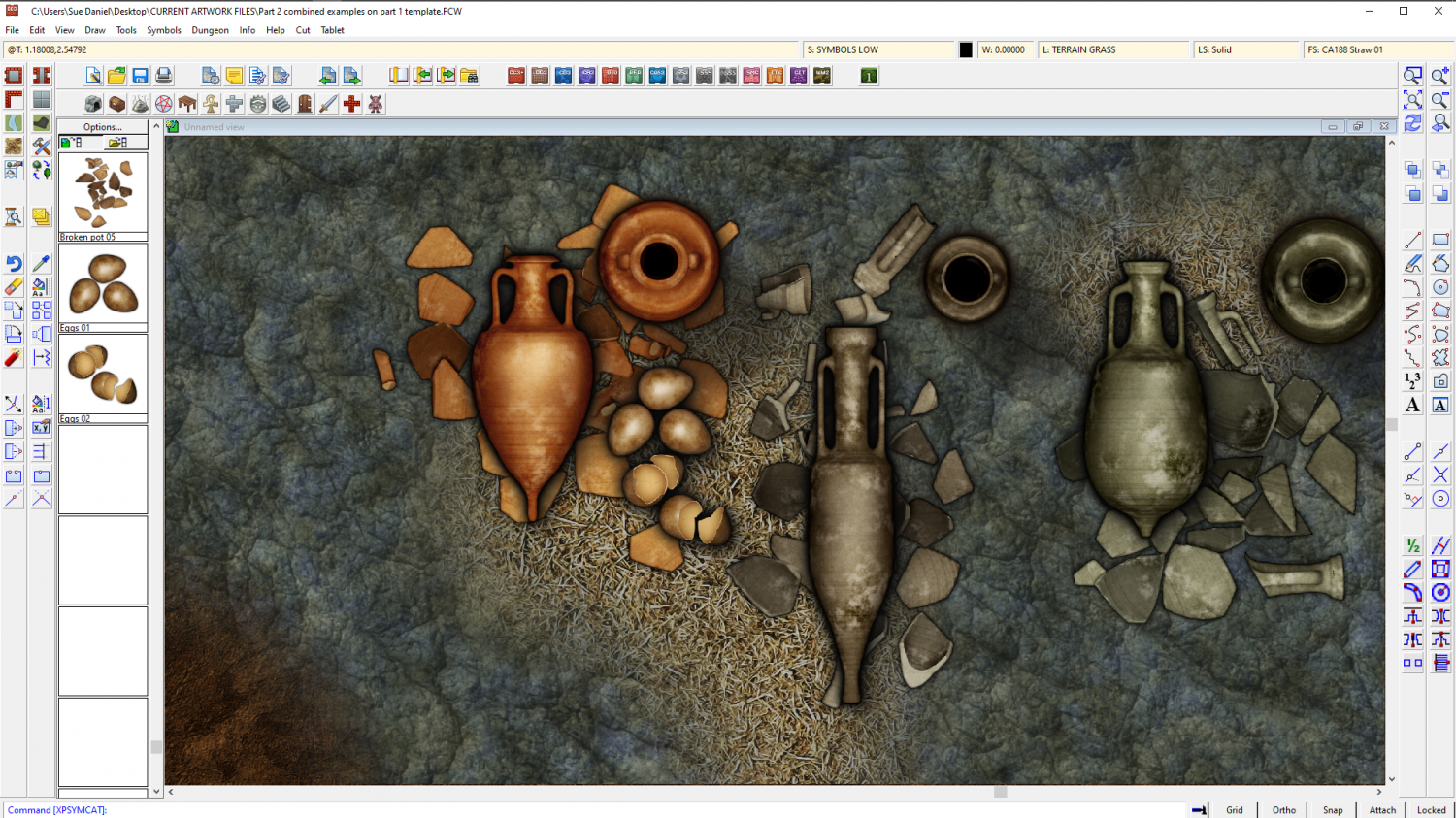
    This is a broken urn, not a broken amphora, and it still looks too clean.

    I think I will have to do a bit of post processing to make them not so sharp, the right kind of colour, and dirtier to fit with the set. But otherwise there's no reason why I can't do several amphora - whole and broken.

    I also haven't figured out how to incorporate handles, since they are separate objects to the rest of the urn.

    roflo1JimP
  • The Creepy Crypt project

    With part 1 published I've started on part 2.

    While there will me more themed stuff to go with the style name, I've taken the opportunity to add a few things to the Containers and Treasure folder that could double as offerings. The bottom line of symbols are DD3 for colour and style comparison.

    [Deleted User]roflo1WyvernJimPGlitchTheschabiMonsen
  • CA143 Asian Town - Eliminating TA & purple box issues

    I suspect that the structure shading has slipped somehow for the symbols that are showing purple. Try hiding the layers called STRUCTURES (SHADING), and STRUCTURES (OUTLINE).

    You are mostly there with the transparency acne separation sheet, but instead of using a new polygon on that sheet, copy the actual grass polygon onto that sheet and use change properties to turn it solid and whichever blue colour you are using. Copy the EFI effect from the paler grass to the separation sheet, and edit it slightly to make it wider than it is on the grass sheet.

    If there is transparency acne happening between the blue and the grass, try using colour 227 instead of that blue. The exact colour of that polygon only needs to be a colour that definitely isn't included in the overlying grass texture, not even as a single pixel.

    JimPEukalyptusNow
  • The Creepy Crypt project

    Here are a few extracts from the finished example map for the June issue of the Cartographer's Annual. The map is a bit large, so I'm not sure if it will be the final example map since a normal sized render doesn't really show the details. These are taken from an 8000 px render.

    However, I can say that there will definitely be a smaller part 2 to this style in August, so I'm open to suggestions for additional symbols to fill out the set. Most things are shown, though I forgot to use the tree roots.

    I have just put these in my gallery here.

    https://forum.profantasy.com/profile/gallery/4615/Loopysue/125

    If you want to see the full sized image, click the ones in my gallery with your mouse wheel click.

    [Deleted User]JimPMonsenTheschabiDaltonSpenceWyvernJulianDracosroflo1GlitchKenM
  • Modern and Space assests

    Focussing on the Cartographer's Annuals in this response - most recently this month's edition of the 2022 CA (Electronic Systems) might interest you. https://www.profantasy.com/annual/2022/2022-cartographers-annual.asp#May I mentioned this one issue specifically because I haven't updated the annual links wall to include it just yet, but the majority of all the rest of the annual issues can be browsed from here:

    https://forum.profantasy.com/discussion/10366/cartographers-annual-all-the-issues-linked-in-one-place

    There are other add ons and packs, including Cosmographer, which might also be of interest.

    https://www.profantasy.com/products/cos3.asp

    JimPdesepchun