


Loopysue
Loopysue
About
- Username
- Loopysue
- Joined
- Visits
- 10,415
- Last Active
- Roles
- Member, ProFantasy
- Points
- 10,161
- Birthday
- June 29, 1966
- Location
- Dorset, England, UK
- Real Name
- Sue Daniel (aka 'Mouse')
- Rank
- Cartographer
- Badges
- 27
Latest Images



-
SS6 and grids?
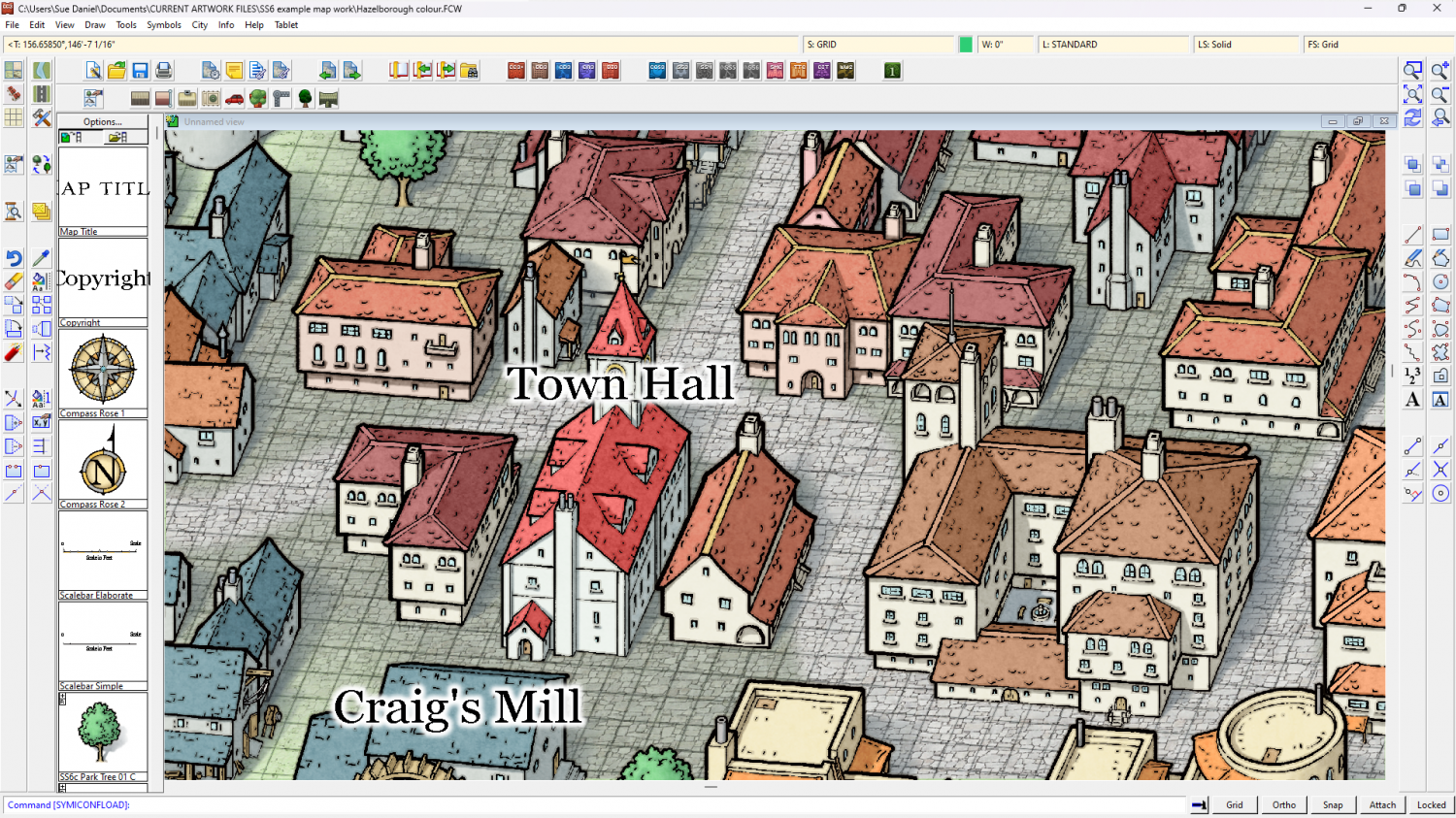
I did a little work on it last night as well starting with the angles shown at the base of each building, but since it's rotated quite a bit my solution involves using a transparent bitmap fill for ease. Is this what you were thinking of?
![[Deleted User]](https://secure.gravatar.com/avatar/c75d9a245b74d9c59be0999ea81ca541/?default=https%3A%2F%2Fvanillicon.com%2F92add7f8c954488718110edc4896ad39_200.png&rating=g&size=200)





-
Forest Trail project - part 2
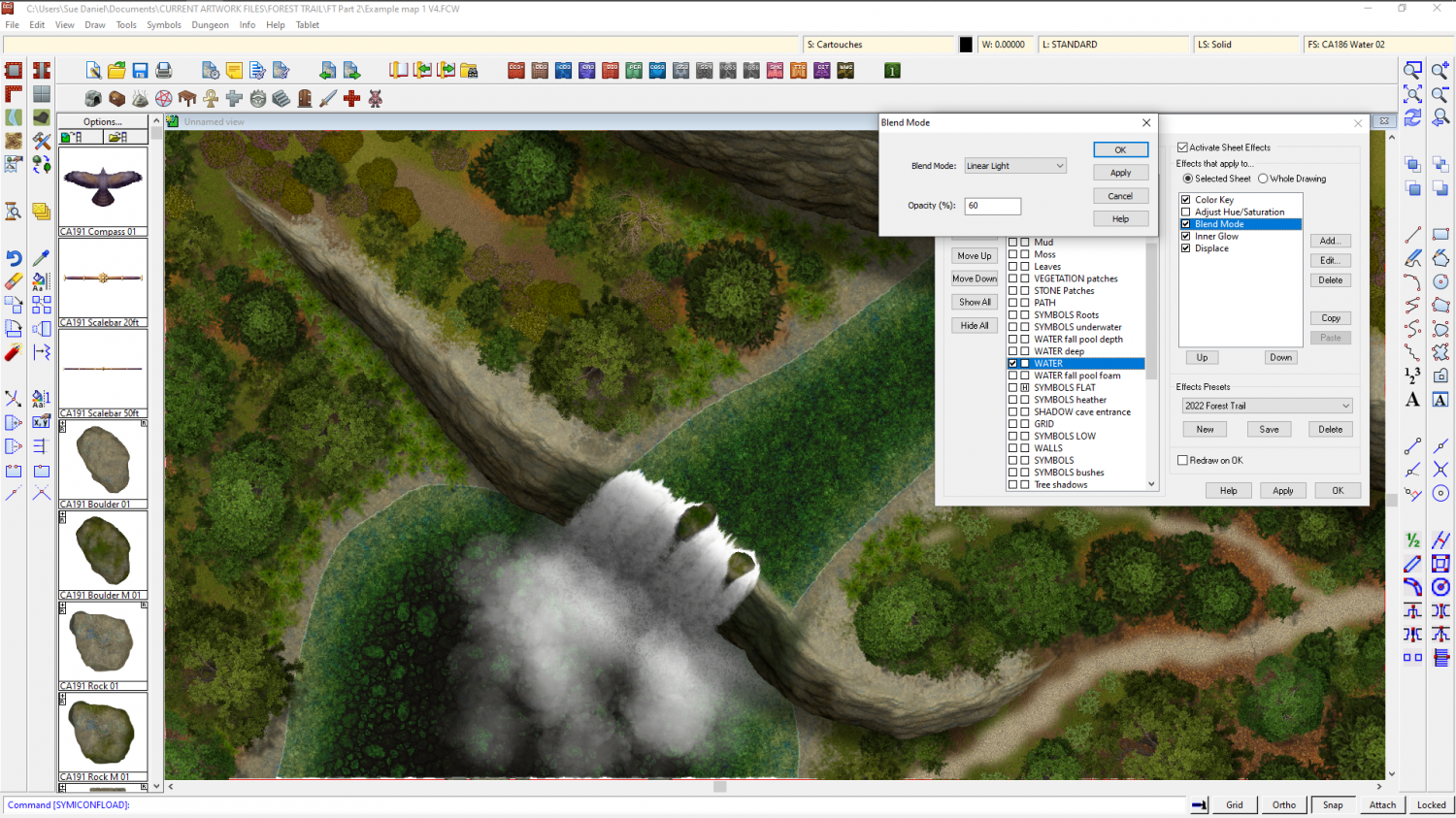
This is the only effect that affects the colour of the water on that sheet. The water itself is laid over a stone texture for the river bed (which may be part of part 2). In the waterfall pool it's laid over a new Riverbed fill. I can't remember how I did the water in the example map for part 1, but you can find out by examining the map.
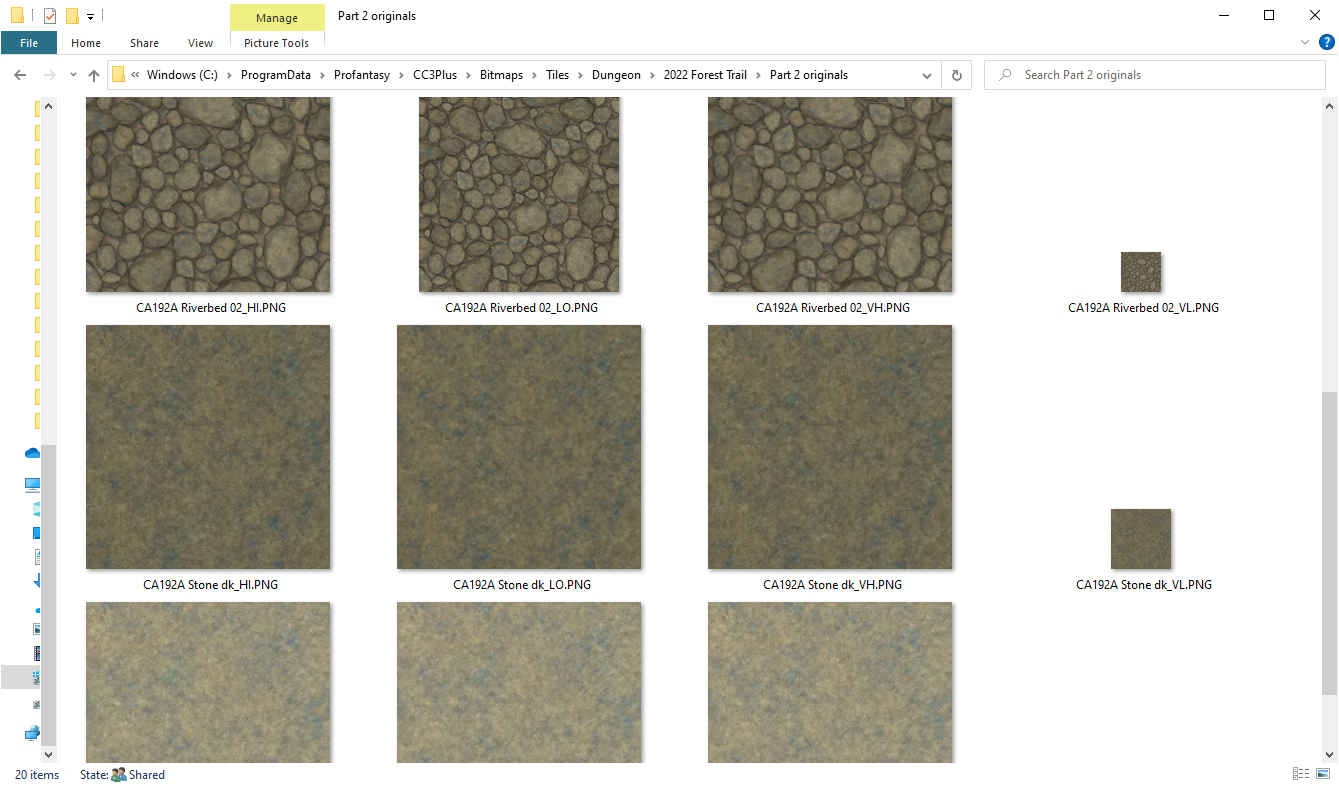
No symbols were used in the river. This is a shot of the new riverbed texture. I was right - the stone textures are both in part 2, but there is a riverbed texture in part 1 that is fairly close in colour to these 3 new ones.
About the grass sheets - the thinking behind making all the grass drawing tools go to GRASS* (anything beginning with GRASS) is that you can pick which one you want to use, though this must be done before you pick the drawing tool to work. For there to be a specific grass sheet for each shade of grass there would need to be 5 grass sheets, and even then you would be a bit stuck if you wanted them in a different order in one place on your map than in another place on the same map. But if you want you can edit the drawing tools and add the other 2 grass sheets.


-
Looking for Symbols of D&D style Dice
You can't connect more than two lines at each node, or point of the dice. Instead, try drawing the outline as a hexagon and add the triangle in the middle, then draw the other details as single lines, but move them behind the hexagon and triangle. That should hide the untidy bits.

-
Forest Trail project - part 2
Oh dear, Julian. The work on part 2 focussed primarily on waterfalls and cliffs. I've lost 3 weeks work because of PC troubles (blue screen of death) and now there are only 13 days left to the handover deadline.
I think you will find there are some pine trees, and there are already 2 different colours of water. Caves are easy to do (see below)
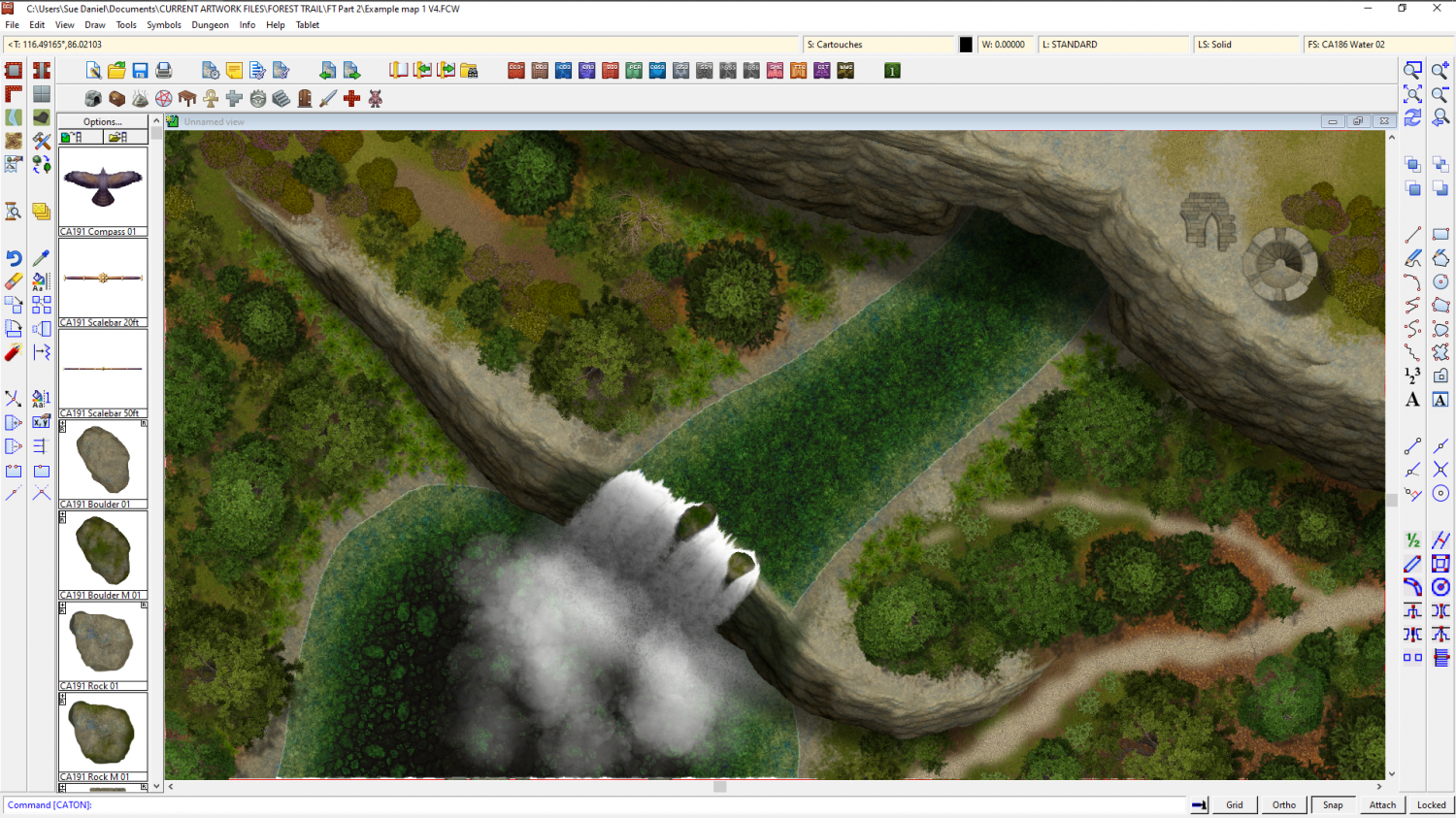
My main focus in the last fortnight before handover (some of which is dotted with unavoidable appointments and other interruptions), is to sort out the rapids and flow marks for the water, but I will see if I have time to do a square tower.



-
Forest Trail project - part 2
Ok, so there's already been a bit of work for this part of Forest Trail, but it was tacked onto the end of the part 1 thread. I've had serious PC problems which are mostly resolved now, but work has been a bit slow.
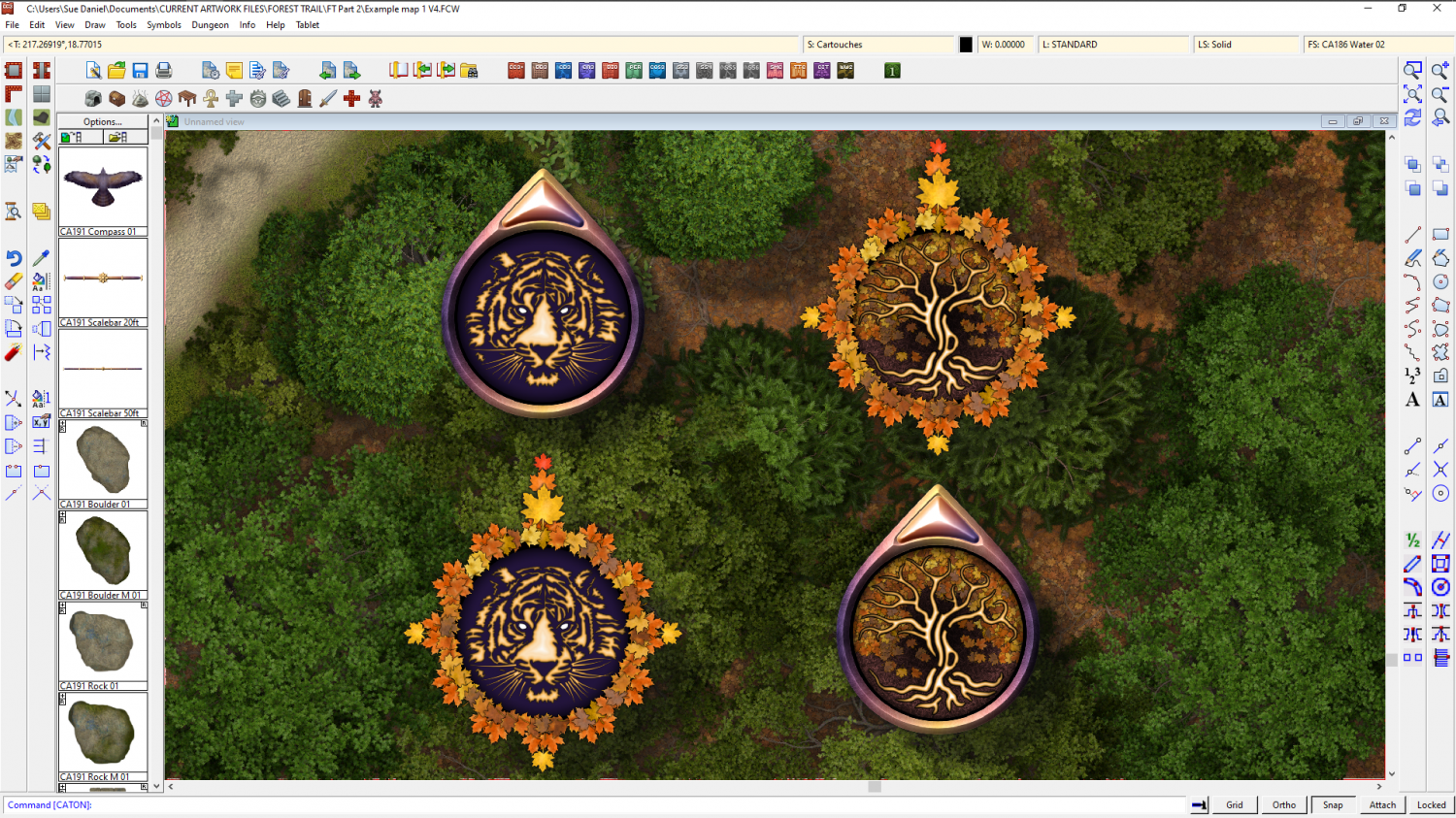
Still working on the waterfalls, but while everything was in upheaval I decided to add a couple more compasses to the style. I couldn't decide on the design so you've ended up with interchangeable parts.


 and 7 others.
