Loopysue
Loopysue
About
- Username
- Loopysue
- Joined
- Visits
- 10,354
- Last Active
- Roles
- Member, ProFantasy
- Points
- 10,103
- Birthday
- June 29, 1966
- Location
- Dorset, England, UK
- Real Name
- Sue Daniel (aka 'Mouse')
- Rank
- Cartographer
- Badges
- 27
Latest Images



-
Live Mapping: OSR Dungeons
I offered to do that once when it was only about 100 videos, but it would have taken a month back then.
-
Grid Lines
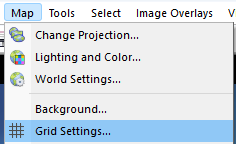
Pick Grid Settings... from the Map menu.
In the dialog, set the Latitude Polar Endcaps to zero.
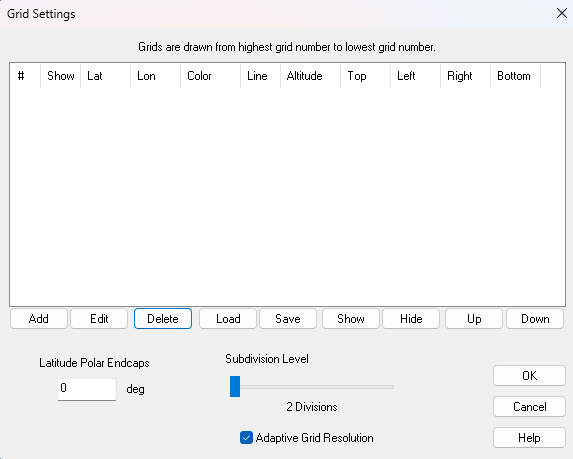
Click Add, and make sure you check Enable Grid in the dialog that appears (see below).
For the sub-tropic lines set the Latitude Spacing at 35 degrees and the Top and Bottom settings to 35 and -35 respectively. This tells FT to draw a grid line every 35 degrees, starting and stopping at 35 degrees north and south, so you only get one line at 35 degrees north, and one line at 35 degrees south. You will also get one one the equator but you wanted that anyway.
To make sure you don't get any longitudinal (north south) grid lines, set the Longitude Spacing to zero.
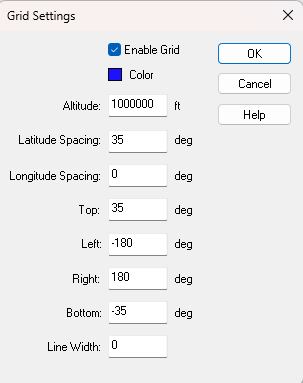
You can also chose the colour of the grid lines and the width of them.
Ok both dialogs and you get this
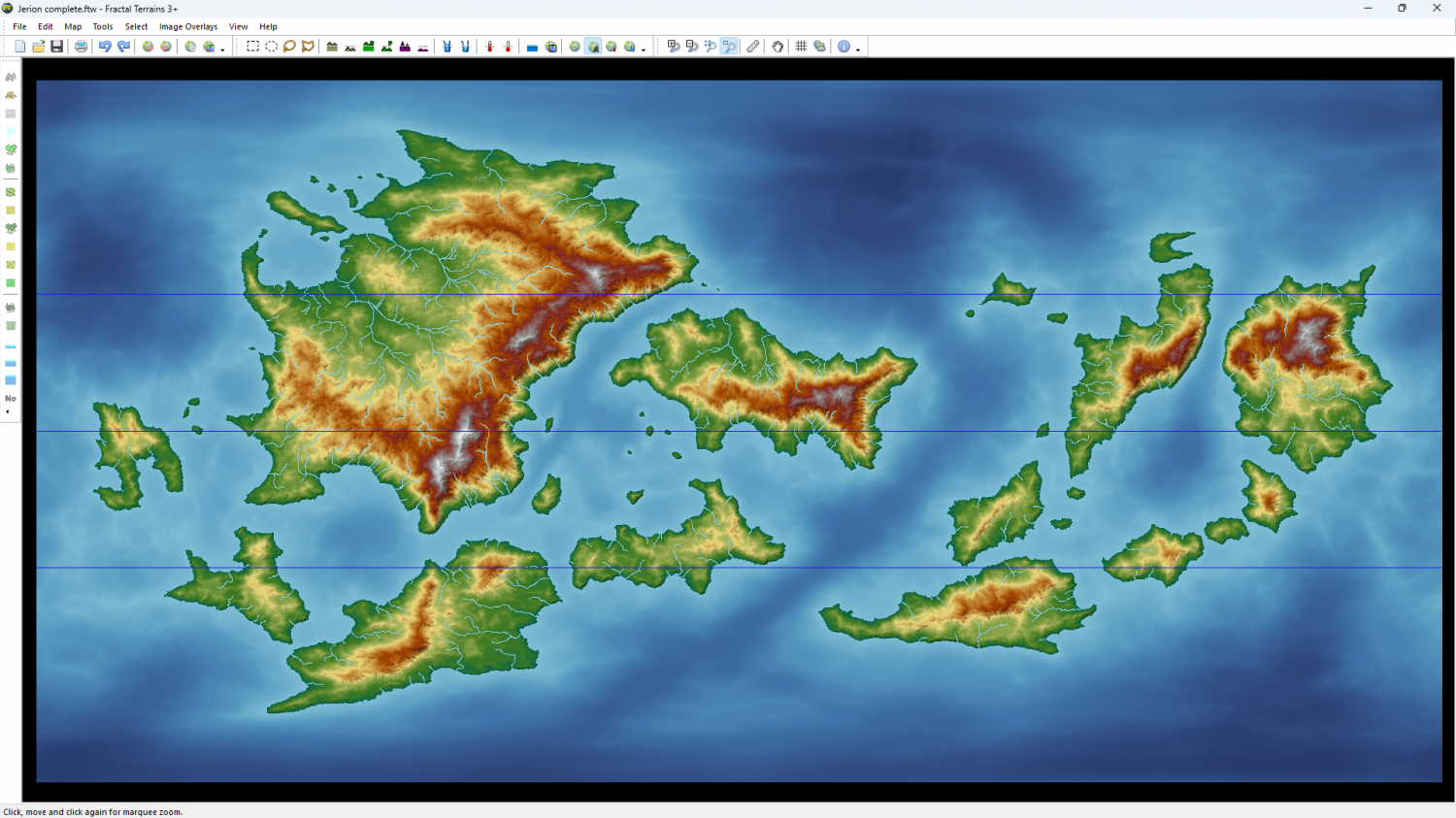
Do the same for the tropics gridlines by adding a second grid and substituting 23.5 wherever you put 35 in the first grid. That should give you something like this. Here I have given the tropics lines a thicker red line. You will see that this second grid appears underneath the first one, but you can move it up to first position using the buttons under the table in that first dialog.
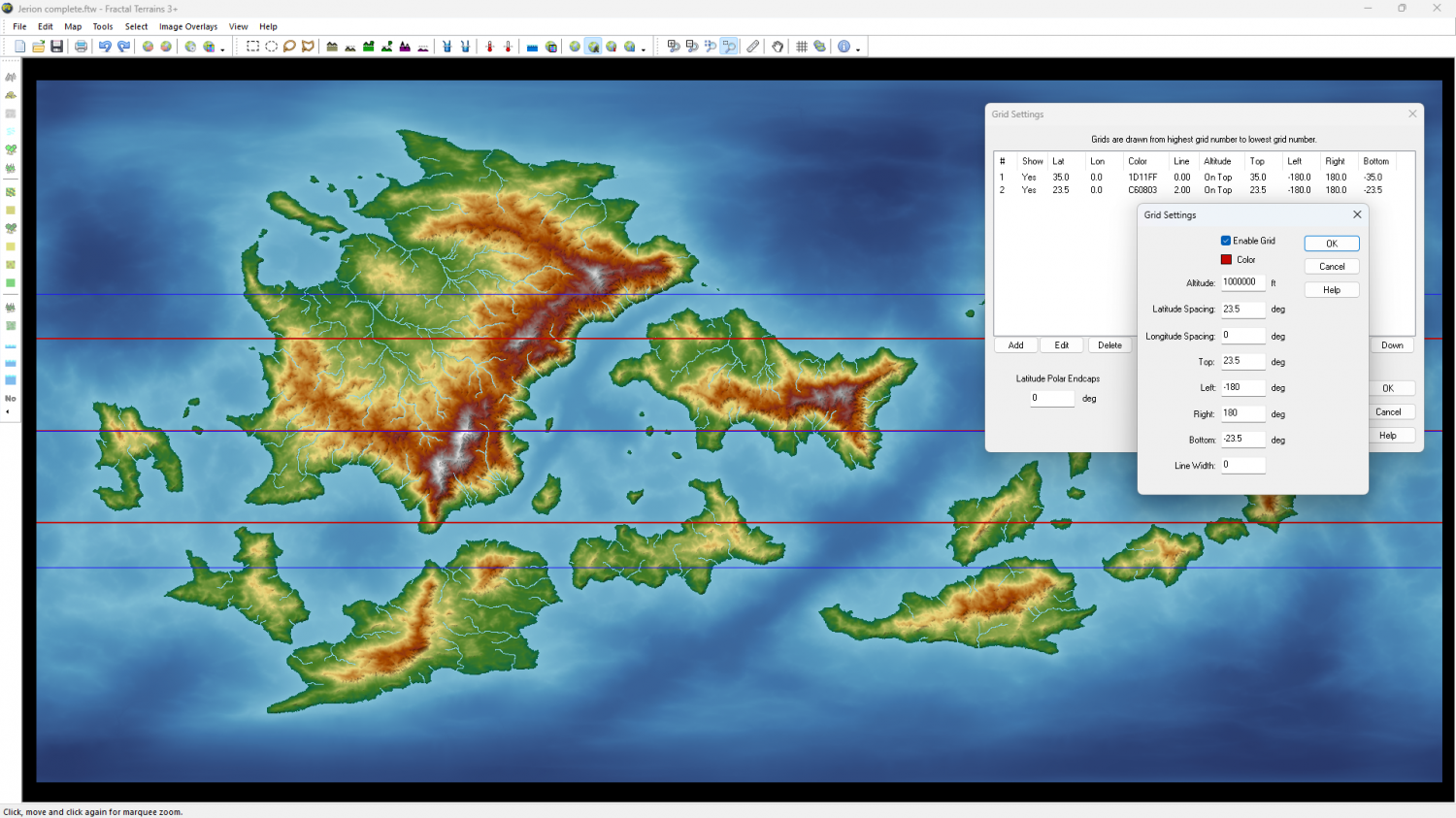
You can hide, show, edit or delete either grid.

-
CC4 Overland Development Thread
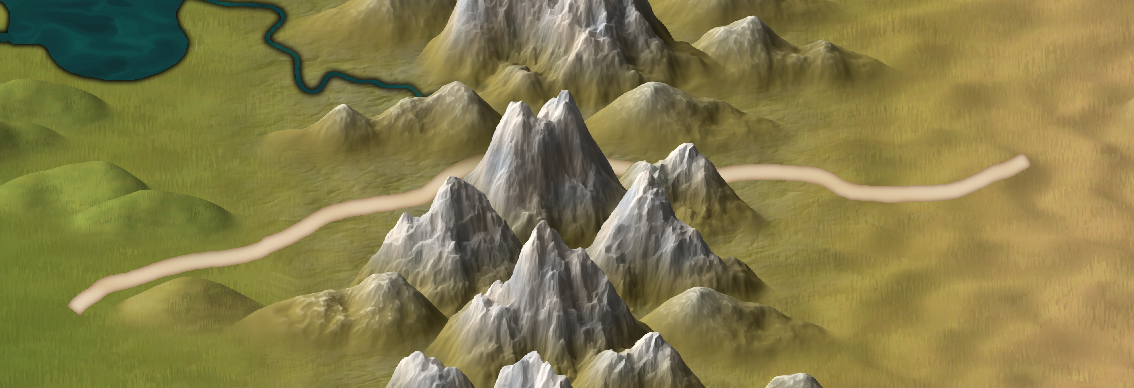
I just remembered I hadn't shown the new mesas and buttes. Also 2 new fills - volcanic and wasteland. I think you've seen the red desert before.
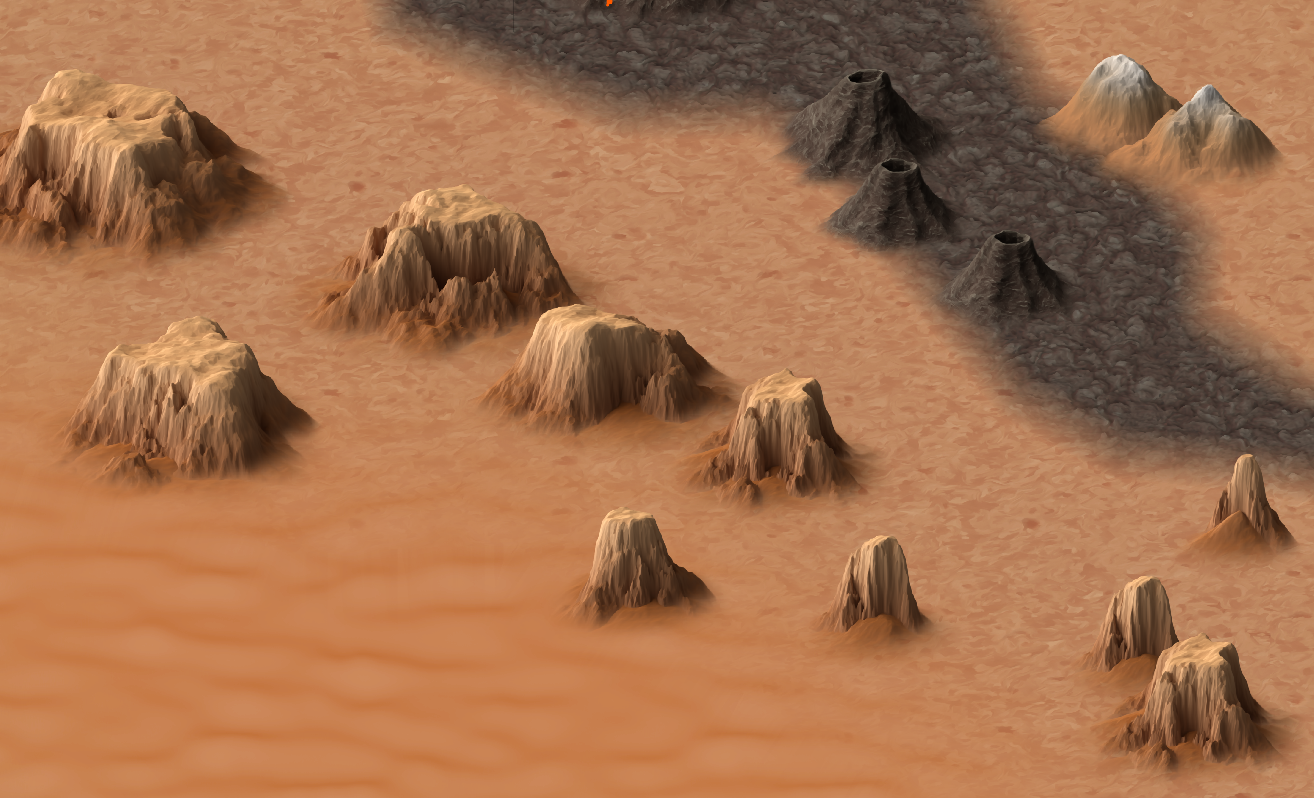
The two small mountains top right in this shot are the varicolour versions, matched with the wasteland fill.






-
CC4 Overland Development Thread
Thanks Calibre :)
The blurriness of the terrain can be adjusted by scaling the terrain. It's set pretty large at the moment because the map itself is huge. That white rectangle is the extent of a default 1000 x 800 map unit map.
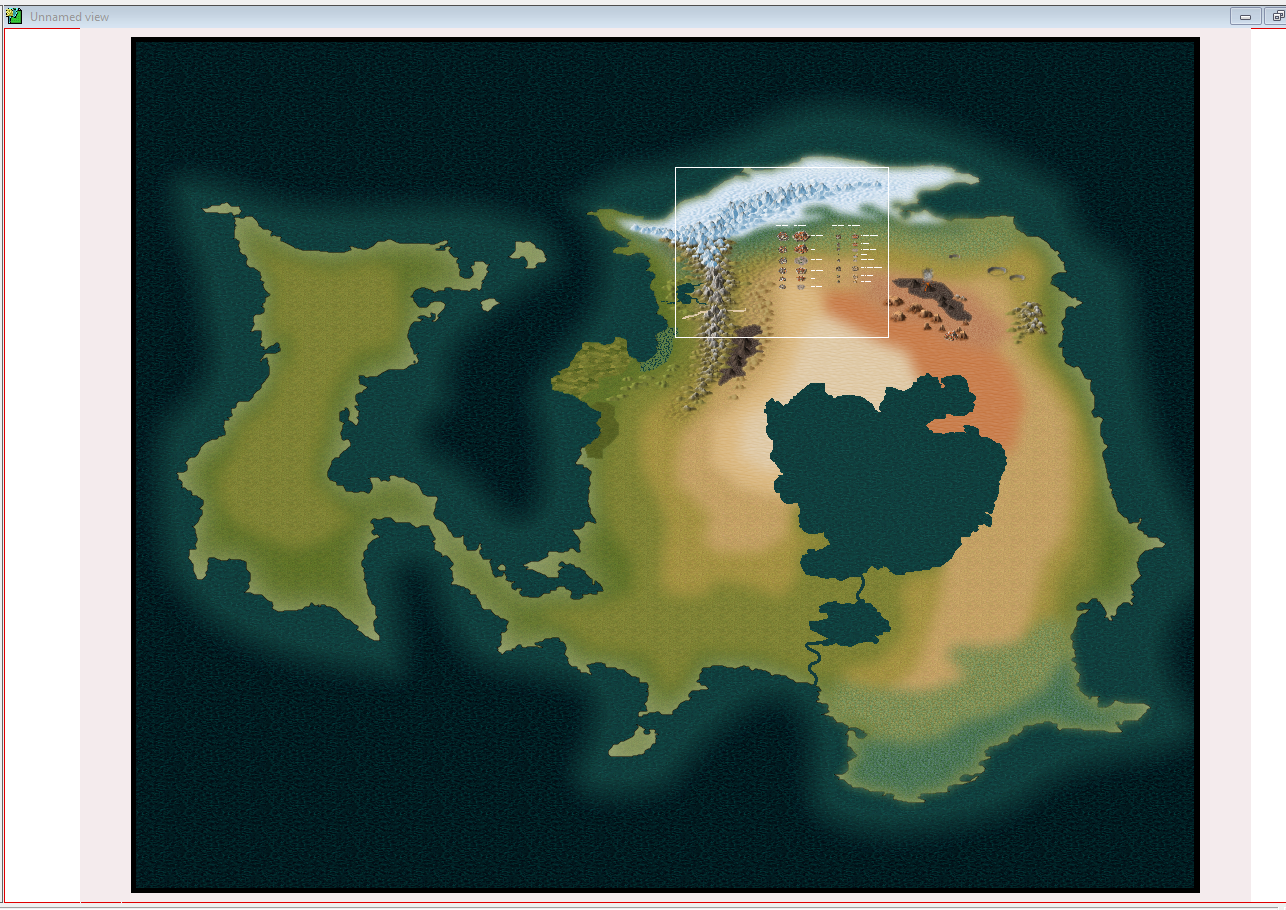
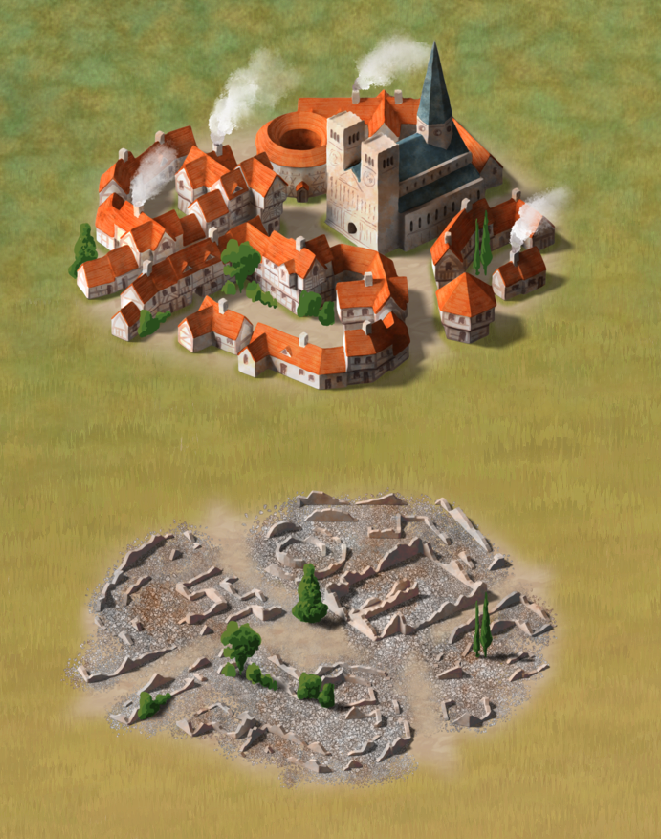
Here I have halved the scale of the terrain fills. (The trees in the cities are placeholder scribbles and not the final trees). The grass is a final fill texture, but the tundra above it is an isometric version of the Birdseye tundra and is likely to be updated before publication.
The shade of the water is a tricky one. Some people prefer this darker water, and some prefer it much lighter. I started with water that was approximately the same shade as the Birdseye water, but went darker in response to other requests.
Stretching the mountians on the X axis might make them look rather pixelated. Maybe use mountains from a different style?
-
CC4 Overland Development Thread
Thanks Royal :)
I don't think I have, Ricko. Displace looks different at different zoom levels sometimes, but it's hard to remember if I changed a sheet effect or not over the several months since then.