


Loopysue
Loopysue
About
- Username
- Loopysue
- Joined
- Visits
- 10,414
- Last Active
- Roles
- Member, ProFantasy
- Points
- 10,161
- Birthday
- June 29, 1966
- Location
- Dorset, England, UK
- Real Name
- Sue Daniel (aka 'Mouse')
- Rank
- Cartographer
- Badges
- 27
Latest Images



-
Sinister Sewers - Style Development Thread (CA207)
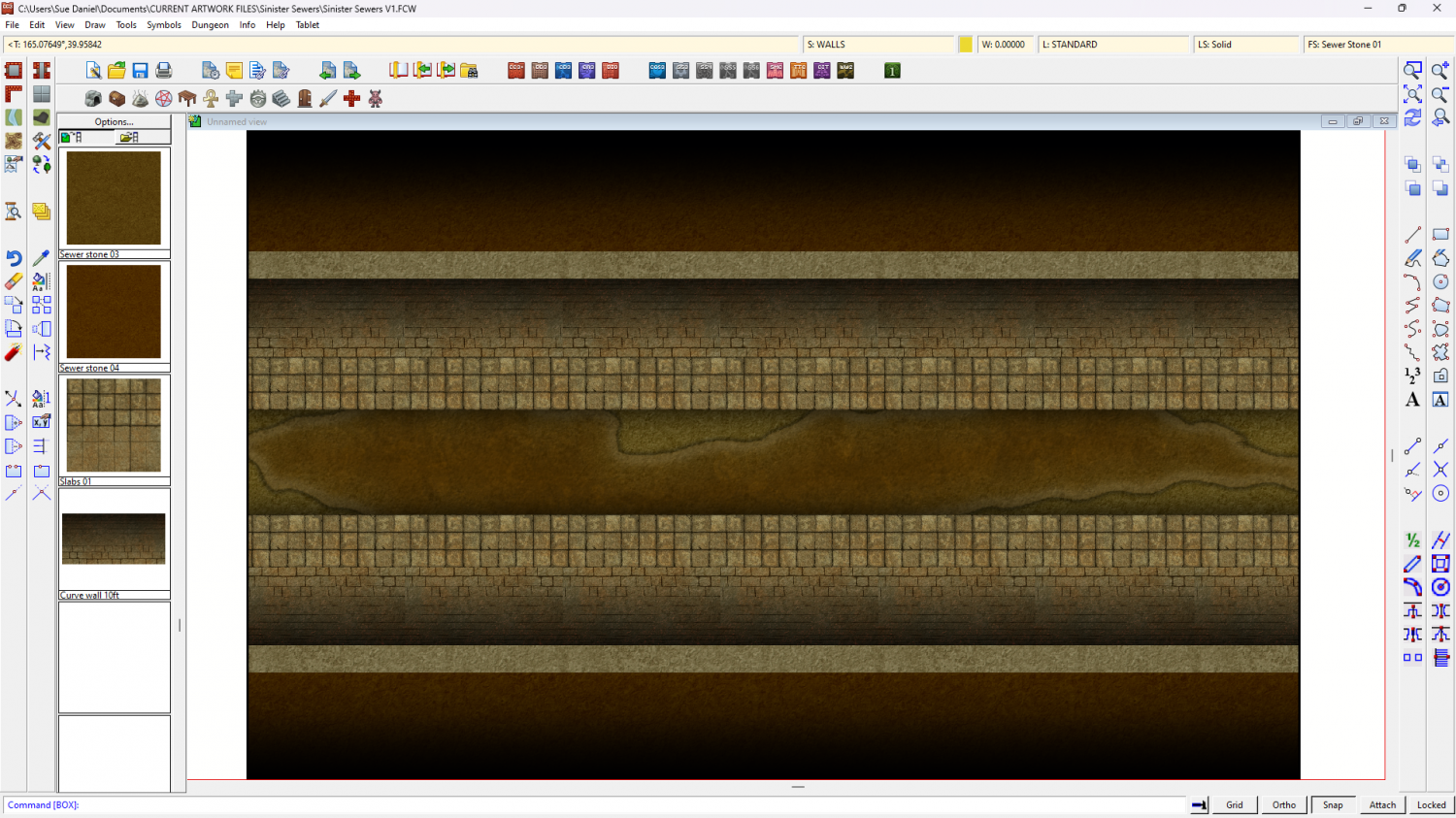
Well, today's progress is quite un-pretty compared to that, but this is a sewer after all.
Much more work to do to make things look solid and real, and I'm not really sure about the paving slabs either side of the channel.





-
Sinister Sewers - Style Development Thread (CA207)
Thanks :)
I haven't started the symbols yet, Jim, but there will hopefully be a nice collection of various bits of debris to dump in the channel. And there are a range of 6 flavours of fluid to pick from - at the moment. I will add more if necessary.
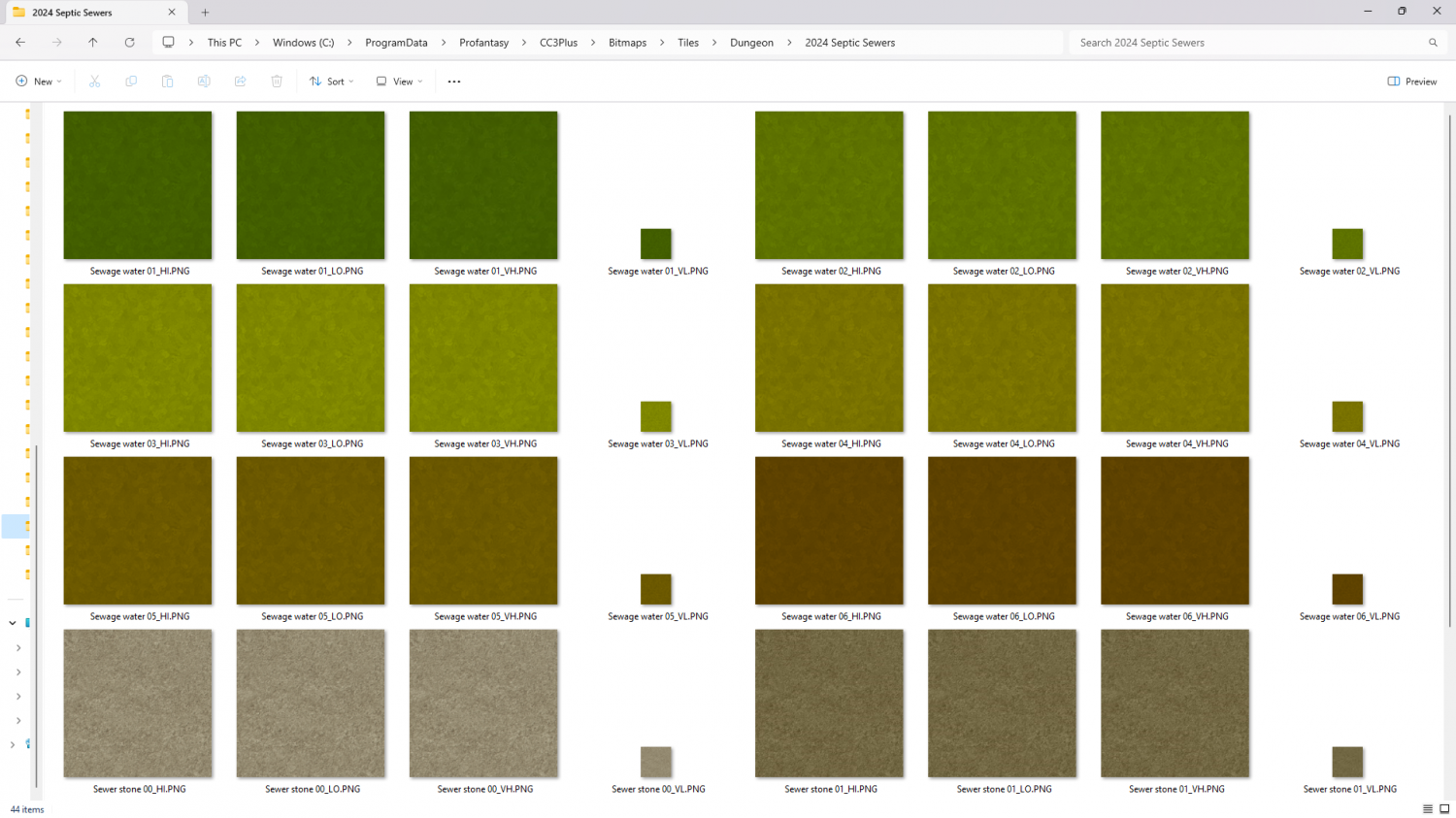
These are all 'proto-fills' and will hopefully end up looking a lot more interesting on the day.


-
Sinister Sewers - Style Development Thread (CA207)
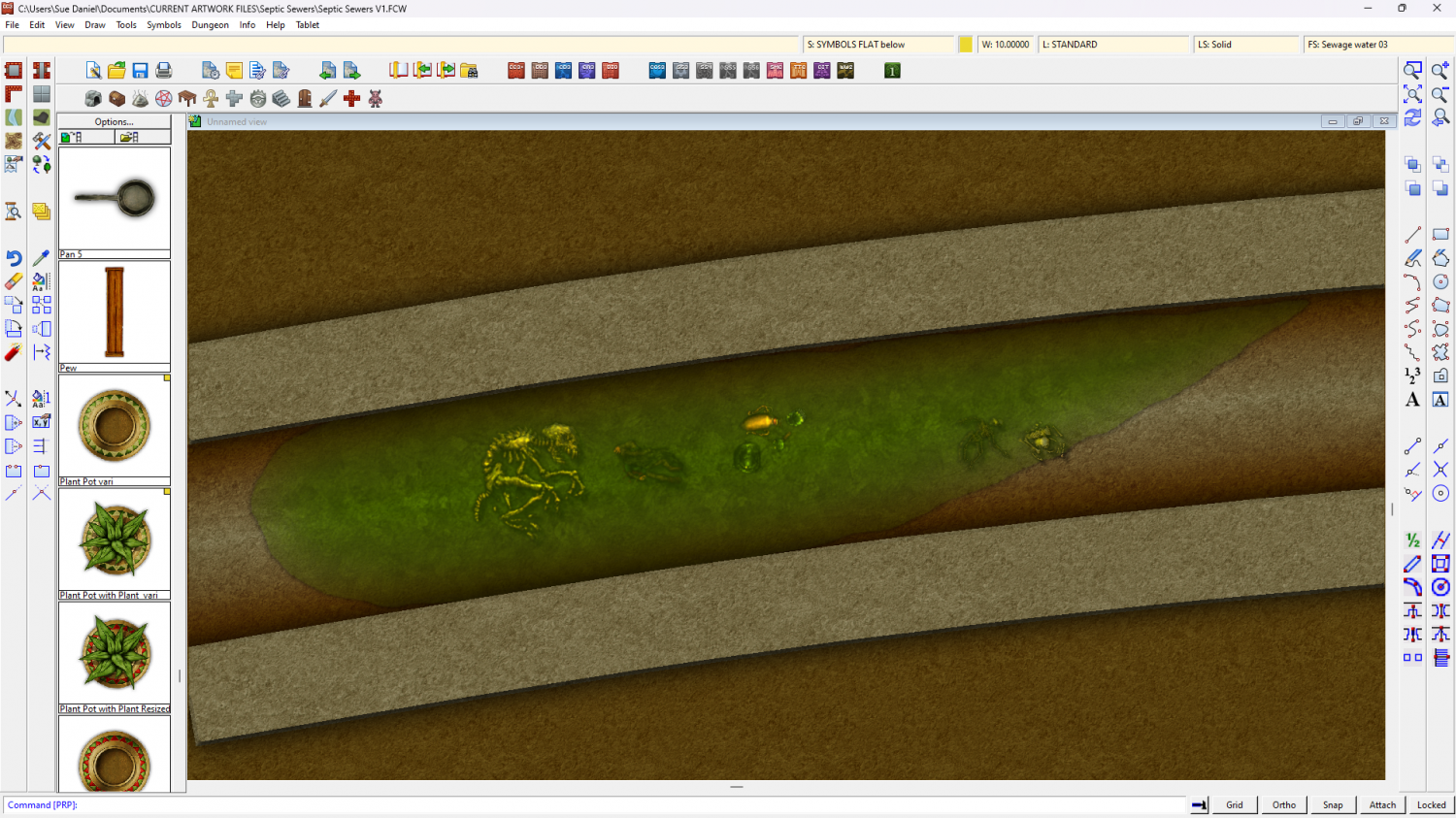
I'm thinking about the colour scheme here. What do you think of dirty oranges and browns with green liquid?
(The fills and symbols are placeholders)




-
Sinister Sewers - Style Development Thread (CA207)
Hi guys :)
I've been asked to do a 'small sewer style' for next year's Cartographer's Annual. I already have an image of pipes and grungy dirty fills that I can do. Have you got any favourite sewer maps you want to show me for inspiration? If the map isn't yours please provide a link to the original on the artists page rather than post a 'borrowed' copy here.
Thanks! :D

-
Misterious Land feature
You have Transparency Acne with the fills that are more or less identical to the Land texture bar some inking. That is where the render engine gets confused by pixels that are identical to the pixel on the underlying sheet and discounts it as being transparent. This creates a tiny 'hole' in the overlying polygon to which all the sheet effects are then applied the same way as they are to the outer edge. So from a percieved pinhole you get a very real edge-faded hole - acne.
There are a few different ways of dealing with it but the easiest one in this map is to use what I call a 'backing sheet', where you place a plain polygon underneath the top one by copying the problem polys and their sheet effects onto a new sheet between them both and changing the fill of the new polys to some solid colour that is sufficiently different to both textures that the render engine understands there are no holes in the topmost polygon.
I hope that makes sense.
I've created just such a backing sheet in this one for you:


