


Loopysue
Loopysue
About
- Username
- Loopysue
- Joined
- Visits
- 10,354
- Last Active
- Roles
- Member, ProFantasy
- Points
- 10,108
- Birthday
- June 29, 1966
- Location
- Dorset, England, UK
- Real Name
- Sue Daniel (aka 'Mouse')
- Rank
- Cartographer
- Badges
- 27
Latest Images



-
Birdseye Continental - style development thread
Is this better?
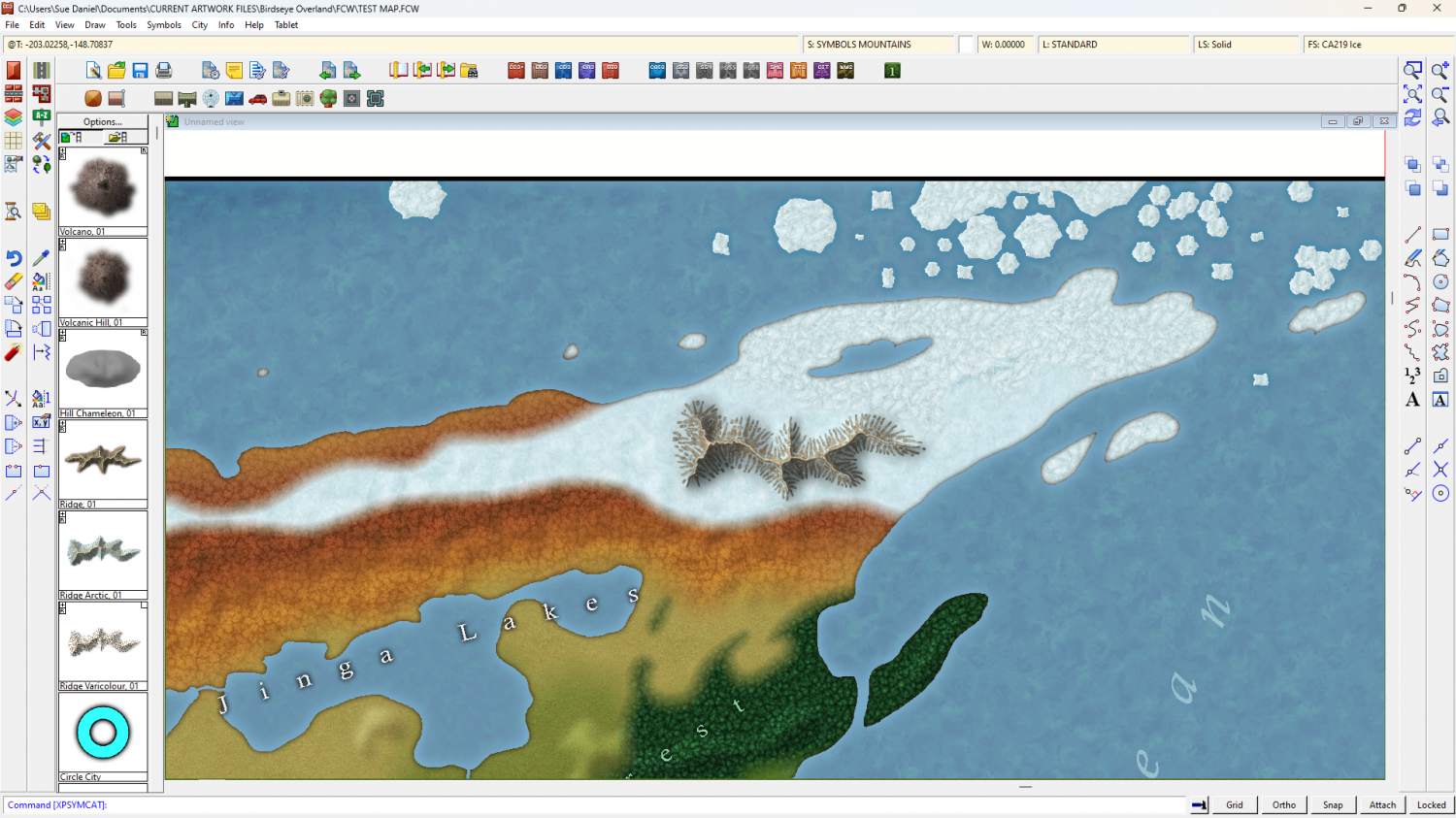
When the ocean was dark the ice looked white, even though it was blue.



-
Birdseye Continental - style development thread
Thanks :)
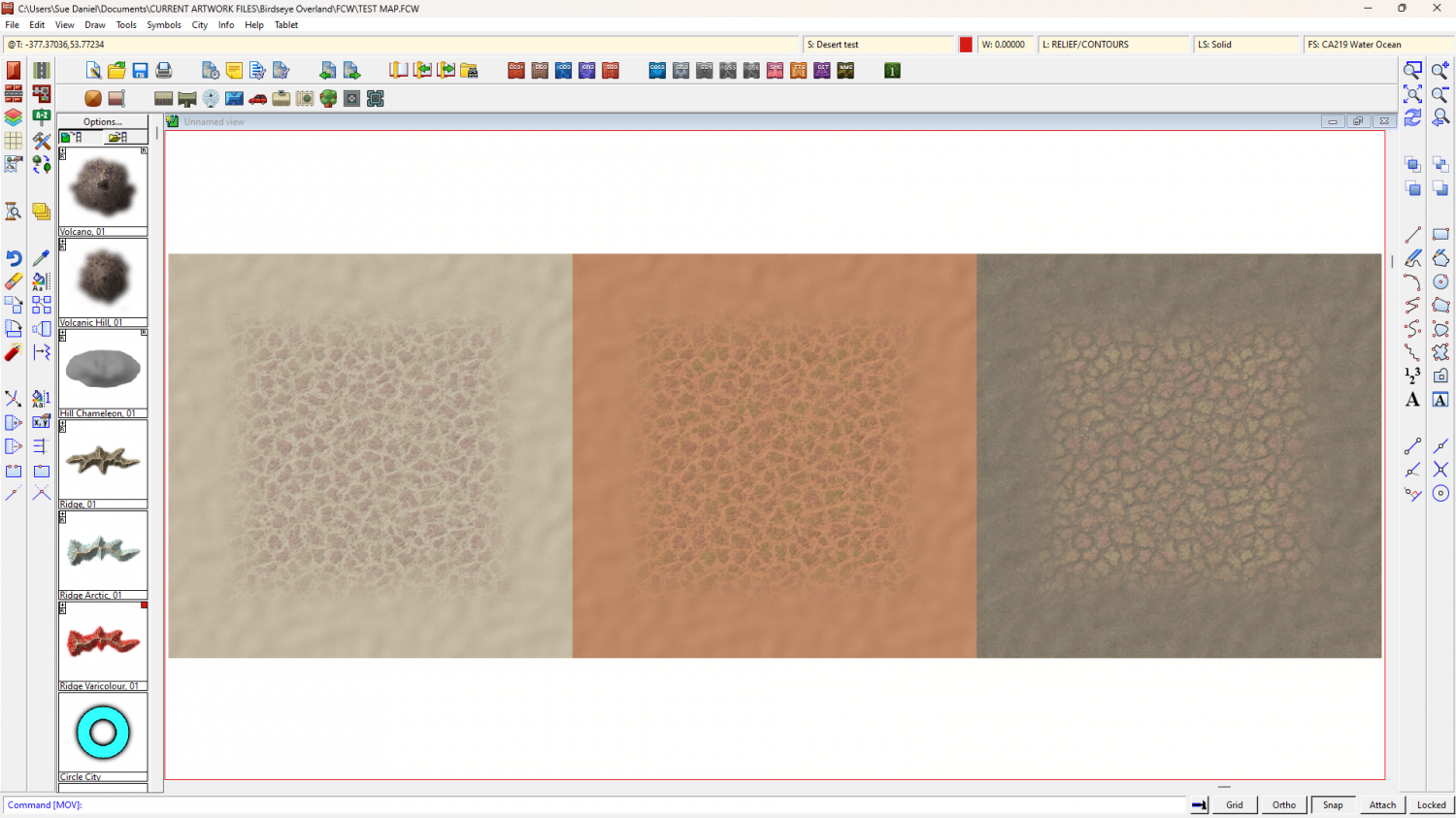
I've adjusted the badland fills. The backgrounds now all match, but I'm a little unsure of the patch colours.
-
Birdseye Continental - style development thread
I alreaday have marsh and swamp fills done in a similar way, but I think they might need updating. I have modified the colour of the water textures since doing them.
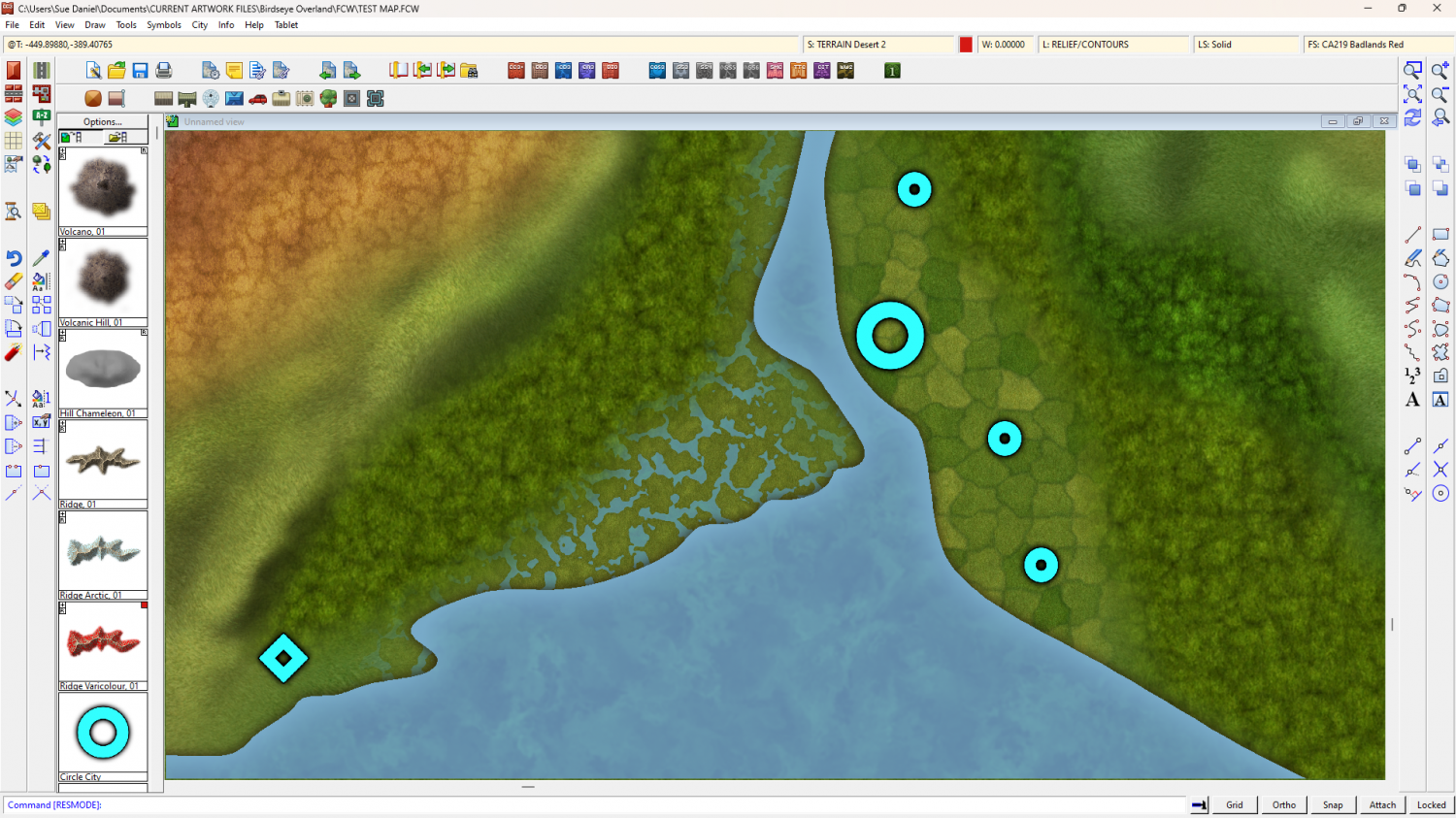
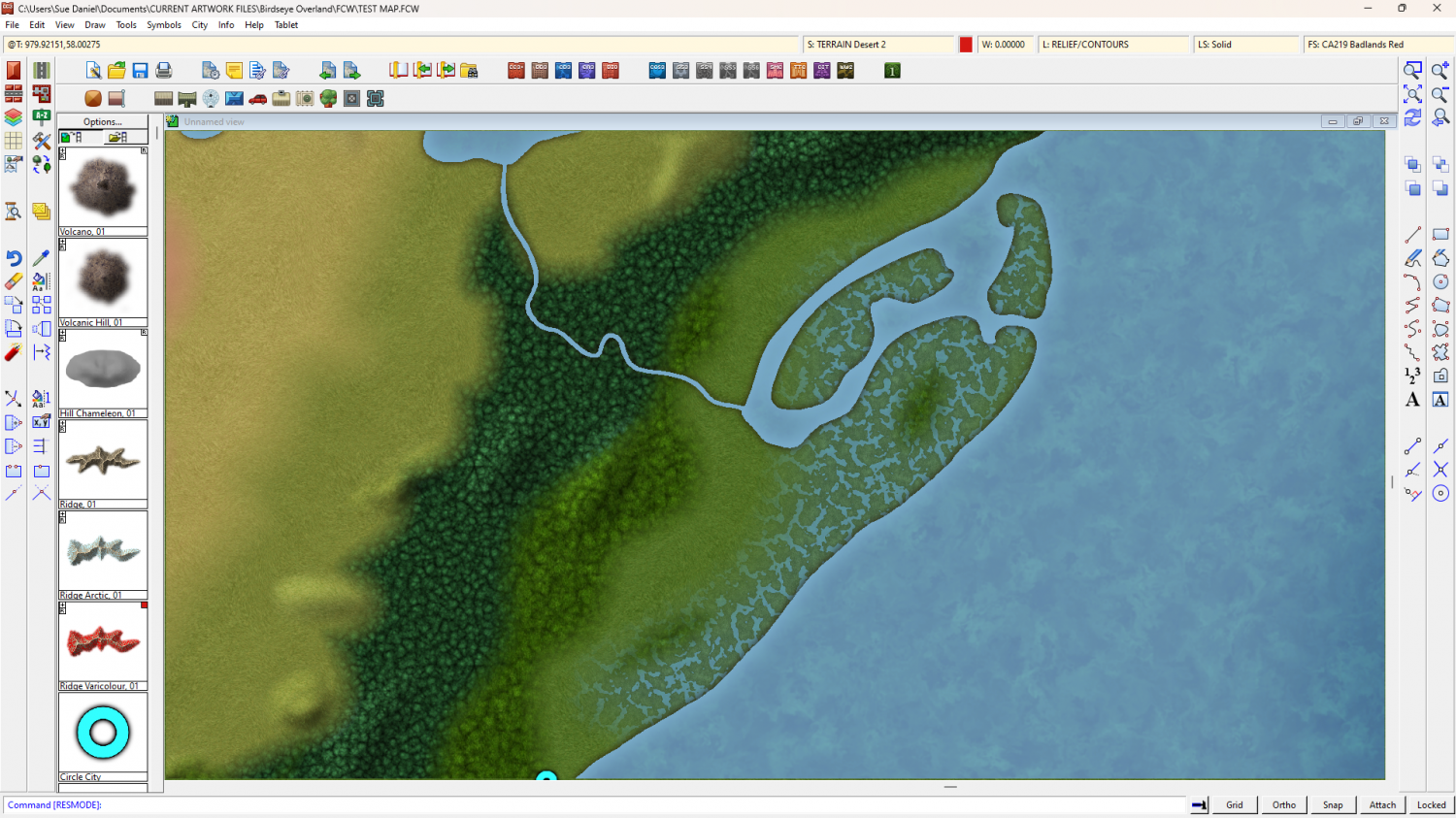
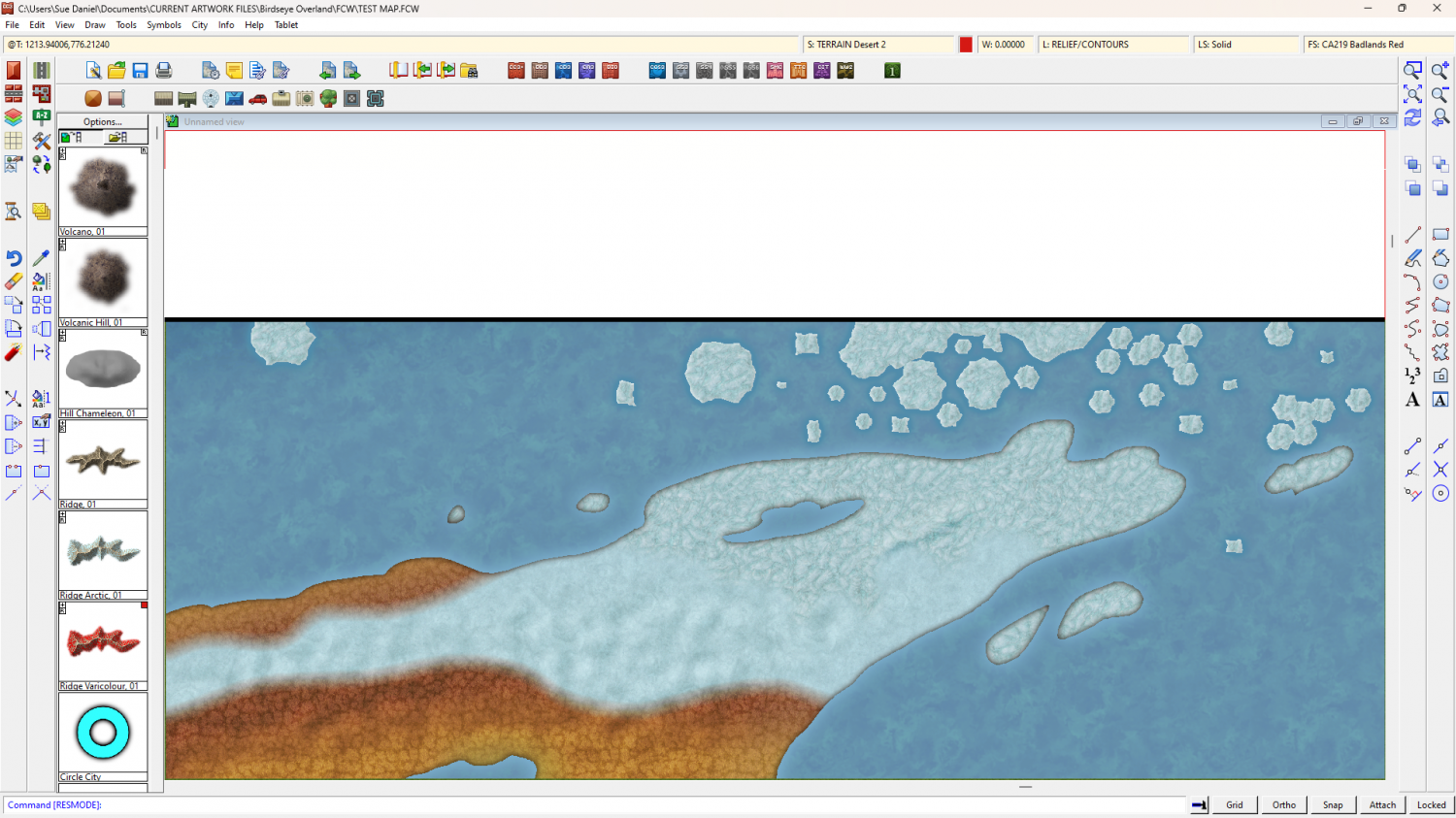
Ice floes, though, are currently being done as polygons of the Ice texture. Maybe I should make an ice flow fill...



-
Birdseye Continental - style development thread
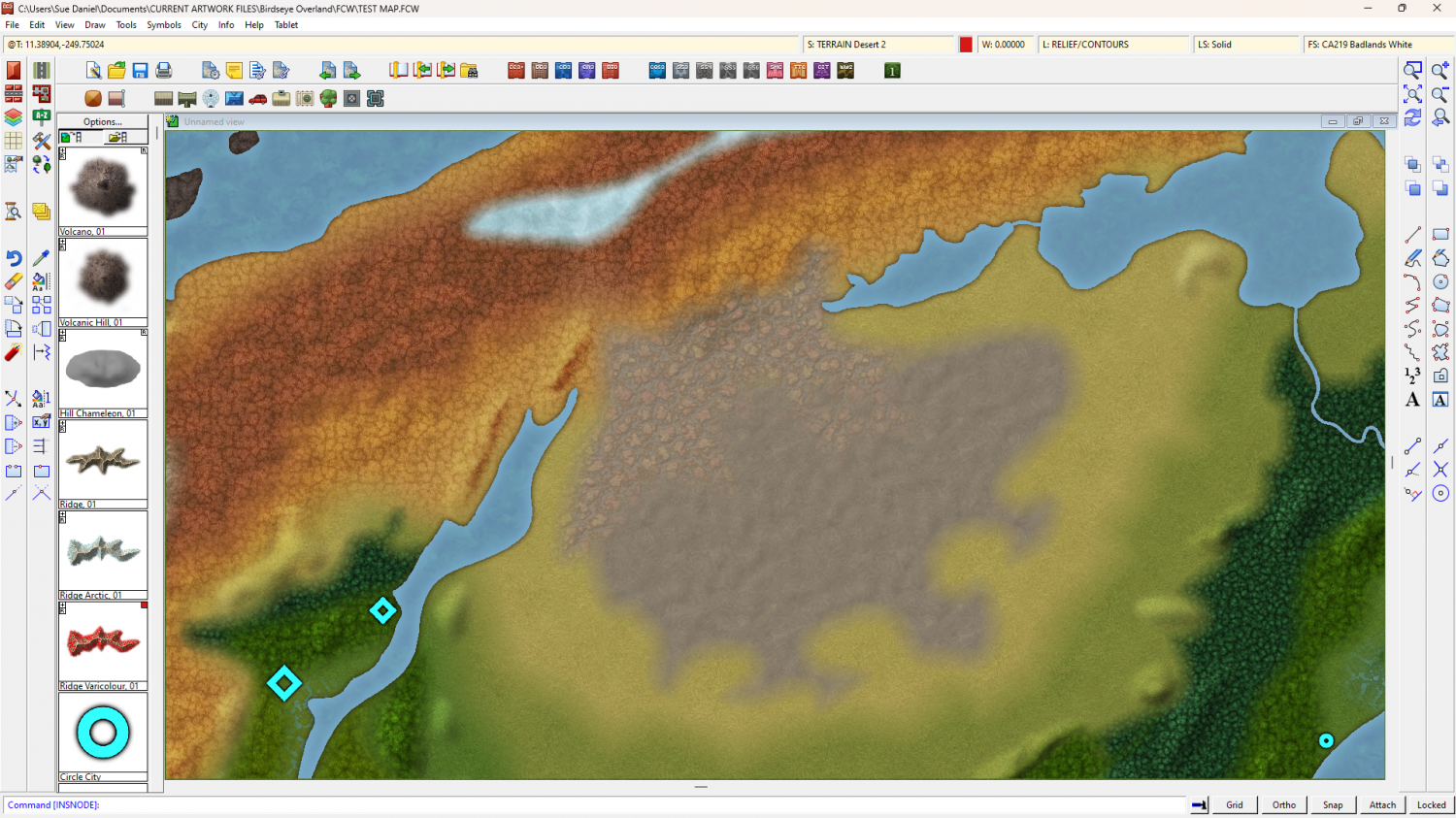
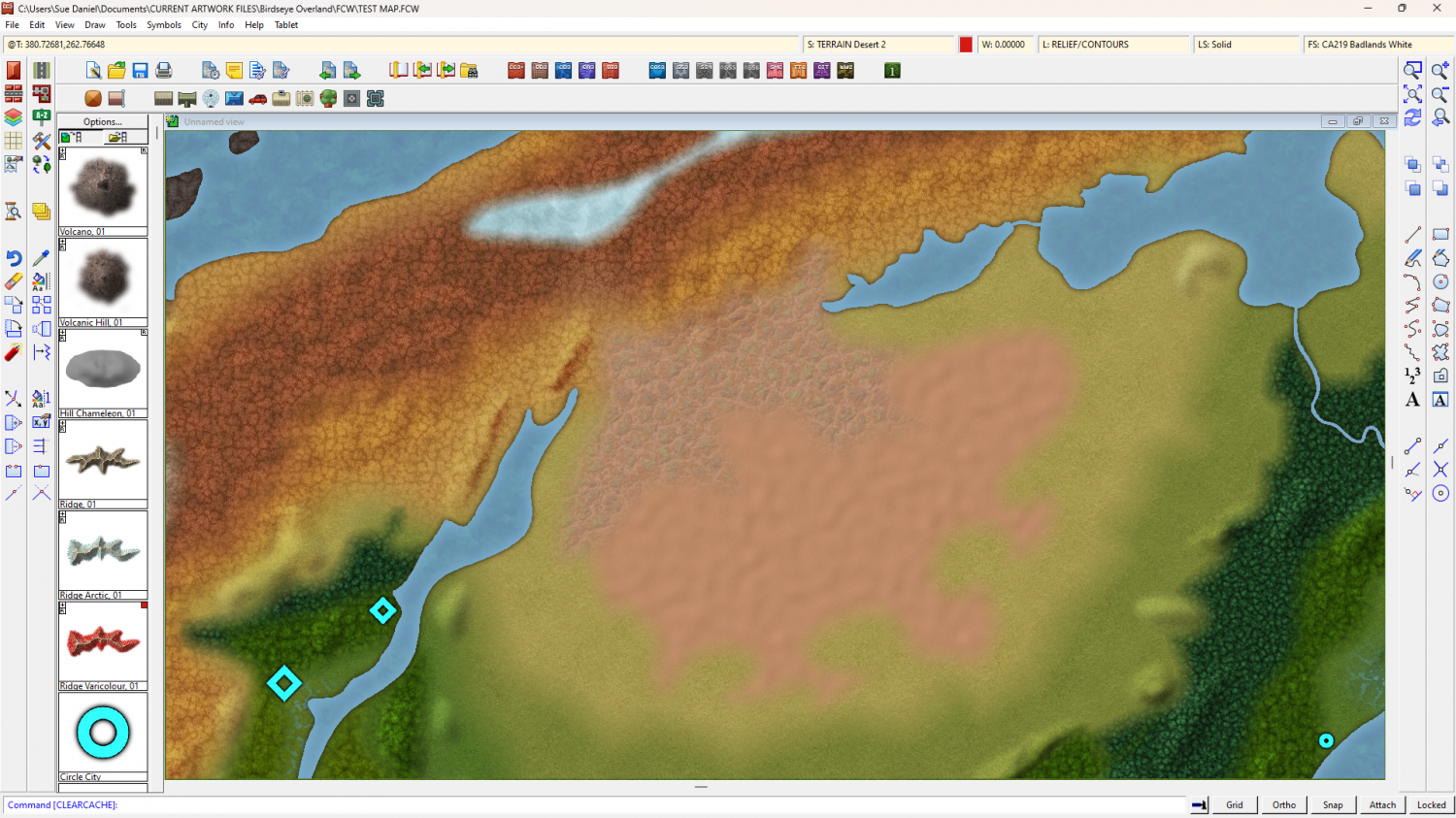
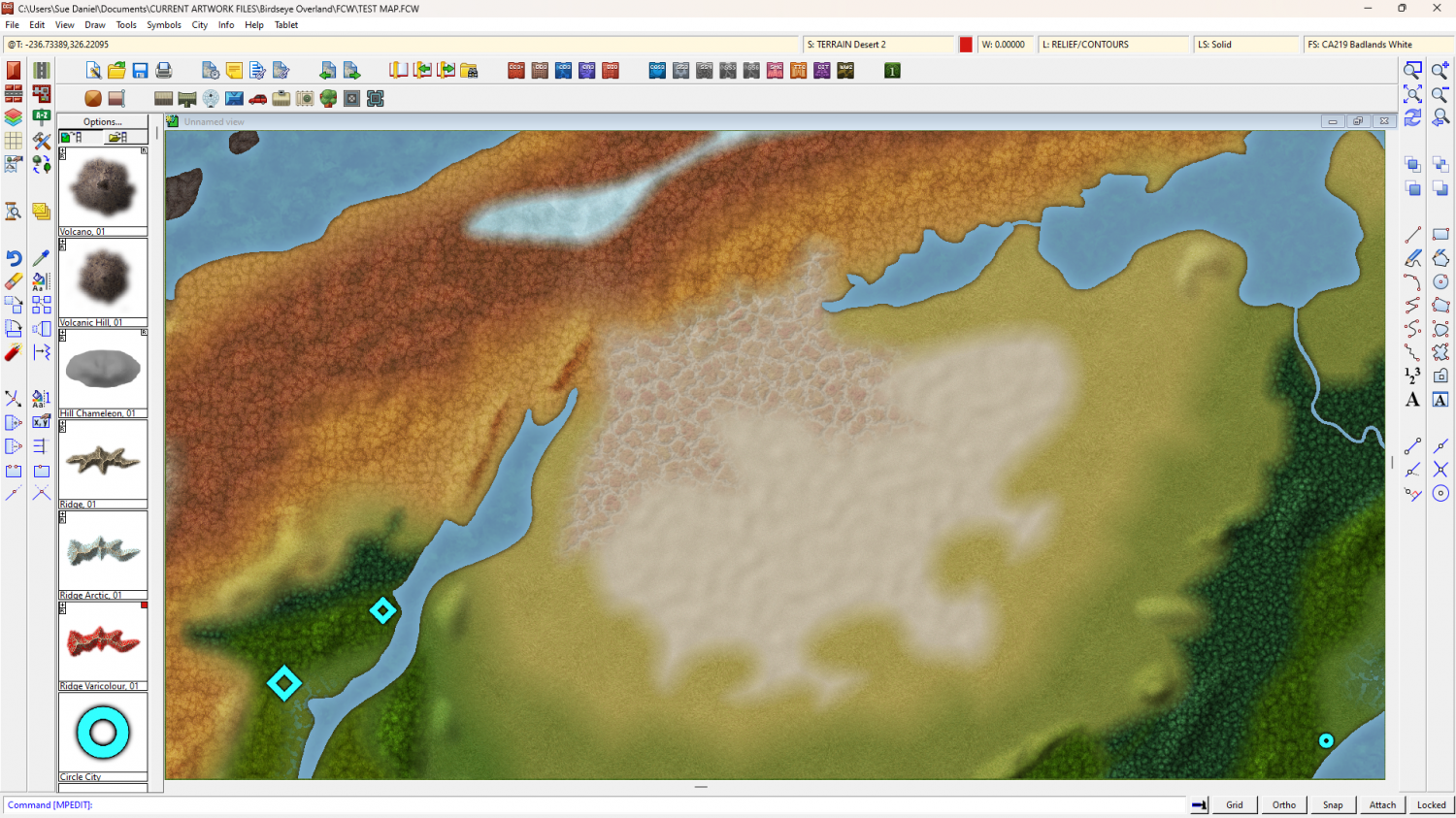
I always struggle quite a bit with Badland textures. There are 3 types of desert, so I did 3 types of badland to blend into them. Let me know what you think of them.
Grey desert and badlands:
Red desert and badlands:
White desert and badlands:
-
[WIP] Community Atlas: Kumarikandam - SE Tiantang Region
These are some lovely maps, Ricko.
I hope you have a lovely break in Santiago.

