Loopysue
Loopysue
About
- Username
- Loopysue
- Joined
- Visits
- 10,411
- Last Active
- Roles
- Member, ProFantasy
- Points
- 10,161
- Birthday
- June 29, 1966
- Location
- Dorset, England, UK
- Real Name
- Sue Daniel (aka 'Mouse')
- Rank
- Cartographer
- Badges
- 27
Latest Images



-
Community Atlas - Blackrock WIP
It's looking pretty cool, Jim :)
I think you might have an unexpected glow effect, or something similar set on the sheet with the second level of grass on it. That would be what is causing that darker line between the different levels of grass. If you haven't got anything like that I would be interested in seeing what you do have on that sheet.

-
Project Spectrum - Part 2
Thank you, Farsight :)
Those are called varicolour symbols, and are generated after the original colour image by the addition of a second png file that denotes the areas that will change colour. If you look through the folders of artwork for the Mike Schley style you will see them. They look like ghost images of the original. These tend to be later additions to a symbol set. The fact that part 1 had varicolour structures was down to Ralf Schemmann generating the necessary files once I handed the set over to him.
I really can't say if there will be time to do more for part 2. That depends a lot on what Ralf has got on his plate in the last fortnight of October ;)
-
Project Spectrum - Part 2
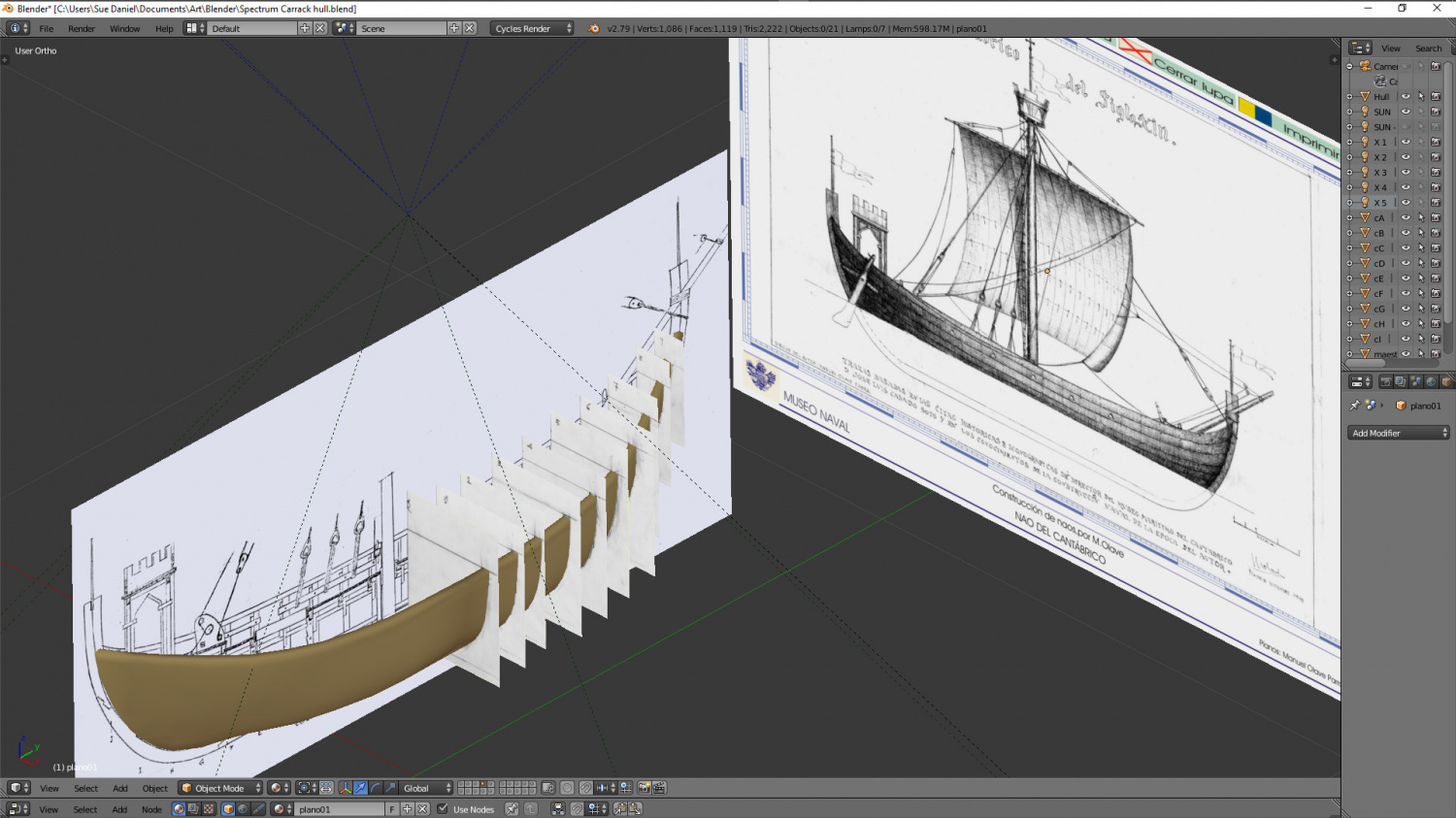
Speaking of structures, I totally forgot the trade ship. I've lived all my life on the coast and even sailed across the Channel on a couple of occasions, but I haven't ever managed to get the curves of a boat right in a drawing. So here I am using original ship plans from this site http://www.shipmodell.com/index_files/0PLAN1A.html#5S (its just a bit tricky downloading them, which is why I haven't suggested it as a general resource) to construct the crude shape of a Portuguese carrack "Nau del Cantabrico XIII". It's a medieval trade ship with one square sail. Something nice and easy to start with. That was the thinking behind my choice anyway - that and the fact it has one simple squarish sail that will make it instantly identifiable as a ship, rather than an exotic squashed insect with white wings.
A bit much for just one vessel in an overland annual style? Maybe, but I can easily build up a set of these things now I've worked out how to do it and potentially make a whole fleet of them over the years.
And don't worry! I have no intention of making anything more than a simple outline with the deck and mast so that I can use it to guide a hand painted version. Much faster!
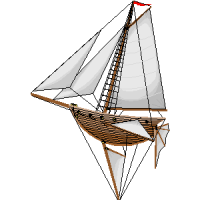
As for why I didn't just google "Isometric sailing ships" - I did. There wasn't a single one I could use.
![[Deleted User]](https://secure.gravatar.com/avatar/c75d9a245b74d9c59be0999ea81ca541/?default=https%3A%2F%2Fvanillicon.com%2F92add7f8c954488718110edc4896ad39_200.png&rating=g&size=200)



-
Raiko
I worked for BAE Systems once for about 6 weeks as a temp on the reception desk at our local office! LOL!
A far cry from what you get up to though ;)
Thanks for sharing your story :D
-
Project Spectrum - Part 2
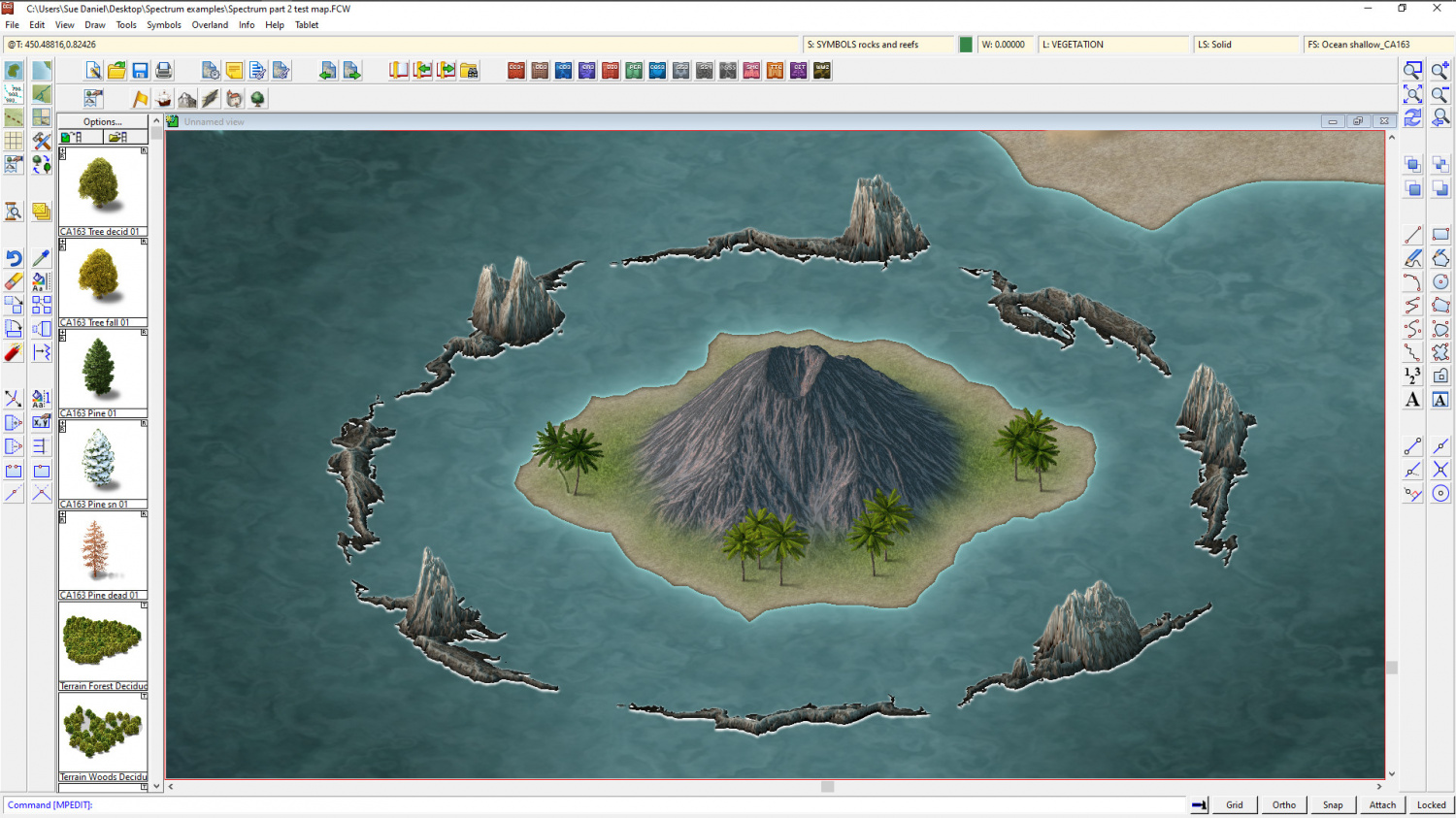
Well, apart from the oasis and the sandbanks the Natural folder is pretty much finished, though I think I might do something about the base of the rocks and the reefs (which are separate symbols).