


Loopysue
Loopysue
About
- Username
- Loopysue
- Joined
- Visits
- 10,354
- Last Active
- Roles
- Member, ProFantasy
- Points
- 10,108
- Birthday
- June 29, 1966
- Location
- Dorset, England, UK
- Real Name
- Sue Daniel (aka 'Mouse')
- Rank
- Cartographer
- Badges
- 27
Latest Images



-
Edge Fade and SS4/5
You're welcome :)
This is one of the only ways for now.
There are possible solutions in the pipeline, but they are quite a long way ahead just yet.

-
Edge Fade and SS4/5
It didn't work on this one. But I got it to work with a backing sheet instead. For some reason the usual purple didn't do the trick. Sometimes you have to try different colours.
-
The Lakes of Michigami (Jerry's Map) - WIP thread
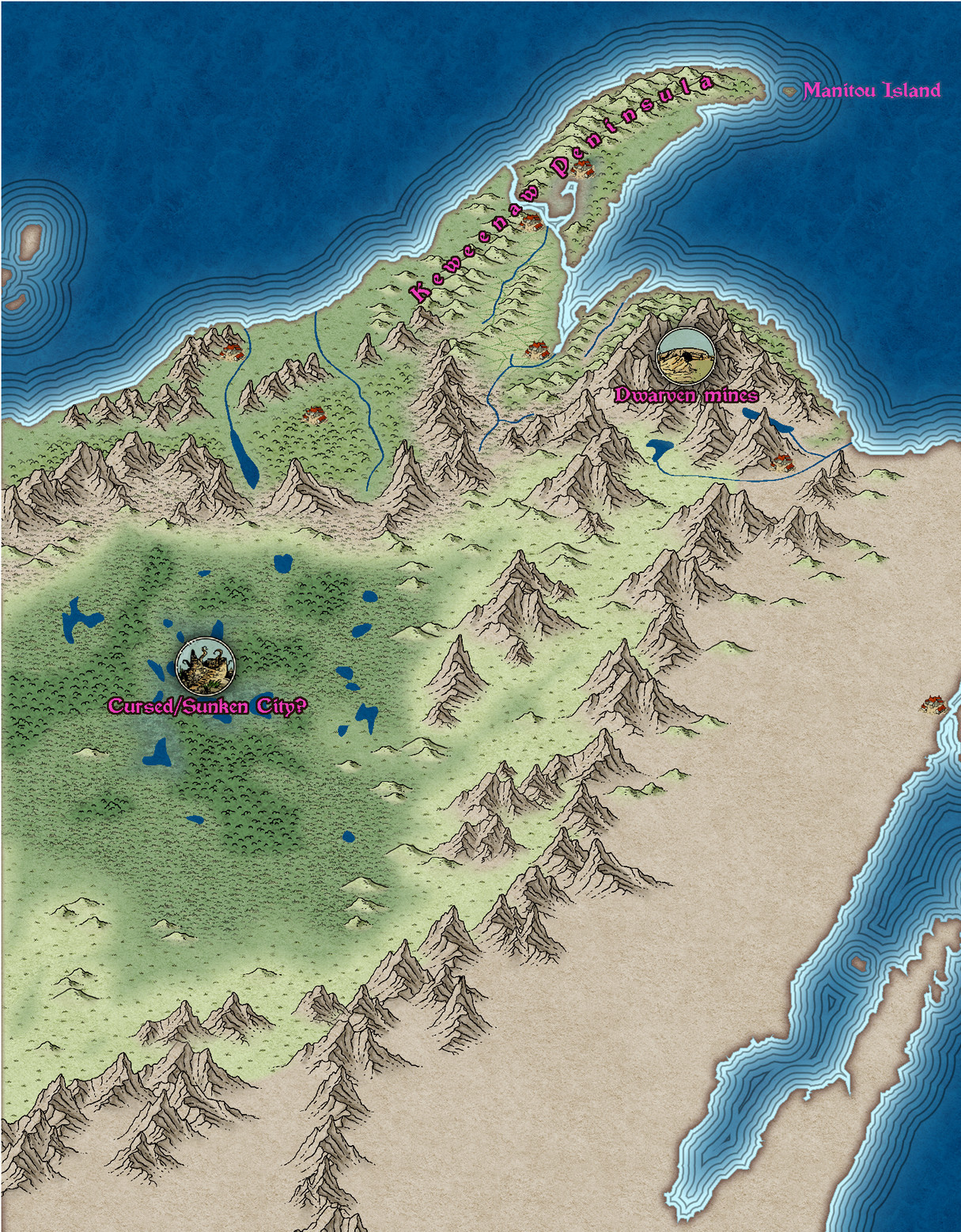
I'm doing a lot of thinking about different things right now. First things first - you say you have to have everything planned out before you start a map. I'm the opposite way around. Very "Bob Ross". Things just happen in a map because they happen. I've put a cursed/sunken city in the middle of that humungous swamp area. It's just an idea. Maybe it helps - maybe it doesn't. You choose if it stays or goes away. Please let me know what to put there instead though if you want it gone.
The other thing I'm thinking about is scale. How big are you planning to export this map? This is the area I've been working on today between other jobs, extracted from a full export at 3000 px on the longest side. At this scale the structure symbols may be a bit small to do their proper job as symbols. 3000 px at 300 dpi is a print that is 10" in both directions when printed out. I think that's probably already too big for an A4 sheet.
I've been using a lot of artistic licence on the design. If that's not ok, please say.


-
The Lakes of Michigami (Jerry's Map) - WIP thread
Is this better?
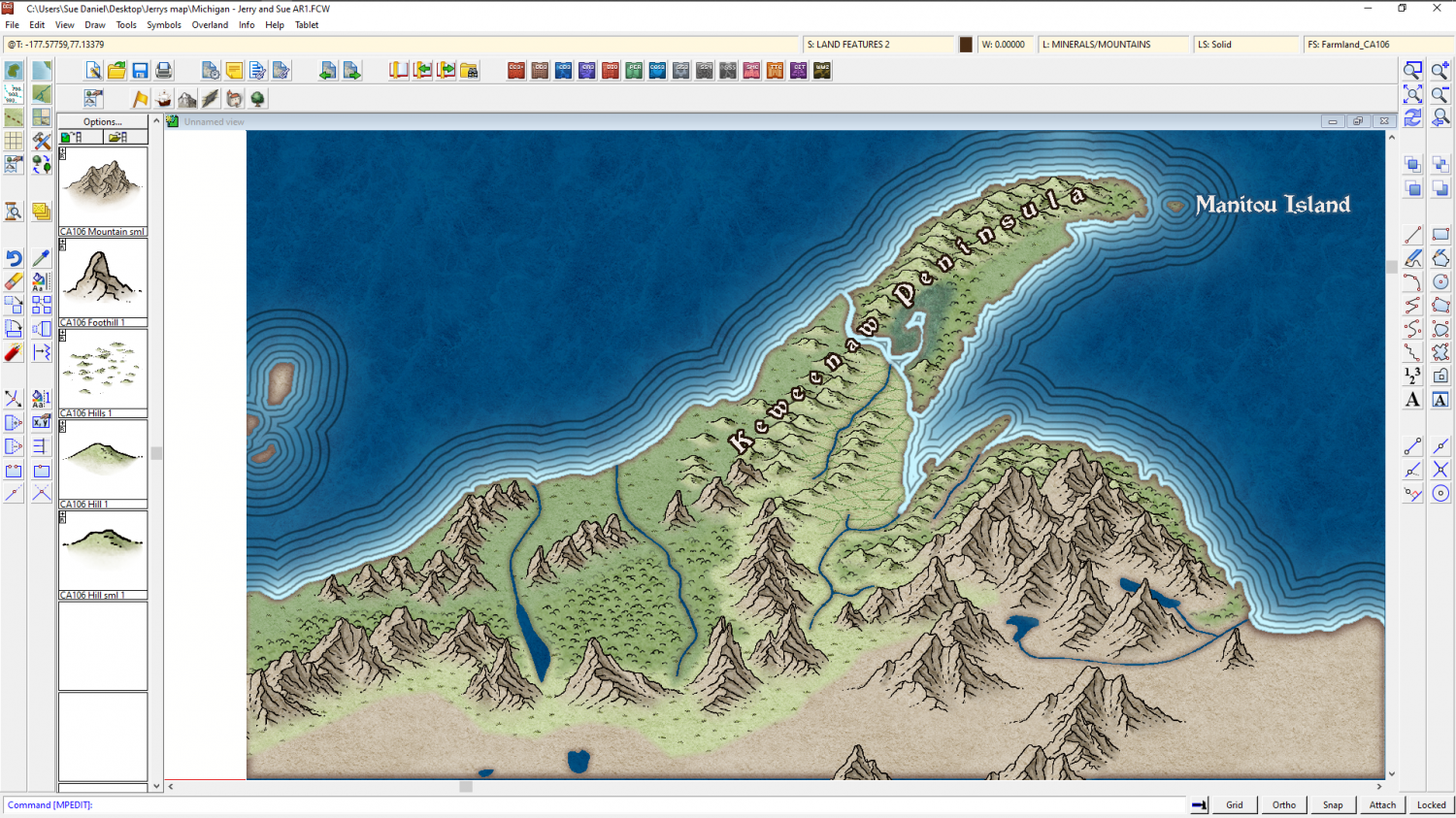
The reason I'm adding the real world names is to give us a reference for further instructions. It's easier if you say change "Fred" to "Burt", than if you give me a lengthy description of where you want a label that doesn't exist yet.

-
The Lakes of Michigami (Jerry's Map) - WIP thread
EDIT: I think I was working on this comment before you posted yours, so didn't see it till I'd done my own.
No - I'm not sick of it. I'm quite enjoying myself. I haven't used this style before.
Original comment below
...
Ok. I've only done a bit more and some tweaking on effects, but I want to pause and see if you feel this is going the right way.
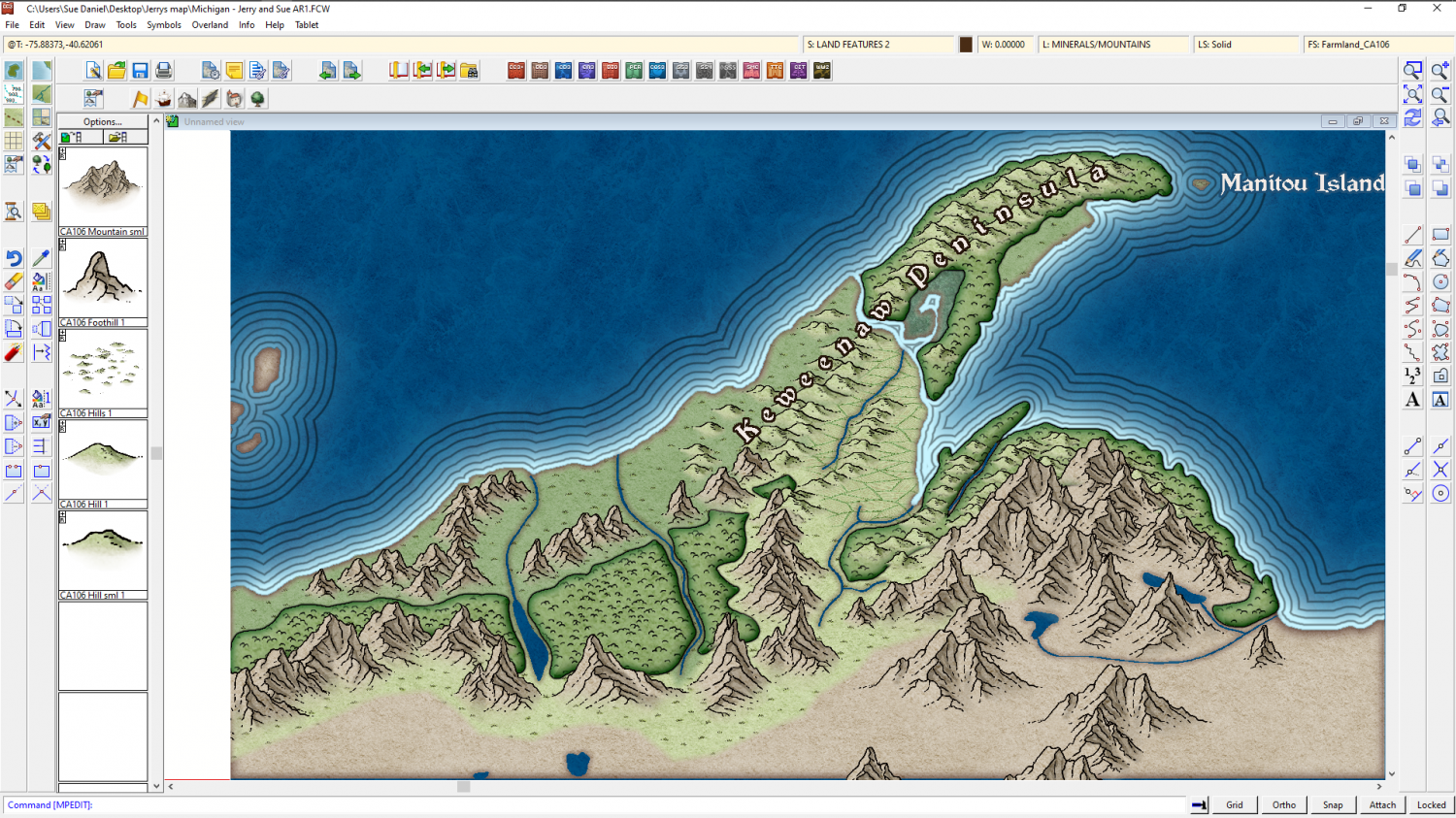
Just to the south of this green area is what appears on the real world map to be an extensive low plateau with mixed farming and forest. There are loads of kettle lakes here. In the real world its all very green and lush. That's all I can make out from the various maps I have.
Do you want me to do something similar, or go for Mordor? A desert would be somewhat out of place because of the lakes. Maybe just a straightforward moorland?

