Loopysue
Loopysue
About
- Username
- Loopysue
- Joined
- Visits
- 10,413
- Last Active
- Roles
- Member, ProFantasy
- Points
- 10,161
- Birthday
- June 29, 1966
- Location
- Dorset, England, UK
- Real Name
- Sue Daniel (aka 'Mouse')
- Rank
- Cartographer
- Badges
- 27
Latest Images



-
Community Atlas 500th map and 4 year anniversary competition with prizes.
I agree! Beautiful first map :)

-
Live Mapping: Selecting and Editing in CC3+
Hi everyone :)
In this week's Live Mapping Session Ralf will be taking a detailed look at selection methods in CC3+ and how to edit various entities.
You are all very welcome to come along and join in, or if you miss it you can watch later.
![[Deleted User]](https://secure.gravatar.com/avatar/c75d9a245b74d9c59be0999ea81ca541/?default=https%3A%2F%2Fvanillicon.com%2F92add7f8c954488718110edc4896ad39_200.png&rating=g&size=200)


-
Grimdark Fantasy (renamed "Darklands") - development thread
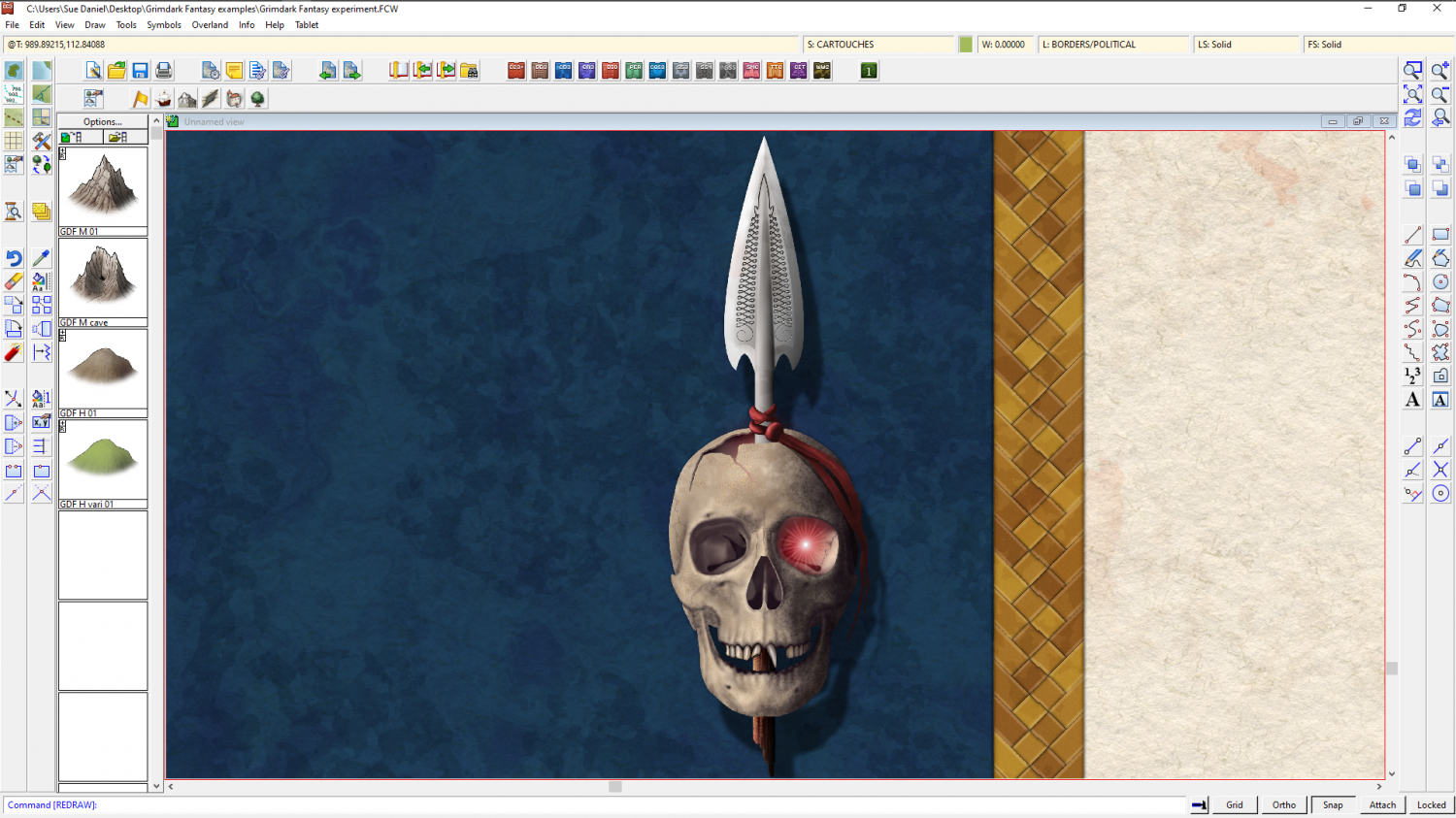
Ok. How am I doing?



-
Grimdark Fantasy (renamed "Darklands") - development thread
@Fersus The whole point of an annual is to have a wide variety of styles and tools available in each one - something new and different each month. What you are talking about is more akin to a Symbol Set, which might have all three scales in a similar style, or a very much larger collection of symbols and fills for just one. However, a Symbol Set is not something an artist just decides to make. It is something that PF may from time to time decide to invite an artist to create, because it takes a whole lot more time and money and the investment is a much greater risk. For this reason they are normally done by artists who have already proven themselves to be immensely popular, like Mike Schley. Meanwhile, whichever artist gets the job of doing a Symbol Set probably won't have much time left to do anything else - such as another 3-4 issues of this year's Cartographer's Annual - as I am already booked to do.
@Quenten I am glad you like Spectrum so much. Unfortunately there is not enough left over to make it worth another annual issue for a part 3.
...
Here's another compass alternative, though I'm being told they aren't good enough (not gory enough) over on the FB Group page.

-
Grimdark Fantasy (renamed "Darklands") - development thread
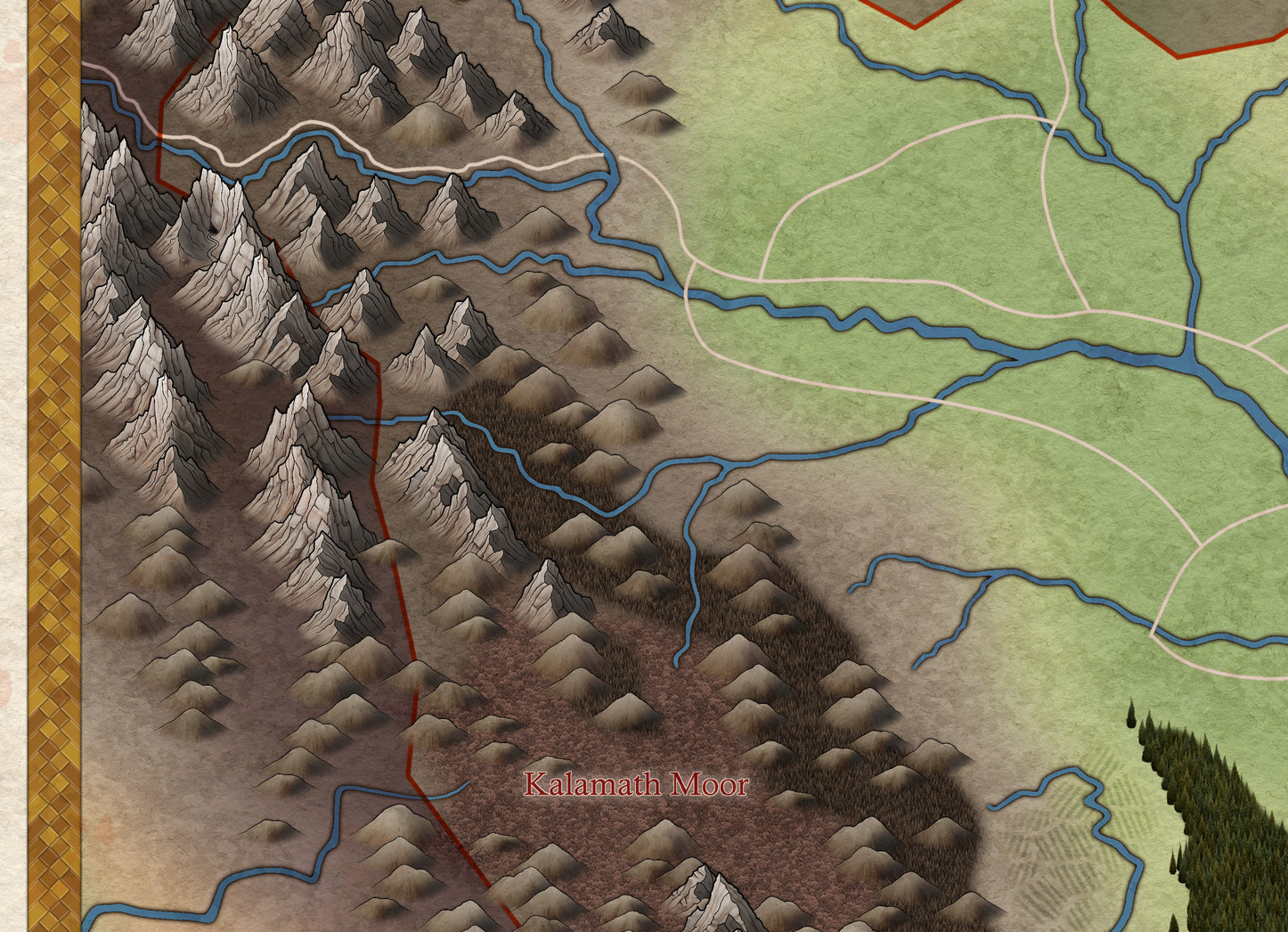
It's been a while since I updated this thread. There's not been all that much progress, but I've done some new hills and I was wondering what you all thought about them.