


Loopysue
Loopysue
About
- Username
- Loopysue
- Joined
- Visits
- 10,414
- Last Active
- Roles
- Member, ProFantasy
- Points
- 10,161
- Birthday
- June 29, 1966
- Location
- Dorset, England, UK
- Real Name
- Sue Daniel (aka 'Mouse')
- Rank
- Cartographer
- Badges
- 27
Latest Images



-
Style for underwater maps
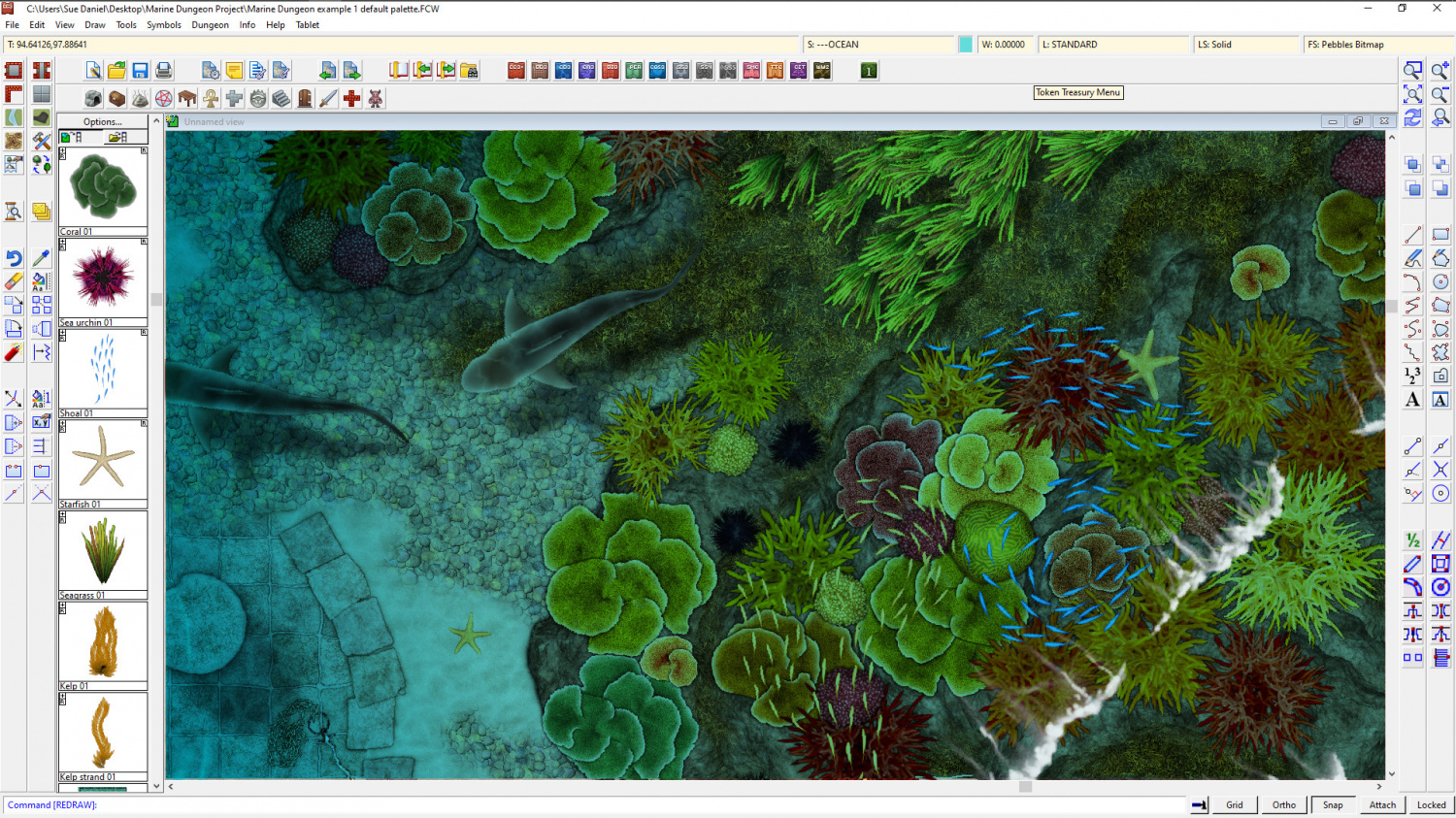
@Merion - Well, we finally got around to sorting something out at Dungeon scale.
Marine Dungeon is due to be published as July's Cartographer's Annual issue if any of you are still interested in this.



-
Underwater symbol sets?
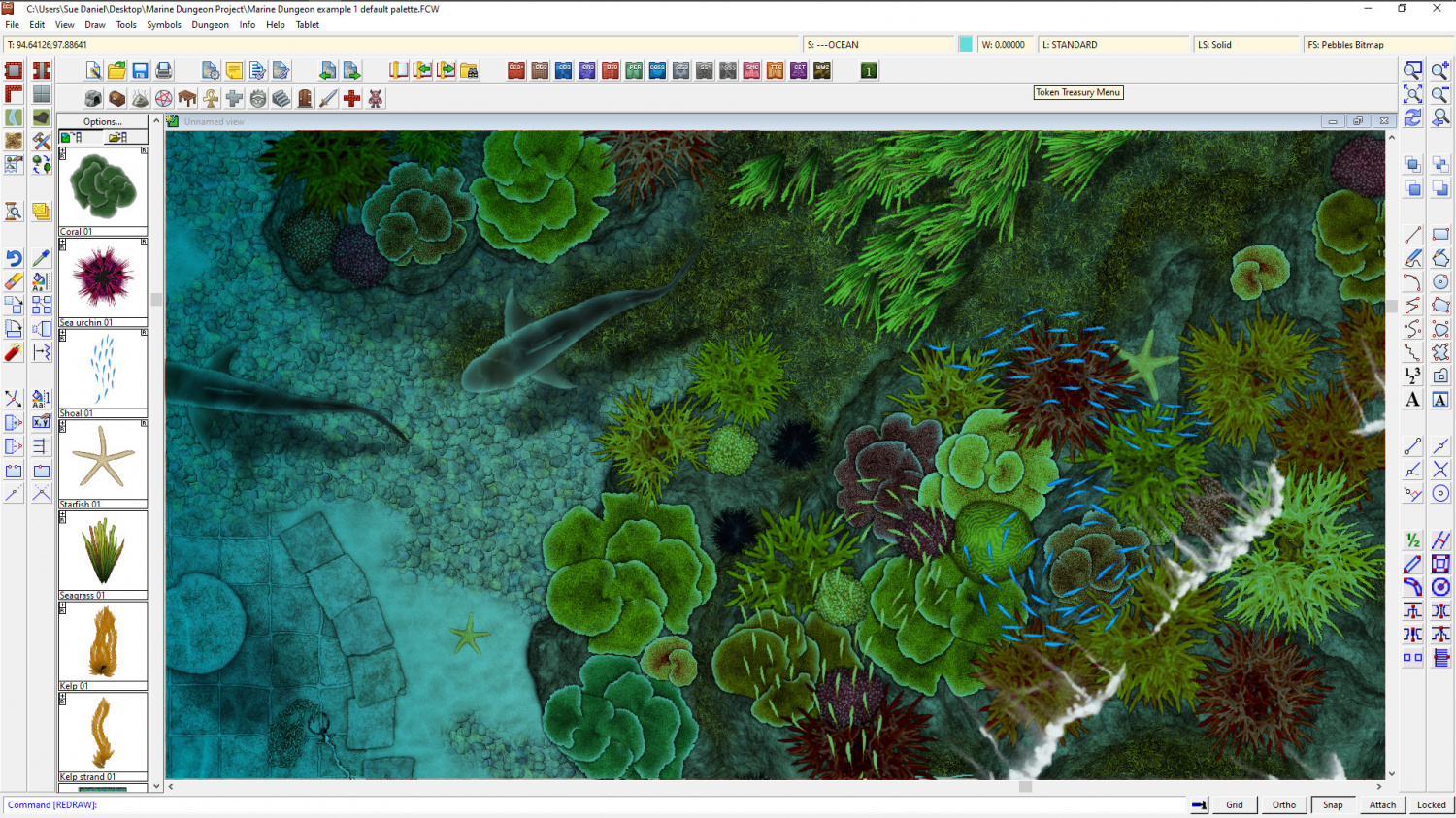
@LadieStorm - if you are still interested... I finally got around to doing something about this and with Profantasy's help I've created 'Marine Dungeon', which is about to be published in this year's Cartographer's Annual - the July issue.
![[Deleted User]](https://secure.gravatar.com/avatar/c75d9a245b74d9c59be0999ea81ca541/?default=https%3A%2F%2Fvanillicon.com%2F92add7f8c954488718110edc4896ad39_200.png&rating=g&size=200)






-
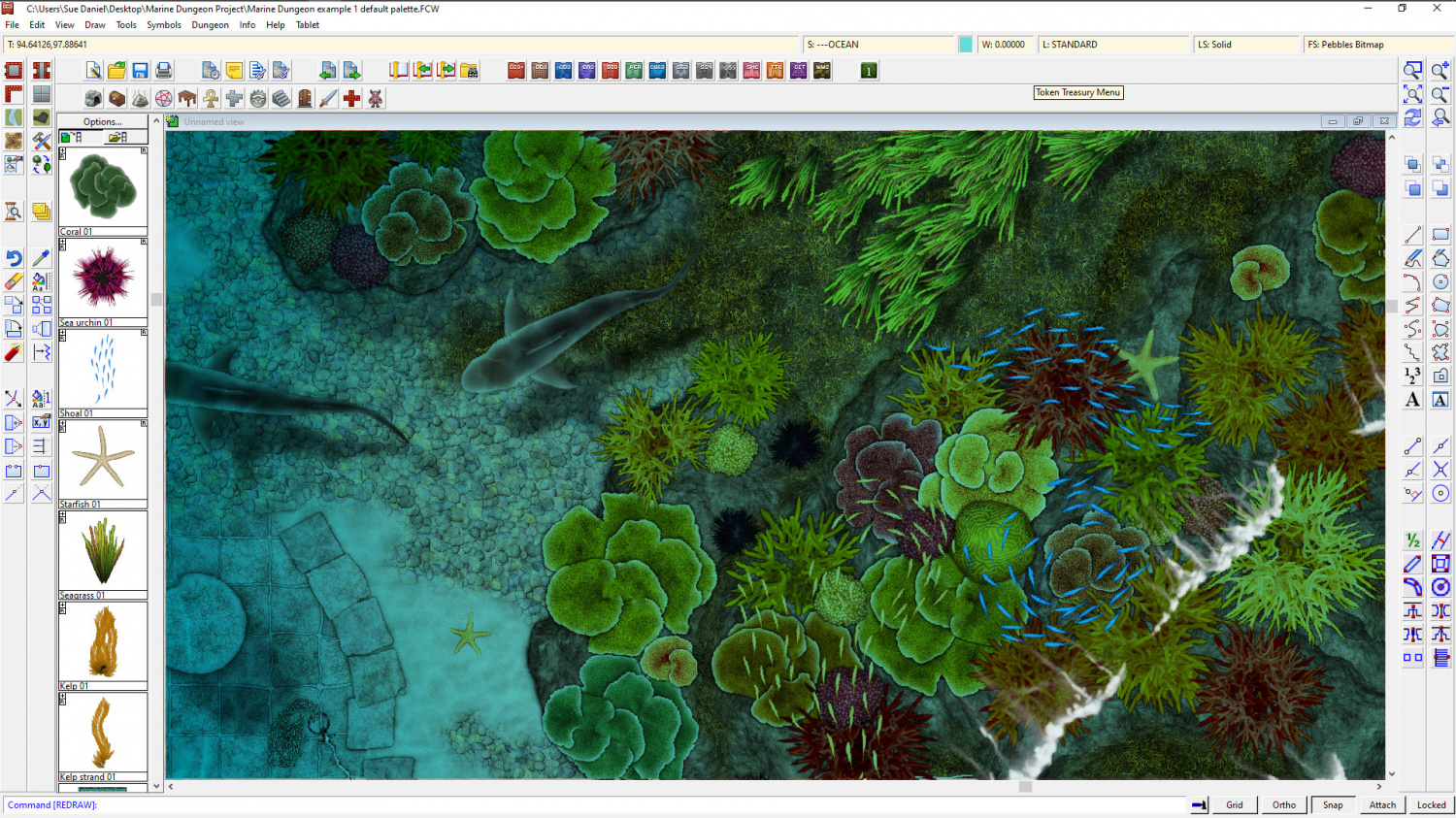
Marine Dungeon - a Cartographer's Annual development thread
I think this is probably done now :)



-
Tome of Ultimate Mapping City- drawing the bridge
If you set the SNAP to on, and have a 10ft grid with 2 snapping points, then you can interpret that as 7 grid squares by 1.5 grid squares. I'm not familiar with the passage there, but given the instructions I would presume you then move it into place.

-
Sample maps from the Cartographer's Annual 2007 (vol 1)
Hi Everyone :)
If you have been following the recent trend in the Live Mapping sessions of working through the first ever Cartographer's Annual, you might find this thread interesting.
I decided to make a map in each of the styles as Ralf was working through them, so here are the first few. I missed out on the 3rd issue, but I'm working on it and it should be posted soon.
Issue 001 - Mercator. 2 maps - one original style, and one modified
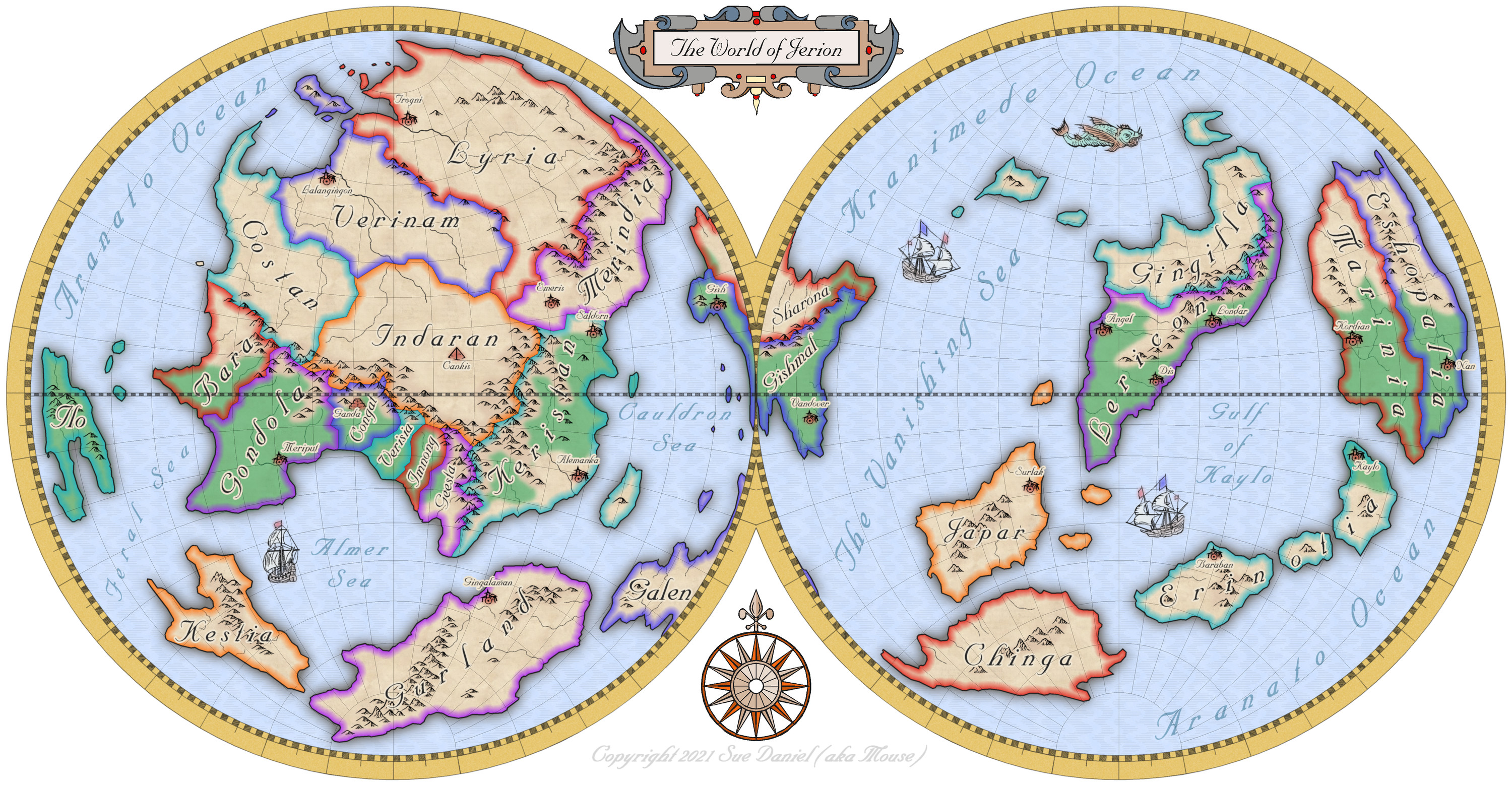
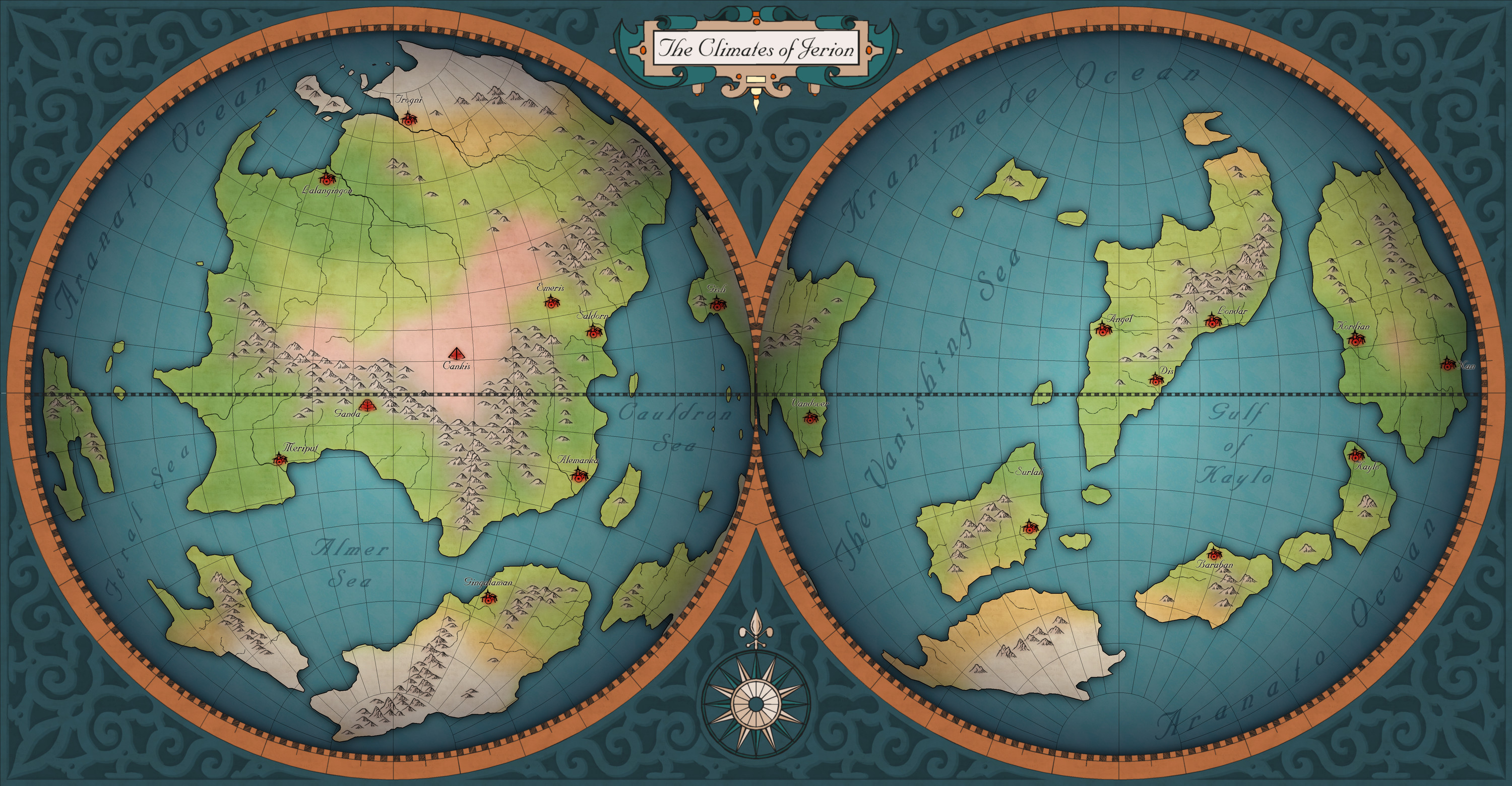
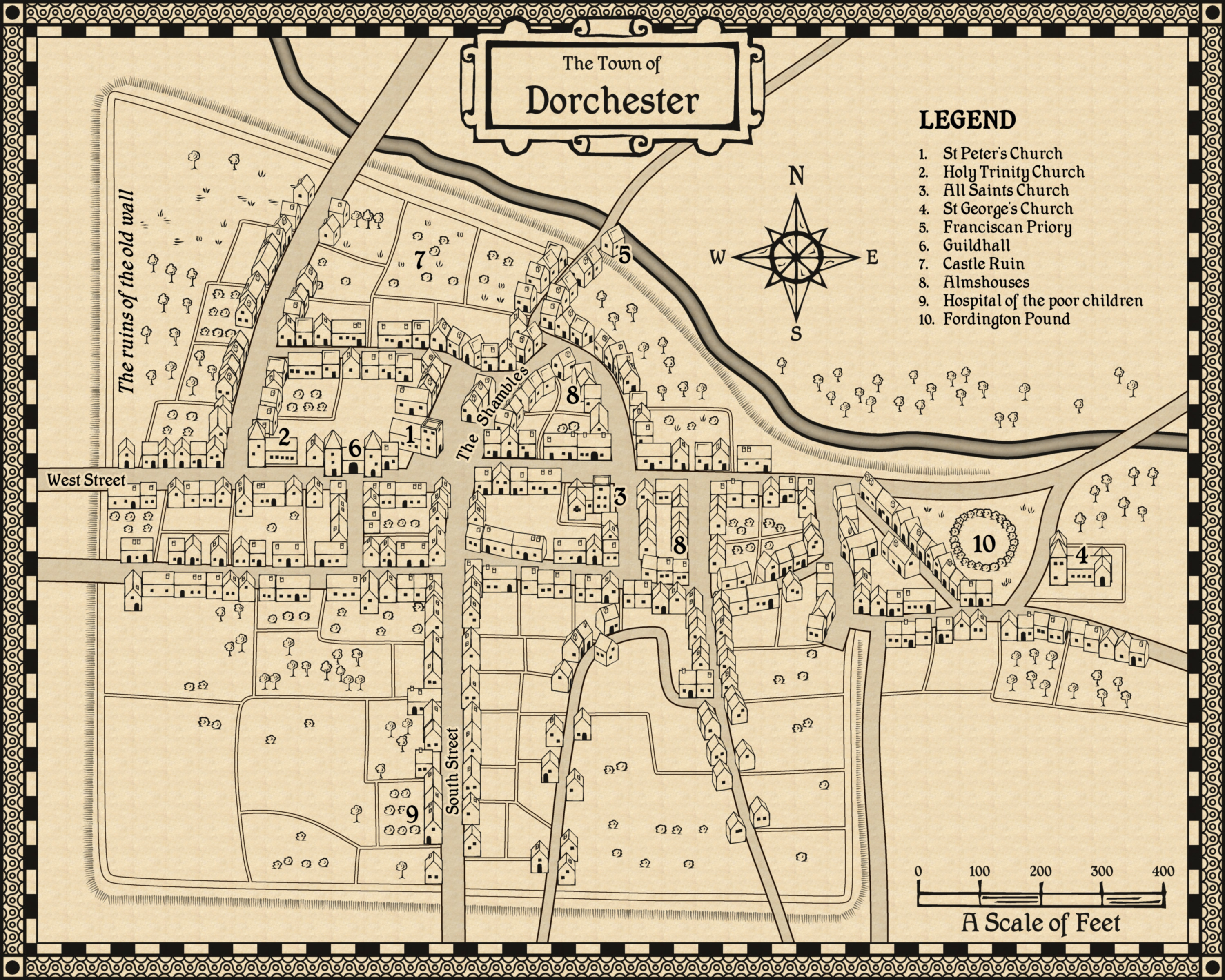
Issue 002 - John Speed City. This is Dorchester, my county town, and one that was mapped by JS for real. This is my version of his map.
Issue 003 - Fantasy Tavern.
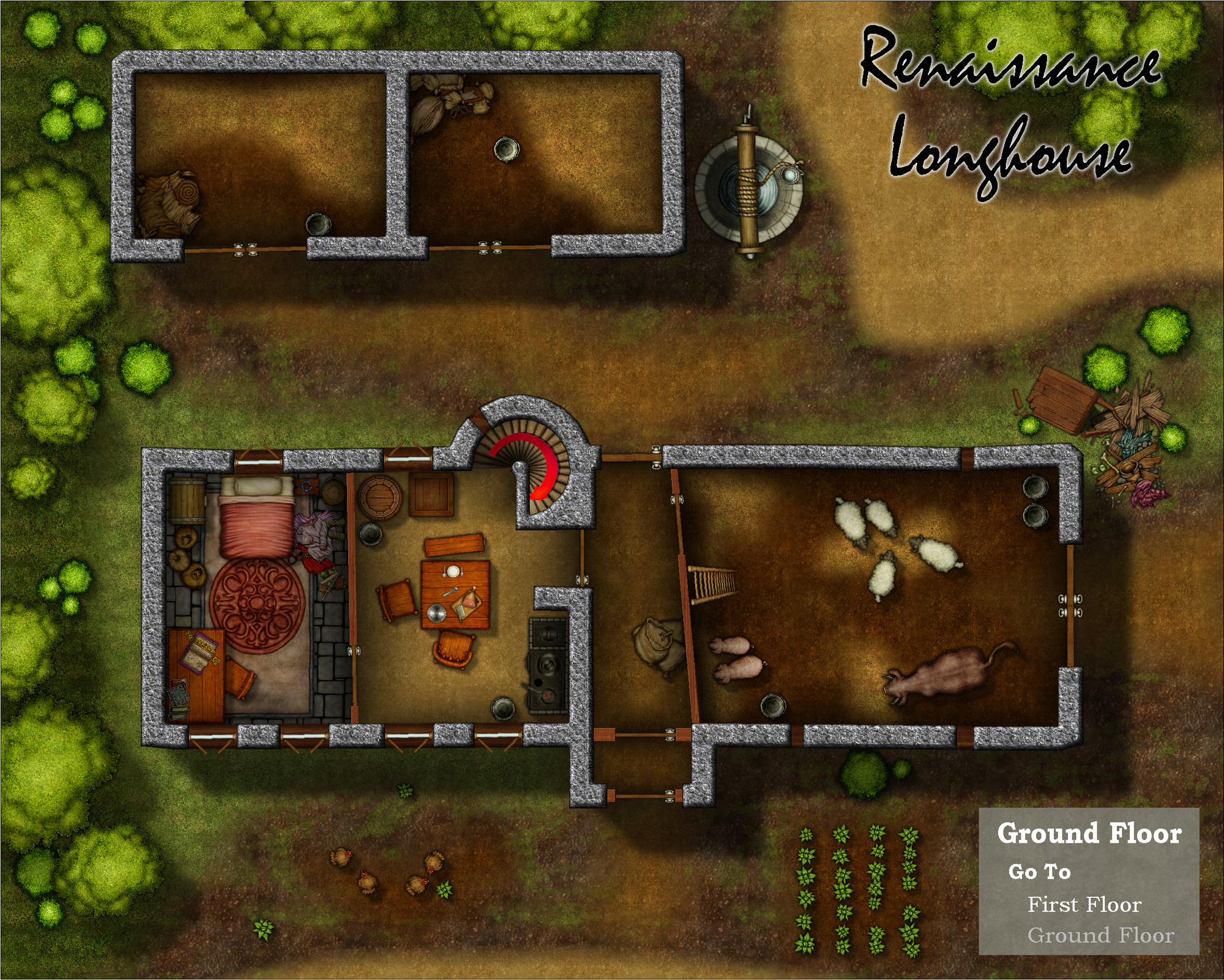
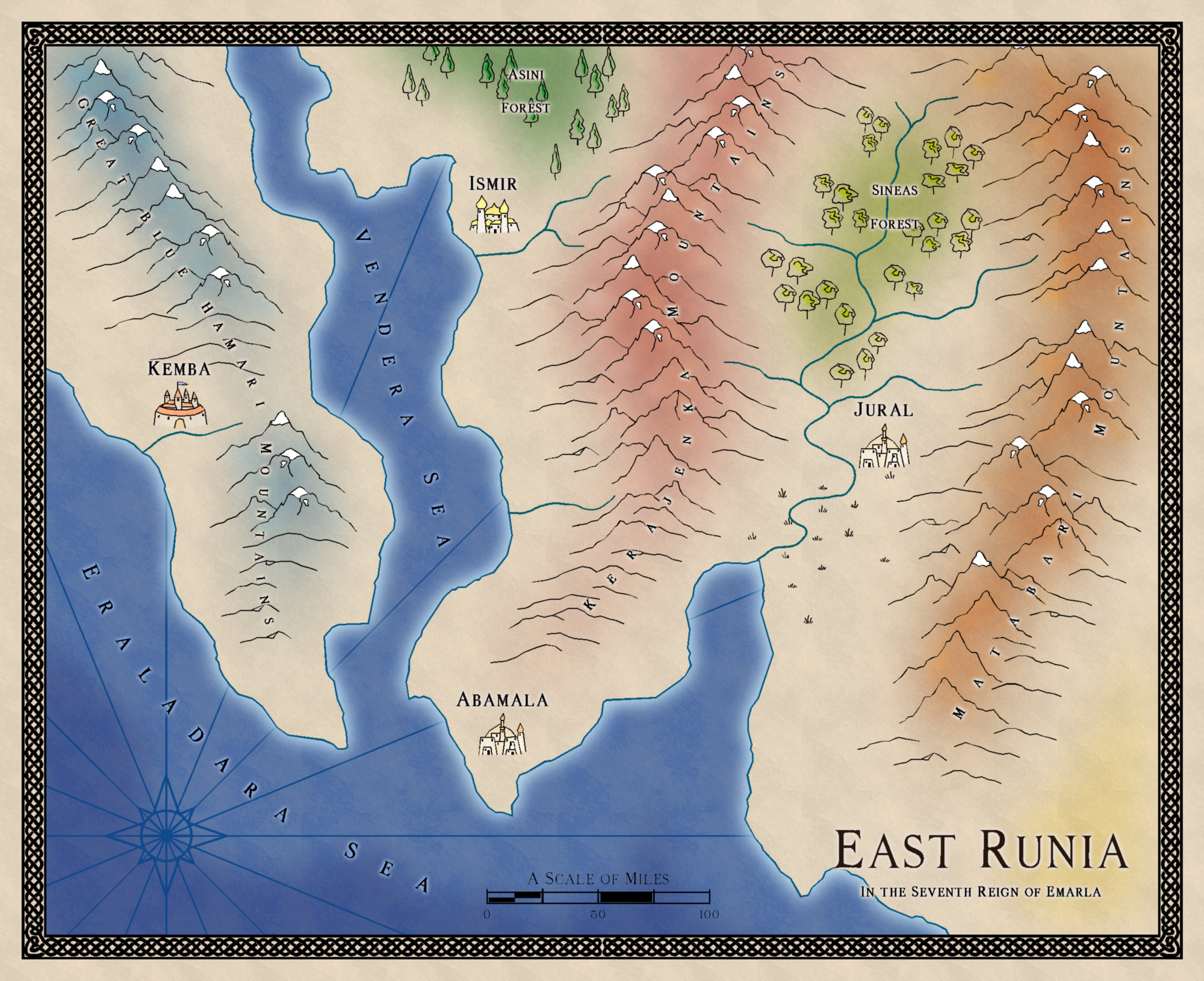
Issue 004 - Sarah Wroot. East Runia - a small map I created by scaling the new map by 0.5.
I will keep adding to this comment as we go, so that all the example maps are here in one place.


 and 1 other.
