


Loopysue
Loopysue
About
- Username
- Loopysue
- Joined
- Visits
- 10,413
- Last Active
- Roles
- Member, ProFantasy
- Points
- 10,161
- Birthday
- June 29, 1966
- Location
- Dorset, England, UK
- Real Name
- Sue Daniel (aka 'Mouse')
- Rank
- Cartographer
- Badges
- 27
Latest Images



-
WIP - Winter Woodland Coastal Village
That's really well done for your first map :)
The fastest way to figure out sheet effects after you've got the very basics of what they are and what they do from the manual, is by editing them and seeing how the edits affect the result.
When you say you repainted some of the symbols, do you mean that you edited the actual symbols and saved them on top of the originals? I'm not quite clear I understand. Normally, it is better to leave the original assets as they are and make copies of them to edit, then import them and make a fresh catalog.

-
WIP - Bend Road Crossing
That's a good map.
I'm pleased to hear you are enjoying the style :)
As a side note here - that transparency acne in the south west corner can be remedied by redownloading the updated installer and using it in repair mode. The textures have been repaired to prevent it in most cases since the original publication.


-
Live Mapping: Darklands City
Hi kevbeck :)
I did a 3-part blog about how to make parchment in GIMP here, but it's not seamless parchment. If you make large enough sheets of it you can use it as a background bitmap by importing the file.
I also did a blog about making seamless tiles in CC3 from CC3 symbols here.
Other than that, though, I haven't made seamless tiles in GIMP. I tend to use Krita a lot for a hand drawn feel. It has an endless plane on which you can draw anyting you like and it joins up with itself at the outside edges.
The other much older app I use has become abandonware, so on principle I no longer mention it in case anyone goes out and buys it and discovers the library of resource images is no longer there. I remember how irritated I was when someone else recommended an app that you could still pay for, but which never worked. I had to get my bank involved to get my money back!
Maybe you remember a blog that Joe Sweeney wrote, centred on the use of Filter Forge? This one perhaps?
Unfortunately, the library seems to have vanished, so the links no longer work. But Filter Forge is still around. It's useful, but not something I need for myself right now.
...
A general note about the Darklands City textures here, though.
It appears that Ralf did an expert job at uncovering a brand new (newly discovered) bug, live and right in front of you during the Live Mapping stream. Where the totally blank TERRAIN Grass sheet underneath the sheet he imported from my map called TERRAIN Grass 02, caused the transparency acne, even though there was nothing on it. If you hide that sheet, or delete its effects, the map works fine - as intended and designed.
It's on the bug list now...
![[Deleted User]](https://secure.gravatar.com/avatar/c75d9a245b74d9c59be0999ea81ca541/?default=https%3A%2F%2Fvanillicon.com%2F92add7f8c954488718110edc4896ad39_200.png&rating=g&size=200)

-
Tool control background fill color
-
WIP: D&D 5e Random Dungeon Tiles
@jmabbott All the shadows.
Spiral staircases are notoriously difficult to draw because the shading is quite difficult to get right. I do remember spending absolutely ages getting this one to look right in GIMP (didn't have Affinity back then), and the image still doesn't seem to be working to perfection. However, since I spent all that time doing it and it kind of half way gets there I thought I would show you how I went about it. Maybe you will do yours differently and manage to hit the right mix.
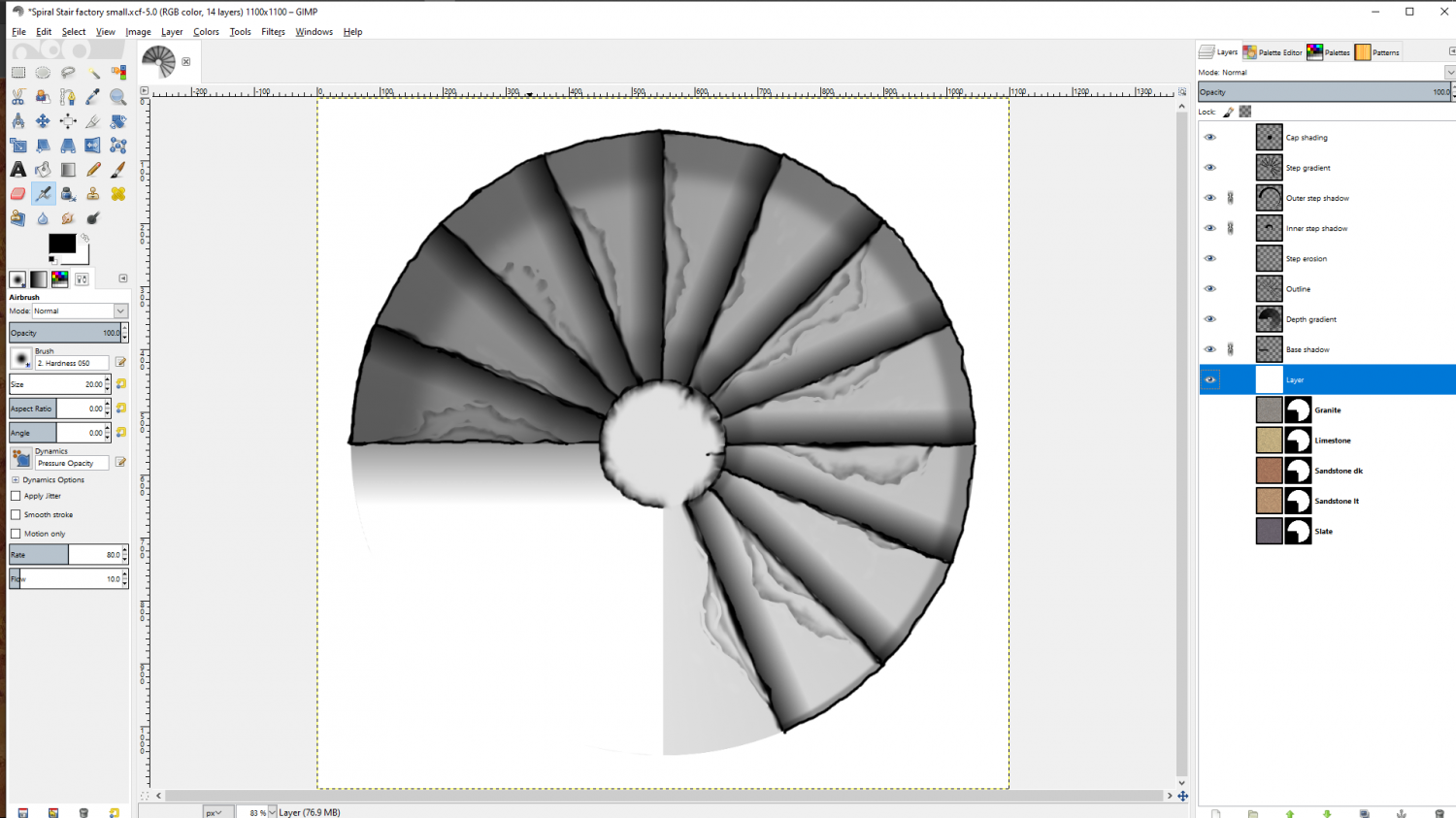
These are the various bits and pieces layer by layer. You might not need them all, or you might need some of your own instead of some of these, but this is what mine is made up with. And you might need to soften or harden some of the lines if you do it the same way. You might not need the cap shadow, or you might... I think you get what I'm saying. Every spiral staircase is its own thing.
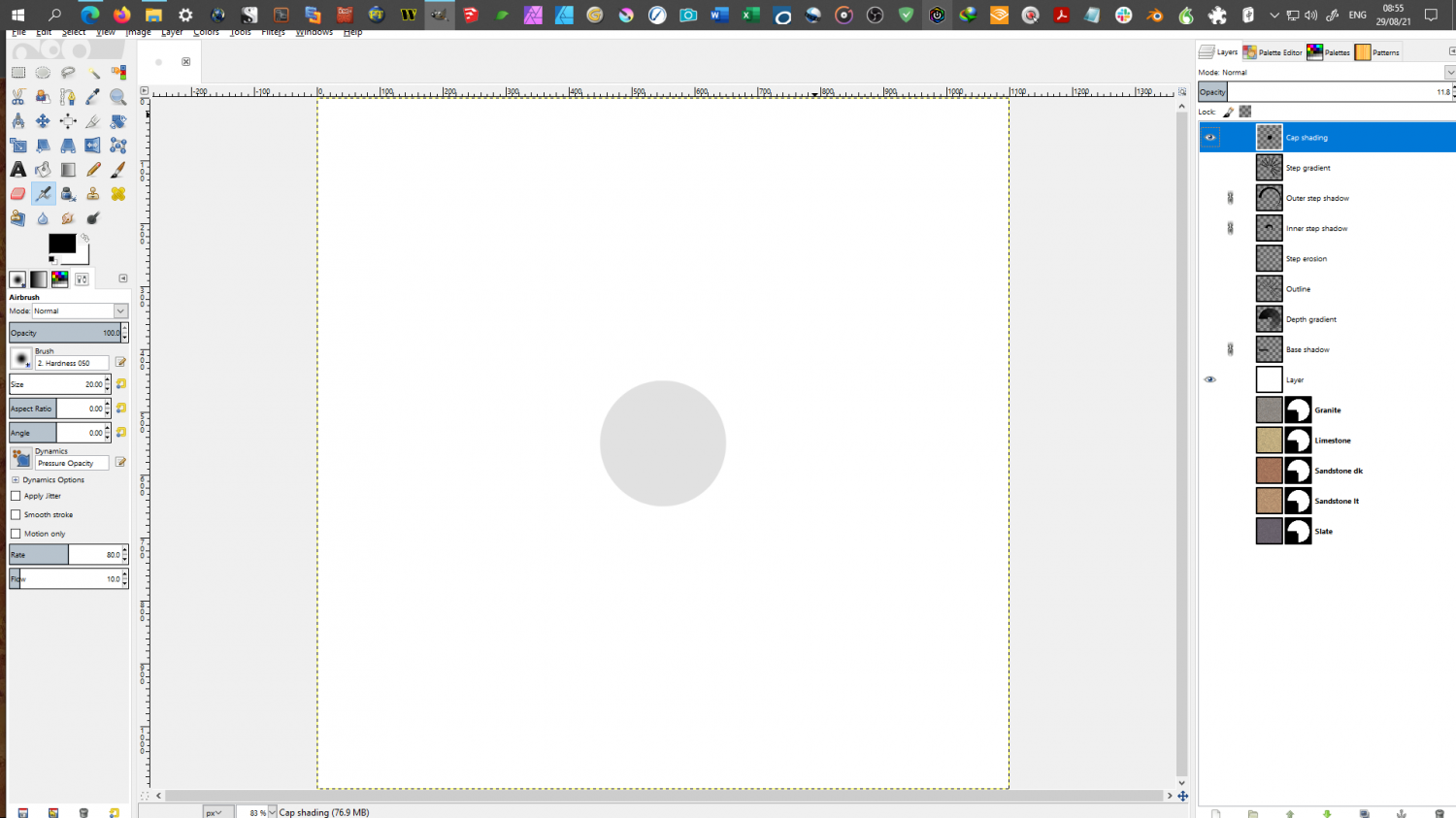
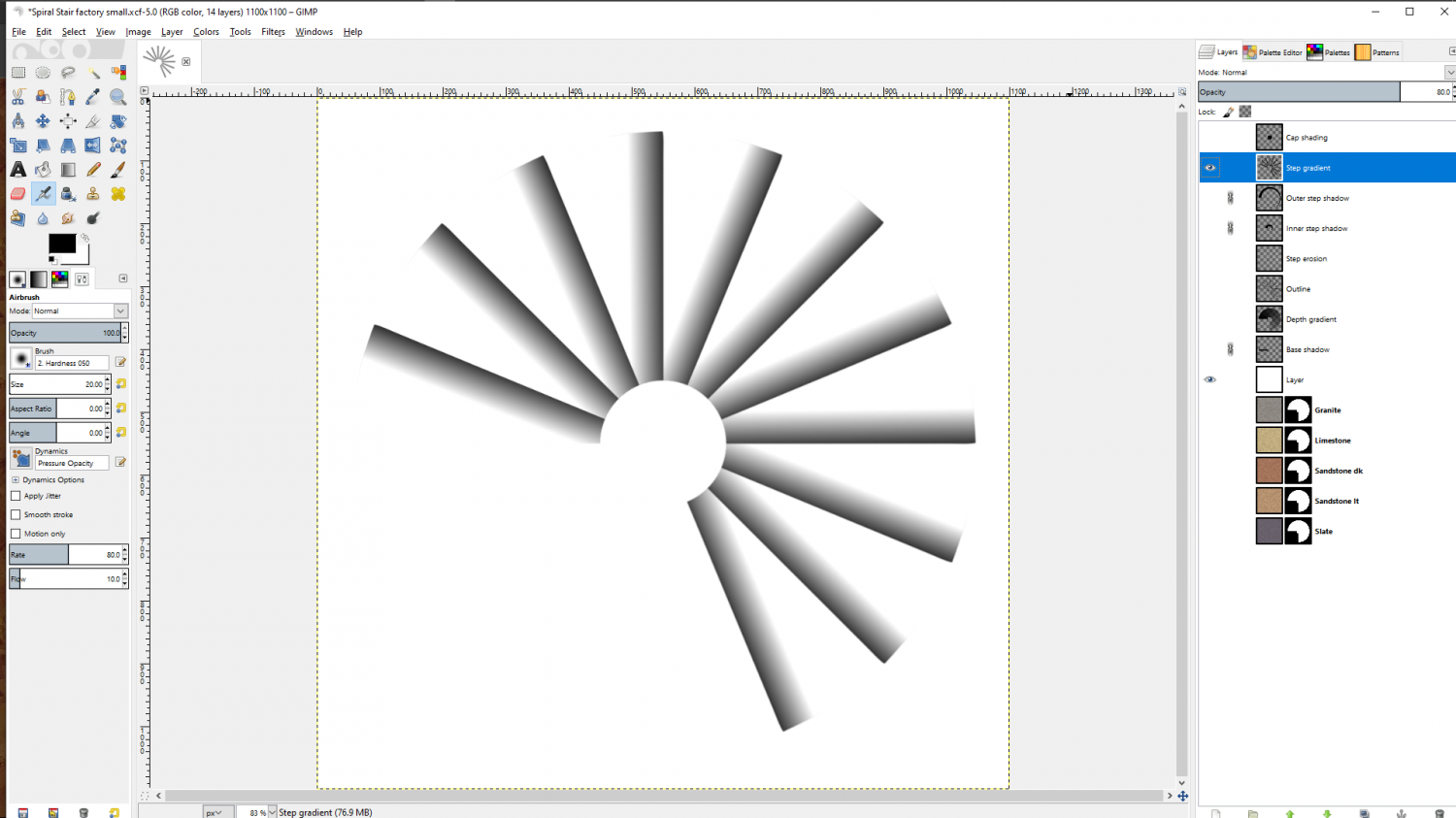
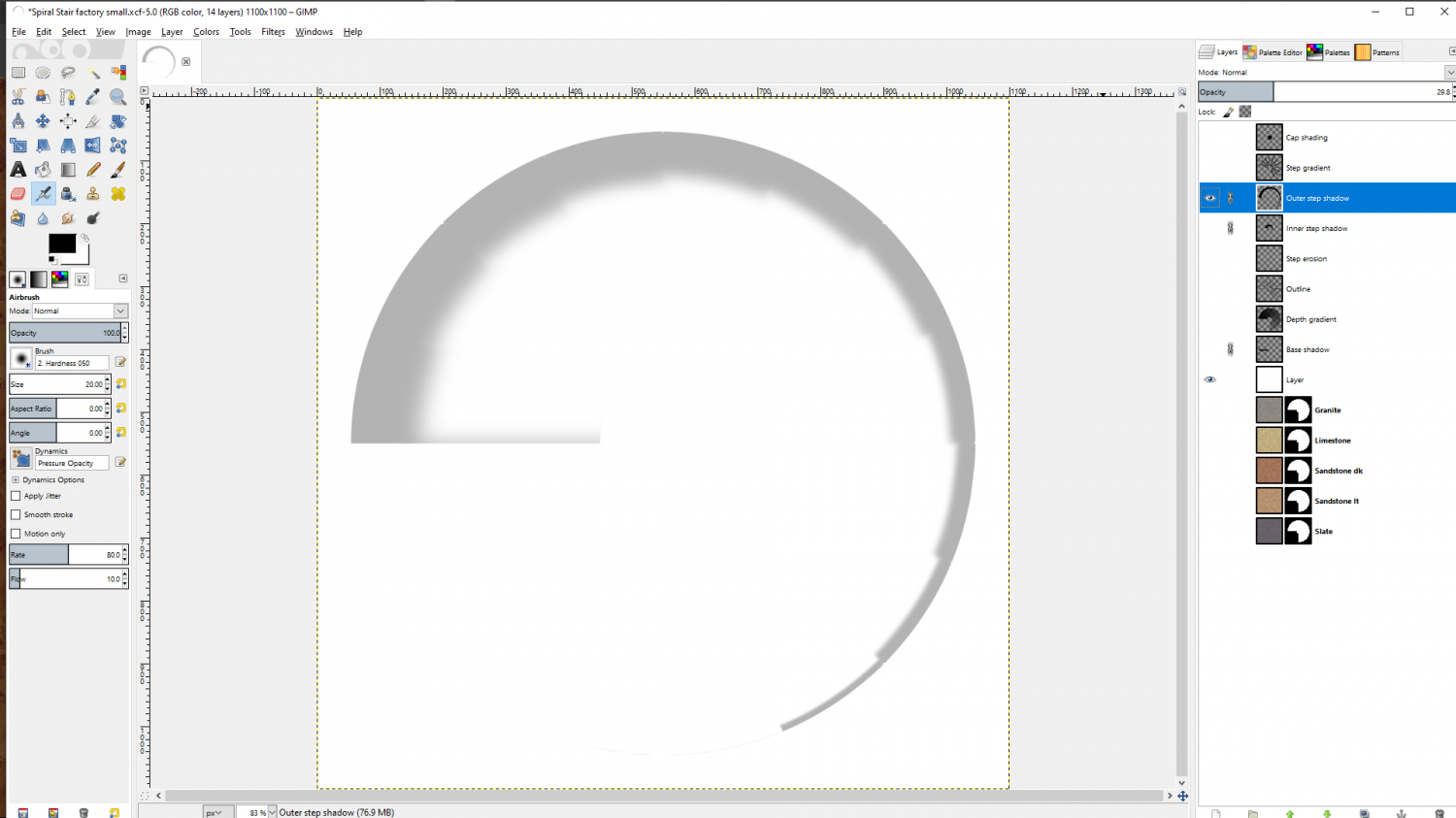
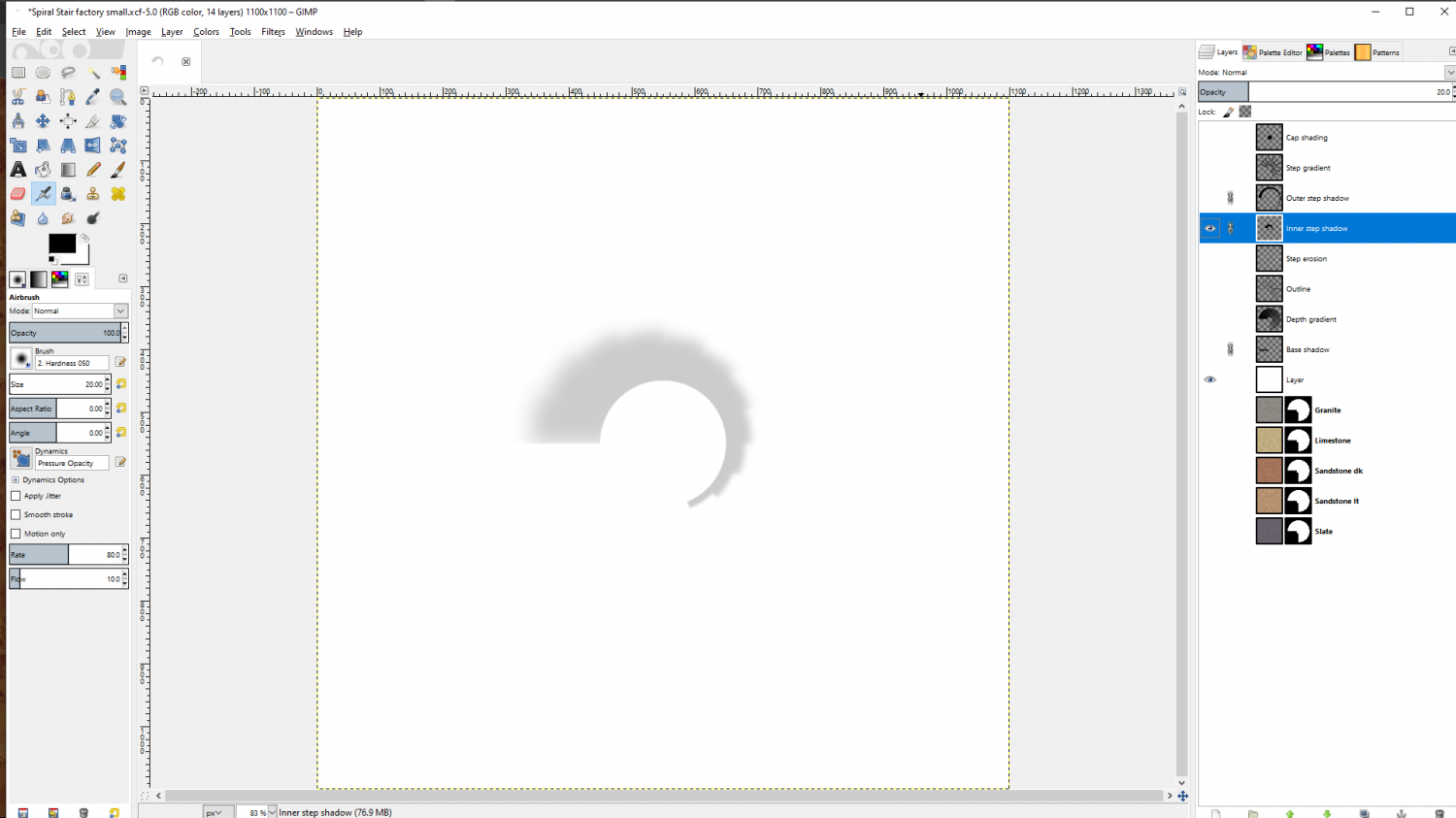
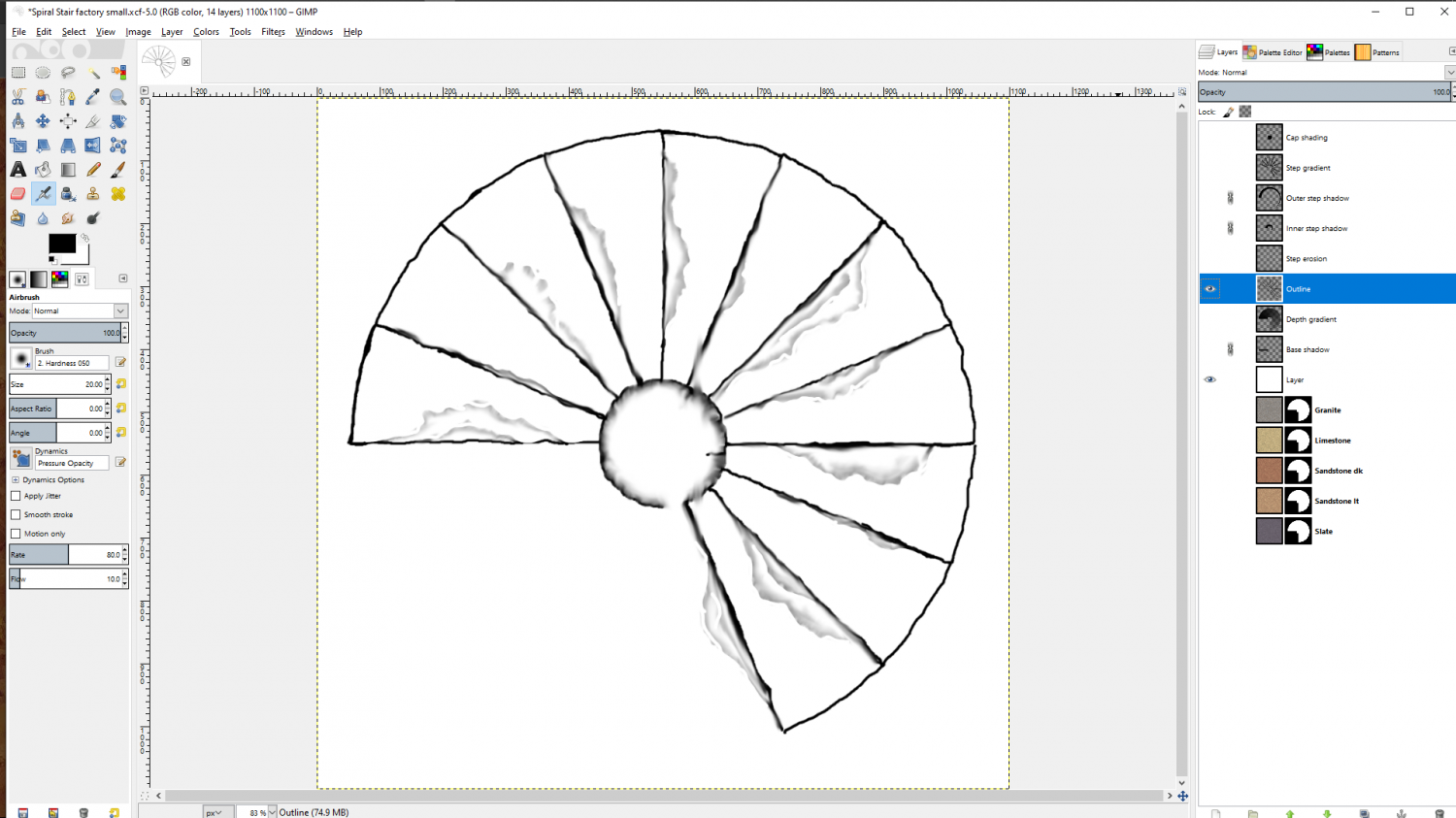
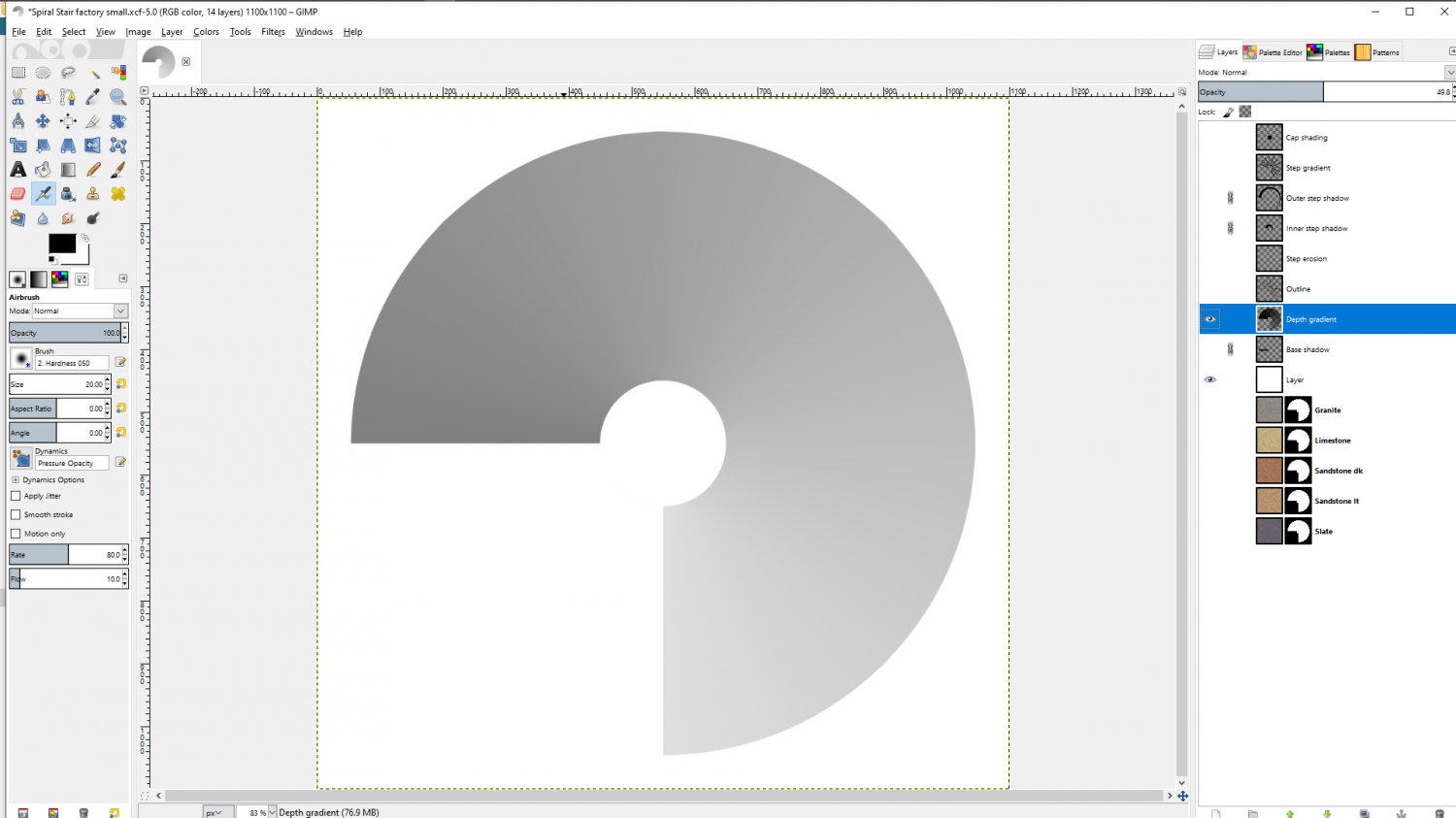
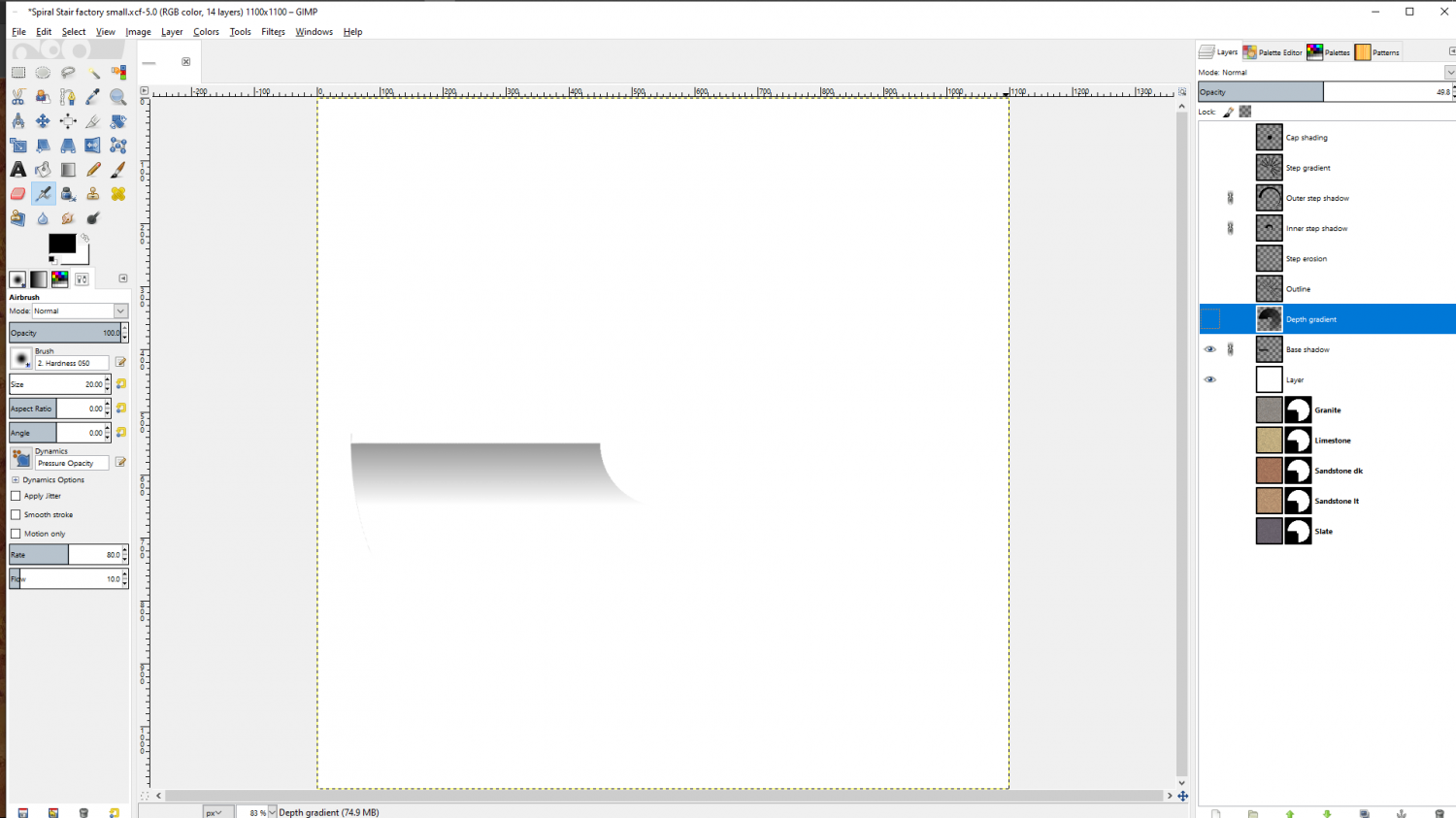
I was going to annotate each one, but I can't seem to separate them now I've pasted them. If you have any questions just ask.
This work was from Beaumaris Castle. I didn't have Affinity back then, so every last bit of this staircase was worked in pixels rather than conveniently drawn as a nice editable polygon with a bit of gradient shading. So don't let the fact that this took me a while put you off. It probably wouldn't have taken more than a week of short work sessions to draw in Affinity Designer.


